WhatsApp
 Pinterest
 New
Contractor BOQ, Running Bill & Labour Attendance (Excel)
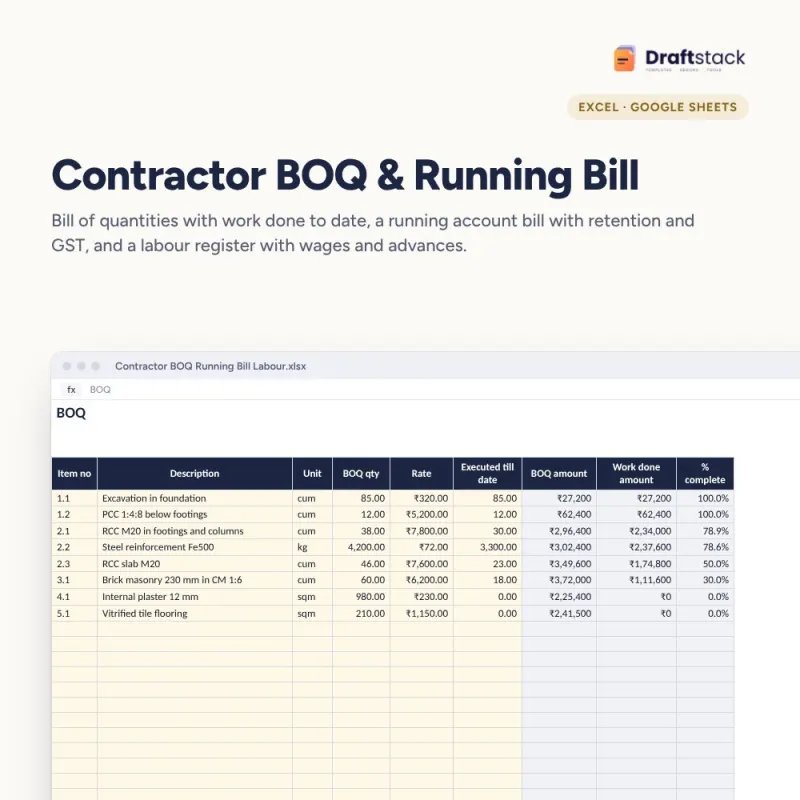
For civil contractors: keep the bill of quantities with work done to date, raise running account bills with retention and GST, and pay labour with overtime and advances worked out.
₹140₹699Save ₹559 (80%)
Inclusive of all taxes · One-time payment · Instant download
See a free sample (PDF) Diwali Sale: 25% off, ends 08 Nov, 11:59 PM
Instant downloadOn screen + email
Secure paymentUPI · Cards · Net Banking
7-day helpFix or refund if faulty
Perfect for
Civil and interior contractorsSmall builders and site engineersClients checking contractor bills
What you get2 × .xlsx (blank + sample)
Works withMicrosoft Excel · Google Sheets · WPS Office
DeliveryInstant download
LicencePersonal & own-business use
 Get the whole Mega BundleBusiness & Work Mega Bundle: Excel, Canva & Office Tools for Shops, Sellers and Companies · ₹2,949 · you save ₹13,654See →
Frequently bought together
 This item: Contractor BOQ, Running Bill & Labour Attendance (Excel)₹140
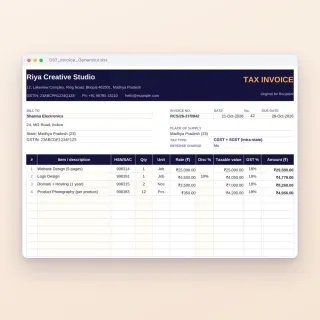 GST Invoice & Billing Generator (Excel)₹149
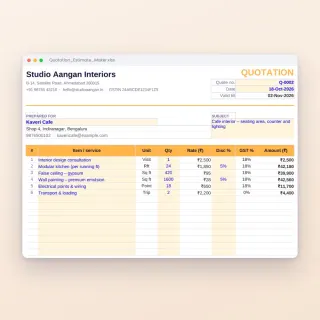 Quotation & Estimate Maker (Excel + 3 Word Templates)₹149
All three: ₹438Sale prices
Small contractors lose money in the gaps: work done but not billed, retention forgotten, advances to workers not deducted. This workbook keeps the three registers a contractor needs in one file.
What it does
- BOQ: item number, description, unit, quantity and rate from the agreement, with executed quantity, work done amount and % complete (green when complete, red if over the BOQ)
- Running Bill: value of work done till date, less previous bills, less retention, plus GST, net payable this bill
- Labour: trade, daily wage, days worked, overtime at 2× the hourly rate, advances and net payable
- Progress: contract value, work done and % progress, with a chart by item
Who it suits
Civil and interior contractors, small builders, site engineers and supervisors who bill clients in stages.
What's inside
Everything you get
01
BOQ
Items, rates, executed quantities, % complete
02
Running Bill
This bill with retention and GST
03
Labour
Wages, OT and advances
04
Blank + sample
Sample bungalow project, bill no. 3
Files in your download
- XLSXContractor_BOQ_Running_Bill_Labour.xlsx27 KB
- XLSXContractor_BOQ_Running_Bill_Labour_SAMPLE.xlsx27 KB
How to use
Start in 5 simple steps
A step-by-step guide is also included inside your download.
- 1
Fill the BOQ
From the agreement
- 2
Measure work
Jointly with the client
- 3
Type executed quantities
Till date
- 4
Raise the bill
Running Bill sheet
- 5
Pay labour
Net payable column
FAQ
Questions about this product
What is a running account bill?
A part bill raised during the work for the value done so far, minus what was billed earlier. The final bill settles the rest.
How is retention worked out?
As a percentage of this bill's value. It is held by the client and released after the defect liability period.
Which GST rate applies?
It depends on the type of works contract and the client (for example government, residential or commercial). Confirm the rate with your CA and type it on Settings.
Can I add more BOQ items?
Yes, up to 150 items per file.
Does the labour register track daily attendance?
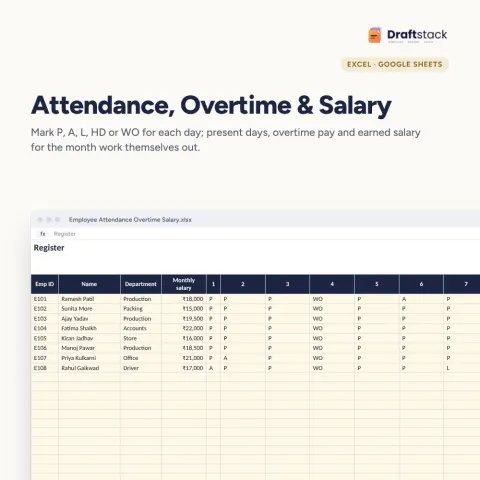
It uses days worked for the period. For a day-by-day register, see our Employee Attendance, Overtime & Salary Register.
How do I get the files after payment?
A download button appears on screen right after payment, and the link is emailed to you. You can also download again any time from My account.
Can I use it on my phone?
Yes. It works with Microsoft Excel, Google Sheets, WPS Office. Free mobile apps are enough.
What if something does not work?
Write to us within 7 days with your order number. We will fix it, send a working file, or refund you.
Our promiseEvery file is tested before launch. If something doesn't work, we fix it or refund you within 7 days. Refund policy
Complete the set
Goes well with this
New
 New
 New
 New
Excel & Sheets
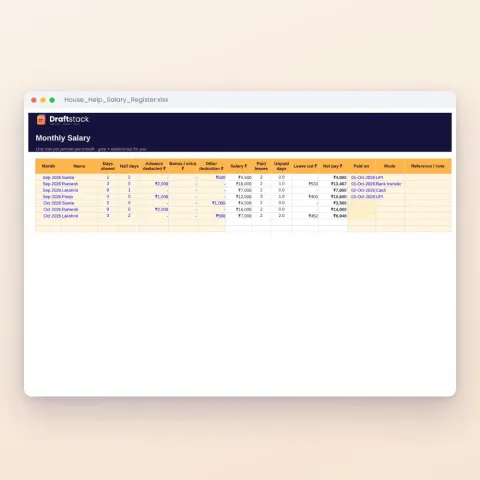
House Help Salary & Attendance Register (Excel): Maid, Cook, Driver, Nanny
Sale₹74₹24970% off