WhatsApp
 Pinterest



House Construction Cost Estimator & Material Calculator (Excel)
Estimate what your house will cost before you start: material quantities, cost per square foot and money needed at each stage, from your built-up area and local rates.
₹140₹599Save ₹459 (77%)
Inclusive of all taxes · One-time payment · Instant download
See a free sample (PDF) Diwali Sale: 25% off, ends 09 Nov, 12:00 AM
Instant downloadOn screen + email
Secure paymentUPI · Cards · Net Banking
7-day helpFix or refund if faulty
Perfect for
Families building or extending a houseSmall builders and contractorsAnyone checking a construction quote
What you get2 × .xlsx (blank + sample)
Works withMicrosoft Excel · Google Sheets · WPS Office
DeliveryInstant download
LicencePersonal & own-business use
 Get the whole Mega BundleHome, Family & Events Mega Bundle: Budgets, Savings, Wedding & Festival Kits · ₹2,899 · you save ₹4,986See →
Most families start building with a contractor's per-square-foot rate and discover the real cost halfway through. This estimator shows the full picture first: what goes into the house, in what quantity, and when you need the money.
What it does
- Material Rates: cement, steel, sand, aggregate, bricks, tiles, paint, plumbing, electrical, doors and windows and labour, with thumb-rule quantity per sq ft and your local rate
- Total quantity and cost for each item from built-up area × floors
- Estimate: total cost, contingency, cost per sq ft and a chart of the biggest heads
- Stages: foundation, slab, brickwork, plaster, services, flooring, doors and windows and painting, each with its share and amount
Who it suits
Families planning a new house or an extra floor, small builders preparing quotes, and anyone checking a contractor's estimate.
What's inside
Everything you get
01
Material Rates
11 heads with quantities per sq ft and rates
02
Estimate
Total, contingency, cost per sq ft, chart
03
Stages
8 stages with money needed
04
Blank + sample
Sample G+1 house of 2,200 sq ft
Files in your download
- XLSXHouse_Construction_Cost_Estimator.xlsx16 KB
- XLSXHouse_Construction_Cost_Estimator_SAMPLE.xlsx16 KB
How to use
Start in 5 simple steps
A step-by-step guide is also included inside your download.
- 1
Type your area
Per floor and floors
- 2
Update rates
Your city's prices
- 3
Read the estimate
Total and per sq ft
- 4
Plan stage payments
Arrange money in time
- 5
Check quotes
Against the quantities
FAQ
Questions about this product
Are the material quantities accurate?
They are widely used thumb rules for RCC frame houses. Your structural design, soil and finishes change them; use this for planning and checking, and your engineer's estimate for the final numbers.
Does it include the cost of land or approvals?
No. Add plan approval, architect fees and connections separately; you can add rows to Material Rates for them.
Can I estimate one floor only?
Yes. Set Number of floors to 1.
How do I change the stage shares?
Edit the Share column on Stages; keep the total at 100%.
Does it work on a phone?
Yes, in Google Sheets or the Excel app.
How do I get the files after payment?
A download button appears on screen right after payment, and the link is emailed to you. You can also download again any time from My account.
Can I use it on my phone?
Yes. It works with Microsoft Excel, Google Sheets, WPS Office. Free mobile apps are enough.
What if something does not work?
Write to us within 7 days with your order number. We will fix it, send a working file, or refund you.
Our promiseEvery file is tested before launch. If something doesn't work, we fix it or refund you within 7 days. Refund policy
Complete the set
Goes well with this
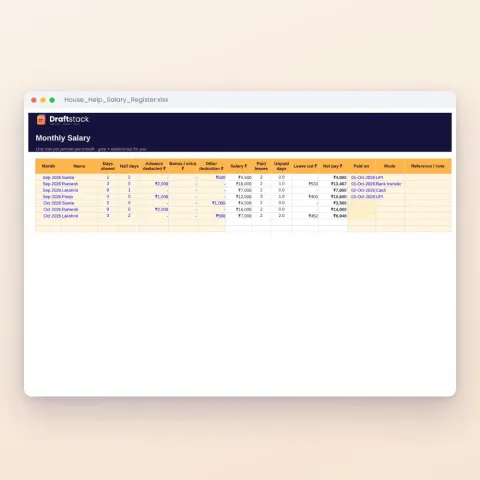
Excel & Sheets
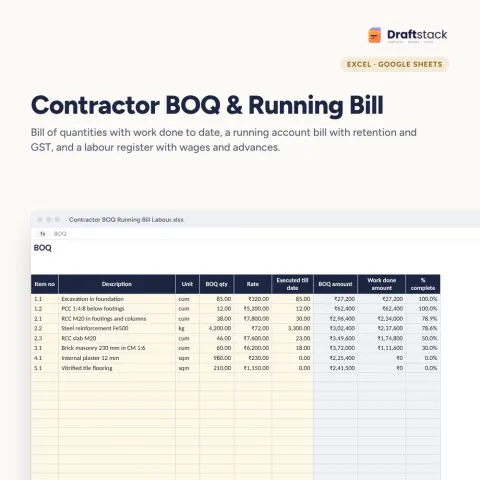
House Help Salary & Attendance Register (Excel): Maid, Cook, Driver, Nanny
Sale₹74₹24970% off