WhatsApp
 Pinterest
 New
New
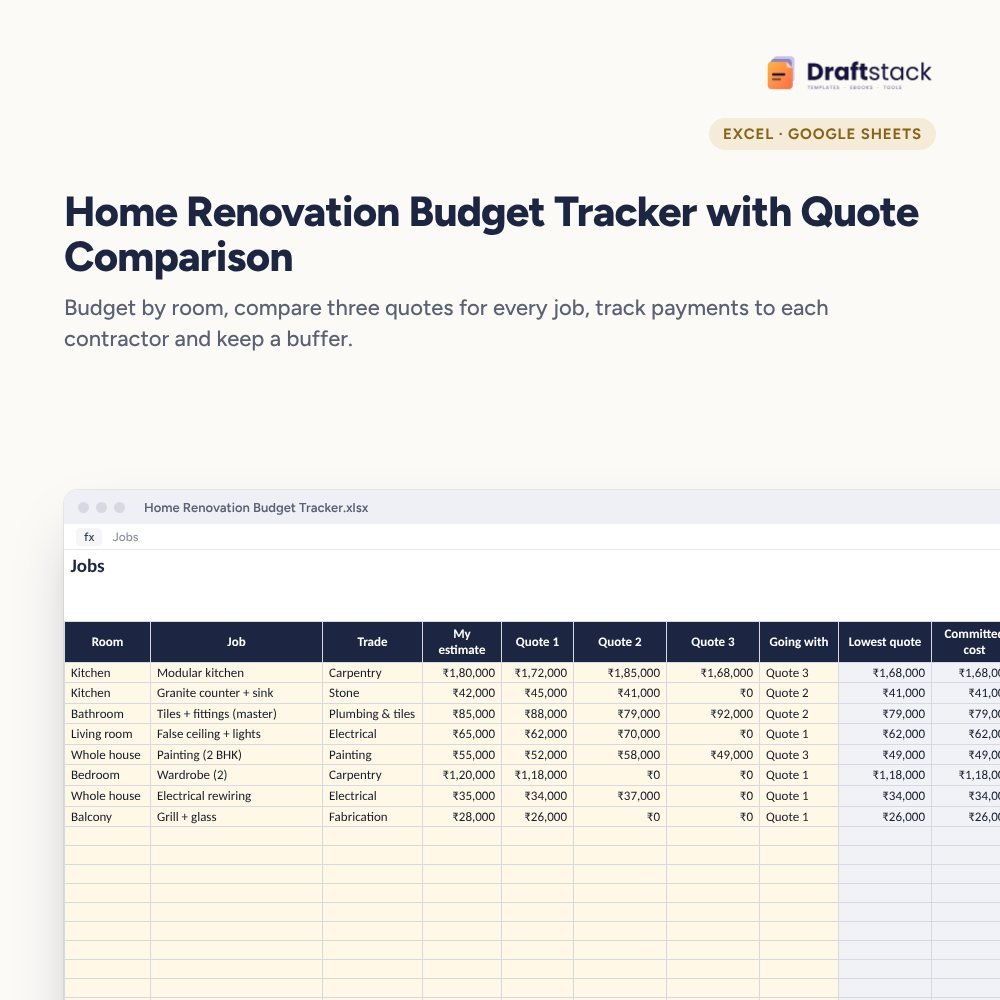
Home Renovation Budget Tracker with Quote Comparison (Excel)
Plan your home renovation room by room: compare three quotes for every job, track each advance and balance to every contractor, and keep a buffer so surprises don't blow the budget.
₹149₹349Save ₹200 (57%)
Inclusive of all taxes · One-time payment · Instant download
1 offer for you
Instant downloadOn screen + email
Secure paymentUPI · Cards · Net Banking
7-day helpFix or refund if faulty
Perfect for
Families renovating a home or flatFirst-time home owners doing interiorsInterior designers sharing budgets with clients
What you get2 × .xlsx (blank + sample)
Works withMicrosoft Excel · Google Sheets · WPS Office
DeliveryInstant download
LicencePersonal & own-business use
Frequently bought together
This item: Home Renovation Budget Tracker with Quote Comparison (Excel)₹149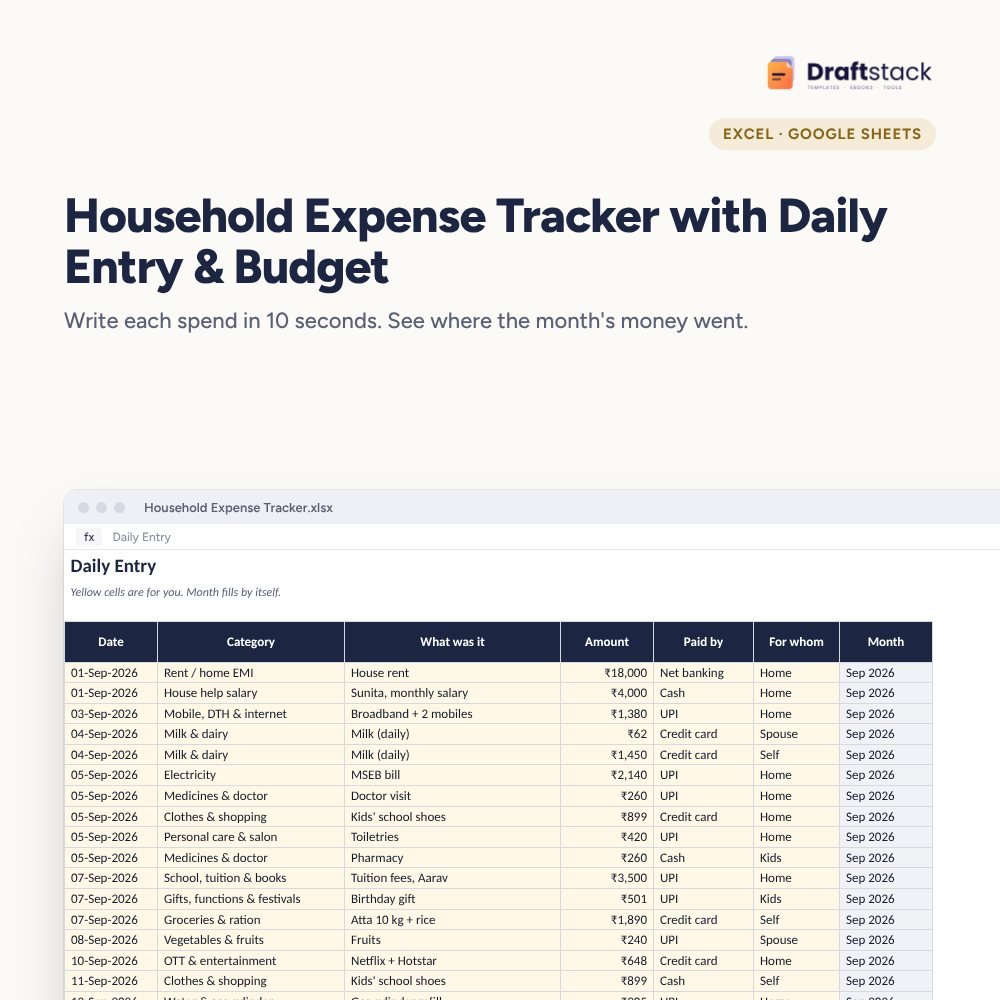 Household Expense Tracker with Daily Entry & Budget (Excel)₹149
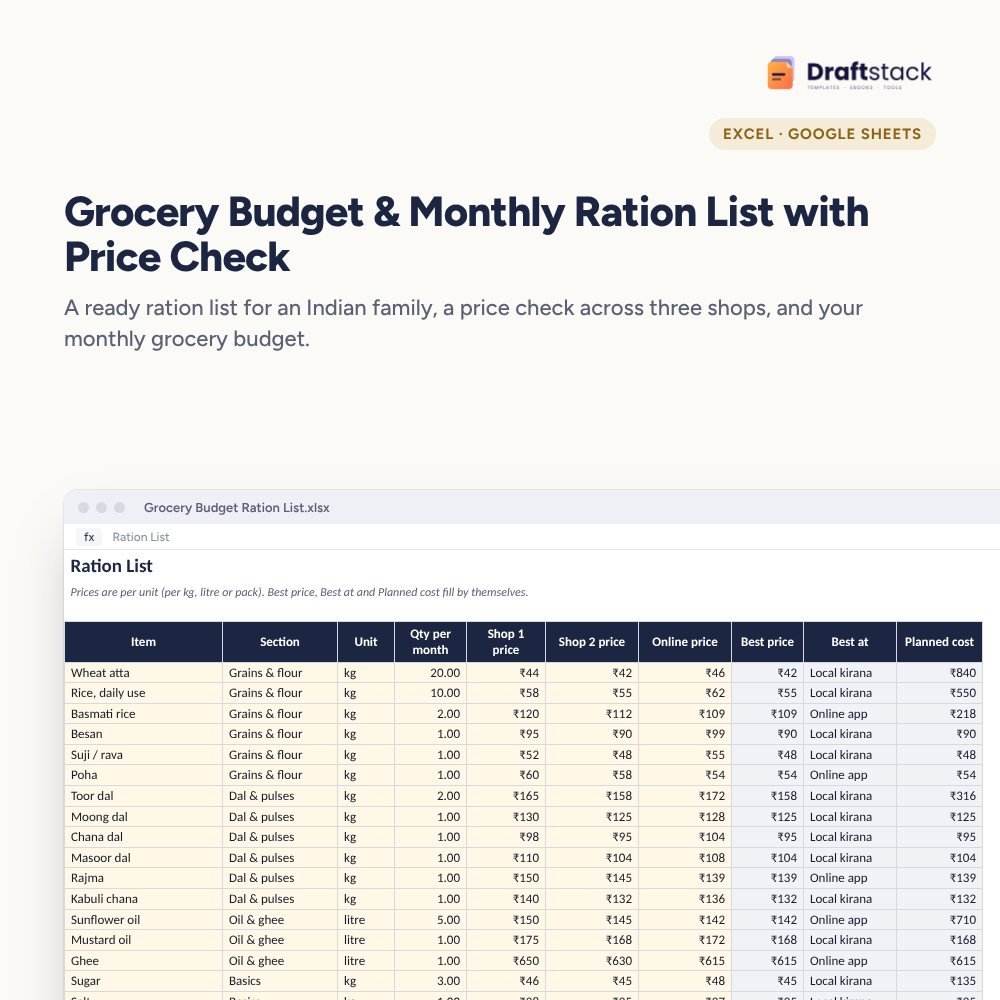 Grocery Budget & Monthly Ration List with Price Check (Excel)₹129
All three: ₹384₹427Extra 10% off
Renovations almost always cost more than planned, usually because nobody compared quotes properly, advances weren't tracked, or there was no buffer for the wiring nobody knew was rotten.
What it does
- Jobs by room and trade with your estimate and up to three quotes; the lowest quote is shown and you pick the one you're going with
- Committed cost, paid and balance for every job, with jobs over your estimate in red
- Payments: every advance and stage payment to each contractor
- Budget with buffer: keeps 10 to 15% aside and tells you when you're dipping into it
- Summary by room with a chart
Works for any size
One bathroom, a modular kitchen or a full 3 BHK makeover. Interior designers can use it to show clients a clear budget too.
What's inside
Everything you get
01
Jobs
60 jobs with three quotes each
02
Payments
Every advance and balance
03
Summary
Budget, buffer and rooms
04
Blank + sample
Sample 2 BHK renovation
Files in your download
- XLSXHome_Renovation_Budget_Tracker.xlsx24 KB
- XLSXHome_Renovation_Budget_Tracker_SAMPLE.xlsx25 KB
How to use
Start in 5 simple steps
A step-by-step guide is also included inside your download.
- 1
Set the budget
And buffer %
- 2
List every job
By room
- 3
Collect three quotes
In writing
- 4
Log payments
Stage by stage
- 5
Watch the buffer
Before adding extras
FAQ
Questions about this product
Why keep a buffer?
Hidden problems (old wiring, leaks, uneven walls) show up once work starts. 10 to 15% covers most of them.
How should I pay contractors?
In stages tied to work: an advance, then after material arrives, after completion and after a final check. Never pay everything upfront.
Can I compare more than three quotes?
Three is usually enough. For more, add a second line for the same job.
Does it include material lists?
Not item by item. Write brands and specs in the job name or keep the written quote.
Can an interior designer use it?
Yes. It's a clear way to share budget and payment status with a client.
How do I get the files after payment?
A download button appears on screen right after payment, and the link is emailed to you. You can also download again any time from My account.
Can I use it on my phone?
Yes. It works with Microsoft Excel, Google Sheets, WPS Office. Free mobile apps are enough.
What if something does not work?
Write to us within 7 days with your order number. We will fix it, send a working file, or refund you.
Our promiseEvery file is tested before launch. If something doesn't work, we fix it or refund you within 7 days. Refund policy
Complete the set
Goes well with this
New
 Trending
New
Trending
New
 New
New
Excel & Sheets
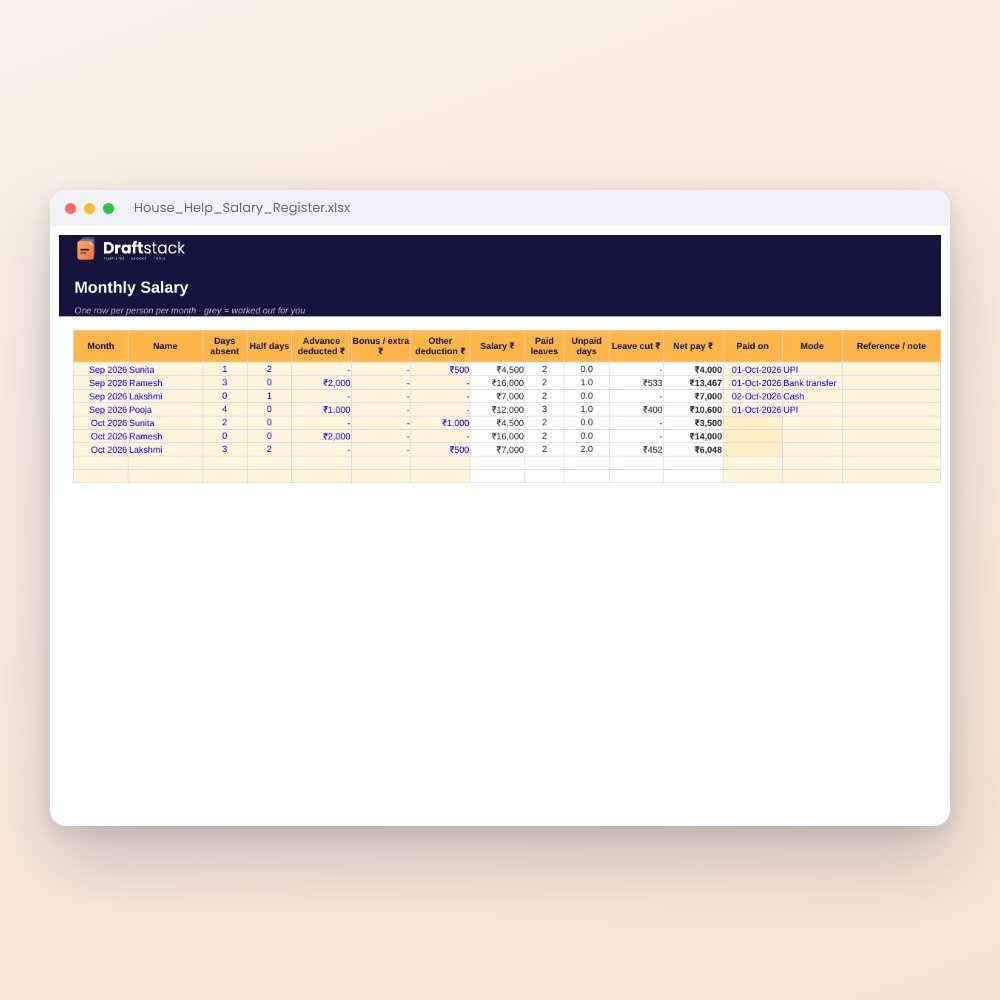
House Help Salary & Attendance Register (Excel): Maid, Cook, Driver, Nanny
₹99₹24960% off