WhatsApp
 Pinterest
 New
New
Grocery Budget & Monthly Ration List with Price Check (Excel)
A ready monthly ration list for an Indian family of four, with a price check across three shops, so you buy each item where it is cheapest and stay inside your grocery budget.
₹129₹299Save ₹170 (57%)
Inclusive of all taxes · One-time payment · Instant download
See a free sample (PDF) 1 offer for you
Instant downloadOn screen + email
Secure paymentUPI · Cards · Net Banking
7-day helpFix or refund if faulty
Perfect for
Families who buy monthly rationHomemakers managing the kitchen budgetAnyone comparing local shops with grocery apps
What you get2 × .xlsx (blank + sample)
Works withMicrosoft Excel · Google Sheets · WPS Office
DeliveryInstant download
LicencePersonal & own-business use
Frequently bought together
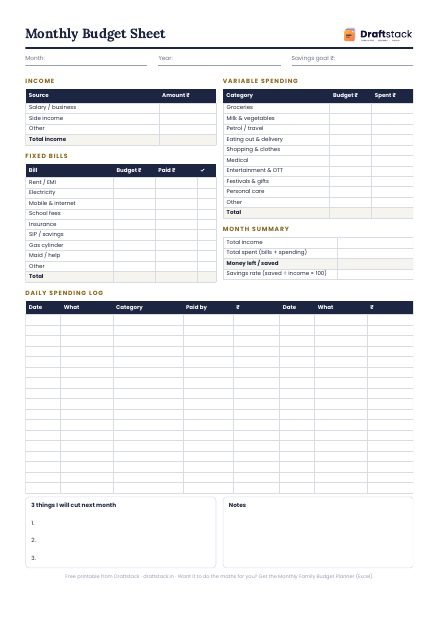
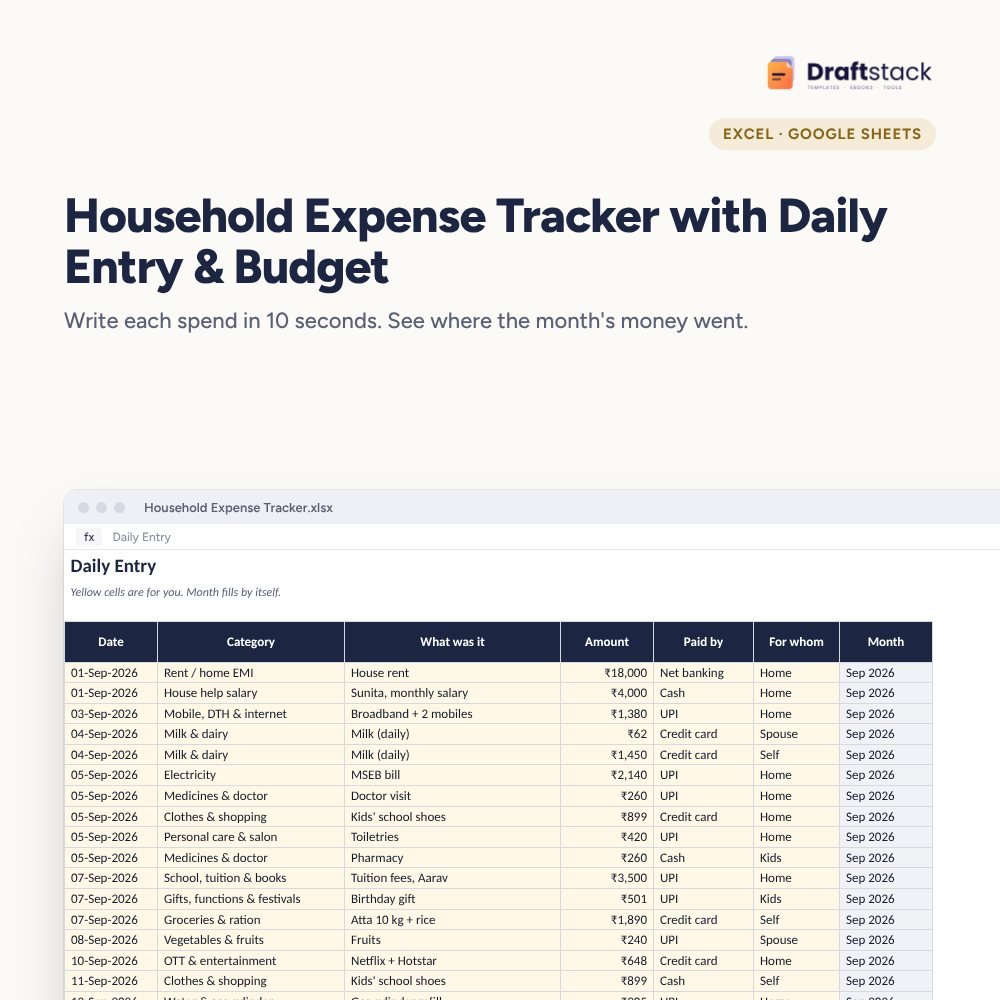
This item: Grocery Budget & Monthly Ration List with Price Check (Excel)₹129Household Expense Tracker with Daily Entry & Budget (Excel)₹149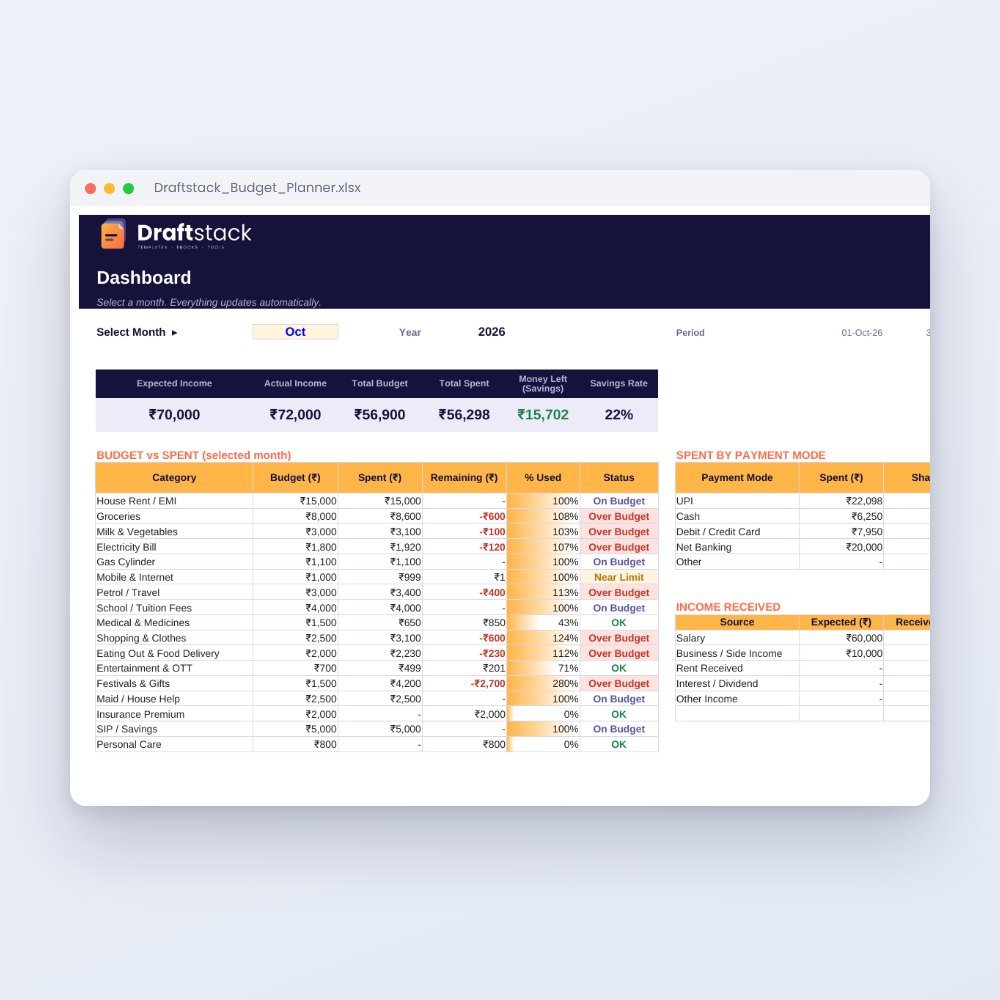 Monthly Family Budget Planner₹149
All three: ₹384₹427Extra 10% off
Groceries are the one bill every family pays every month, and the one most people never compare. This sheet starts with a full list so you don't begin from a blank page.
What it does
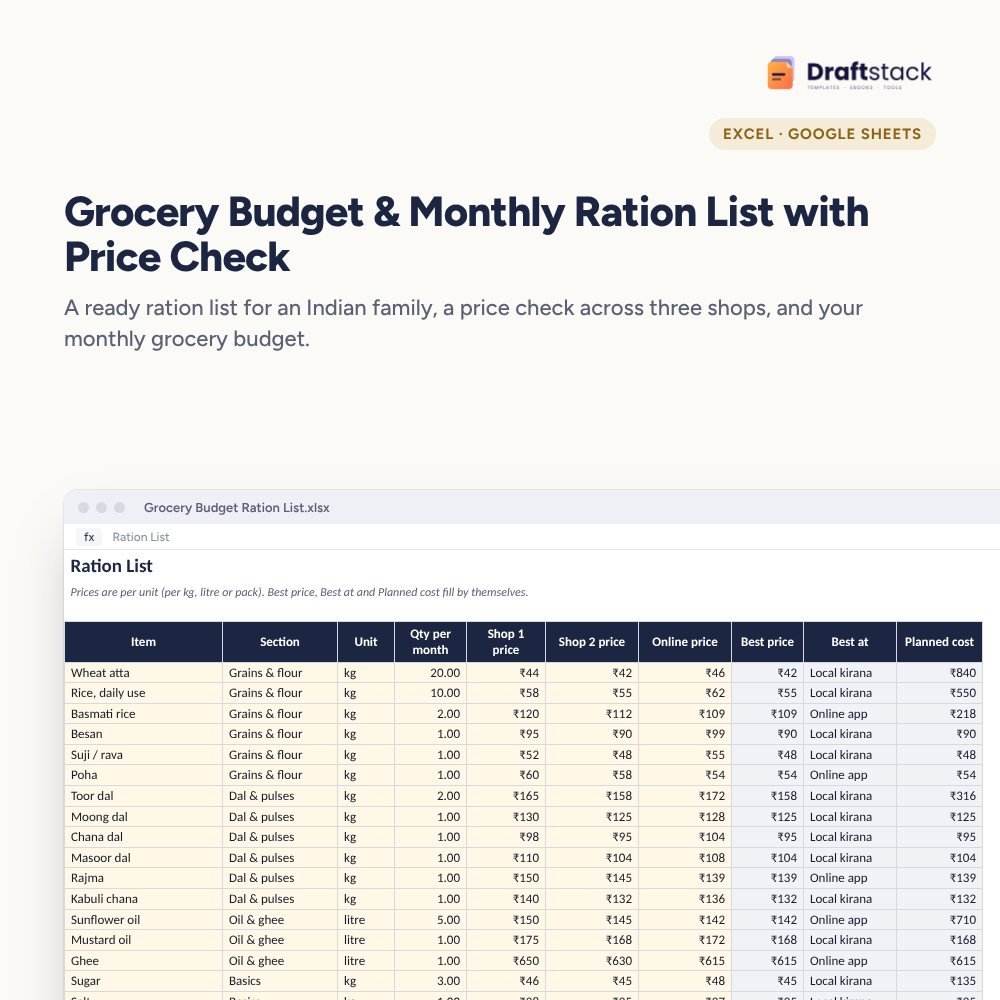
- 40 common items already listed with monthly quantities for four people: atta, rice, dals, oils, spices, cleaning and personal care
- Three-shop price check: type the price per kg or litre at two shops and one app; the cheapest is picked and named for you
- Planned cost for the month from quantity × best price
- Bought and Paid columns turn the list into a shopping checklist
- Summary by section with a chart, cost per person and a clear 'within budget' or 'over budget'
Why price per unit matters
A 5 litre oil can at one shop and a 1 litre pouch online can't be compared by the sticker price. The sheet compares price per unit, which is how you spot that the big pack is not always the cheaper one.
What's inside
Everything you get
01
Ration List
40 items ready, room for 120
02
Price check
Two shops and one app, best price picked
03
Summary
Plan vs paid by section with a chart
04
Blank + sample
Blank keeps the items and quantities; sample has prices filled
Files in your download
- XLSXGrocery_Budget_Ration_List.xlsx25 KB
- XLSXGrocery_Budget_Ration_List_SAMPLE.xlsx26 KB
How to use
Start in 5 simple steps
A step-by-step guide is also included inside your download.
- 1
Edit the list
Change quantities for your family
- 2
Add prices
Per kg, litre or pack at three places
- 3
Set a budget
On the Settings sheet
- 4
Shop with it
Filter Bought = No
- 5
Review monthly
Summary shows where costs rose
FAQ
Questions about this product
Is the ration list made for a family of four?
Yes, the quantities are a typical month for four people. Change any number; everything else recalculates.
Can I add items like baby food or pet food?
Yes. Add them at the bottom of Ration List and pick a section, or add a new section on the Lists sheet.
Do I have to fill all three prices?
No. Fill one, two or three. The sheet uses the lowest price you typed.
Does it work on a phone?
Yes. Use the free Google Sheets or Excel app. Filtering by Bought = No gives a shopping list you can carry.
Will it tell me which app is cheapest?
It shows the best place for each item based on the prices you type. Prices change, so update them every couple of months.
How do I get the files after payment?
A download button appears on screen right after payment, and the link is emailed to you. You can also download again any time from My account.
Can I use it on my phone?
Yes. It works with Microsoft Excel, Google Sheets, WPS Office. Free mobile apps are enough.
What if something does not work?
Write to us within 7 days with your order number. We will fix it, send a working file, or refund you.
Our promiseEvery file is tested before launch. If something doesn't work, we fix it or refund you within 7 days. Refund policy
Complete the set
Goes well with this
New
Top pick
 New
New
 New
New
Excel & Sheets
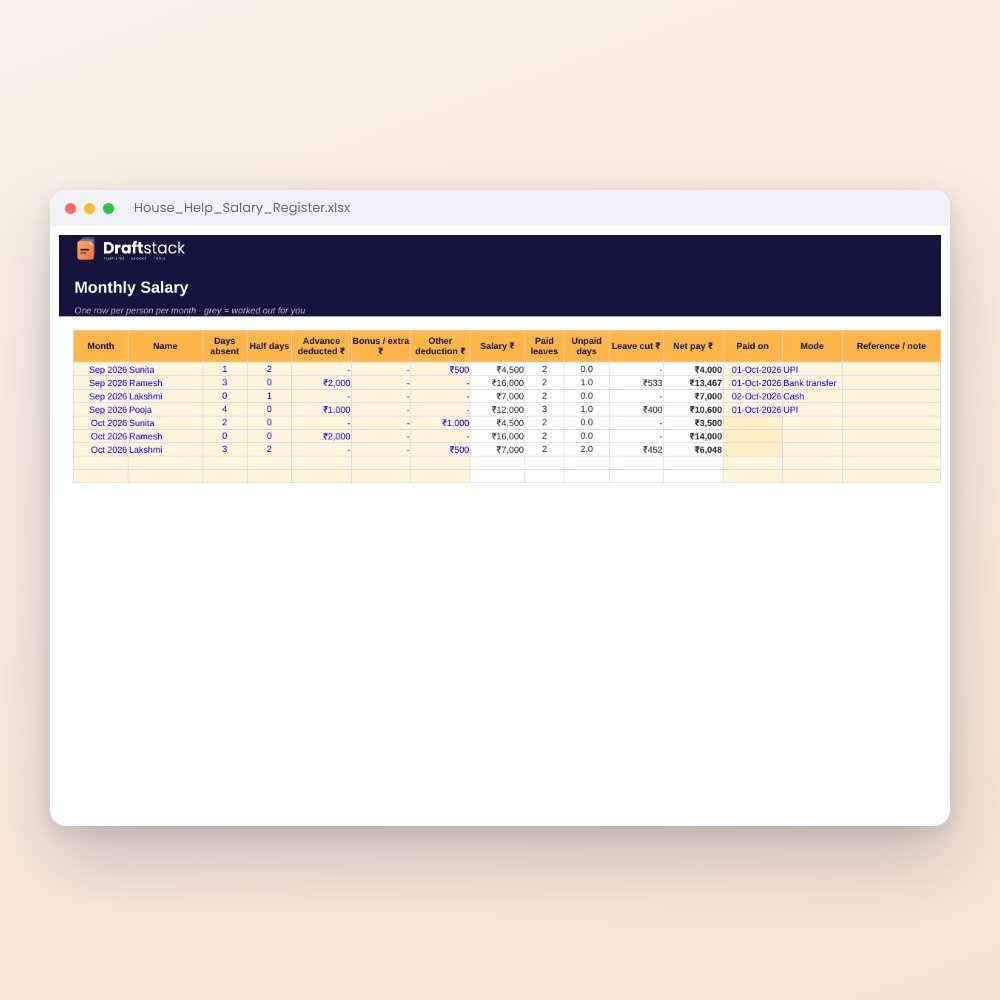
House Help Salary & Attendance Register (Excel): Maid, Cook, Driver, Nanny
₹99₹24960% off