WhatsApp
 Pinterest
 New
New
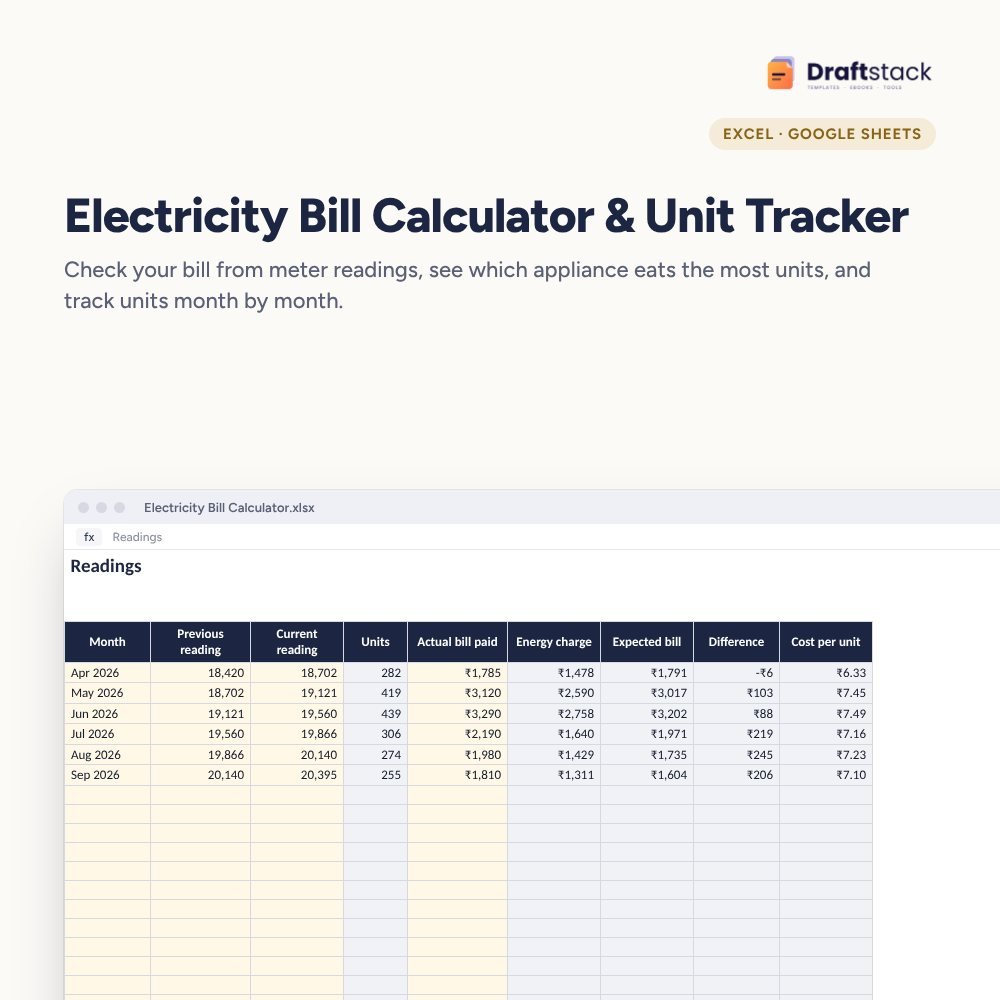
Electricity Bill Calculator & Unit Tracker (Excel)
Work out your electricity bill from meter readings using your own state's slab rates, track units month by month, and see exactly which appliances are pushing the bill up.
₹99₹249Save ₹150 (60%)
Inclusive of all taxes · One-time payment · Instant download
1 offer for you
Instant downloadOn screen + email
Secure paymentUPI · Cards · Net Banking
7-day helpFix or refund if faulty
Perfect for
Families checking high summer billsTenants and landlords with sub-metersAnyone planning to buy an AC or geyser
What you get2 × .xlsx (blank + sample)
Works withMicrosoft Excel · Google Sheets · WPS Office
DeliveryInstant download
LicencePersonal & own-business use
Frequently bought together
This item: Electricity Bill Calculator & Unit Tracker (Excel)₹99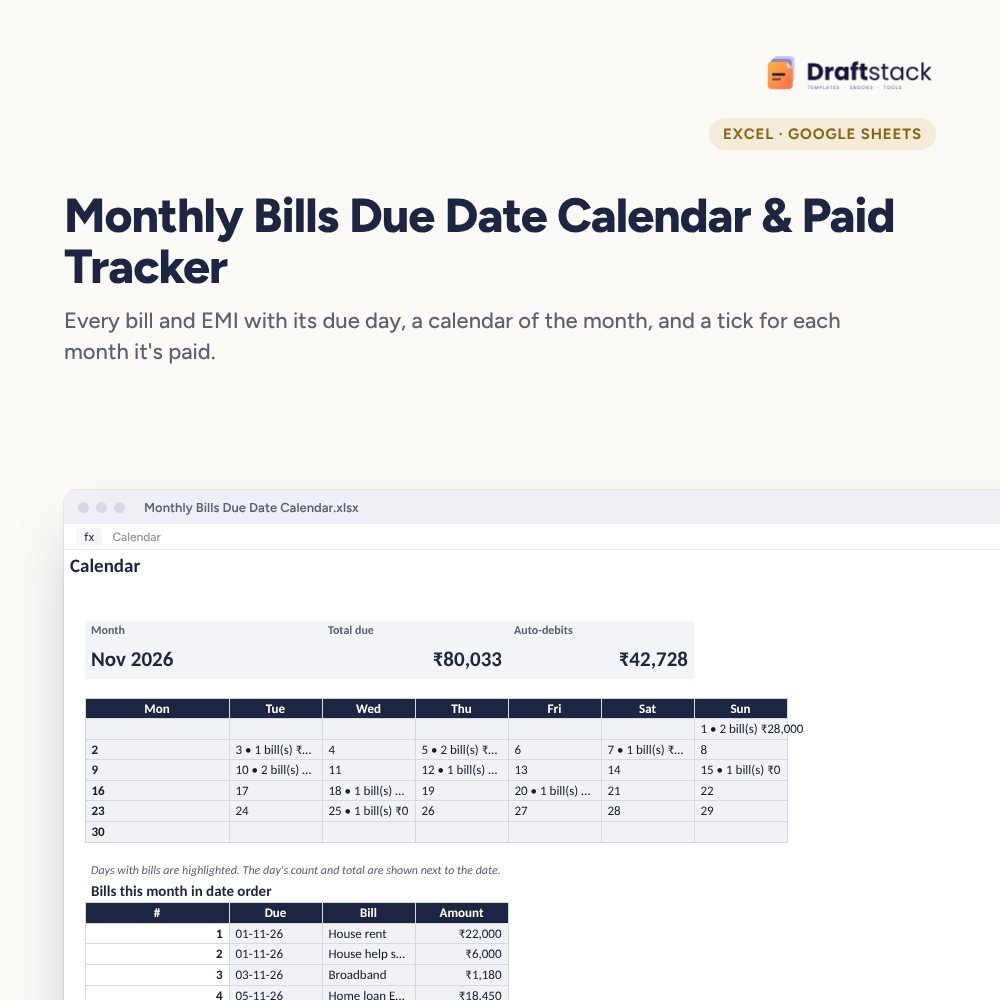 Monthly Bills Due Date Calendar & Paid Tracker (Excel)₹99
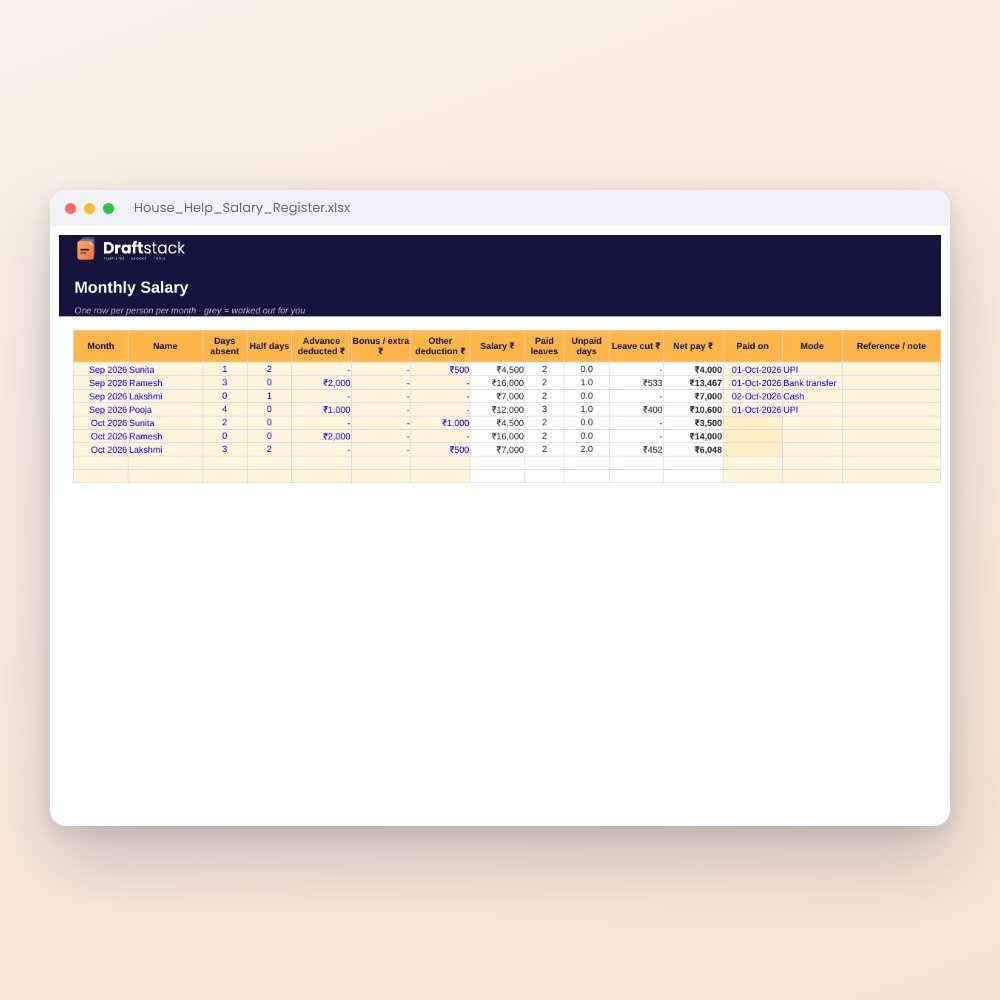 House Help Salary & Attendance Register (Excel): Maid, Cook, Driver, Nanny₹99
All three: ₹267₹297Extra 10% off
A summer bill of ₹3,000 when winter was ₹1,700 is normal. A bill that doesn't match your meter is not. This calculator tells you which one you're looking at.
What it does
- Your tariff: slab rates, fixed charge, meter rent, duty and fuel charge copied from your own bill, so it works for any state
- Readings: previous and current reading each month give units and the bill you should expect, worked out slab by slab
- Actual vs expected: differences over ₹100 are highlighted so you know when to question a bill
- Appliances: watts × hours × days for AC, geyser, fridge, fans and more, with cost per month and share of the bill
- Dashboard: last month's units and bill, average cost per unit, a yearly estimate and a units chart
Who it's for
Tenants who pay by sub-meter, families planning a new AC, and anyone who suspects a wrong reading. Landlords can use it to bill tenants fairly from their meters.
What's inside
Everything you get
01
Tariff & slabs
Works with any state's slab rates
02
Readings log
36 months with expected bill
03
Appliance calculator
Units and cost per appliance
04
Dashboard
Trend chart and cost per unit
Files in your download
- XLSXElectricity_Bill_Calculator.xlsx21 KB
- XLSXElectricity_Bill_Calculator_SAMPLE.xlsx21 KB
How to use
Start in 5 simple steps
A step-by-step guide is also included inside your download.
- 1
Copy your tariff
Slabs and charges from your bill
- 2
Type readings
Previous and current each month
- 3
Enter the bill paid
See the difference
- 4
List appliances
Watts and hours
- 5
Act on it
Cut the biggest users first
FAQ
Questions about this product
Does it have my state's rates?
Rates change every year and differ by state and board, so you type them from your bill once. The sample shows how with example rates.
What if my bill uses one rate for all units after a limit?
Use a single slab with that rate. The calculator works either way.
Can a landlord use this for tenants?
Yes. Log each tenant's sub-meter readings and use the expected bill as the amount to collect.
How do I find an appliance's watts?
It's printed on the label or in the manual. For an AC, use the power input in watts, not the cooling capacity.
Why is my actual bill different?
Common reasons are an estimated reading, arrears, a tariff change or extra charges. The difference column helps you spot which month to question.
How do I get the files after payment?
A download button appears on screen right after payment, and the link is emailed to you. You can also download again any time from My account.
Can I use it on my phone?
Yes. It works with Microsoft Excel, Google Sheets, WPS Office. Free mobile apps are enough.
What if something does not work?
Write to us within 7 days with your order number. We will fix it, send a working file, or refund you.
Our promiseEvery file is tested before launch. If something doesn't work, we fix it or refund you within 7 days. Refund policy
Complete the set
Goes well with this
New
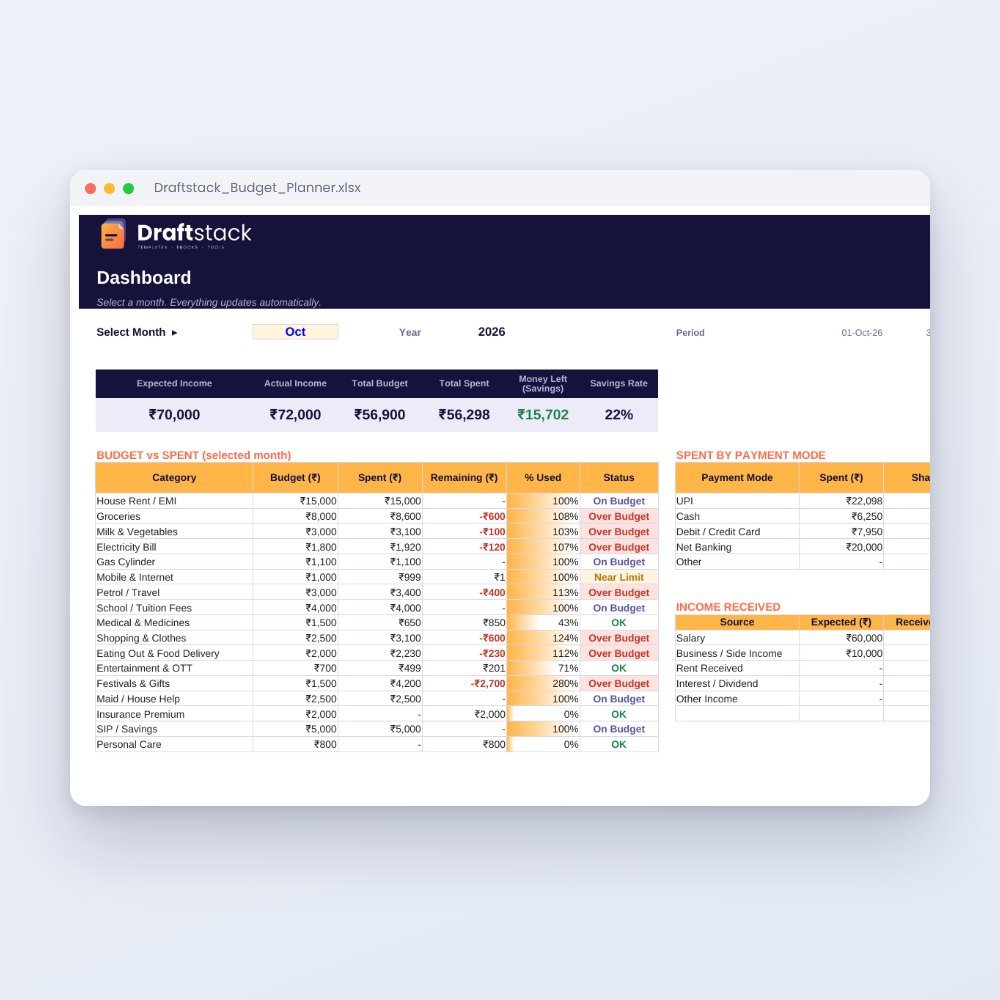 Top pick
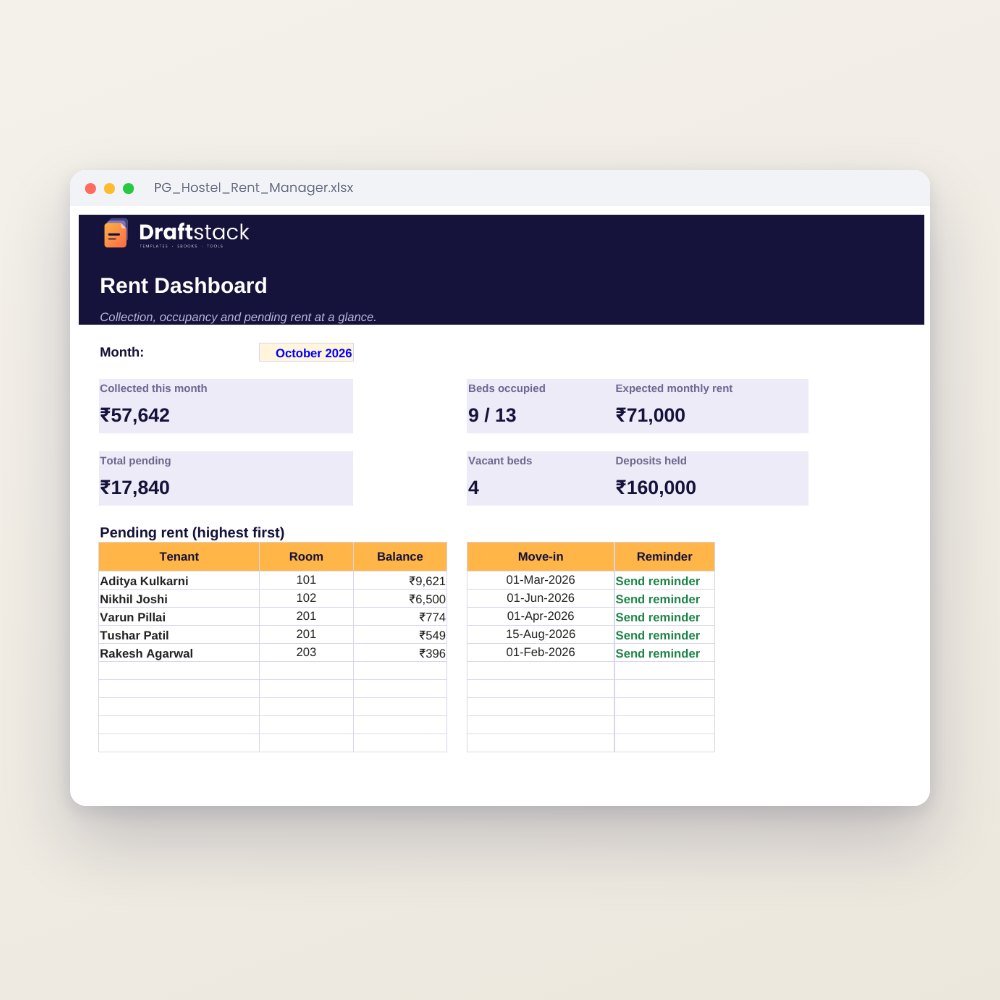 New
New
New
New
Excel & Sheets
House Help Salary & Attendance Register (Excel): Maid, Cook, Driver, Nanny
₹99₹24960% off