WhatsApp
 Pinterest
 New
New
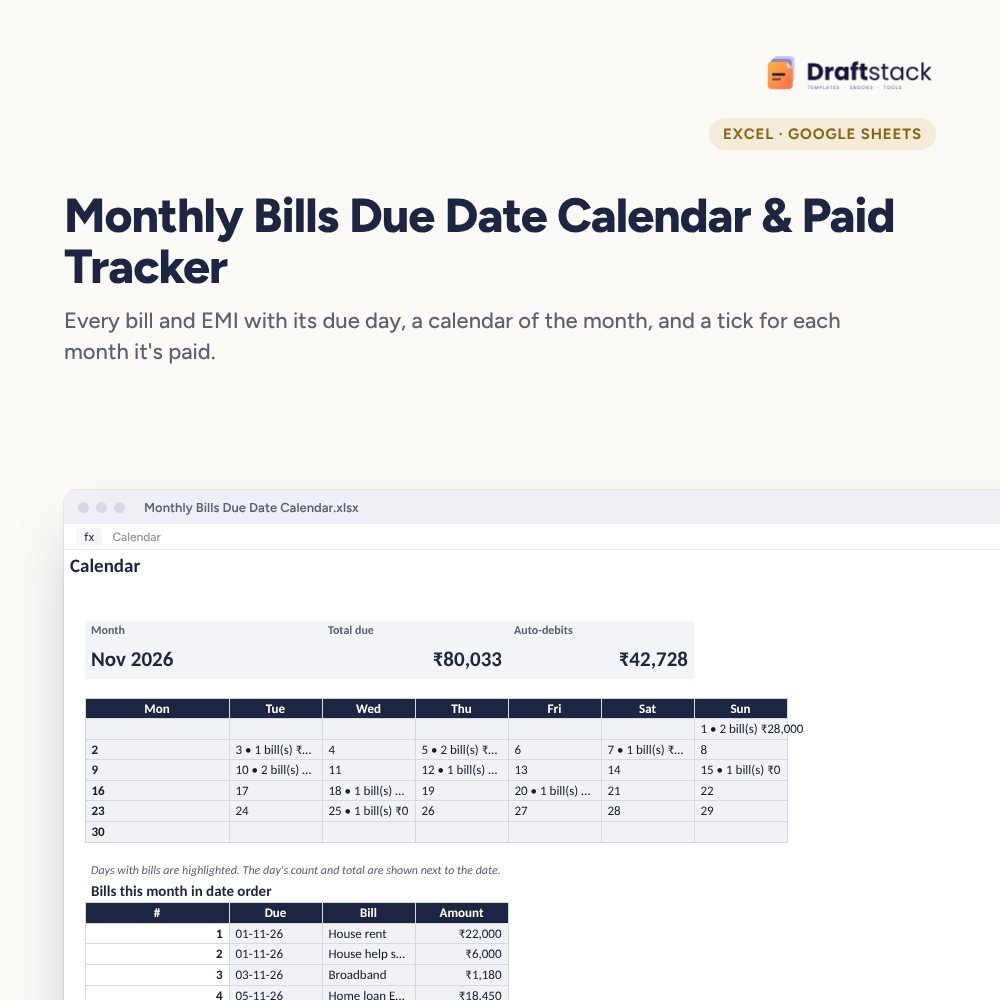
Monthly Bills Due Date Calendar & Paid Tracker (Excel)
Every rent, EMI, utility bill, SIP and maid's salary on one list with its due day, a monthly calendar that shows what's due when, and a tick for each month it's paid, so nothing is late again.
₹99₹249Save ₹150 (60%)
Inclusive of all taxes · One-time payment · Instant download
1 offer for you
Instant downloadOn screen + email
Secure paymentUPI · Cards · Net Banking
7-day helpFix or refund if faulty
Perfect for
Families with several EMIs and billsAnyone who has paid a late feePeople who manage bills for parents
What you get2 × .xlsx (blank + sample)
Works withMicrosoft Excel · Google Sheets · WPS Office
DeliveryInstant download
LicencePersonal & own-business use
Frequently bought together
This item: Monthly Bills Due Date Calendar & Paid Tracker (Excel)₹99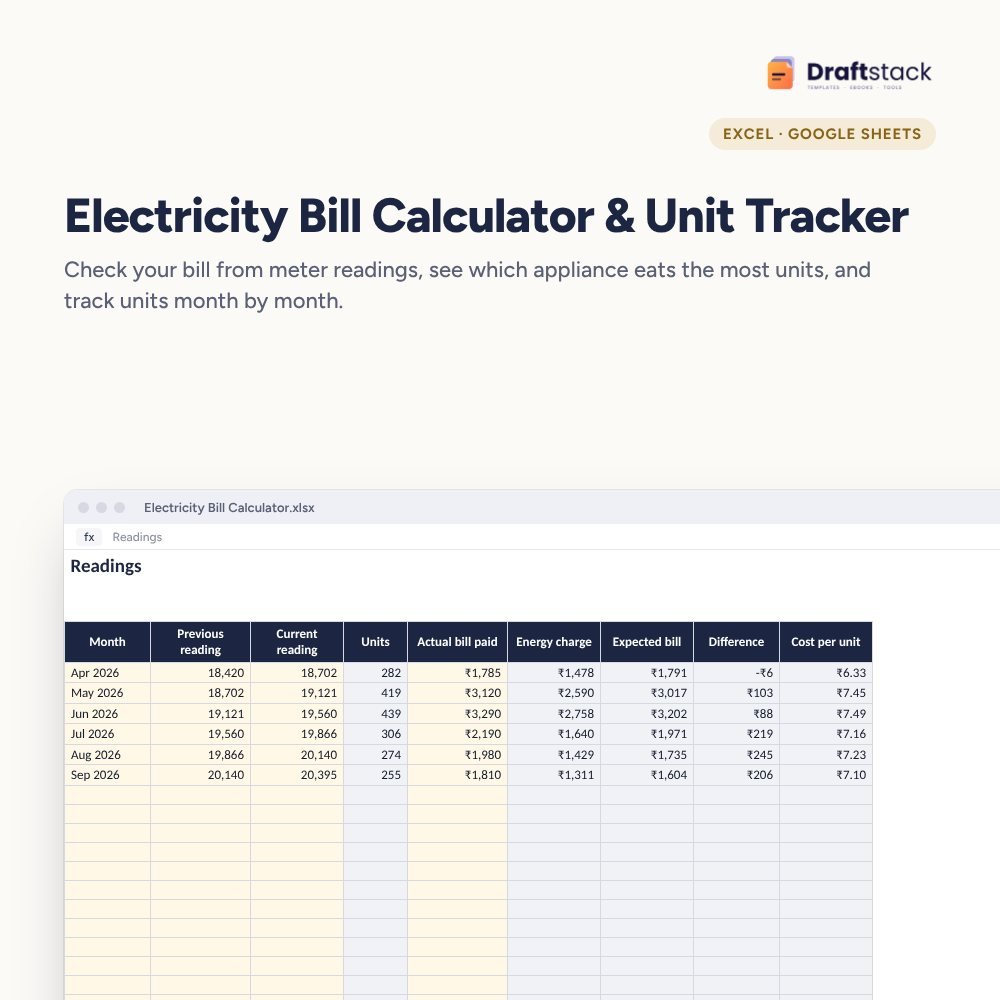 Electricity Bill Calculator & Unit Tracker (Excel)₹99
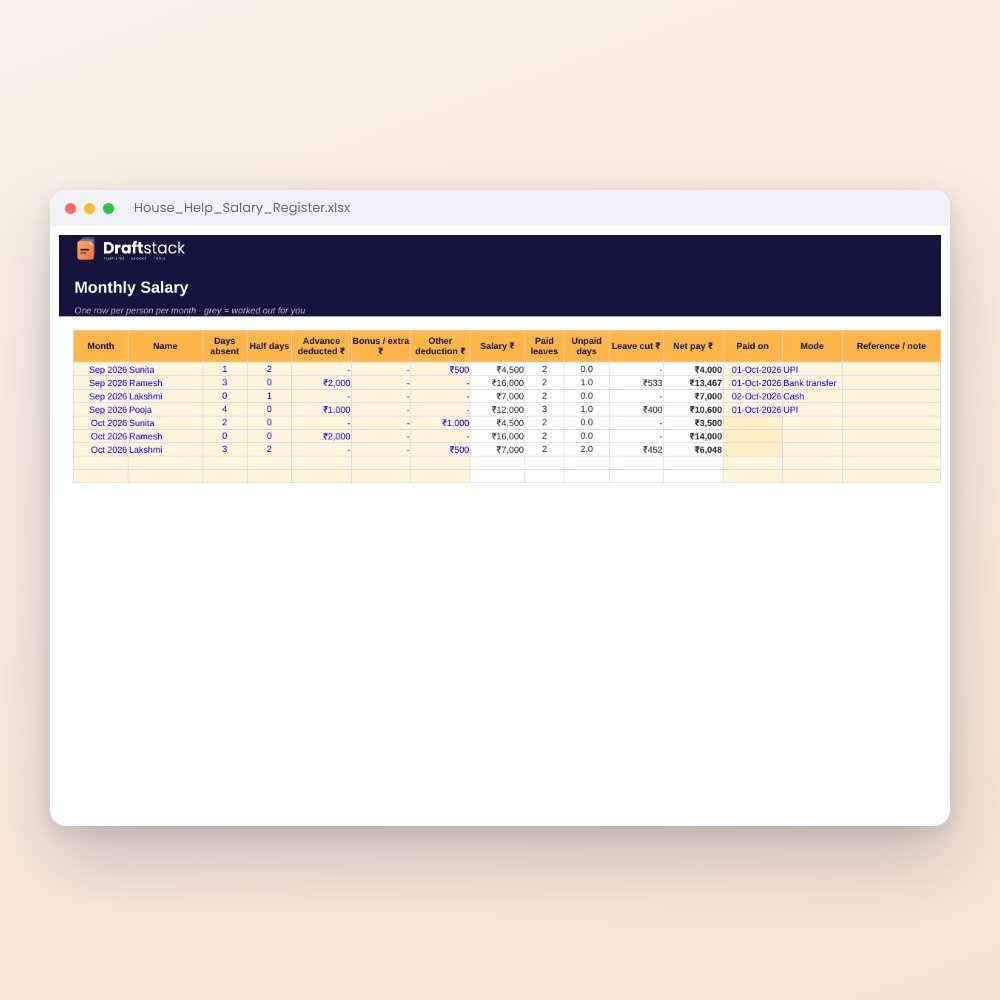 House Help Salary & Attendance Register (Excel): Maid, Cook, Driver, Nanny₹99
All three: ₹267₹297Extra 10% off
Rent on the 1st, EMI on the 5th, school bus on the 5th, SIP on the 10th, card on the 25th. When it's all in your head, one slips. Late fees and bounce charges cost far more than this sheet.
What it does
- Bills: name, type, usual amount, due day, how it's paid and whether it's auto-debited
- Calendar of any month you choose with every due date marked and the day's total
- Bills this month in date order, so you can see the cash you need each week
- Paid Tracker: a Yes for each bill in each month of the year
- Days after salary: highlights bills due long after salary day, the usual cause of a short account
A calmer month
See the big days ahead, keep a buffer for auto-debits, and ask your bank to move due dates closer to salary day if needed.
What's inside
Everything you get
01
Bills
40 regular bills with due days
02
Calendar
Month view with daily totals
03
Paid Tracker
12 months of ticks
04
Blank + sample
Sample household with 13 bills
Files in your download
- XLSXMonthly_Bills_Due_Date_Calendar.xlsx18 KB
- XLSXMonthly_Bills_Due_Date_Calendar_SAMPLE.xlsx19 KB
How to use
Start in 5 simple steps
A step-by-step guide is also included inside your download.
- 1
List bills
Due day and amount
- 2
Pick the month
On Settings
- 3
Check the calendar
Big days stand out
- 4
Tick when paid
Paid Tracker
- 5
Move due dates
Closer to salary day
FAQ
Questions about this product
Can it remind me on my phone?
A spreadsheet can't send alerts, but the calendar shows the month at a glance. Many people pair it with phone reminders for the big ones.
What about yearly bills like insurance?
Add them with the due day; mark the month in Paid Tracker. Our insurance and subscription trackers handle yearly renewals in more detail.
What if a bill is due on the 31st?
In shorter months it shows on the last day of the month.
Does it handle variable bills?
Use the usual or average amount. For credit cards, use 0 and check the statement.
Can my spouse see it too?
Yes. Share it as a Google Sheet so both of you can tick bills as paid.
How do I get the files after payment?
A download button appears on screen right after payment, and the link is emailed to you. You can also download again any time from My account.
Can I use it on my phone?
Yes. It works with Microsoft Excel, Google Sheets, WPS Office. Free mobile apps are enough.
What if something does not work?
Write to us within 7 days with your order number. We will fix it, send a working file, or refund you.
Our promiseEvery file is tested before launch. If something doesn't work, we fix it or refund you within 7 days. Refund policy
Complete the set
Goes well with this
New
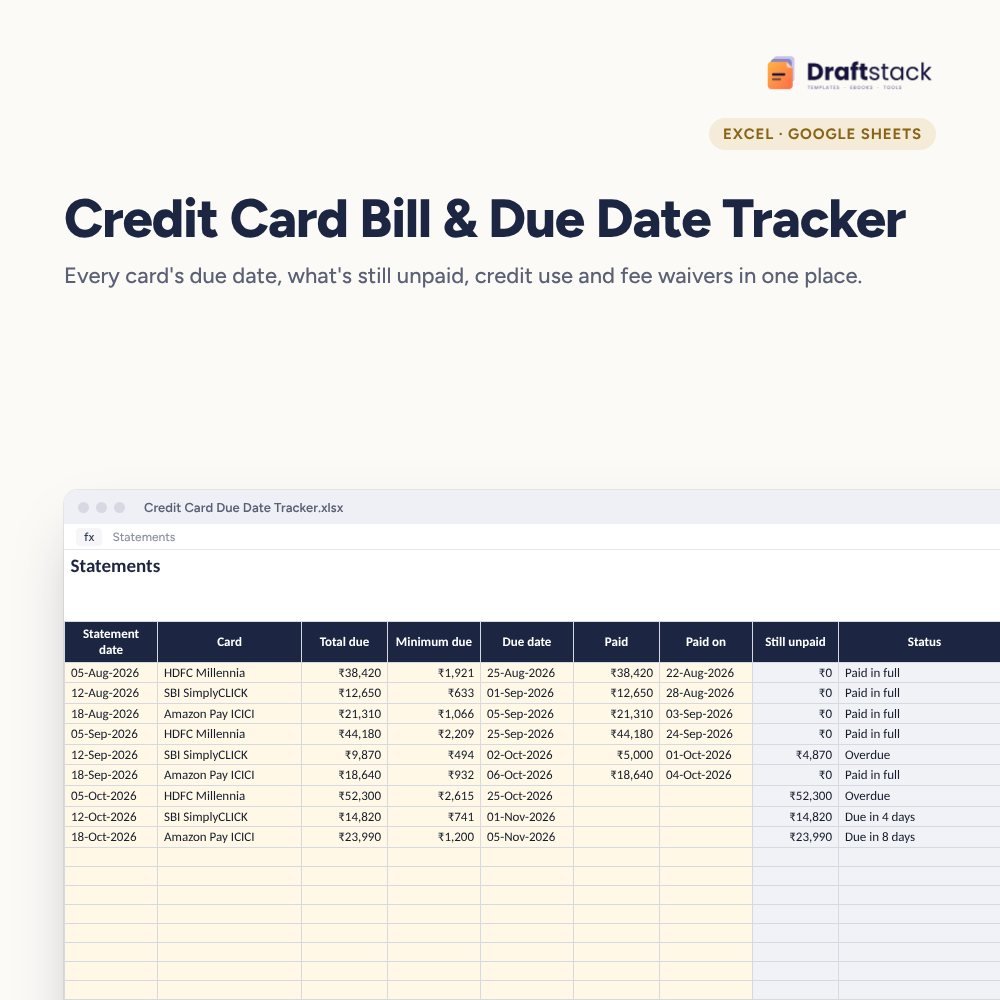 New
New
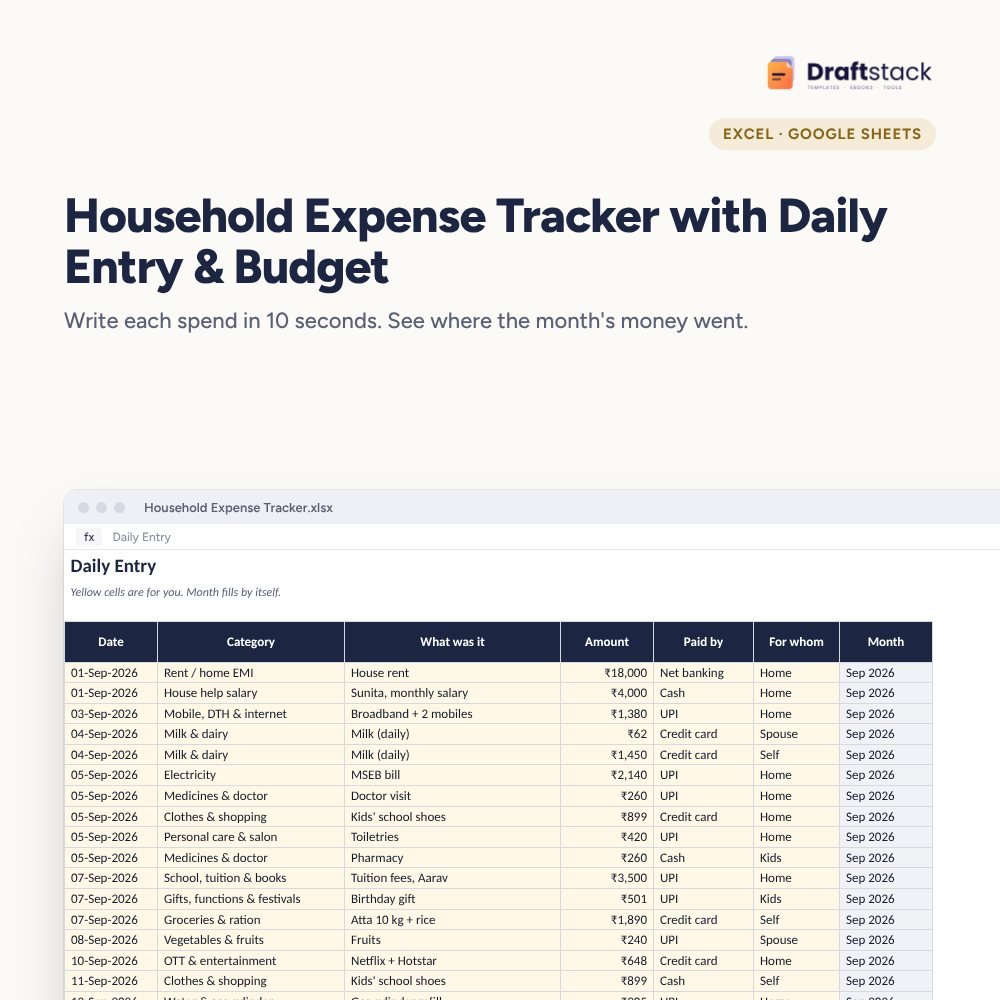 New
New
New
New
Excel & Sheets
House Help Salary & Attendance Register (Excel): Maid, Cook, Driver, Nanny
₹99₹24960% off