WhatsApp
 Pinterest
 New
New
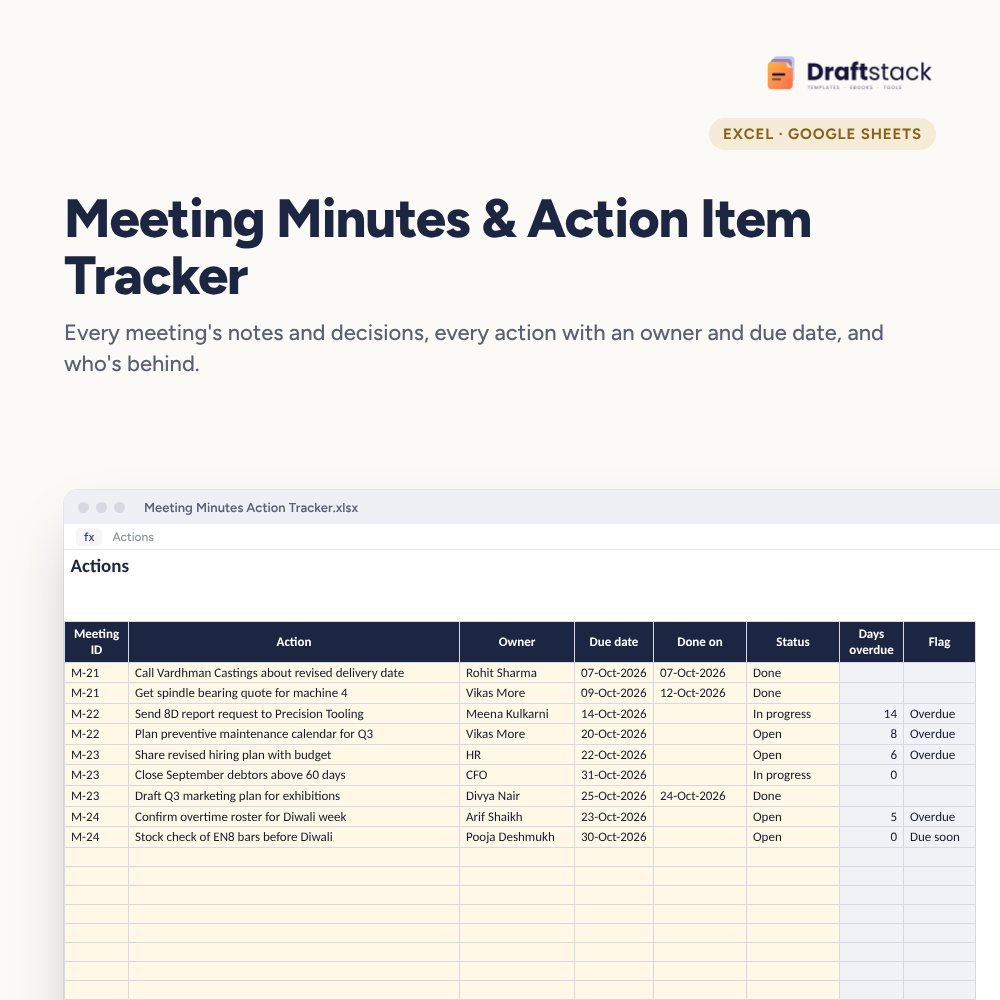
Meeting Minutes & Action Item Tracker (Excel)
Stop meetings that end with 'we'll look into it': record each meeting's key points and decisions, give every action an owner and a date, and start the next meeting with what's still open.
₹299₹699Save ₹400 (57%)
Inclusive of all taxes · One-time payment · Instant download
1 offer for you
Instant downloadOn screen + email
Secure paymentUPI · Cards · Net Banking
7-day helpFix or refund if faulty
Perfect for
Managers who run weekly reviewsFounders and leadership teamsExecutive assistants and coordinators
What you get2 × .xlsx (blank + sample)
Works withMicrosoft Excel · Google Sheets · WPS Office
DeliveryInstant download
LicencePersonal & own-business use
Frequently bought together
This item: Meeting Minutes & Action Item Tracker (Excel)₹299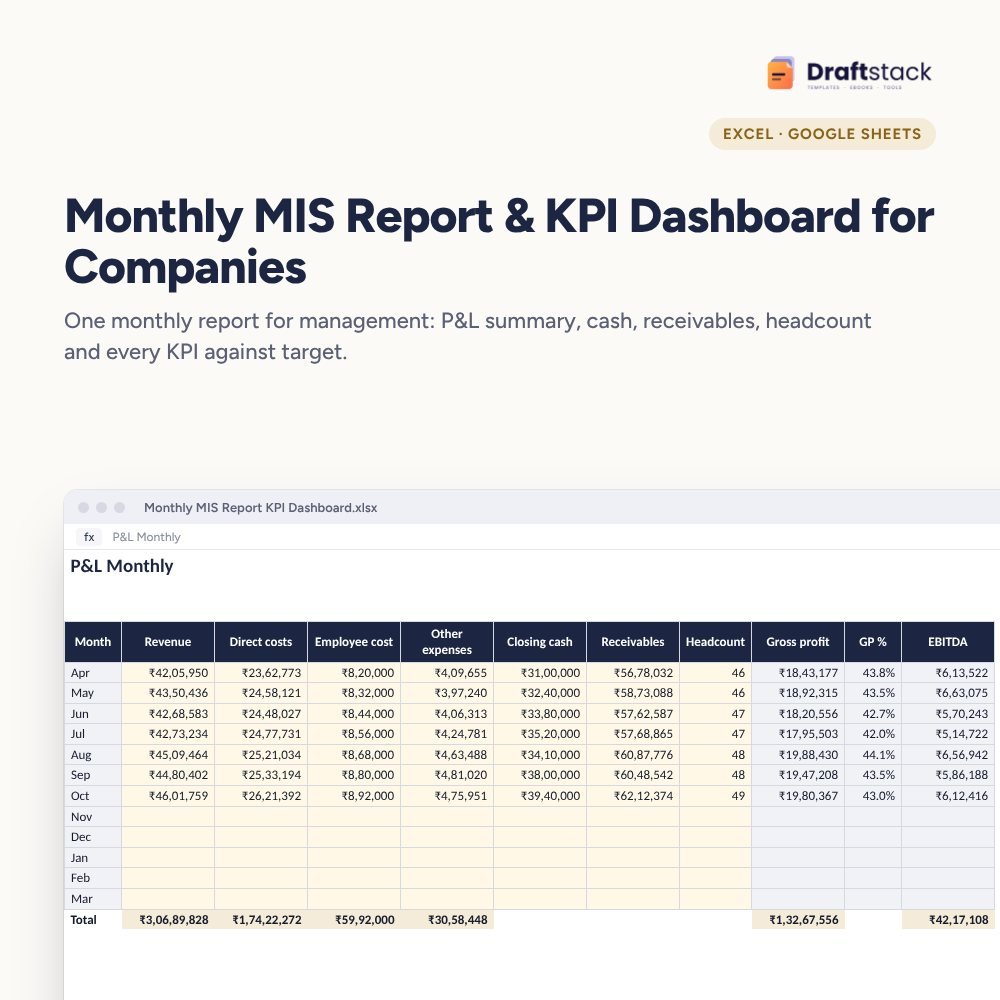 Monthly MIS Report & KPI Dashboard for Companies (Excel)₹499
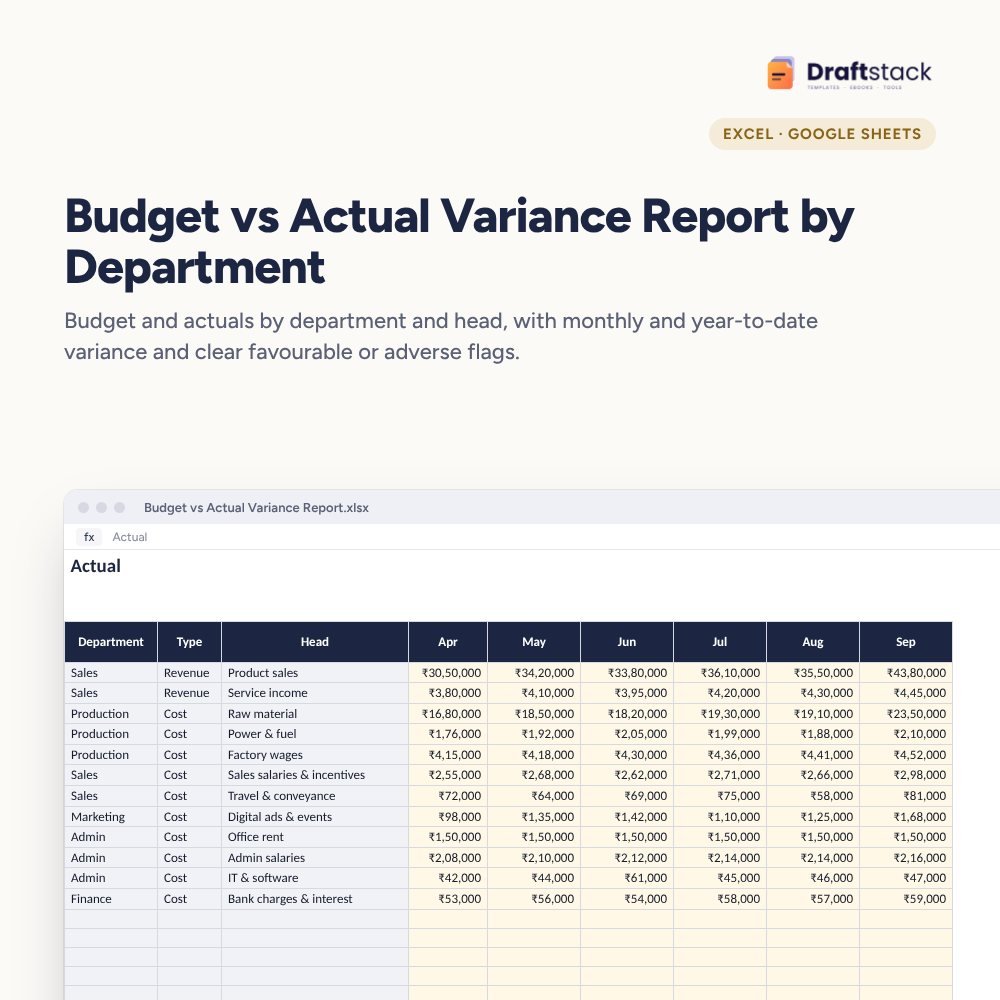 Budget vs Actual Variance Report by Department (Excel)₹449
All three: ₹1,122₹1,247Extra 10% off
The same issues come up meeting after meeting because nobody wrote down who would do what by when. A simple action tracker changes that, and it takes five minutes per meeting.
What it does
- Meetings: ID, date, title, chair, attendees and key points and decisions, with the number of actions and how many are still open
- Actions: meeting ID, action, owner, due date, done date and status (Open, In progress, Done, Dropped)
- Flags: Overdue and Due soon, highlighted
- Dashboard: open, overdue and done actions, % done on time, and a table by owner with a chart
Works for any recurring meeting
Weekly operations reviews, monthly management meetings, board meetings, project reviews and client calls.
What's inside
Everything you get
01
Meetings
200 meetings with key points
02
Actions
600 actions with owners and flags
03
Dashboard
Open and overdue by owner
04
Blank + sample
Sample month of reviews
Files in your download
- XLSXMeeting_Minutes_Action_Tracker.xlsx45 KB
- XLSXMeeting_Minutes_Action_Tracker_SAMPLE.xlsx46 KB
How to use
Start in 5 simple steps
A step-by-step guide is also included inside your download.
- 1
Log the meeting
Points and decisions
- 2
Write actions
Verb, owner, date
- 3
Share right after
Same day
- 4
Owners update
Before next meeting
- 5
Start with open actions
Every time
FAQ
Questions about this product
Is this for board meetings?
Yes, for action tracking. For formal board minutes and resolutions, our Board Meeting Kit has the legal formats.
Can several people update it?
Yes. Share it in Google Sheets; owners update their own actions.
How is 'done on time' worked out?
Done actions where the done date is on or before the due date, as a share of all done actions.
Can I track actions from emails or calls?
Yes. Create a meeting ID like 'CALL-05' and log the actions under it.
What if a due date changes?
Update the due date and note why in the action text, so the history stays honest.
How do I get the files after payment?
A download button appears on screen right after payment, and the link is emailed to you. You can also download again any time from My account.
Can I use it on my phone?
Yes. It works with Microsoft Excel, Google Sheets, WPS Office. Free mobile apps are enough.
What if something does not work?
Write to us within 7 days with your order number. We will fix it, send a working file, or refund you.
Our promiseEvery file is tested before launch. If something doesn't work, we fix it or refund you within 7 days. Refund policy
Complete the set
Goes well with this
New
 New
New
New
New
 New
New
Excel & Sheets
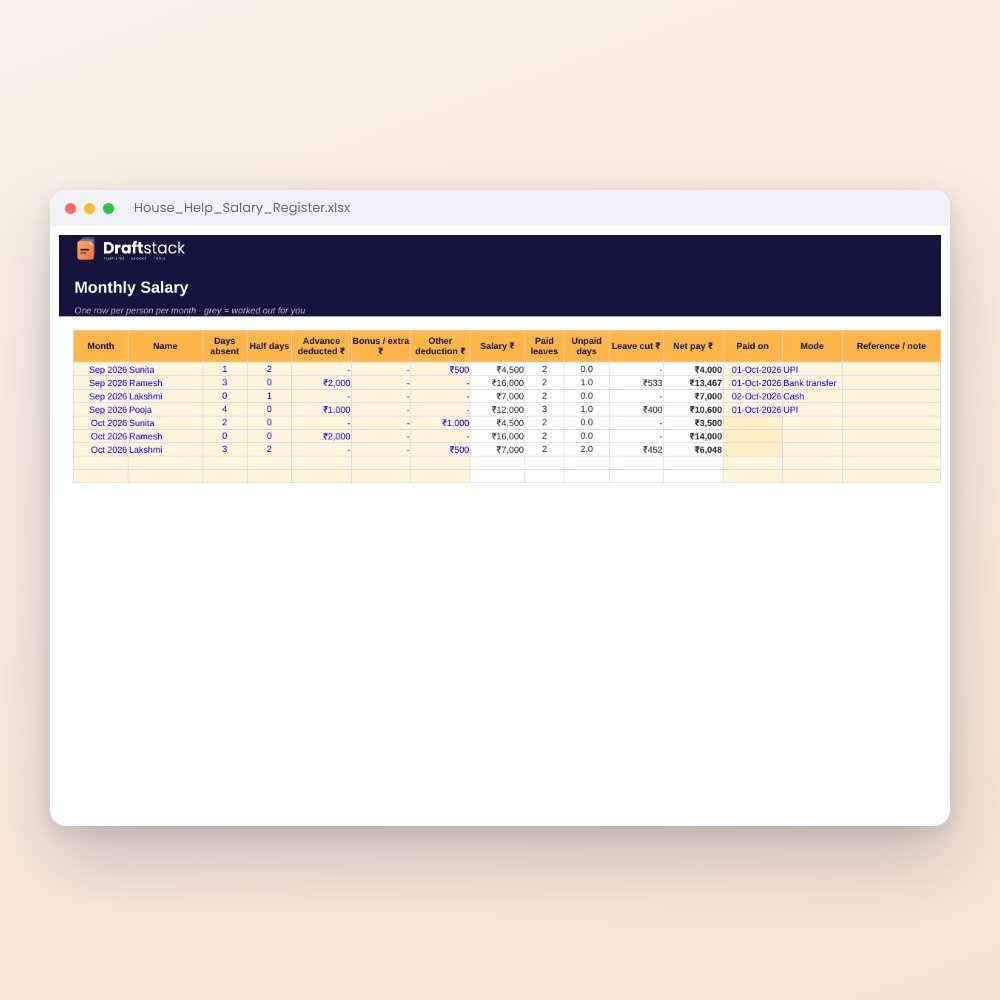
House Help Salary & Attendance Register (Excel): Maid, Cook, Driver, Nanny
₹99₹24960% off