WhatsApp
 Pinterest
 New
New
Monthly MIS Report & KPI Dashboard for Companies (Excel)
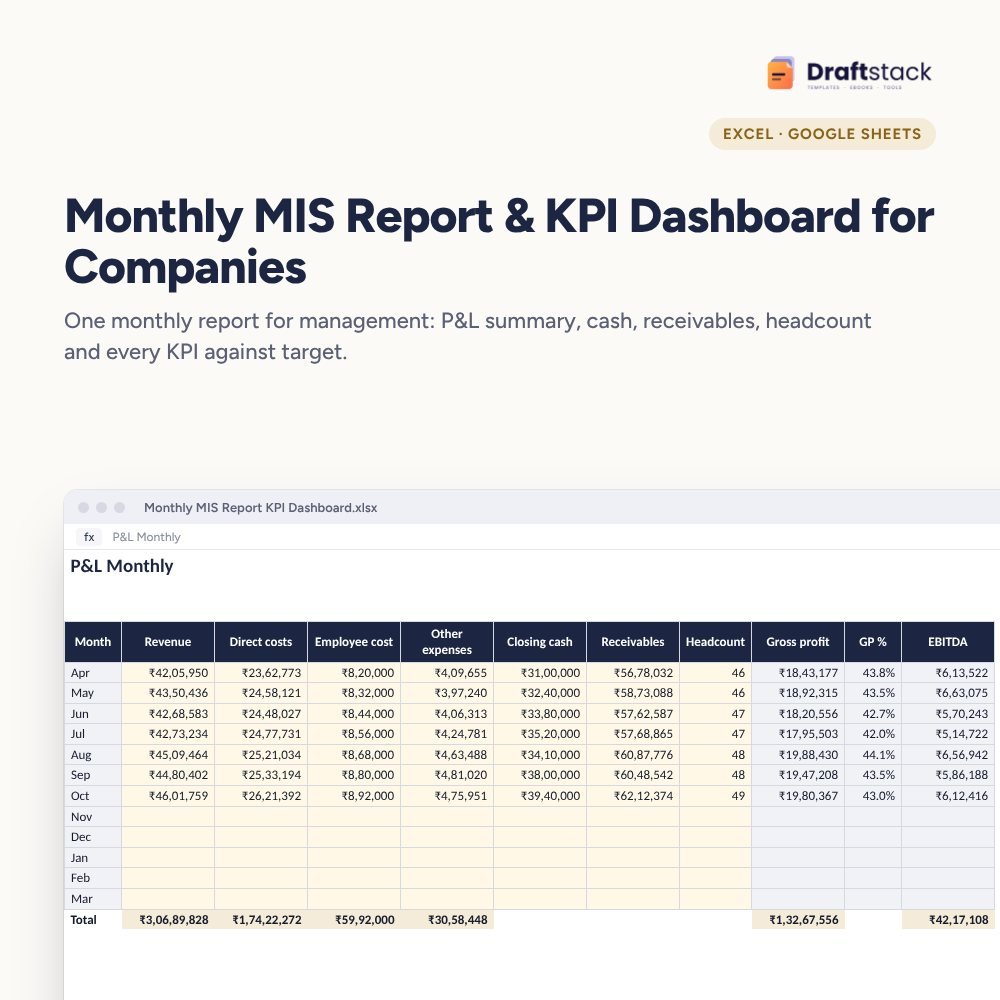
A ready monthly MIS for management: P&L summary with EBITDA, cash, debtor days and headcount, plus up to 30 KPIs against target marked On track, Watch or Off track, on one dashboard you can share.
₹499₹1,199Save ₹700 (58%)
Inclusive of all taxes · One-time payment · Instant download
See a free sample (PDF) 1 offer for you
Instant downloadOn screen + email
Secure paymentUPI · Cards · Net Banking
7-day helpFix or refund if faulty
Perfect for
Founders and directorsFinance and accounts headsConsultants reporting to clients
What you get2 × .xlsx (blank + sample)
Works withMicrosoft Excel · Google Sheets · WPS Office
DeliveryInstant download
LicencePersonal & own-business use
Frequently bought together
This item: Monthly MIS Report & KPI Dashboard for Companies (Excel)₹499Budget vs Actual Variance Report by Department (Excel)₹449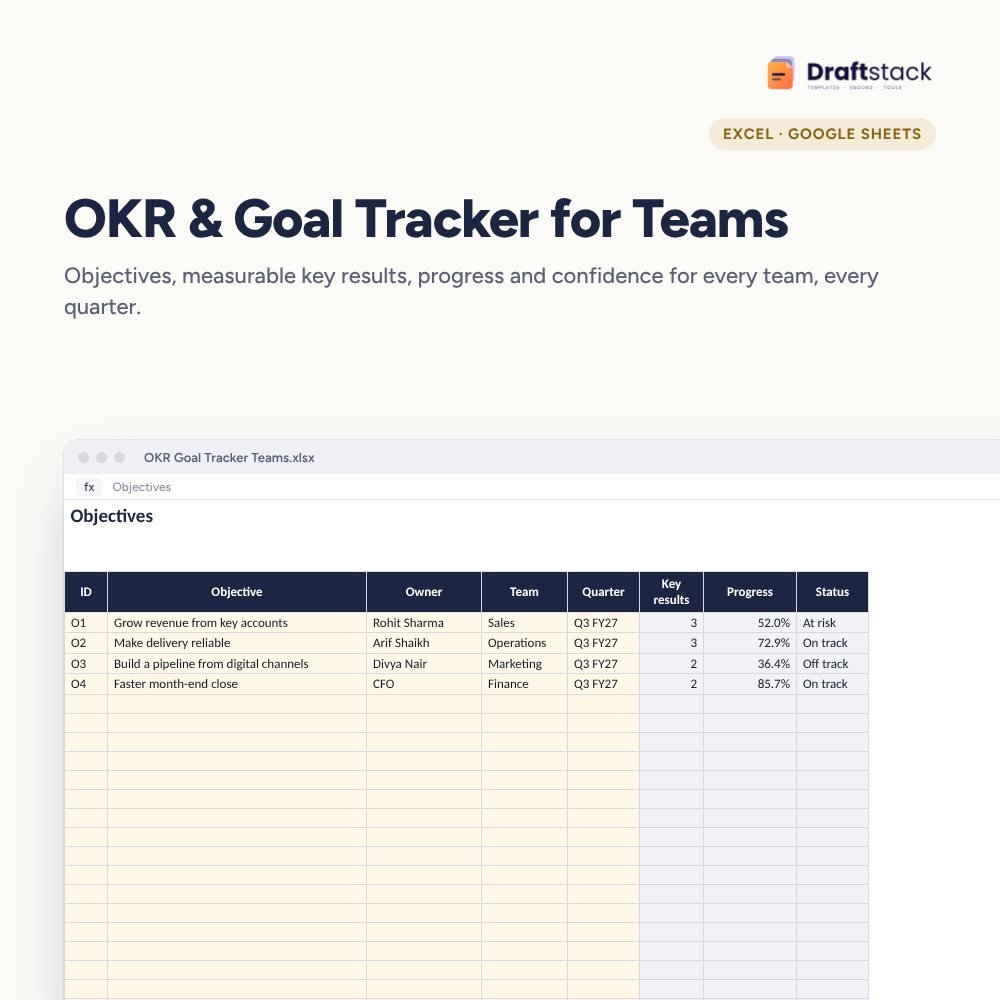 OKR & Goal Tracker for Teams (Excel)₹399
All three: ₹1,212₹1,347Extra 10% off
Made for India
Indian financial yearRuns April to March, like Indian accounts.
Amounts in ₹Money columns are already set to rupees.
Priced in rupeesPay in ₹. Download right after payment.
Most small and mid-size companies have the numbers but not the report. Someone builds a new spreadsheet every month, the format changes, and management never sees the trend. This MIS gives you one fixed structure that takes an hour a month to update.
What it does
- P&L Monthly: revenue, direct costs, employee cost and other expenses for each month of the financial year, with gross profit, EBITDA and margins worked out
- Cash, receivables and headcount with debtor days and revenue per employee
- KPIs: up to 30, each with unit, target, owner and whether higher or lower is better; type the month's actual and the status and trend fill in
- Dashboard for any month you choose: the month and year-to-date, KPI status counts, a KPI table and a revenue and EBITDA chart
Who uses it
Founders and directors of companies with 10 to 500 people, finance and accounts heads preparing the monthly pack, and consultants who report to clients. It works with numbers from Tally, Zoho Books, Busy or any accounting software.
What's inside
Everything you get
01
P&L Monthly
12 months with EBITDA, margins and debtor days
02
KPIs
30 KPIs with targets, status and trend
03
Dashboard
Month and YTD, ready to share
04
Blank + sample
Sample with 7 months for a manufacturing company
Files in your download
- XLSXMonthly_MIS_Report_KPI_Dashboard.xlsx21 KB
- XLSXMonthly_MIS_Report_KPI_Dashboard_SAMPLE.xlsx22 KB
How to use
Start in 5 simple steps
A step-by-step guide is also included inside your download.
- 1
Set the month
On Settings
- 2
Fill P&L totals
From your accounts
- 3
Update KPI actuals
One column a month
- 4
Review the dashboard
With department heads
- 5
Share as PDF
Print the Dashboard sheet
FAQ
Questions about this product
What is an MIS report?
A Management Information System report: a fixed monthly summary of financial and operating numbers that helps management decide. This file is a ready format for it.
Do I need to paste data from Tally?
No. Only monthly totals: revenue, costs, cash, receivables and headcount. Most accounts teams can fill it in under an hour.
Can I add my own KPIs?
Yes, up to 30. Choose the unit, target and whether higher or lower is better; status works for all of them.
Our year starts in January. Does it work?
It's laid out April to March. You can rename the months on the Lists sheet; formulas follow the order.
Is it suitable for a large company?
It suits a company-level or business-unit MIS. Large groups often use one copy per unit and a summary on top.
How do I get the files after payment?
A download button appears on screen right after payment, and the link is emailed to you. You can also download again any time from My account.
Can I use it on my phone?
Yes. It works with Microsoft Excel, Google Sheets, WPS Office. Free mobile apps are enough.
What if something does not work?
Write to us within 7 days with your order number. We will fix it, send a working file, or refund you.
Our promiseEvery file is tested before launch. If something doesn't work, we fix it or refund you within 7 days. Refund policy
Complete the set
Goes well with this
New
 New
New
 New
New
Excel & Sheets
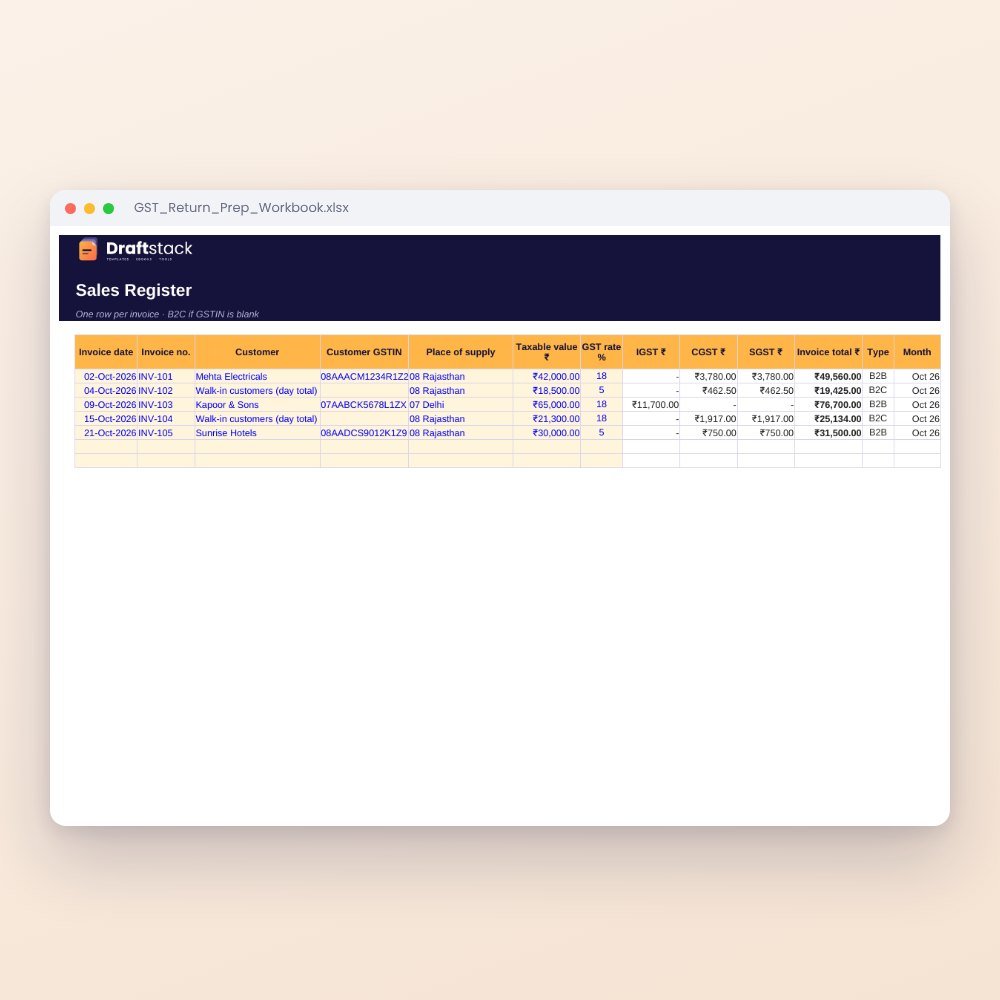
GST Return Prep Workbook (Excel): Sales & Purchase Registers, GSTR-1 and GSTR-3B Summary
₹199₹49960% off
 New
New
Excel & Sheets
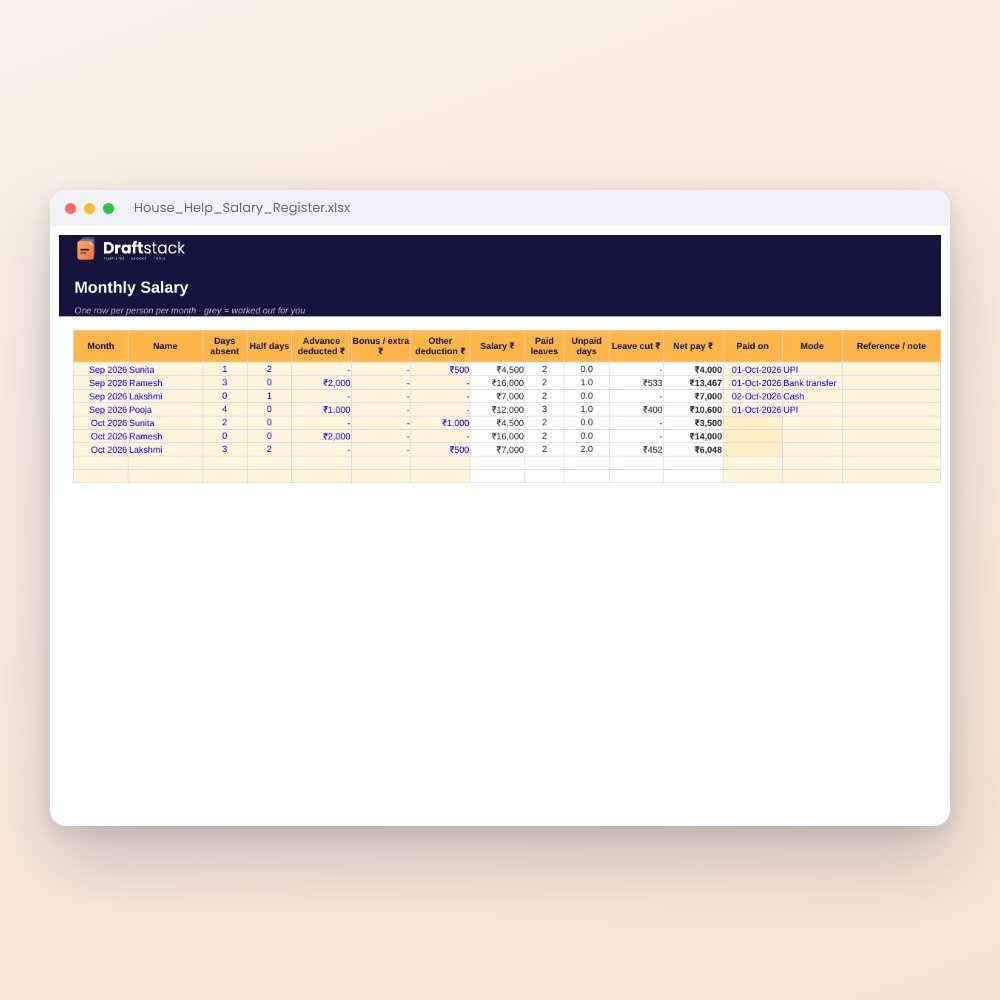
House Help Salary & Attendance Register (Excel): Maid, Cook, Driver, Nanny
₹99₹24960% off