WhatsApp
 Pinterest
 New
New
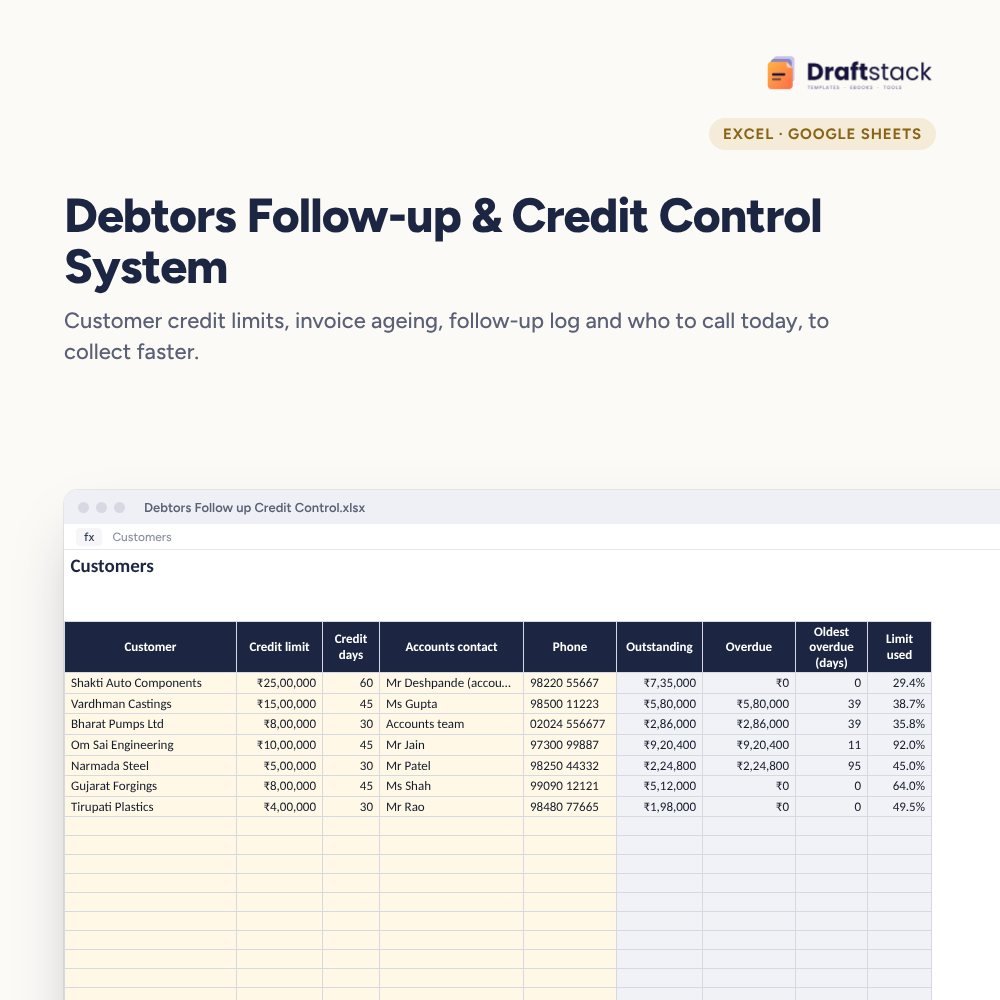
Debtors Follow-up & Credit Control System (Excel)
Collect faster from B2B customers: credit limits and terms, invoice ageing by bucket, a log of every follow-up and promise, and a daily list of who to call, who's over limit and whose orders to hold.
₹349₹799Save ₹450 (56%)
Inclusive of all taxes · One-time payment · Instant download
1 offer for you
Instant downloadOn screen + email
Secure paymentUPI · Cards · Net Banking
7-day helpFix or refund if faulty
Perfect for
Finance and accounts teamsB2B manufacturers and distributorsFounders chasing payments
What you get2 × .xlsx (blank + sample)
Works withMicrosoft Excel · Google Sheets · WPS Office
DeliveryInstant download
LicencePersonal & own-business use
Frequently bought together
This item: Debtors Follow-up & Credit Control System (Excel)₹349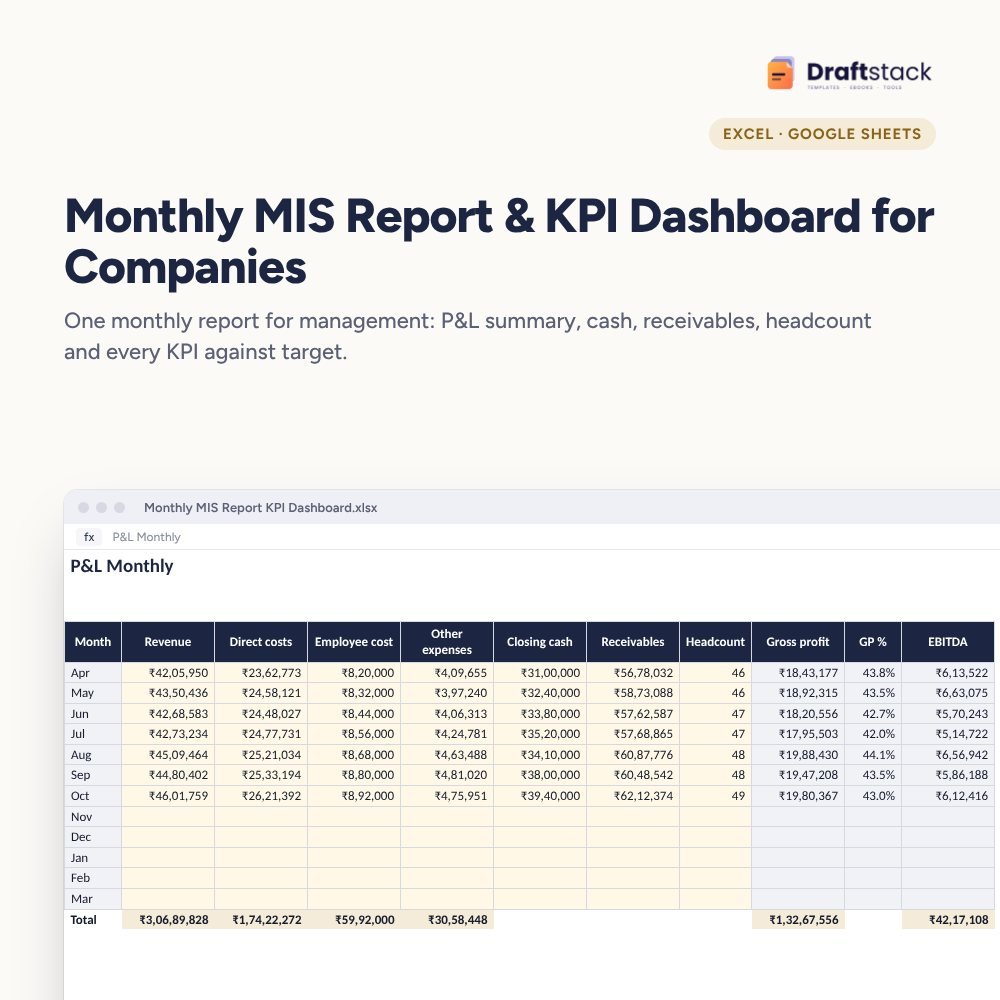 Monthly MIS Report & KPI Dashboard for Companies (Excel)₹499
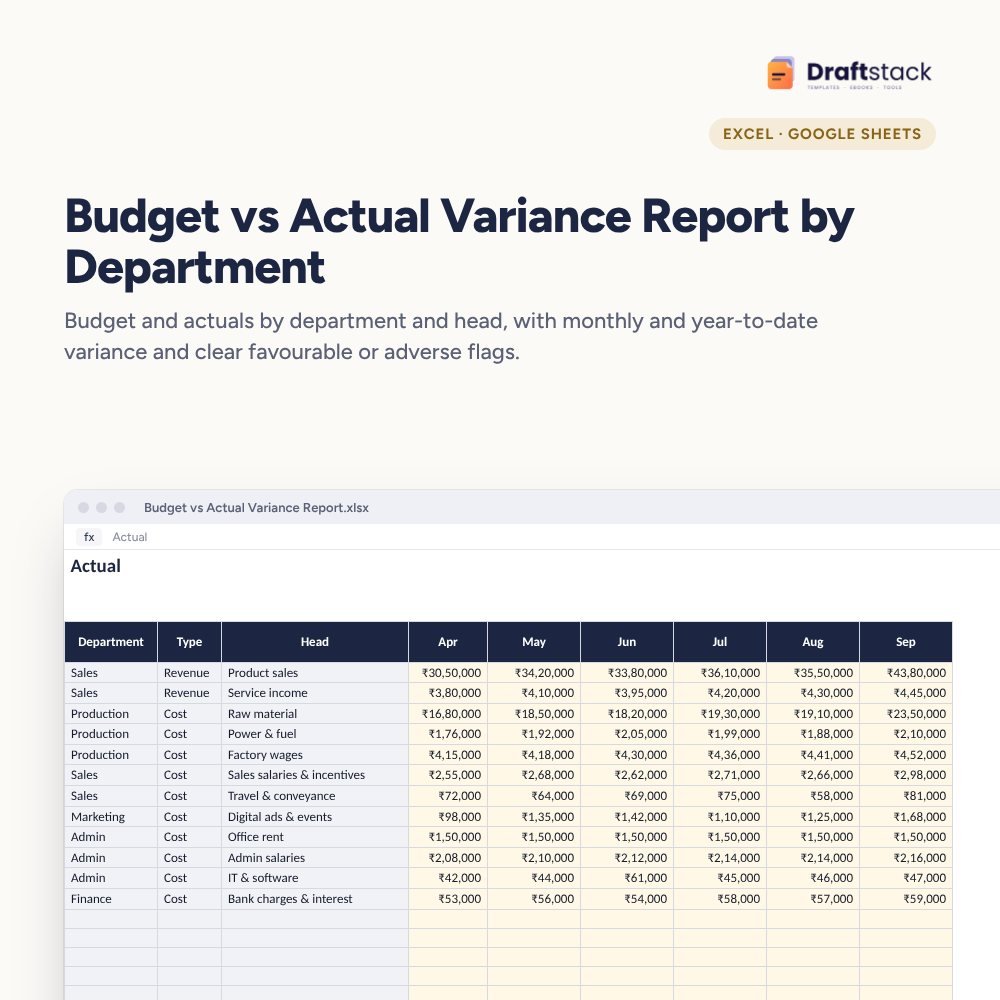 Budget vs Actual Variance Report by Department (Excel)₹449
All three: ₹1,167₹1,297Extra 10% off
Sales feels done when the invoice goes out. Cash arrives only when someone follows up. In most companies that follow-up depends on one busy person's memory. This system makes it a routine.
What it does
- Customers: credit limit, credit days, accounts contact and phone, with outstanding, overdue, oldest overdue days, limit used and an action: Follow up, Over limit or Hold new orders
- Invoices: amount, credit days, received, due date, balance, days overdue, ageing bucket and a 'remind on' date a week before due
- Follow-ups: every call or email with the promise made and the next follow-up date, flagged when due
- Dashboard: total receivables, overdue, over 90 days, customers to hold or over limit, calls due, reminders this week and an ageing chart
Works with your accounting software
Export outstanding invoices from Tally or Zoho weekly and paste them, or log invoices here as you raise them.
What's inside
Everything you get
01
Customers
200 customers with limits and actions
02
Invoices
1,000 invoices with ageing
03
Follow-ups
Promises and next dates
04
Blank + sample
Sample with seven B2B customers
Files in your download
- XLSXDebtors_Follow_up_Credit_Control.xlsx132 KB
- XLSXDebtors_Follow_up_Credit_Control_SAMPLE.xlsx133 KB
How to use
Start in 5 simple steps
A step-by-step guide is also included inside your download.
- 1
Set limits and terms
Per customer
- 2
Log invoices
Weekly
- 3
Remind before due
A week early
- 4
Log every call
With the promise
- 5
Hold risky orders
Over limit or 90+ days
FAQ
Questions about this product
What is debtors ageing?
A list of unpaid customer invoices grouped by how long they're overdue: not due, 1-30, 31-60, 61-90 and 90+ days.
How does it decide whom to hold?
Customers with any invoice over 90 days overdue get 'Hold new orders'; customers over their credit limit get 'Over limit'.
Can I send WhatsApp reminders from it?
It doesn't send messages, but the phone number and amounts are there to copy into a quick message.
Is it different from your customer credit ledger?
Yes. That one suits shops tracking customer credit. This one is for B2B invoices with credit limits, ageing and follow-ups.
Can I see ageing on a past date?
Yes. Change 'Ageing as on' on Settings.
How do I get the files after payment?
A download button appears on screen right after payment, and the link is emailed to you. You can also download again any time from My account.
Can I use it on my phone?
Yes. It works with Microsoft Excel, Google Sheets, WPS Office. Free mobile apps are enough.
What if something does not work?
Write to us within 7 days with your order number. We will fix it, send a working file, or refund you.
Our promiseEvery file is tested before launch. If something doesn't work, we fix it or refund you within 7 days. Refund policy
Complete the set
Goes well with this
New
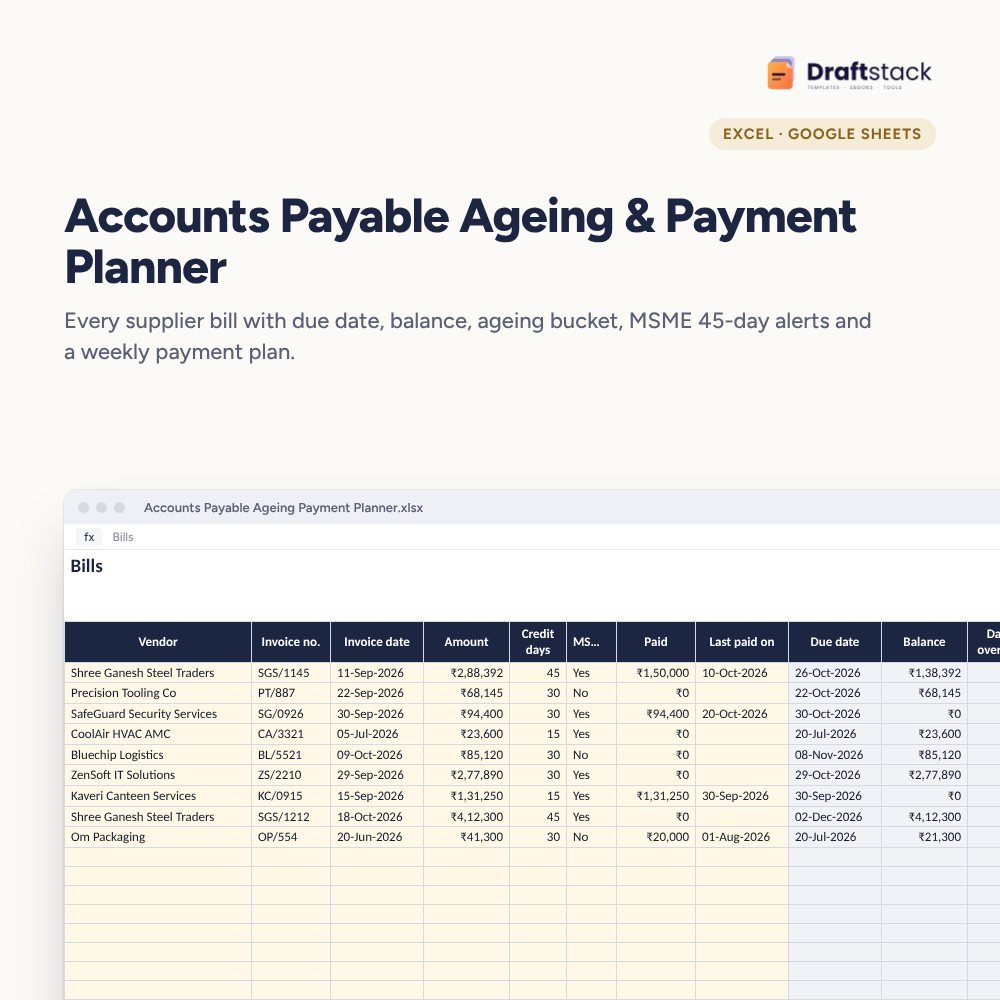 New
New
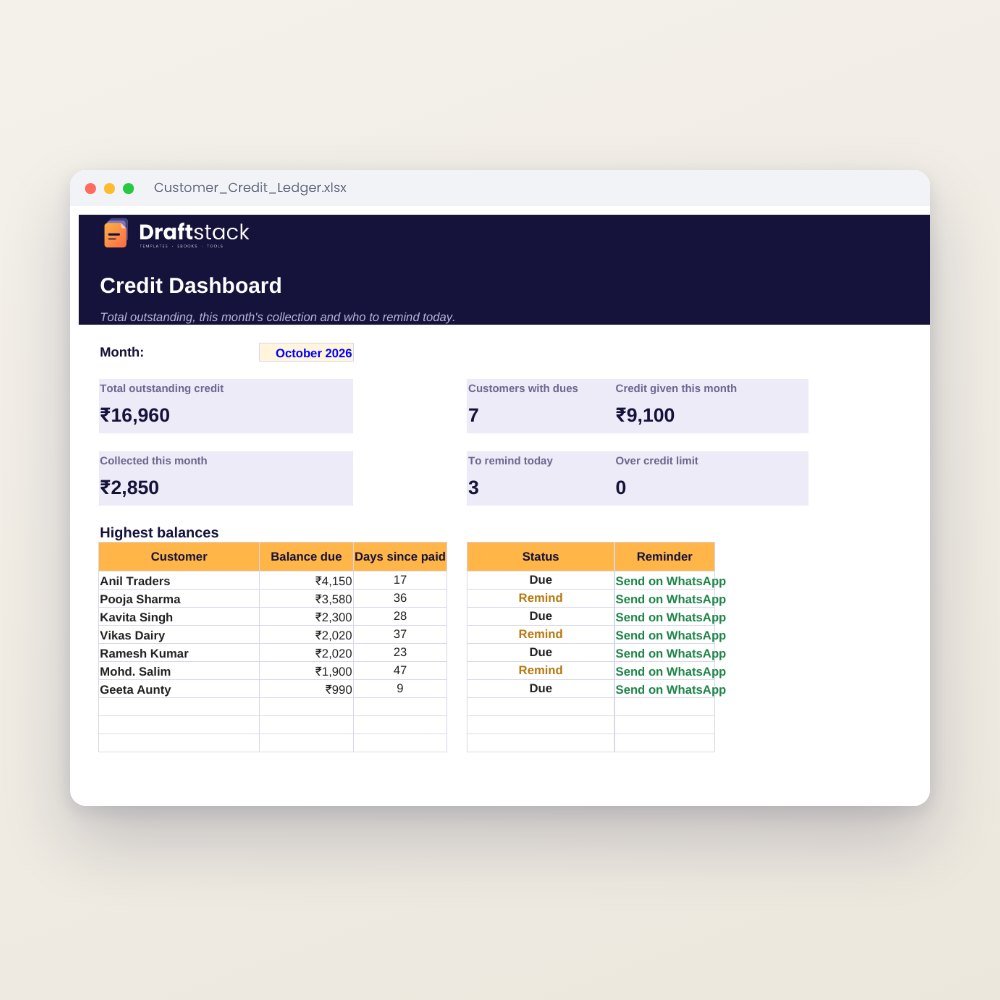 New
New
 New
New
Excel & Sheets
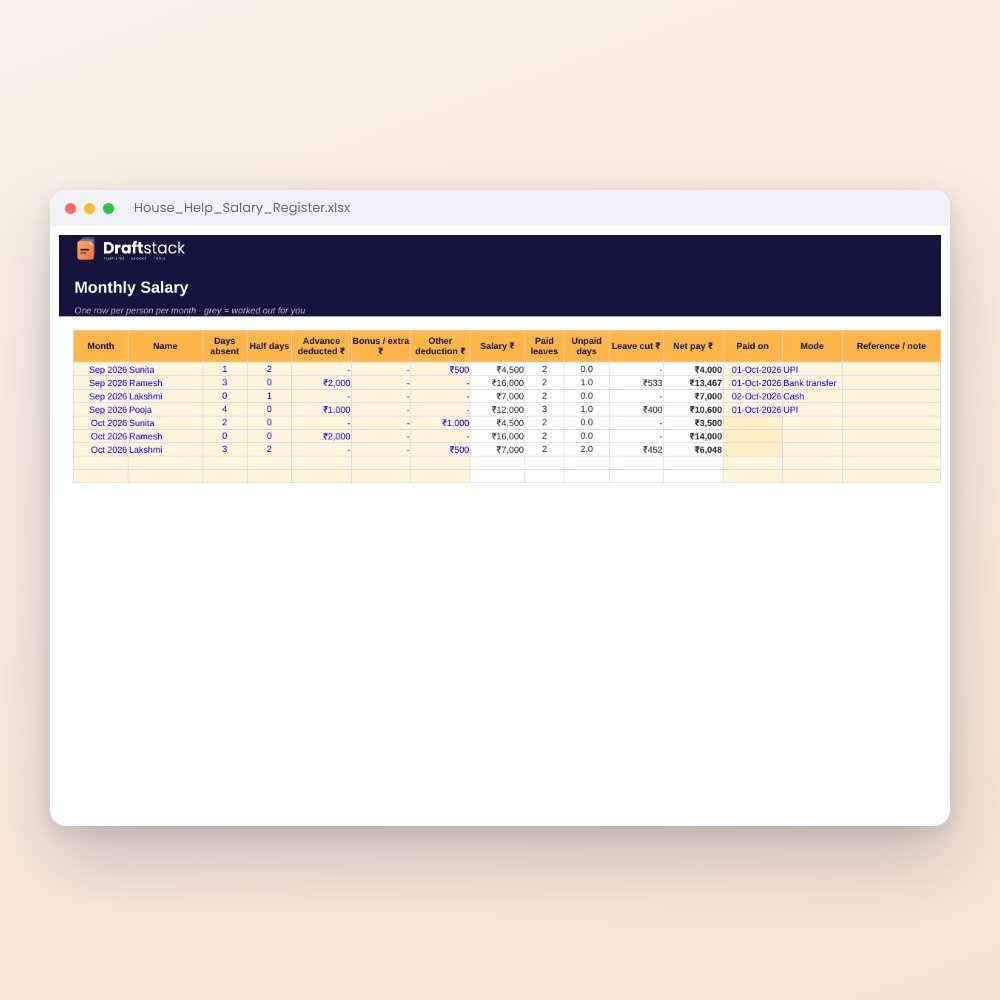
House Help Salary & Attendance Register (Excel): Maid, Cook, Driver, Nanny
₹99₹24960% off