WhatsApp
 Pinterest
 New
New
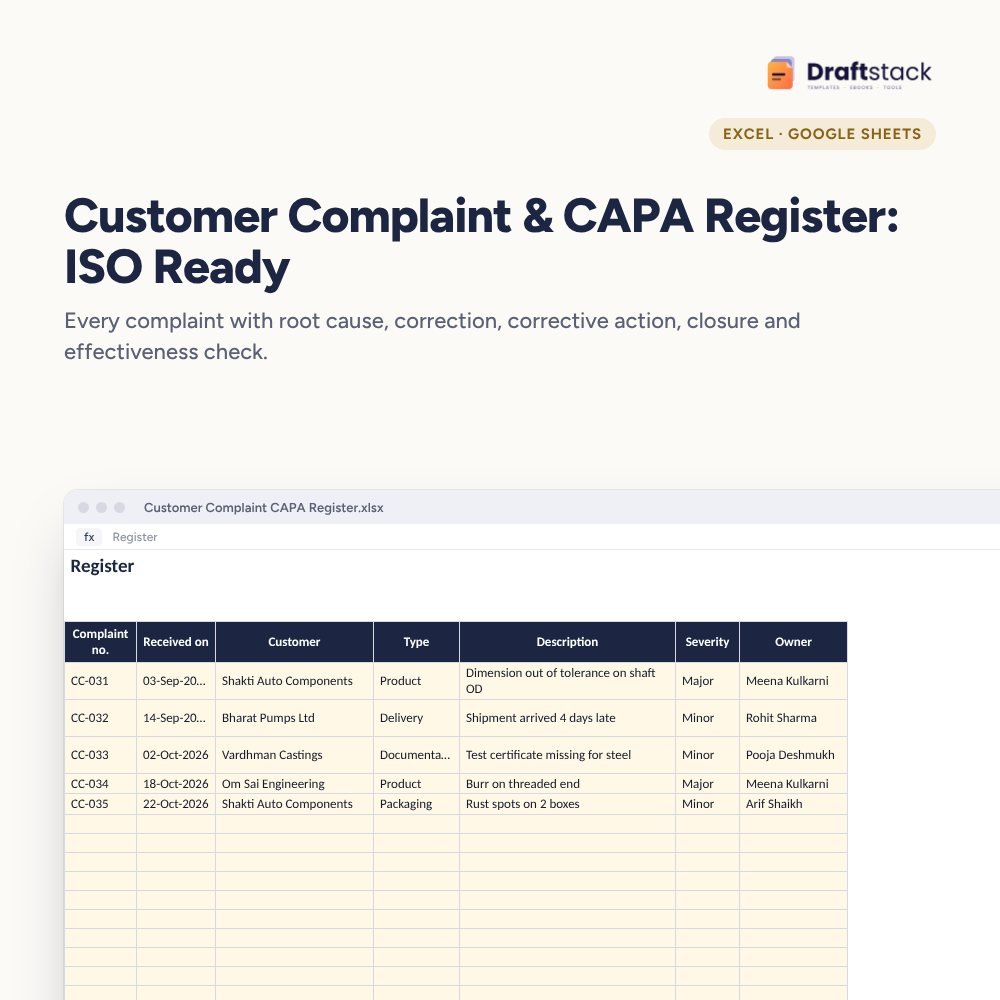
Customer Complaint & CAPA Register: ISO Ready (Excel)
Handle customer complaints the ISO way: log each one, find the root cause, record the correction and the corrective action, close it on time and check it actually worked, with overdue and repeat complaints flagged.
₹349₹799Save ₹450 (56%)
Inclusive of all taxes · One-time payment · Instant download
1 offer for you
Instant downloadOn screen + email
Secure paymentUPI · Cards · Net Banking
7-day helpFix or refund if faulty
Perfect for
Quality managersManufacturers supplying to OEMsService companies tracking client issues
What you get2 × .xlsx (blank + sample)
Works withMicrosoft Excel · Google Sheets · WPS Office
DeliveryInstant download
LicencePersonal & own-business use
Frequently bought together
This item: Customer Complaint & CAPA Register: ISO Ready (Excel)₹349Employee Training Matrix & Skill Gap Tracker (Excel)₹299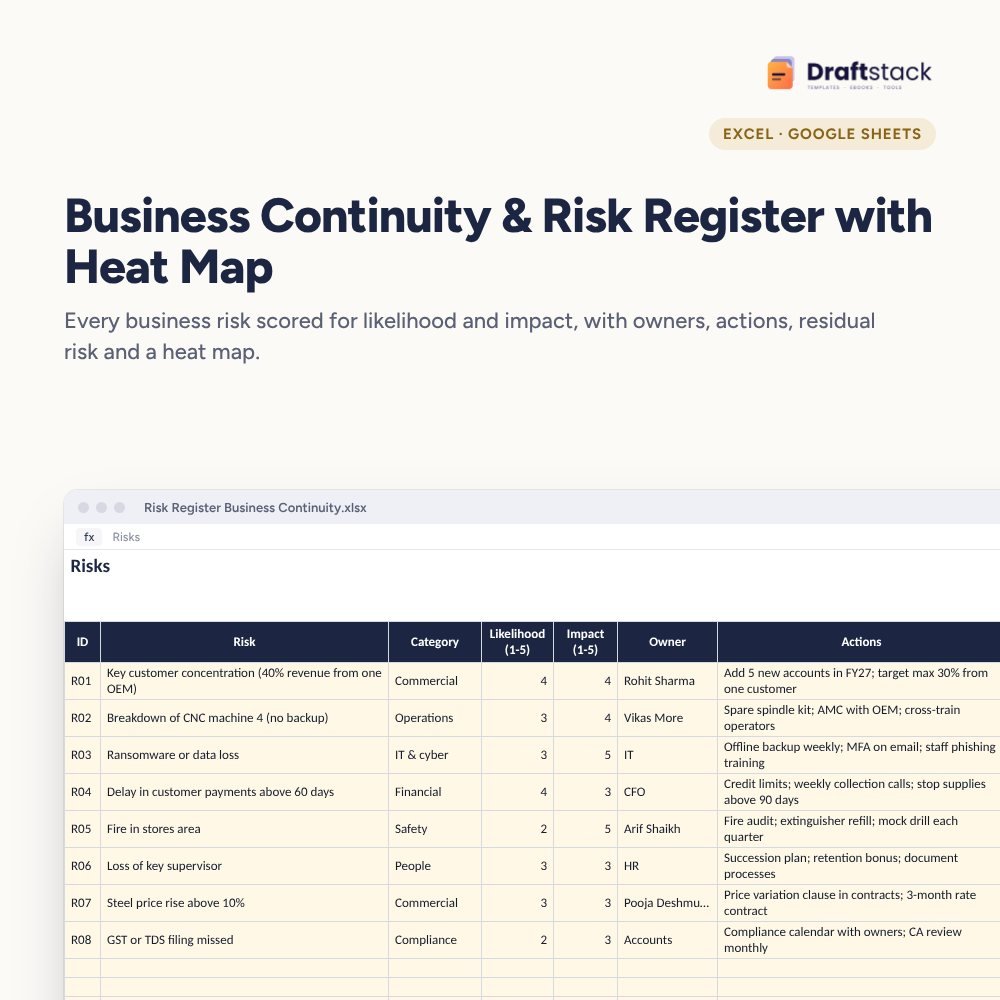 Business Continuity & Risk Register with Heat Map (Excel)₹349
All three: ₹897₹997Extra 10% off
Complaints are free consultancy from your customers, if you learn from them. Most companies fix the immediate problem and move on, so the same complaint comes back three months later. A CAPA register closes that loop.
What it does
- Register: complaint number, date, customer, type, description, severity and owner
- Root cause, correction and corrective action in separate columns, so fixing today's problem isn't confused with preventing the next one
- Target date by severity (Critical, Major, Minor), closure date and an effectiveness check
- Status: Investigate, Action, Overdue, Closed, Verified or Reopen; Repeat flag for the same customer and type
- Dashboard: open, overdue and repeat complaints, average days to close, verified and reopened, and complaints by type
Audit-ready records
ISO 9001 and customer audits look for exactly this: cause, action, verification and evidence.
What's inside
Everything you get
01
Register
300 complaints with CAPA columns
02
Status and flags
Overdue, repeat, reopen
03
Dashboard
Open, overdue and by type
04
Blank + sample
Sample with five complaints
Files in your download
- XLSXCustomer_Complaint_CAPA_Register.xlsx40 KB
- XLSXCustomer_Complaint_CAPA_Register_SAMPLE.xlsx41 KB
How to use
Start in 5 simple steps
A step-by-step guide is also included inside your download.
- 1
Log on the same day
With owner
- 2
Find the root cause
5 Whys
- 3
Correct and prevent
Both columns
- 4
Close on time
By severity
- 5
Verify effectiveness
After a few weeks
FAQ
Questions about this product
What's the difference between correction and corrective action?
Correction fixes the problem in front of you (rework, replace). Corrective action removes the cause so it doesn't happen again.
Does it help with ISO 9001?
Yes. It records nonconformity, cause, action, verification and closure, which auditors ask for.
How are target dates set?
By severity on Settings: 7 days for Critical, 15 for Major, 30 for Minor by default.
Can I use it for internal non-conformities?
Yes. Use your own department as the 'customer' or add a type for internal issues.
What does 'Repeat' mean?
The same customer has raised the same type of complaint before. It's a sign the corrective action didn't work.
How do I get the files after payment?
A download button appears on screen right after payment, and the link is emailed to you. You can also download again any time from My account.
Can I use it on my phone?
Yes. It works with Microsoft Excel, Google Sheets, WPS Office. Free mobile apps are enough.
What if something does not work?
Write to us within 7 days with your order number. We will fix it, send a working file, or refund you.
Our promiseEvery file is tested before launch. If something doesn't work, we fix it or refund you within 7 days. Refund policy
Complete the set
Goes well with this
New
New
 New
New
 New
New
Excel & Sheets
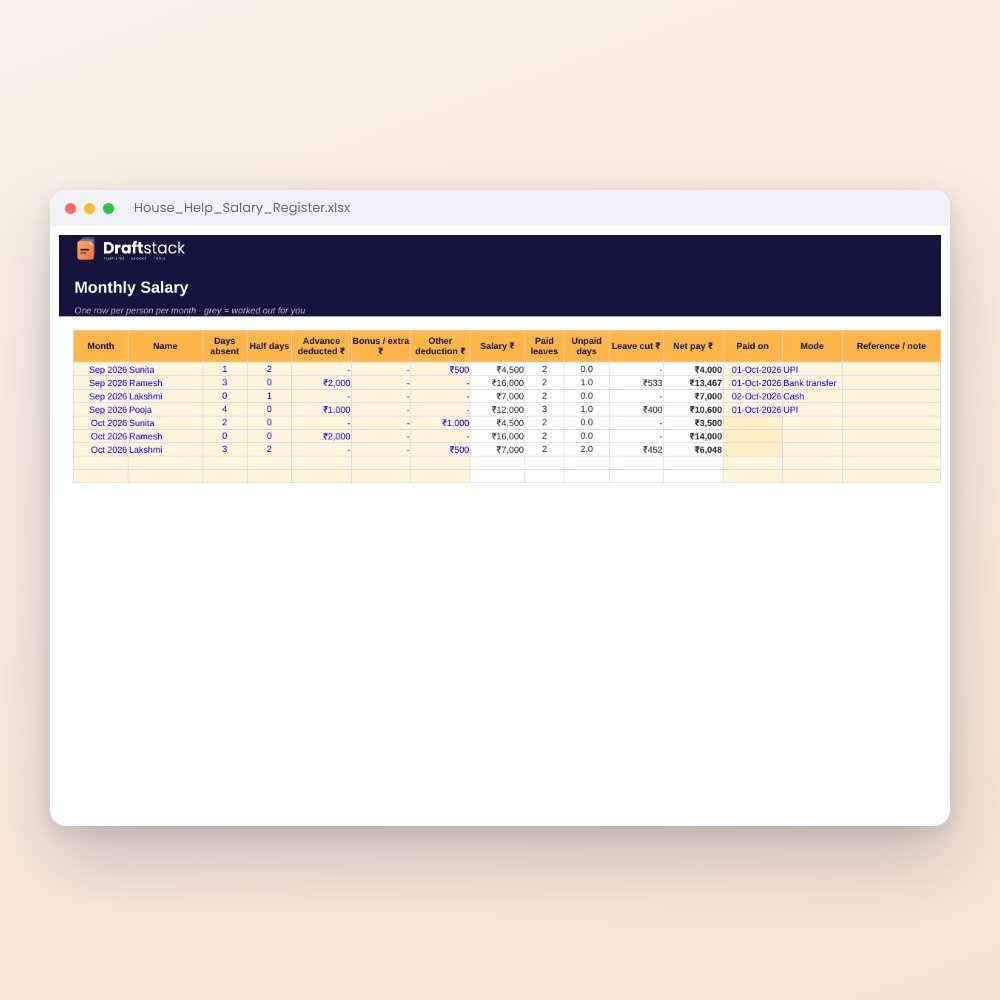
House Help Salary & Attendance Register (Excel): Maid, Cook, Driver, Nanny
₹99₹24960% off