WhatsApp
 Pinterest
 New
New
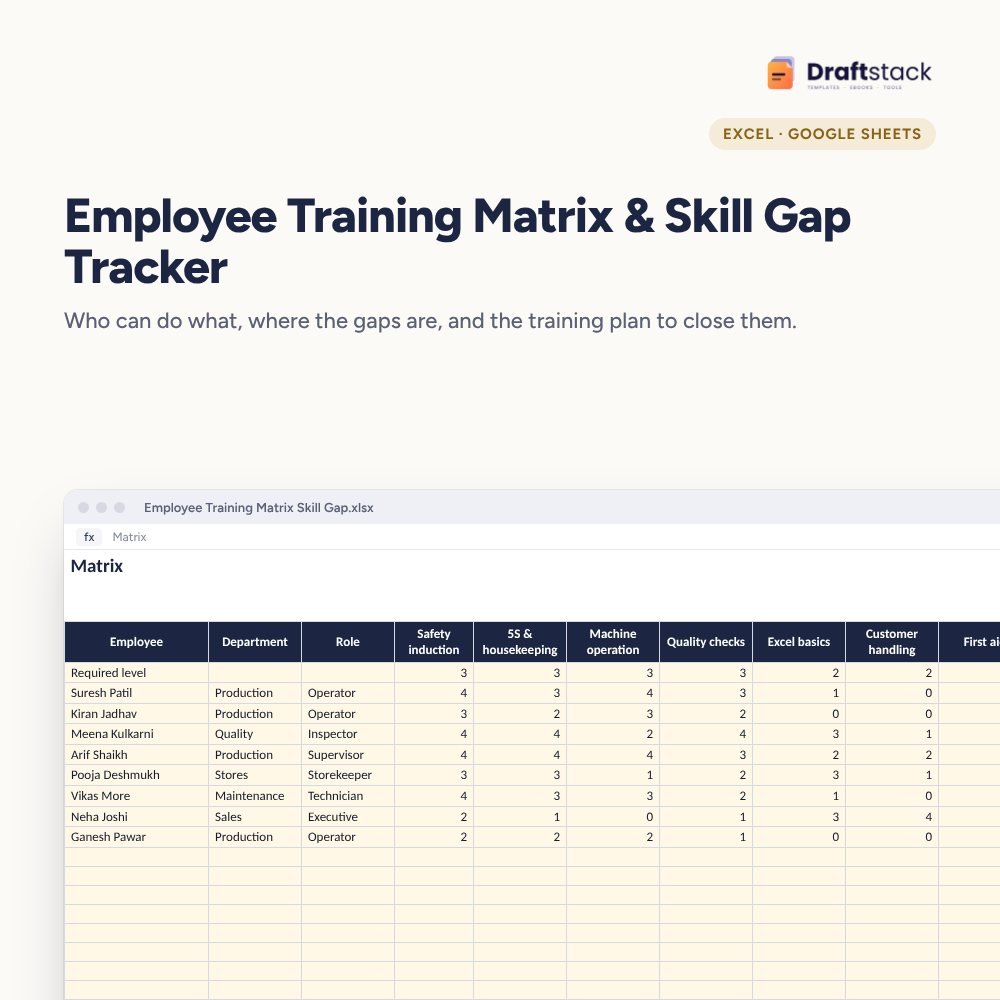
Employee Training Matrix & Skill Gap Tracker (Excel)
See who can do what in your team: rate everyone on up to 10 skills against the level each skill needs, find the biggest gaps by person and by skill, and track the training plan that closes them.
₹299₹699Save ₹400 (57%)
Inclusive of all taxes · One-time payment · Instant download
1 offer for you
Instant downloadOn screen + email
Secure paymentUPI · Cards · Net Banking
7-day helpFix or refund if faulty
Perfect for
HR and training managersPlant and operations headsCompanies preparing for ISO audits
What you get2 × .xlsx (blank + sample)
Works withMicrosoft Excel · Google Sheets · WPS Office
DeliveryInstant download
LicencePersonal & own-business use
Frequently bought together
This item: Employee Training Matrix & Skill Gap Tracker (Excel)₹299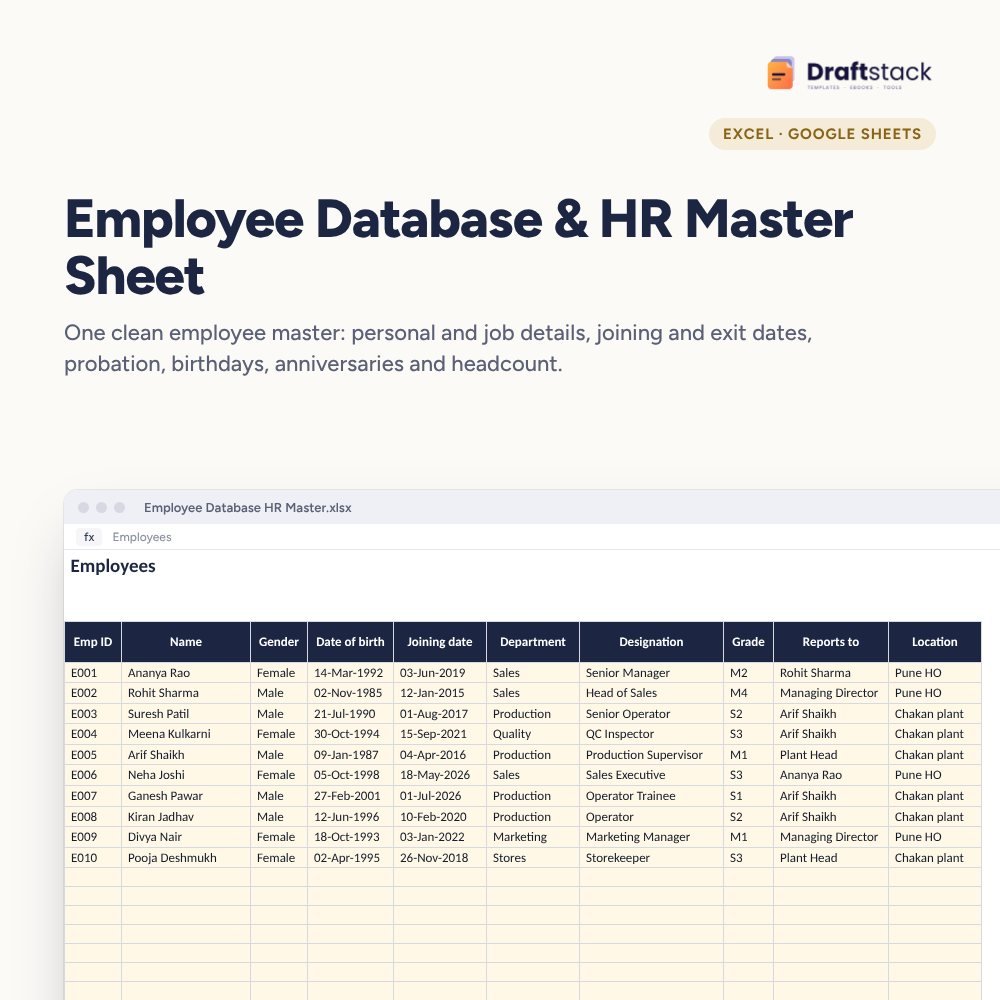 Employee Database & HR Master Sheet (Excel)₹299Performance Appraisal Forms & Rating Calculator (Excel)₹349
All three: ₹852₹947Extra 10% off
When the one operator who knows the machine goes on leave, production stops. When an auditor asks for evidence of competence, someone scrambles. A training matrix makes skills visible so you can plan cover and training.
What it does
- Matrix: employees down the side, up to 10 skills across, levels 0 to 4, and a 'Required level' row at the top
- For each person: skills below required, total gap and Ready or Needs training
- Skill Gaps: required level, average level, people below and % meeting the level for every skill, with a chart
- Training Plan: who, which skill, which training, planned and done dates, trainer, cost and status (Planned, Overdue, Done)
Works for any team
Factories, warehouses, hospitals, hotels, call centres and offices. Rename the skills to match your work.
What's inside
Everything you get
01
Matrix
150 people × 10 skills with gaps
02
Training Plan
Dates, trainers, cost and status
03
Skill Gaps
Priorities by skill with chart
04
Blank + sample
Sample for a small factory
Files in your download
- XLSXEmployee_Training_Matrix_Skill_Gap.xlsx31 KB
- XLSXEmployee_Training_Matrix_Skill_Gap_SAMPLE.xlsx32 KB
How to use
Start in 5 simple steps
A step-by-step guide is also included inside your download.
- 1
Rename skills
Up to 10
- 2
Set required levels
First row of Matrix
- 3
Rate each person
0 to 4
- 4
Plan training
For the biggest gaps
- 5
Re-rate quarterly
After training
FAQ
Questions about this product
What do the levels mean?
0 none, 1 aware, 2 can do with help, 3 can do alone, 4 can teach others. It's a common scale and easy for supervisors to use.
Can I have more than 10 skills?
The matrix has 10 skill columns. For more, make a second copy for another set of skills, such as safety or software.
Does it help with ISO 9001 audits?
Yes. Auditors look for evidence of competence and training; the matrix and plan show both.
Can different roles need different levels?
The required level row is common. For very different roles, use one copy of the file per department.
How often should we update it?
Every quarter, and after every training.
How do I get the files after payment?
A download button appears on screen right after payment, and the link is emailed to you. You can also download again any time from My account.
Can I use it on my phone?
Yes. It works with Microsoft Excel, Google Sheets, WPS Office. Free mobile apps are enough.
What if something does not work?
Write to us within 7 days with your order number. We will fix it, send a working file, or refund you.
Our promiseEvery file is tested before launch. If something doesn't work, we fix it or refund you within 7 days. Refund policy
Complete the set
Goes well with this
New
New
 New
New
 New
New
Excel & Sheets
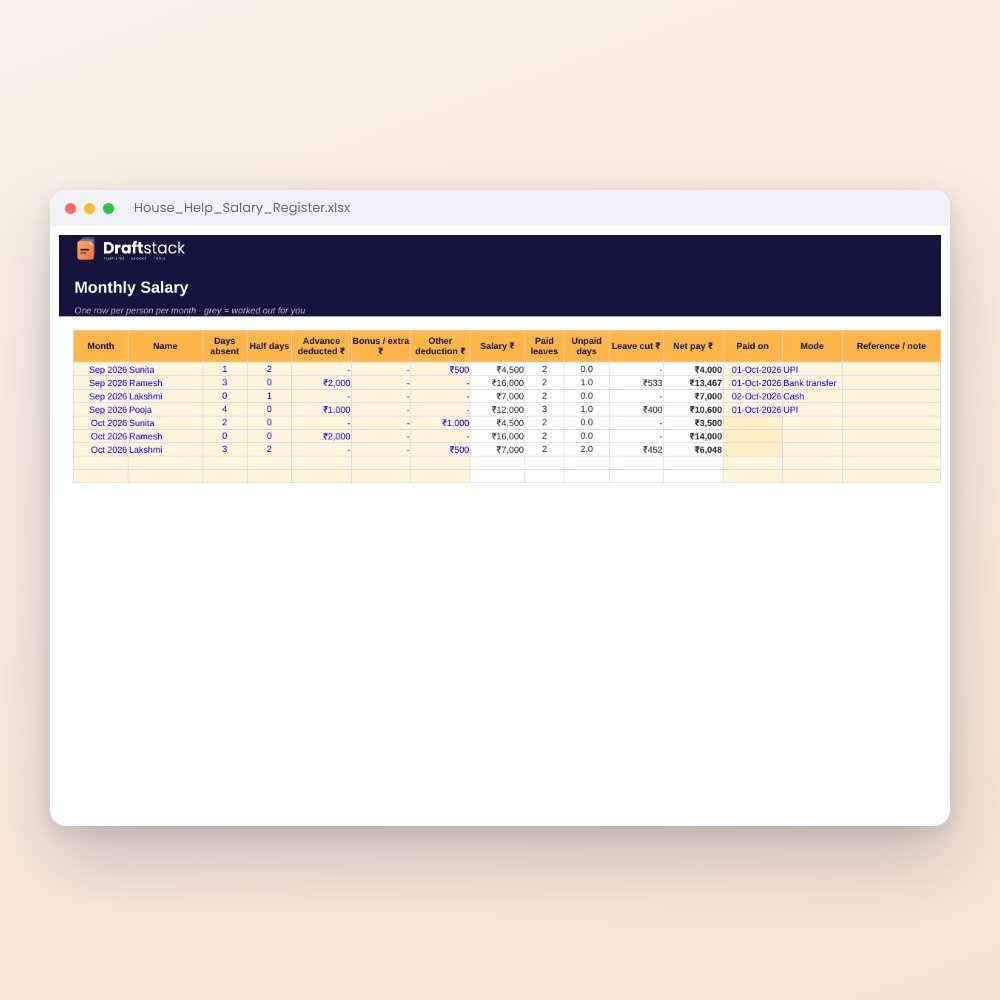
House Help Salary & Attendance Register (Excel): Maid, Cook, Driver, Nanny
₹99₹24960% off