WhatsApp
 Pinterest
Daily Site Report Format in Excel: Construction Progress, Labour & Material
For site engineers, contractors and owners building a house: daily work done with quantity, weather and hindrances, labour by trade with wages, material received and used with stock at site, and a printable daily report for any date.
₹149₹499Save ₹350 (70%)
Inclusive of all taxes · One-time payment · Instant download
See a free sample (PDF) Black Friday Sale: 25% off, ends 01 Dec, 12:00 AM
Instant downloadOn screen + email
Secure paymentUPI · Cards · Net Banking
7-day helpFix or refund if faulty
Perfect for
Civil contractors and site engineersBuilders and developersFamilies building their own house
What you get2 × .xlsx (blank + sample)
Works withMicrosoft Excel · Google Sheets · WPS Office
DeliveryInstant download
LicencePersonal & own-business use
 Get the whole Mega BundleBusiness & Work Mega Bundle: Excel, Canva & Office Tools for Shops, Sellers and Companies · ₹4,499 · you save ₹14,885See →
Frequently bought together
 This item: Daily Site Report Format in Excel: Construction Progress, Labour & Material₹149
 Contractor BOQ, Running Bill & Labour Attendance (Excel)₹187
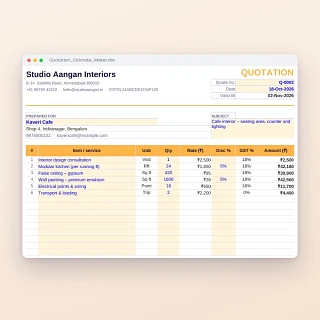 Quotation & Estimate Maker (Excel + 3 Word Templates)₹149
All three: ₹485Sale prices
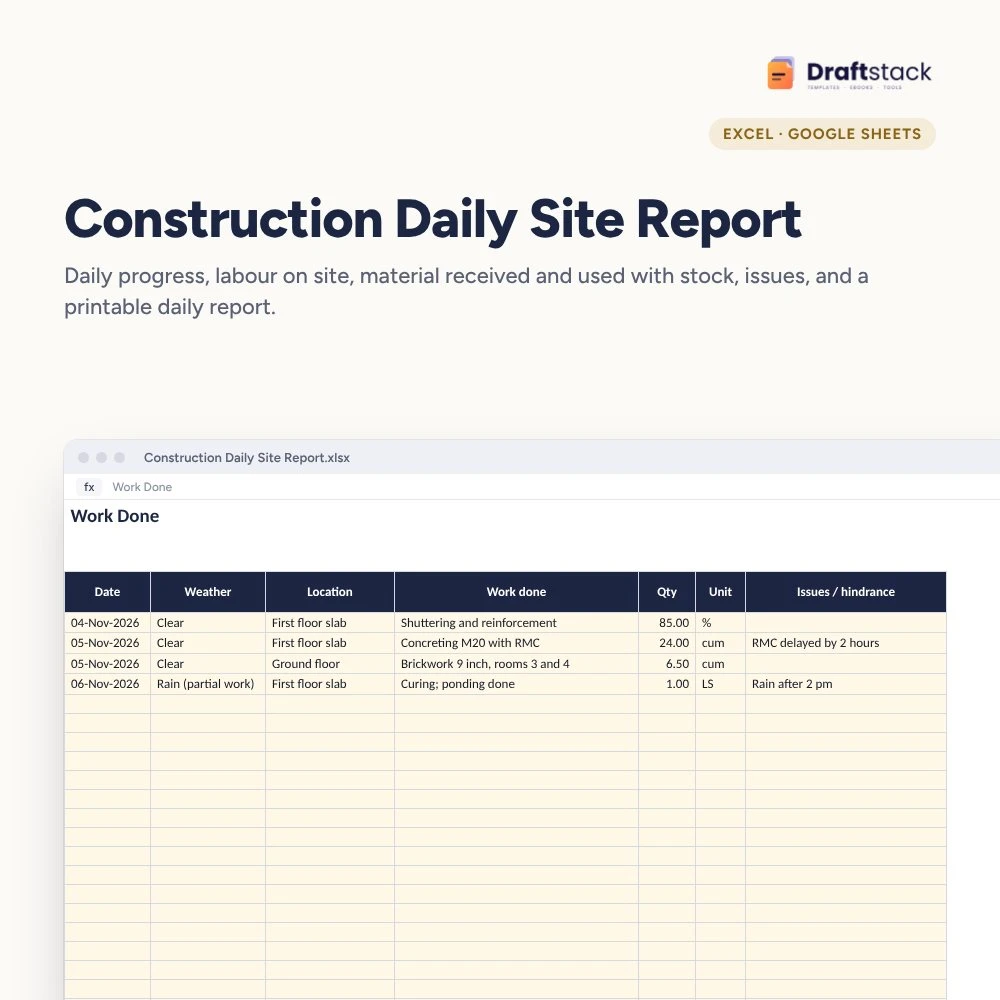
On a construction site, small daily facts decide big questions later: why the slab was late, where 50 bags of cement went, how many man-days the brickwork took. A daily site report written every evening answers all of them.
What it does
- Work Done: date, weather, location, work, quantity, unit and issues or hindrances
- Labour: count of masons, helpers, carpenters, bar benders and others each day, with wages and cost
- Material: cement, sand, aggregate, steel, bricks, blocks, tiles and paint received (with supplier, challan and rate) and used
- Daily Report: pick a date and print the day's work, labour, material and stock with signature lines
- Material Stock: received, used and stock at site, value bought, labour cost and man-days
Made for
Civil contractors, site engineers, builders and families supervising their own house construction.
What's inside
Everything you get
01
Work Done
Progress and hindrances
02
Labour
Trades and cost
03
Material
Received, used, stock
04
Daily Report
Printable
05
Material Stock
Spend to date
Files in your download
- XLSXConstruction_Daily_Site_Report.xlsx247 KB
- XLSXConstruction_Daily_Site_Report_SAMPLE.xlsx248 KB
How to use
Start in 5 simple steps
A step-by-step guide is also included inside your download.
- 1
Set up the project
Name and site
- 2
Write the day's work
Every evening
- 3
Count labour
By trade
- 4
Log material
With challans
- 5
Print and share
With owner
FAQ
Questions about this product
Is this for big projects or a house?
Both small and mid-size work: a house, a building or a contractor's several small sites (one file per site).
Can I add other materials?
Yes. Add names to the Material list on the Lists sheet, and to the report rows if you want them printed.
How is stock at site calculated?
Total received minus total used up to the selected date, for each material.
Does it track contractor bills?
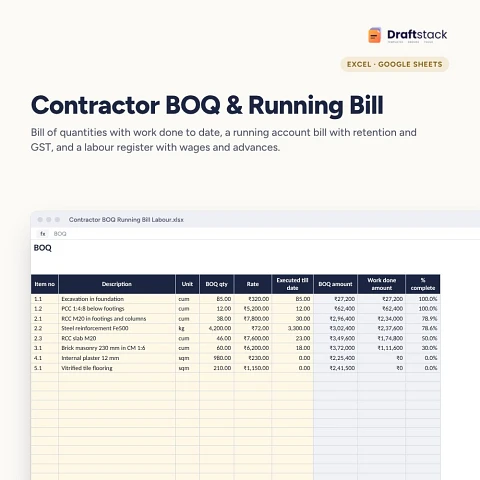
No. For running bills and BOQ, see our Contractor BOQ, Running Bill & Labour sheet.
Can the owner see it?
Share it as a Google Sheet with view access, or print the daily report.
How do I get the files after payment?
A download button appears on screen right after payment, and the link is emailed to you. You can also download again any time from My account.
Can I use it on my phone?
Yes. It works with Microsoft Excel, Google Sheets, WPS Office. Free mobile apps are enough.
What if something does not work?
Write to us within 7 days with your order number. We will fix it, send a working file, or refund you.
Our promiseEvery file is tested before launch. If something doesn't work, we fix it or refund you within 7 days. Refund policy
Complete the set
Goes well with this
Excel & Sheets
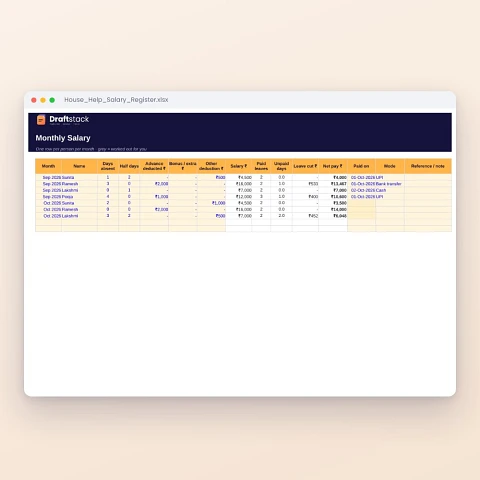
House Help Salary & Attendance Register (Excel): Maid, Cook, Driver, Nanny
Sale₹74₹24970% off