
 Pinterest
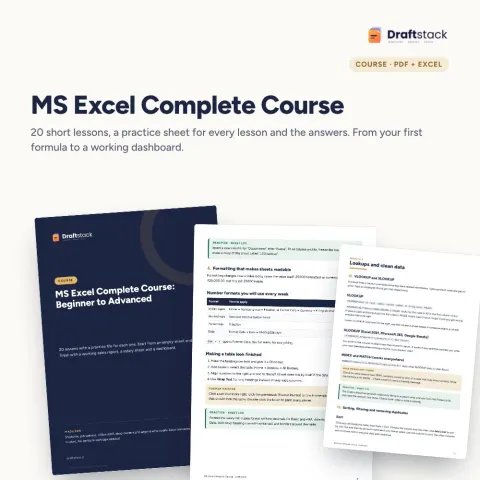
Courses & Ebooks
MS Excel Complete Course: Beginner to Advanced (20 Lessons + Practice Files)
Sale₹299₹99970% off
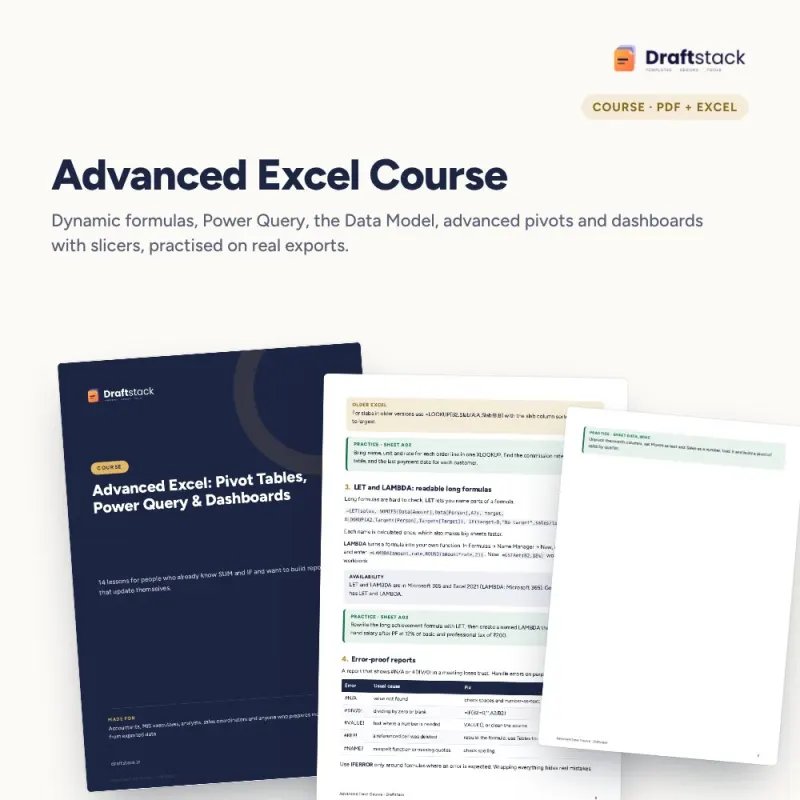
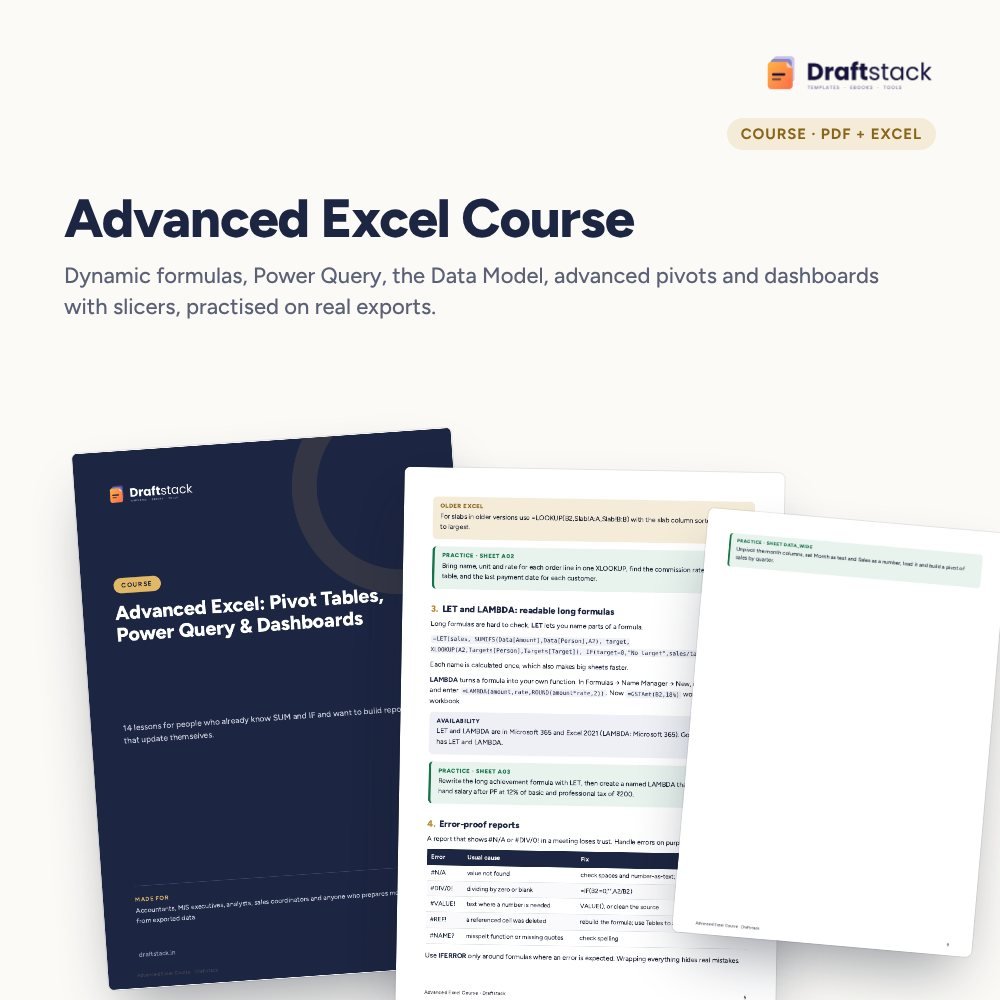
For people who know SUM and IF and now prepare monthly reports: learn dynamic formulas, Power Query, the Data Model and dashboards that refresh with one click.
 Get the whole Mega BundleCareer, Skills & Money Mega Bundle: Resume, Study, AI, Office & Tax Tools · ₹3,549 · you save ₹9,846See →
 This item: Advanced Excel Course: Pivot Tables, Power Query & Dashboards₹253
 MS Excel Complete Course: Beginner to Advanced (20 Lessons + Practice Files)₹299
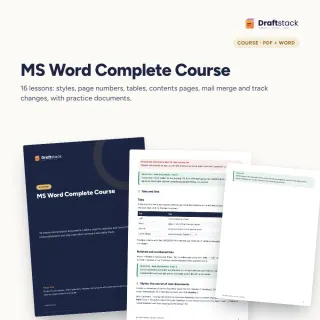 MS Word Complete Course with Practice Documents₹224
If your month-end means exporting from Tally or an ERP, copying into Excel, fixing dates and rebuilding the same pivot, this course is for you. It teaches the tools that do that work once and repeat it every month.
The PDF course book has 14 lessons. The practice file holds raw data shaped like real exports: a bank statement, three branch files, orders with customer and product masters and a wide monthly report. Formula answers are in the answer file and every Power Query lesson lists the exact steps.
14 lessons in 4 modules, PDF
Bank export, branch files, masters, wide report
Formula tasks solved
A monthly report that refreshes itself
A step-by-step guide is also included inside your download.
2016+ on Windows or Microsoft 365
Data sheets are the sources
Do each task
Use your real exports
Build the monthly pack
Yes. You should be comfortable with SUM, IF, VLOOKUP and a simple pivot. If not, start with the MS Excel Complete Course.
Power Query is built into Excel 2016 and newer on Windows, and in Microsoft 365 on Mac. Google Sheets does not have it; lessons 1 to 5 and 10 to 14 still work there.
No. It is a course book in PDF with practice files and answers. Each Power Query lesson lists the clicks step by step.
No. It focuses on Power Query, pivots and formulas, which cover most reporting work without code.
It is made-up data shaped like real exports from Indian banks and accounting software, so the problems you meet (text dates, summary rows, wide months) are the real ones.
A download button appears on screen right after payment, and the link is emailed to you. You can also download again any time from My account.
Yes. It works with Any phone, tablet or computer, Print-ready A4, Excel 2016+ / Microsoft 365. Free mobile apps are enough.
Write to us within 7 days with your order number. We will fix it, send a working file, or refund you.


Your free PDF is on its way to .
Not there in 2 minutes? Look in Promotions or Spam.