
 WhatsApp
 Pinterest
 New -75%
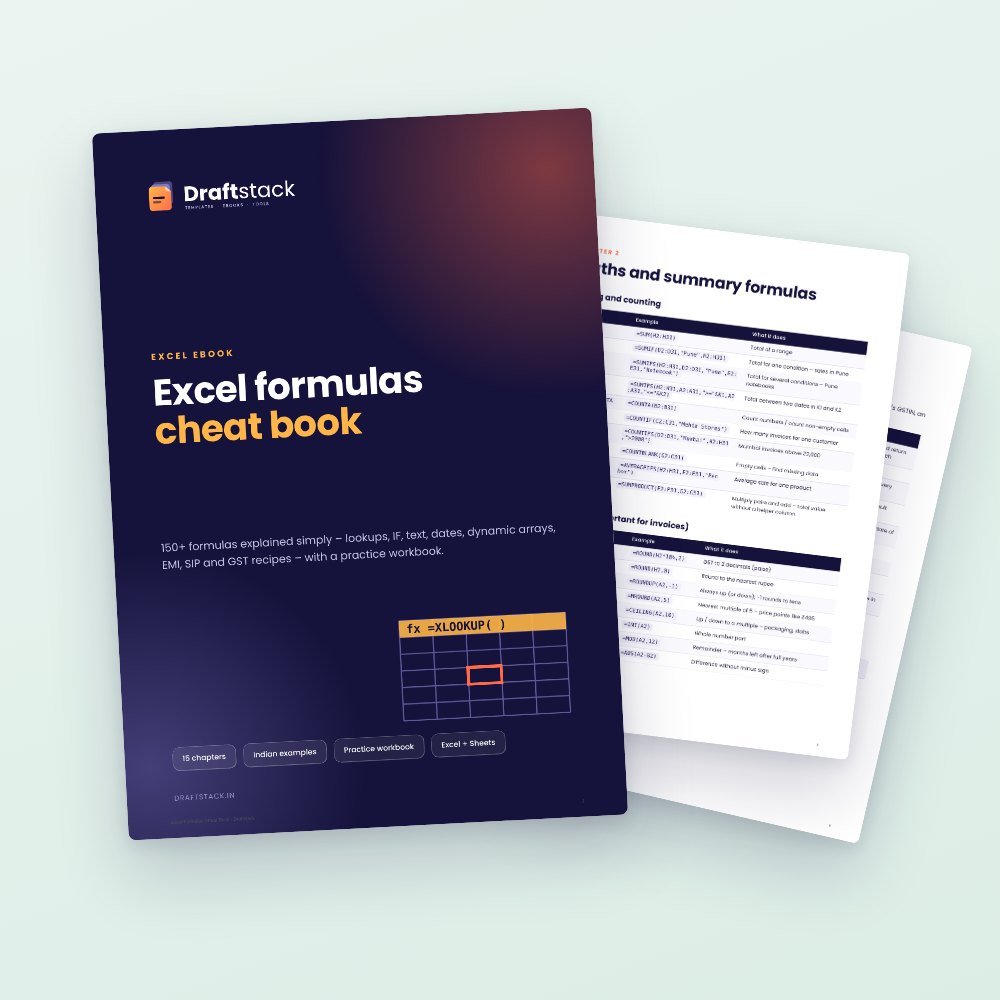
Excel Formulas Cheat Book + Practice Workbook (150+ Formulas)
150+ Excel formulas explained simply with Indian examples – lookups, IF, text, dates, dynamic arrays, EMI, SIP and GST recipes – plus a live practice workbook with 12 self-checking exercises.
₹149₹449Save ₹300 (67%)
Inclusive of all taxes · One-time payment · Instant download
Extra 20% off with code LAUNCH20 at checkout
Instant downloadOn screen + email
Secure paymentUPI · Cards · Net Banking
7-day helpFix or refund if faulty
Perfect for
Office staff and accountantsStudents and job seekersSmall business owners
What you get1 × PDF (24 pages) + 1 × .xlsx
Works withAny PDF reader · Excel 2016+ · Microsoft 365 · Google Sheets
DeliveryInstant download
LicencePersonal & own-business use
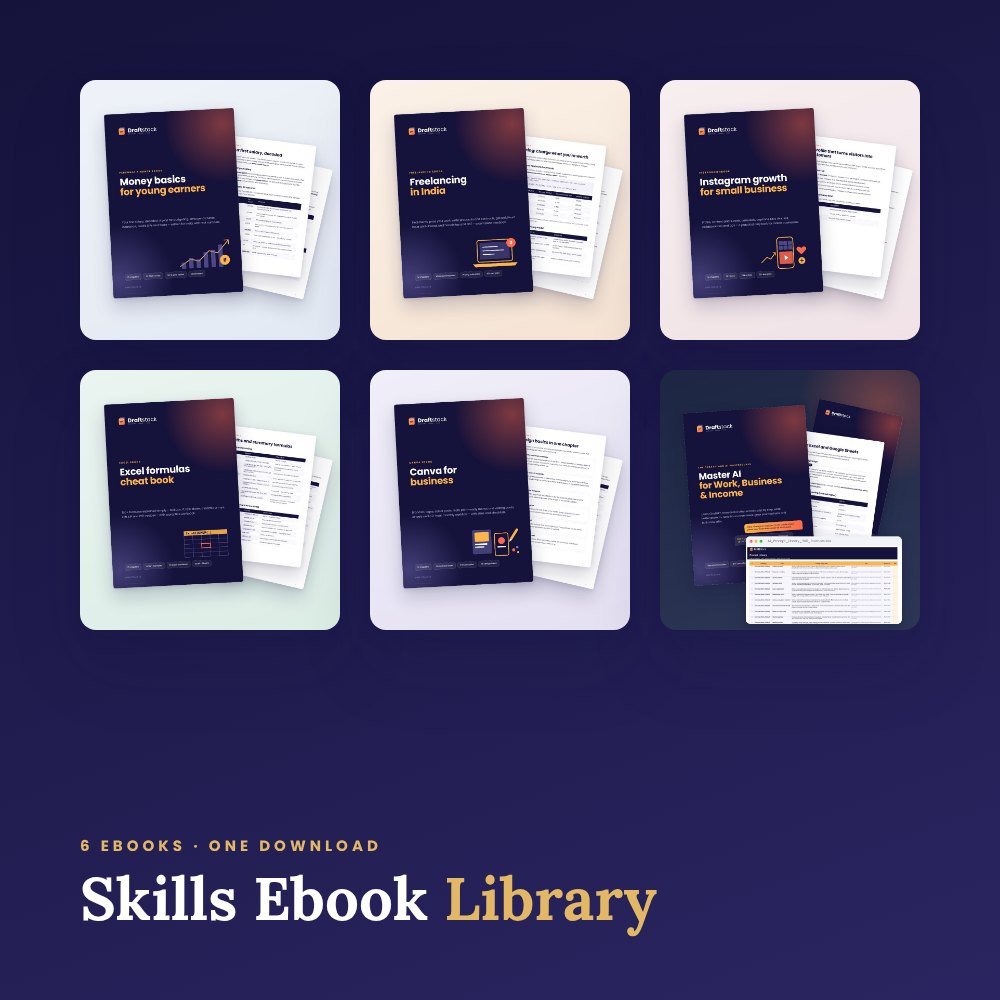 Save more in a bundleSkills Ebook Library · ₹599 · you save ₹675See →
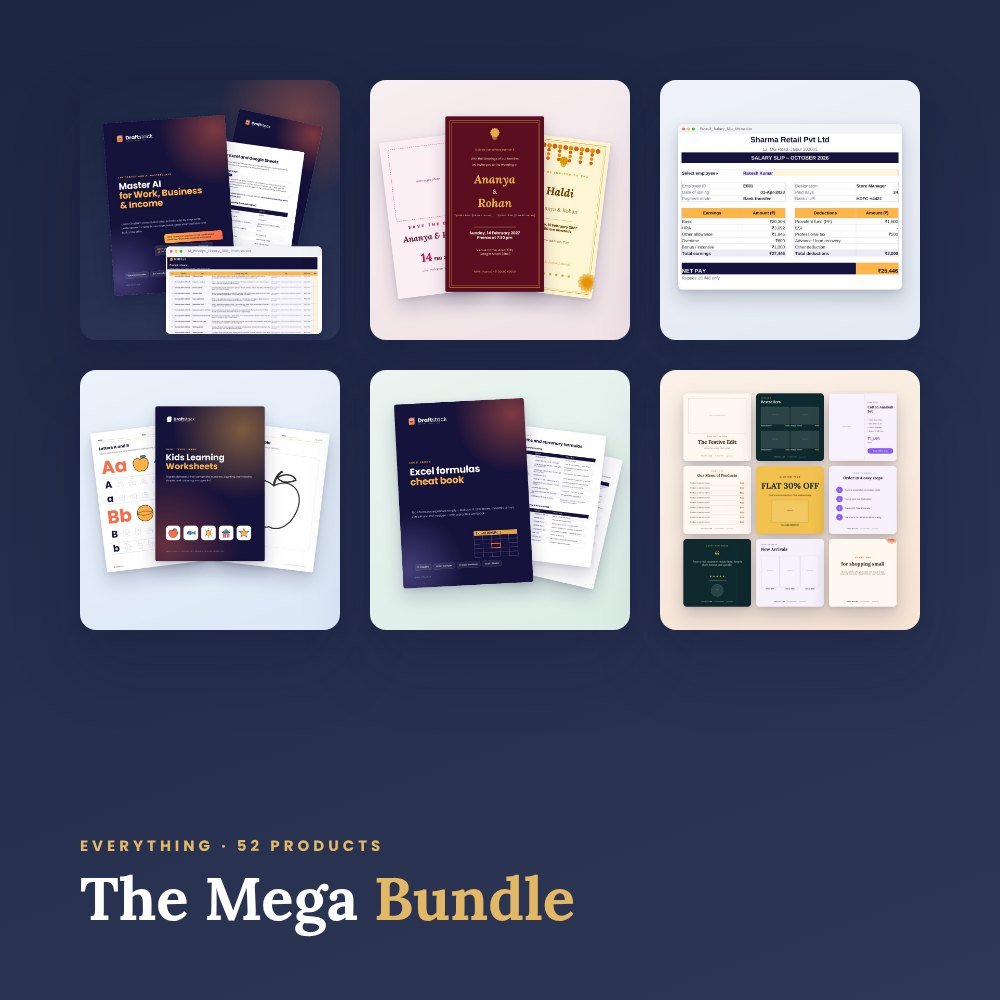 Get everything we makeDraftstack Mega Bundle: Everything · ₹1,999 · you save ₹6,819See →
Stop searching for the same formulas again and again.
Inside the cheat book
- Basics that prevent errors: $ references, tables, named cells
- SUMIFS, COUNTIFS, ROUND, RANK, SUBTOTAL
- IF, IFS, AND/OR, IFERROR, SWITCH with business examples
- VLOOKUP, INDEX + MATCH, XLOOKUP, two-way and slab lookups
- Text: TRIM, PROPER, TEXTJOIN, Indian number format, WhatsApp links
- Dates: EDATE, EOMONTH, DATEDIF, NETWORKDAYS, financial year and quarter
- Dynamic arrays: FILTER, UNIQUE, SORT, LET
- Money: EMI, SIP, XIRR, GST add/remove, CGST/SGST split
- Errors and fixes, 28 shortcuts, Google Sheets differences
- Project: a self-updating sales dashboard
Practice workbook
Every example working live, 12 self-checking exercises and the finished dashboard.
What's inside
Everything you get
01
PDF cheat book
15 chapters, 150+ formulas
02
Practice workbook (.xlsx)
Live examples by chapter
03
12 exercises
Check column turns green when you're right
04
Mini dashboard
Change the month and everything updates
Files in your download
- Excel_Formulas_Cheat_Book.pdf364 KB
- Excel_Formulas_Practice.xlsx346 KB
How to use
Start in 4 simple steps
A step-by-step guide is also included inside your download.
- 1
Read a chapter
10 minutes
- 2
Open the matching sheet
See the formula and live result
- 3
Try the exercises
Type your own formulas
- 4
Keep the quick reference
Chapter 15
FAQ
Questions about this product
Which Excel version do I need?
Most formulas work in Excel 2010+. IFS/TEXTJOIN need 2019+, XLOOKUP and FILTER need 2021/365 or Google Sheets – the book marks these.
Is it for beginners?
Yes. It starts with the basics and builds up.
How do I get the files after payment?
A download button appears on screen right after payment, and the link is emailed to you. You can also download again any time from My account.
Can I use it on my phone?
Yes. It works with Any PDF reader, Excel 2016+, Microsoft 365, Google Sheets. Free mobile apps are enough.
What if something does not work?
Write to us within 7 days with your order number. We will fix it, send a working file, or refund you.
Our promiseEvery file is tested before launch. If something doesn't work, we fix it or refund you within 7 days. Refund policy
More to explore
You may also like
New -75%
 New -67%
 New -63%
 New -60%