
 Pinterest
 New
Courses & Ebooks
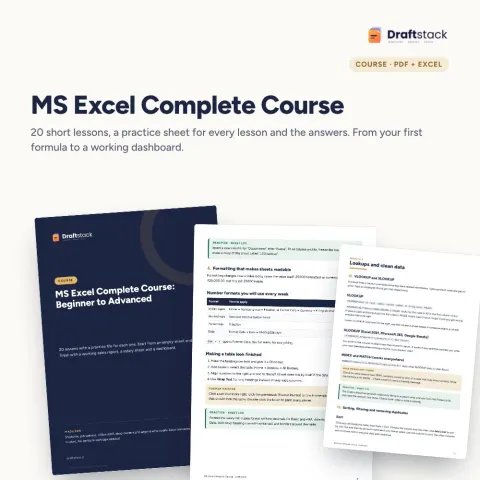
MS Excel Complete Course: Beginner to Advanced (20 Lessons + Practice Files)
Sale₹299₹99970% off
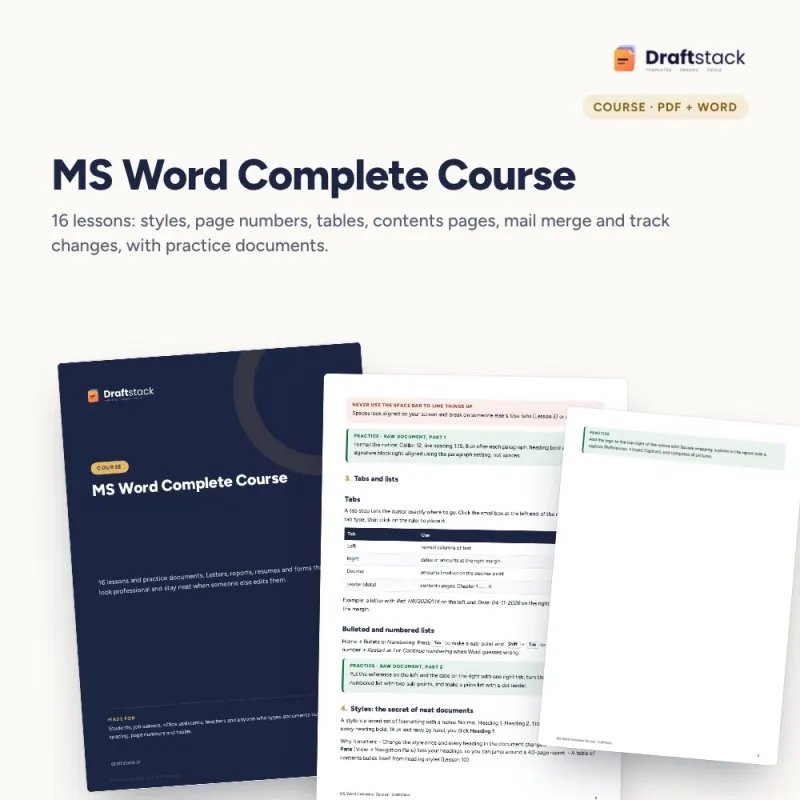
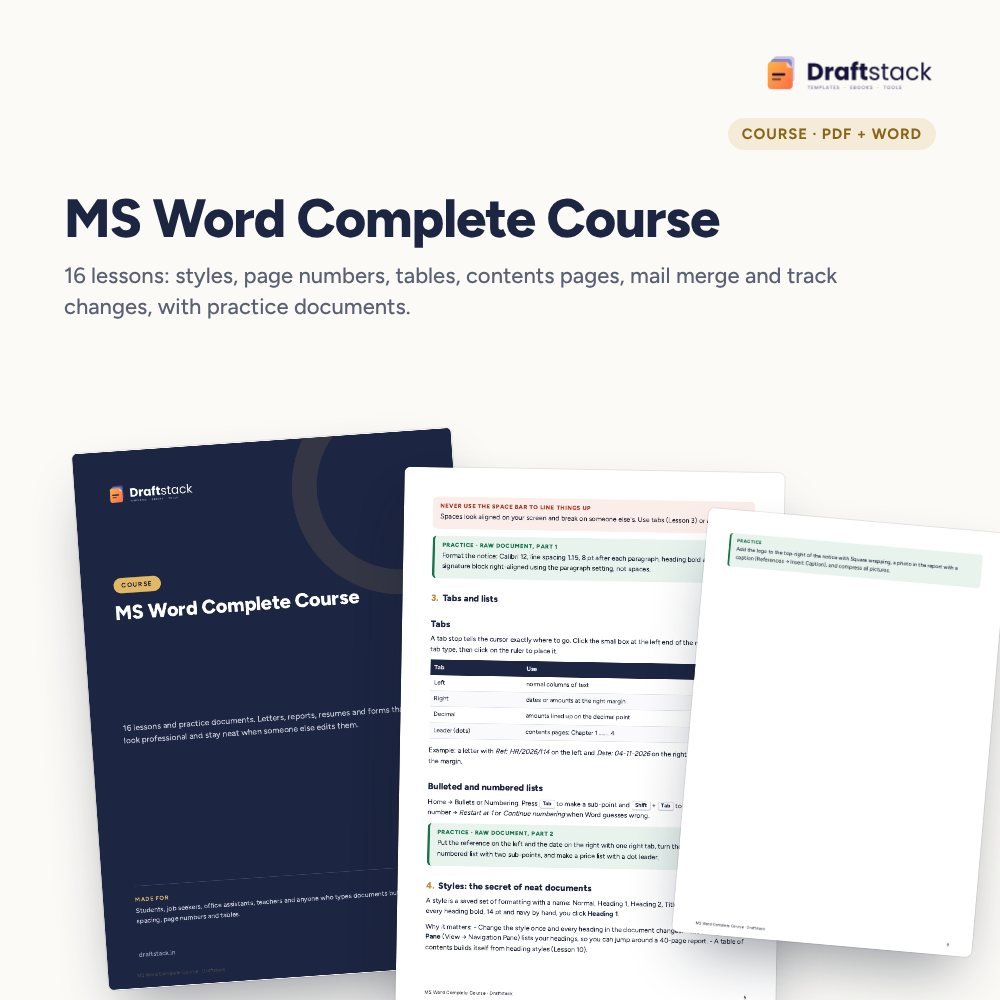
Stop fighting with spacing and page numbers. Learn the proper way to make letters, reports, resumes and forms in Word, in 16 short lessons with practice documents.
 Get the whole Mega BundleCareer, Skills & Money Mega Bundle: Resume, Study, AI, Office & Tax Tools · ₹2,949 · you save ₹10,446See →
 This item: MS Word Complete Course with Practice Documents₹168
 MS Excel Complete Course: Beginner to Advanced (20 Lessons + Practice Files)₹299
 Advanced Excel Course: Pivot Tables, Power Query & Dashboards₹337
Most people learn Word by trial and error, so a small edit at the top of a report pushes every heading to the wrong page. This course teaches the habits that keep documents neat: styles, tabs, section breaks and tables.
Read one short lesson in the PDF and do the task in the raw practice document. The finished document shows the result, and an Excel list is included for the mail merge lesson. It is a reading course with files, not videos.
16 lessons in 3 modules, PDF
Raw text for every task + the finished version
Excel list of 12 students for fee reminders
Keyboard shortcuts and a self-check list
A step-by-step guide is also included inside your download.
Phone or print
Work on a copy
Then compare with the finished file
With the Excel list
Letter, quote, report
No. It is a PDF course book with practice documents. Each lesson is short and ends with a task.
Most lessons do. Mail merge and some layout features are Word-only; the lessons say where Google Docs differs.
If you use the space bar to line things up, press Enter to reach a new page, or type the contents page by hand, this course will save you hours.
It teaches how to build them properly. For ready formats, see our Office, HR & Cover Letter Templates and Fresher Resume Pack.
Word 2016 or newer, or Microsoft 365. The free Word app on phones covers the basic lessons.
A download button appears on screen right after payment, and the link is emailed to you. You can also download again any time from My account.
Yes. It works with Any phone, tablet or computer, Print-ready A4, Word 2016+ / Microsoft 365 / Google Docs. Free mobile apps are enough.
Write to us within 7 days with your order number. We will fix it, send a working file, or refund you.
New
 New
 New
 New

Your free PDF is on its way to .
Not there in 2 minutes? Look in Promotions or Spam.