WhatsApp
 Pinterest
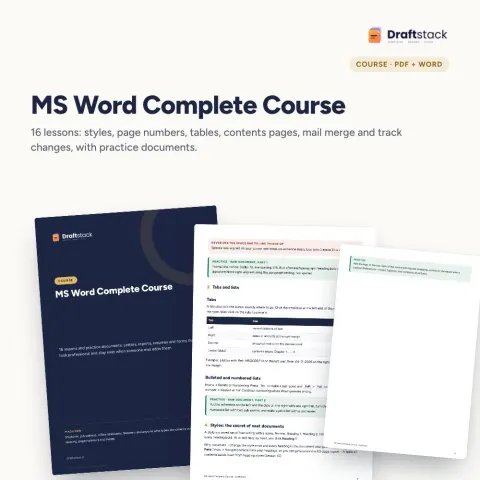

MS PowerPoint Course + 25 Slide Templates
Learn to plan a talk, build clear slides fast with layouts and the Slide Master, and present with confidence. Comes with 25 ready slide layouts you can reuse.
₹196₹899Save ₹703 (78%)
Inclusive of all taxes · One-time payment · Instant download
See a free sample (PDF) Diwali Sale: 25% off, ends 09 Nov, 12:00 AM
Instant downloadOn screen + email
Secure paymentUPI · Cards · Net Banking
7-day helpFix or refund if faulty
Perfect for
Students preparing seminars and project presentationsJob seekers with interview presentationsOffice staff and business owners presenting to managers, clients or banks
What you getCourse book (PDF) + 25 slide layouts (.pptx) + practice deck (.pptx)
Works withAny phone, tablet or computer · Print-ready A4 · PowerPoint 2016+ / Google Slides / WPS
DeliveryInstant download
LicencePersonal & own-business use
 Get the whole Mega BundleCareer, Skills & Money Mega Bundle: Resume, Study, AI, Office & Tax Tools · ₹3,549 · you save ₹9,846See →
Frequently bought together
 This item: MS PowerPoint Course + 25 Slide Templates₹196
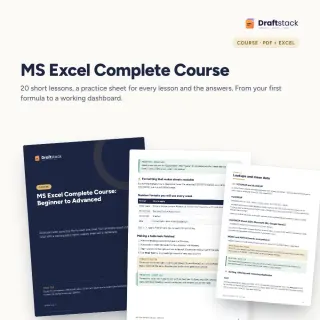 MS Excel Complete Course: Beginner to Advanced (20 Lessons + Practice Files)₹299
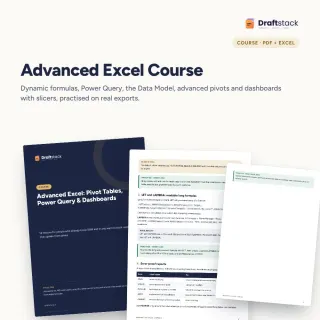 Advanced Excel Course: Pivot Tables, Power Query & Dashboards₹337
All three: ₹832Sale prices
Most presentations fail before the first slide: too many words, no clear point, ten fonts. This course fixes the thinking and the tools together, so your next deck takes an hour instead of a night.
What you learn
- Planning: audience, the one thing you want, a simple story (situation, problem, solution, proof, ask), how many slides
- Building fast: layouts, Outline view, themes and the Slide Master, readable text, pictures, icons, SmartArt
- Charts and tables with one highlight colour and a headline title
- Presenting: transitions used lightly, Morph, speaker notes, Presenter View, rehearsing, PDF and video export
Templates included
25 slide layouts in a clean navy and gold style: title, agenda, about me, problem, solution, two columns, comparison, chart, key numbers, process, team, timeline, pricing, quote, risks, summary, next steps, contact and thank you. A table in the book shows which slides to combine for a seminar, interview, client pitch or bank loan presentation.
What's inside
Everything you get
01
Course book
12 lessons in 3 modules, PDF
02
25 slide layouts
Editable .pptx, 16:9
03
Practice deck
A rough 8-slide deck to fix
04
Checklist
What to check before any presentation
Files in your download
- PDFPowerPoint_Course.pdf419 KB
- PPTXPowerPoint_25_Slide_Layouts.pptx58 KB
- PPTXPowerPoint_Practice_Deck.pptx37 KB
How to use
Start in 5 simple steps
A step-by-step guide is also included inside your download.
- 1
Read lessons 1 and 2
Plan before you open PowerPoint
- 2
Fix the practice deck
Lesson by lesson
- 3
Open the 25 layouts
Pick the slides you need
- 4
Add your colours
In the Slide Master
- 5
Rehearse
Presenter View and a timer
FAQ
Questions about this product
Can I use the slide layouts for my office or college work?
Yes. Use them for your own presentations as many times as you like. Replace the text, colours and footer with your own.
Do the slides work in Google Slides?
Yes. Upload the .pptx to Google Drive and open it with Google Slides. Fonts and layouts carry over.
Is this a video course?
No. It is a short PDF course book with a practice deck and the slide file. Each lesson has a task.
Will it help with interview presentations?
Yes. Lesson 11 lists which slides to use for an interview presentation, and the book covers how to plan and rehearse it.
Which PowerPoint version do I need?
PowerPoint 2016 or newer, Microsoft 365, Google Slides or WPS. Morph and Rehearse with Coach need Microsoft 365.
How do I get the files after payment?
A download button appears on screen right after payment, and the link is emailed to you. You can also download again any time from My account.
Can I use it on my phone?
Yes. It works with Any phone, tablet or computer, Print-ready A4, PowerPoint 2016+ / Google Slides / WPS. Free mobile apps are enough.
What if something does not work?
Write to us within 7 days with your order number. We will fix it, send a working file, or refund you.
Our promiseEvery file is tested before launch. If something doesn't work, we fix it or refund you within 7 days. Refund policy
Complete the set
Goes well with this
Courses & Ebooks
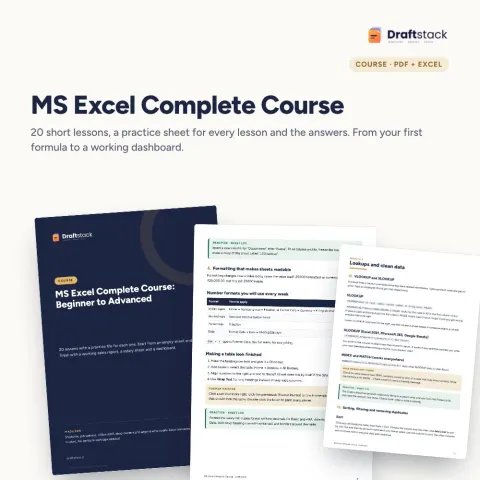
MS Excel Complete Course: Beginner to Advanced (20 Lessons + Practice Files)
Sale₹299₹99970% off
Docs & Templates
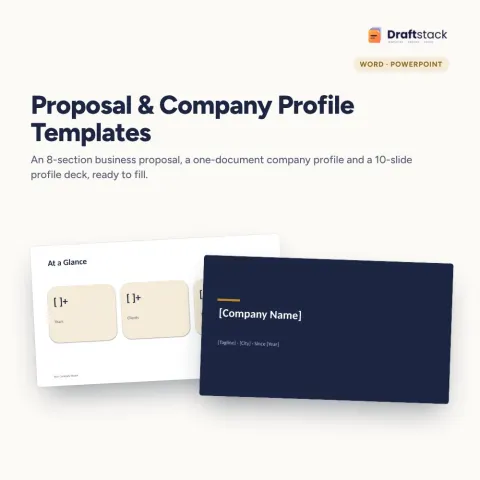
Business Proposal & Company Profile Templates (Word + PowerPoint)
Sale₹187₹69973% off
Courses & Ebooks
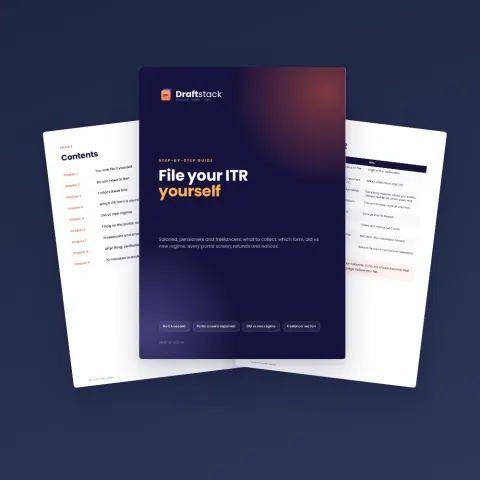
File Your ITR Yourself: Step-by-Step Guide for Salaried, Pensioners & Freelancers (Ebook)
Sale₹112₹39972% off