WhatsApp
 Pinterest
 New
New
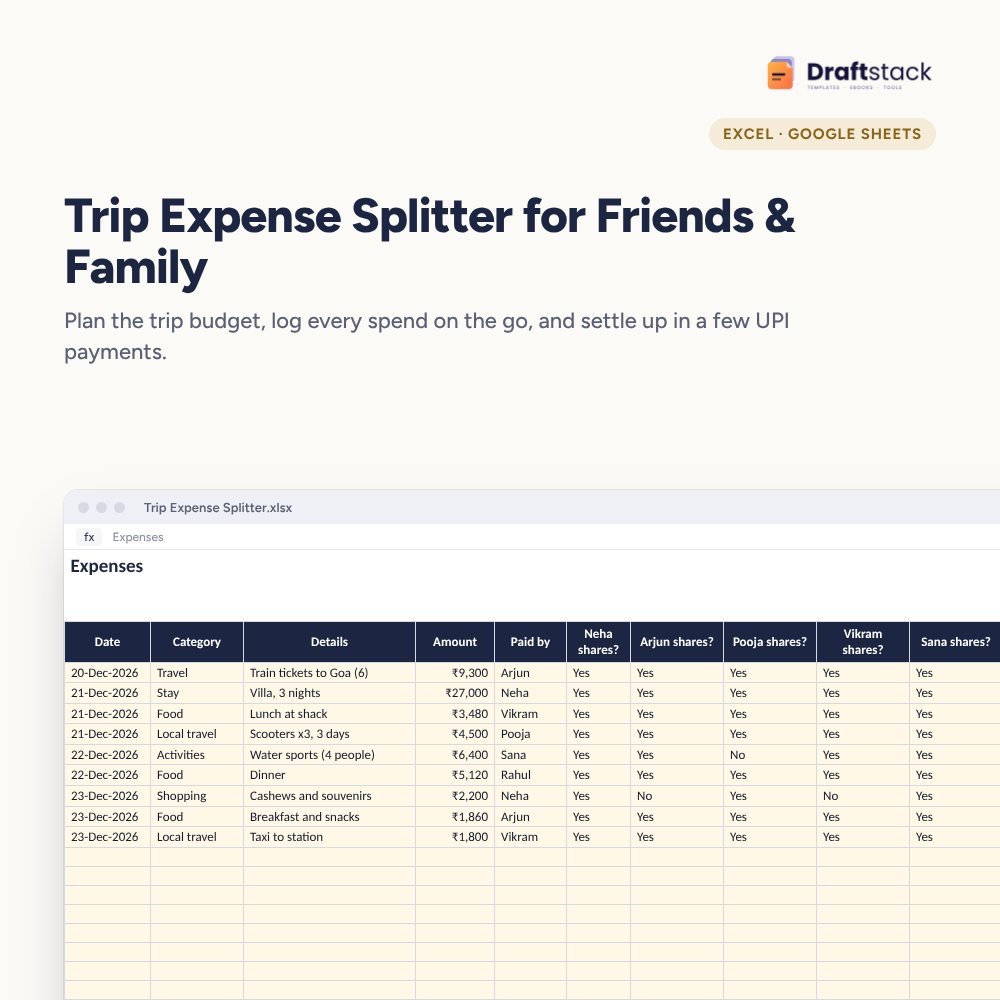
Trip Expense Splitter for Friends & Family (Excel)
Plan a group trip budget, log every spend from your phone on the go, split each one only among the people who shared it, and settle up after the trip in a few UPI payments.
₹99₹249Save ₹150 (60%)
Inclusive of all taxes · One-time payment · Instant download
1 offer for you
Instant downloadOn screen + email
Secure paymentUPI · Cards · Net Banking
7-day helpFix or refund if faulty
Perfect for
Friends planning a group tripFamilies travelling togetherOffice trips and offsites
What you get2 × .xlsx (blank + sample)
Works withMicrosoft Excel · Google Sheets · WPS Office
DeliveryInstant download
LicencePersonal & own-business use
Frequently bought together
This item: Trip Expense Splitter for Friends & Family (Excel)₹99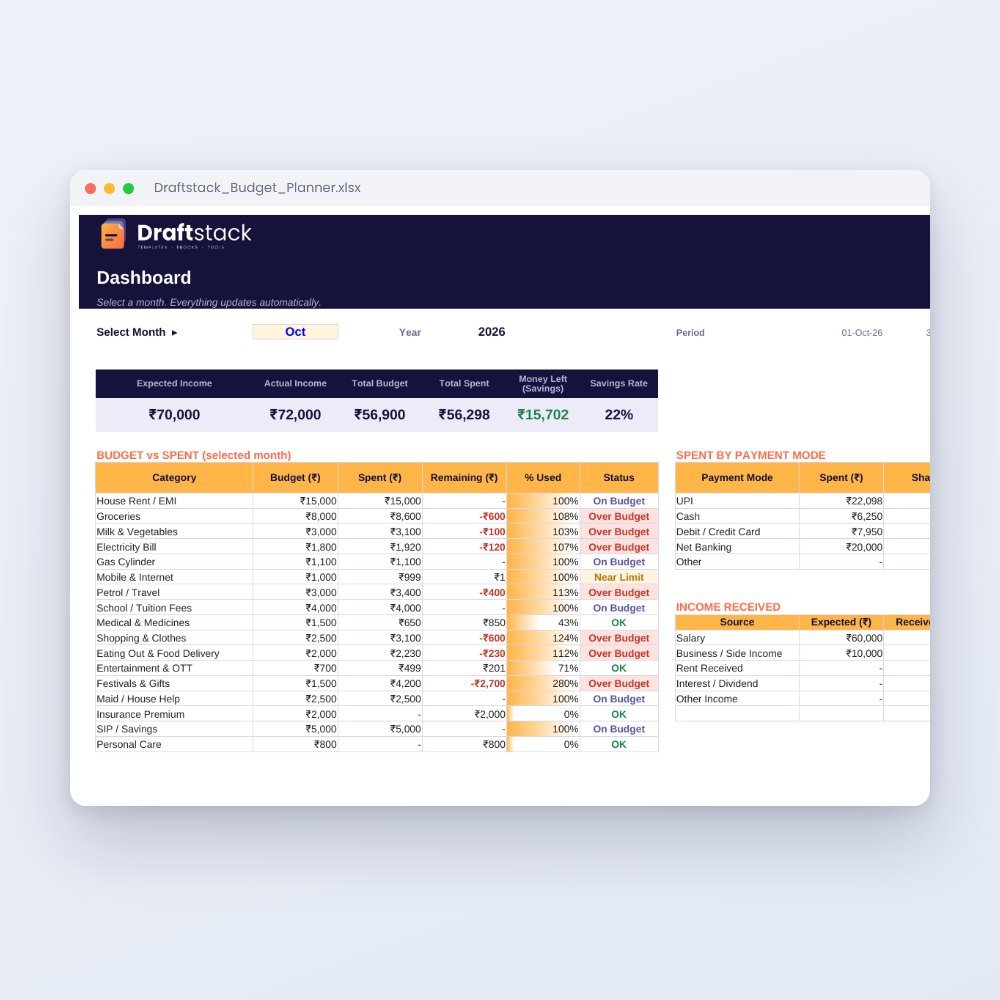 Monthly Family Budget Planner₹149
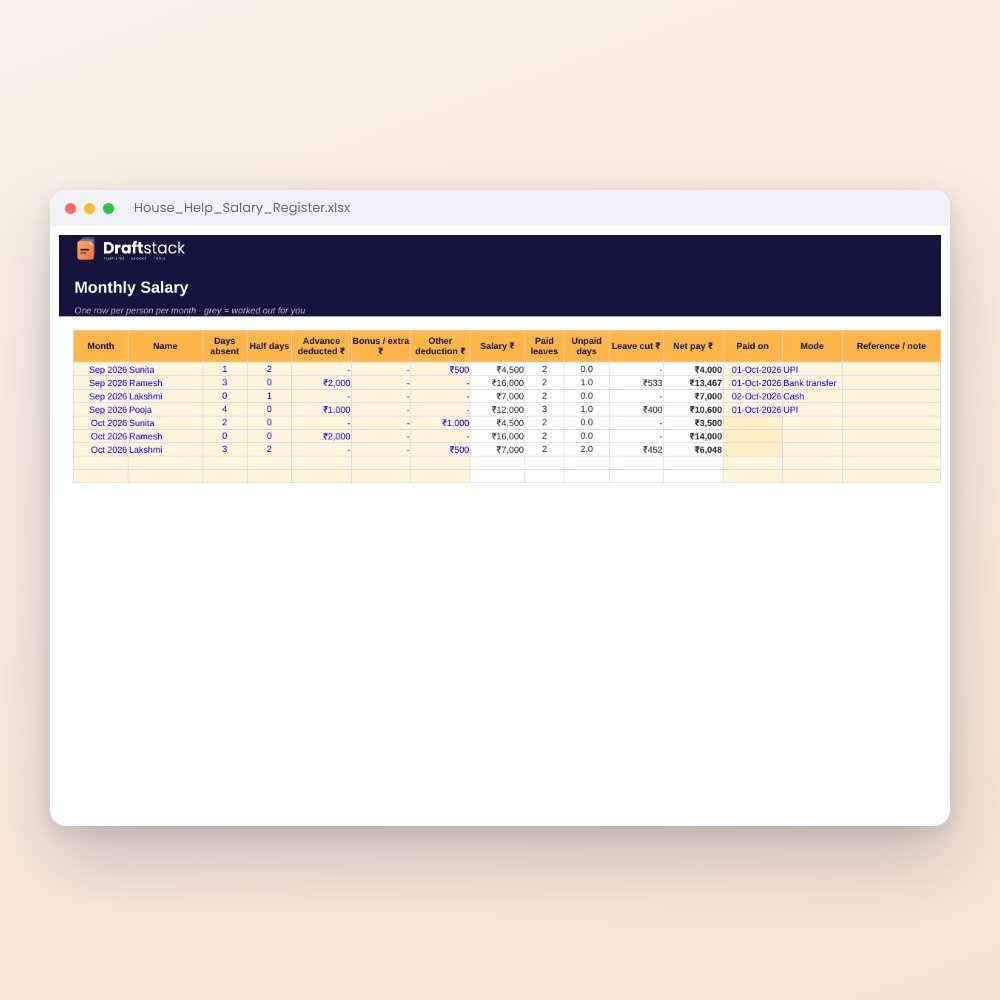 House Help Salary & Attendance Register (Excel): Maid, Cook, Driver, Nanny₹99
All three: ₹312₹347Extra 10% off
Made for India
UPI includedMade for how India pays today.
Amounts in ₹Money columns are already set to rupees.
Share on WhatsAppSend it straight to family or customers.
Priced in rupeesPay in ₹. Download right after payment.
Group trips are fun until the WhatsApp message "so who owes what?" arrives. One person booked the villa, another paid for trains, and two people skipped the water sports. This sheet sorts it out fairly.
What it does
- Trip Plan: trip name, dates, people and a budget for each category (travel, stay, food, activities and more)
- Expenses: amount, who paid and a Yes/No for each of up to 6 people, so a spend is split only among those who shared it
- Balances: what each person paid, their share and a clear 'Gets' or 'Owes'
- Budget vs spent for each category, per person and per day
- Settle-ups to record payments after the trip
Made for the phone
Share it on Google Drive before you leave. Anyone can add a spend from the Google Sheets app in a few seconds.
What's inside
Everything you get
01
Trip Plan
Dates and category budgets
02
Expenses
Per-person sharing for 6 people
03
Balances
Who gets and who owes
04
Blank + sample
Sample Goa trip for six friends
Files in your download
- XLSXTrip_Expense_Splitter.xlsx35 KB
- XLSXTrip_Expense_Splitter_SAMPLE.xlsx36 KB
How to use
Start in 5 simple steps
A step-by-step guide is also included inside your download.
- 1
Add names
Up to 6 people
- 2
Set budgets
By category
- 3
Log spends
Mark who shares
- 4
Check balances
After the trip
- 5
Settle up
Biggest debtor first
FAQ
Questions about this product
Can I use it for a family trip?
Yes. Use families as 'people' (for example 'Sharma family') if each family pays its own share.
What if someone joins only for two days?
Mark them No on spends from the days they weren't there.
Does it work offline?
In the Excel app, yes. Google Sheets syncs when you're back online.
Can more than six people use it?
It's set up for six. For bigger groups, split into families or sub-groups.
Is there an app to install?
No. It's a spreadsheet; use the free Google Sheets or Excel app.
How do I get the files after payment?
A download button appears on screen right after payment, and the link is emailed to you. You can also download again any time from My account.
Can I use it on my phone?
Yes. It works with Microsoft Excel, Google Sheets, WPS Office. Free mobile apps are enough.
What if something does not work?
Write to us within 7 days with your order number. We will fix it, send a working file, or refund you.
Our promiseEvery file is tested before launch. If something doesn't work, we fix it or refund you within 7 days. Refund policy
Complete the set
Goes well with this
New
 New
New
 New
New
New
New
Excel & Sheets
House Help Salary & Attendance Register (Excel): Maid, Cook, Driver, Nanny
₹99₹24960% off