WhatsApp
 Pinterest
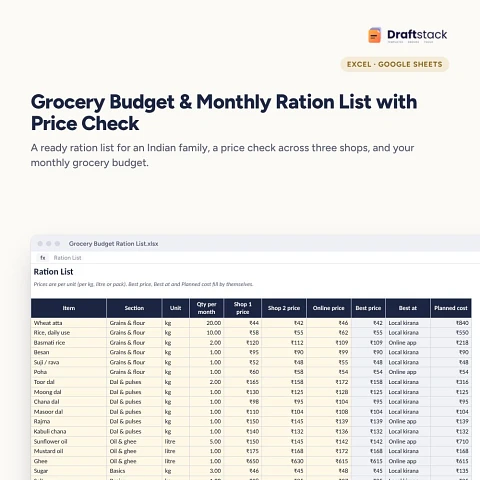
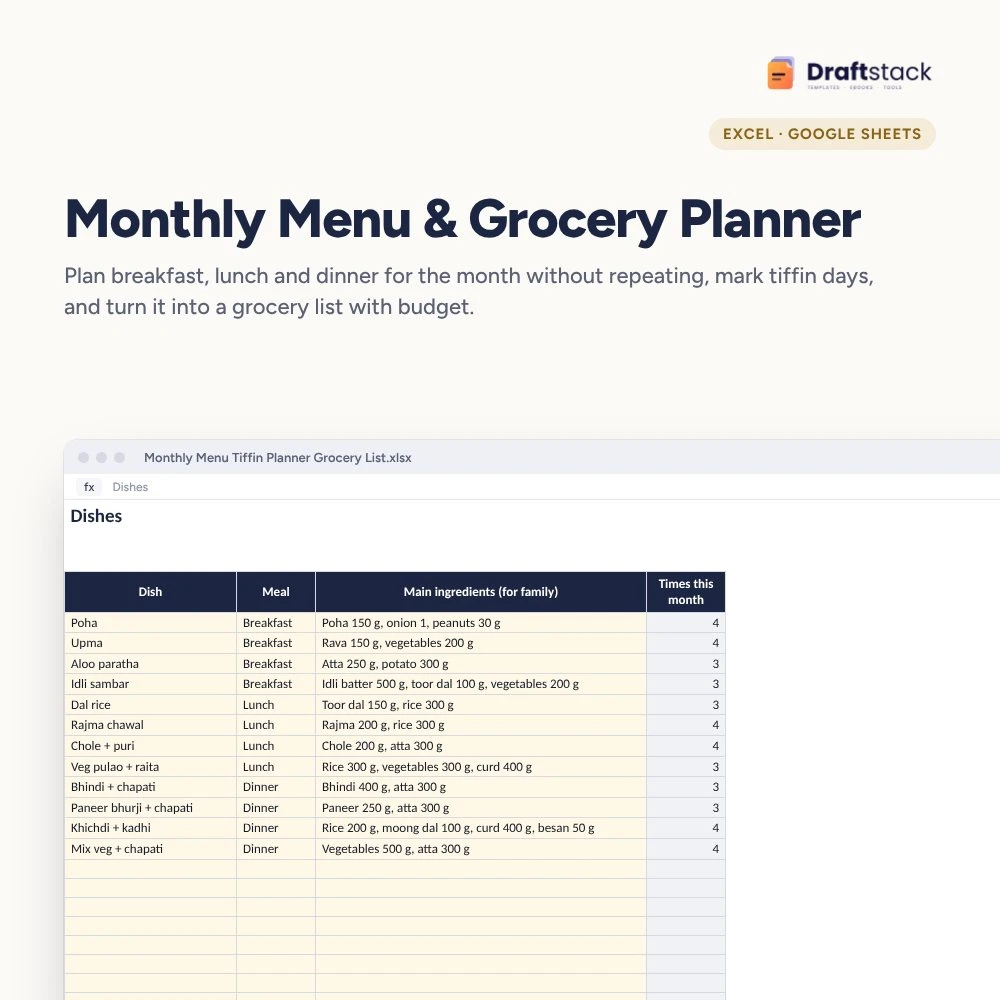
Monthly Menu Planner, Tiffin Planner & Grocery List (Excel)
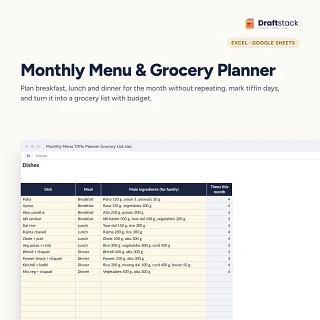
Decide what to cook once a month: plan breakfast, lunch and dinner for every date from your own dish list, mark tiffin meals, catch dishes repeated within a week, and turn the plan into a grocery list with quantities, cost and budget.
₹74₹299Save ₹225 (75%)
Inclusive of all taxes · One-time payment · Instant download
See a free sample (PDF) Black Friday Sale: 25% off, ends 01 Dec, 12:00 AM
Instant downloadOn screen + email
Secure paymentUPI · Cards · Net Banking
7-day helpFix or refund if faulty
Perfect for
Homemakers and working parentsFamilies with school tiffinsAnyone tired of deciding what to cook
What you get2 × .xlsx (blank + sample)
Works withMicrosoft Excel · Google Sheets · WPS Office
DeliveryInstant download
LicencePersonal & own-business use
 Get the whole Mega BundleHome, Family & Events Mega Bundle: Budgets, Savings, Wedding & Festival Kits · ₹3,649 · you save ₹5,971See →
The daily question of what to cook takes more energy than the cooking. A monthly menu solves it, keeps meals varied and makes grocery shopping faster. This planner is built around Indian family meals and school or office tiffins.
What it does
- Dishes: your family's dishes by meal with main ingredients, and how often each is used this month
- Menu: breakfast, lunch and dinner for each date from drop-downs, the tiffin meal marked, and an alert when a lunch or dinner repeats within 3 days
- Grocery List: monthly need, what you have, quantity to buy, price and cost
- Summary: days planned, tiffin days, repeats, dishes used, grocery cost against your budget and cost by group
Sample includes 12 common dishes and 19 grocery items. Replace them with your family's favourites.
What's inside
Everything you get
01
Dishes
Your family list
02
Menu
Month by date
03
Grocery List
Quantity and cost
04
Summary
Budget and variety
Files in your download
- XLSXMonthly_Menu_Tiffin_Planner_Grocery_List.xlsx28 KB
- XLSXMonthly_Menu_Tiffin_Planner_Grocery_List_SAMPLE.xlsx28 KB
How to use
Start in 5 simple steps
A step-by-step guide is also included inside your download.
- 1
List your dishes
By meal
- 2
Plan the month
20 minutes
- 3
Mark tiffin meals
School or office
- 4
Make the grocery list
Need minus have
- 5
Stick it in the kitchen
Print
FAQ
Questions about this product
Can I plan only lunch and dinner?
Yes. Leave breakfast blank; everything else works.
How does the repeat alert work?
If the same lunch or dinner appears within the previous 3 days, the date is highlighted.
Does it calculate ingredients from the menu?
It lists main ingredients per dish for reference; the grocery list uses your monthly quantities so it stays simple and accurate.
Can I share it with my family?
Yes. Use Google Sheets to share, or print the menu for the kitchen.
Is it good for a tiffin business?
It is made for families. For subscribers and billing, see our Tiffin & Mess Service Kit.
Will it send alerts to my phone?
No. The alerts show inside the file: coloured status and ready lists when you open it. A spreadsheet cannot send phone, email or WhatsApp notifications, so open it once a week, or set a phone reminder for the big dates.
How do I get the files after payment?
A download button appears on screen right after payment, and the link is emailed to you. You can also download again any time from My account.
Can I use it on my phone?
Yes. It works with Microsoft Excel, Google Sheets, WPS Office. Free mobile apps are enough.
What if something does not work?
Write to us within 7 days with your order number. We will fix it, send a working file, or refund you.
Our promiseEvery file is tested before launch. If something doesn't work, we fix it or refund you within 7 days. Refund policy
Complete the set
Goes well with this
Excel & Sheets
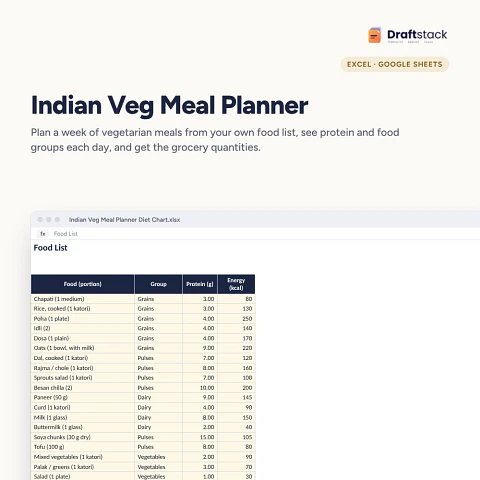
Indian Vegetarian Meal Planner & Diet Chart in Excel (Protein + Food Groups)
Sale₹74₹29975% off
Excel & Sheets
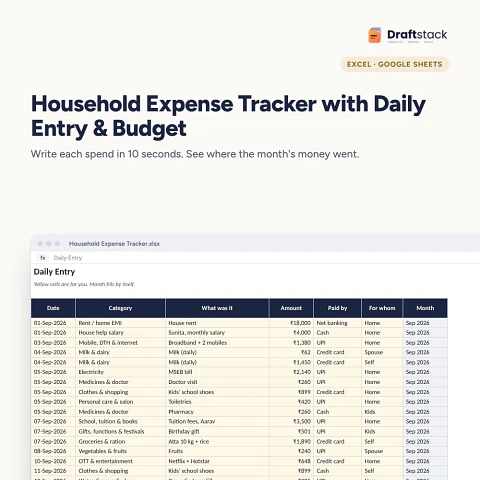
House Help Salary & Attendance Register (Excel): Maid, Cook, Driver, Nanny
Sale₹74₹24970% off