WhatsApp
 Pinterest
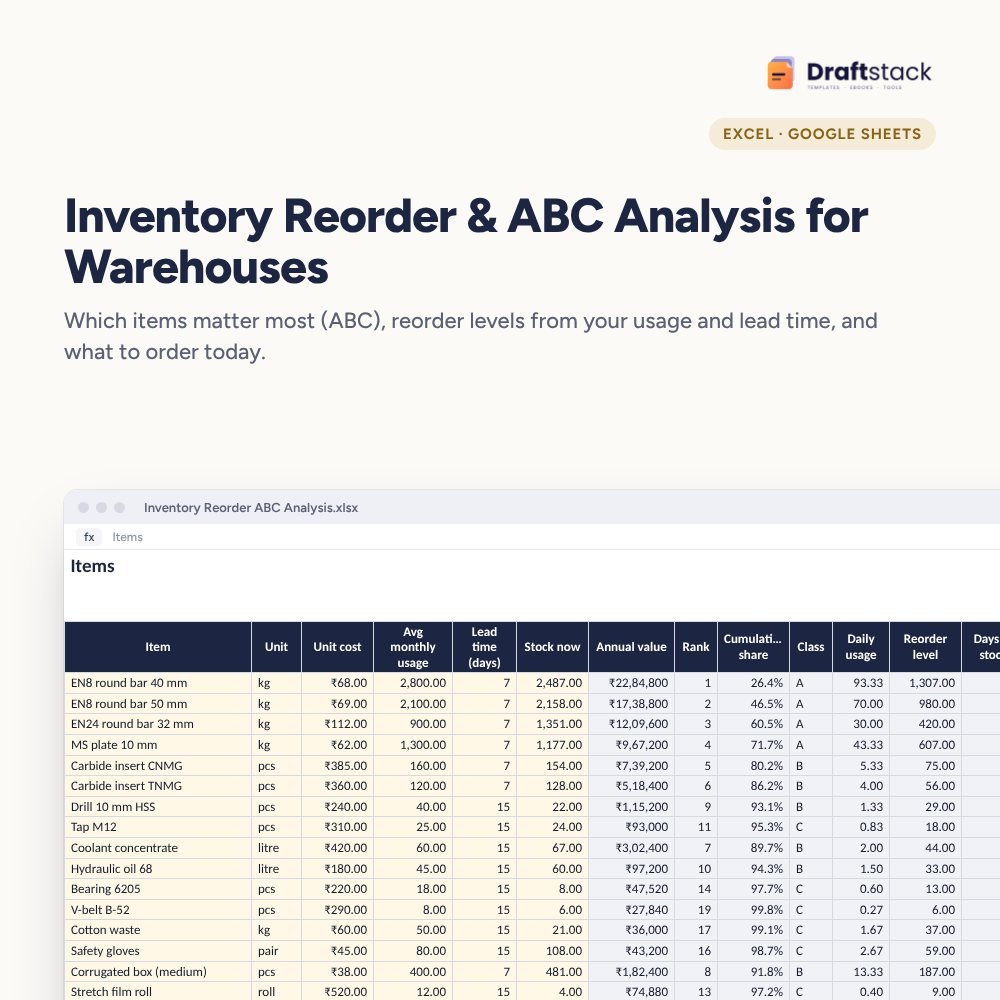
Inventory Reorder & ABC Analysis for Warehouses (Excel)
Find the few items that tie up most of your money (ABC analysis), set reorder levels from real usage and lead times, and get a daily list of what to order and how much.
₹399₹899Save ₹500 (56%)
Inclusive of all taxes · One-time payment · Instant download
1 offer for you
Instant downloadOn screen + email
Secure paymentUPI · Cards · Net Banking
7-day helpFix or refund if faulty
Perfect for
Stores and warehouse managersPurchase teamsFactory owners and distributors
What you get2 × .xlsx (blank + sample)
Works withMicrosoft Excel · Google Sheets · WPS Office
DeliveryInstant download
LicencePersonal & own-business use
Frequently bought together
This item: Inventory Reorder & ABC Analysis for Warehouses (Excel)₹399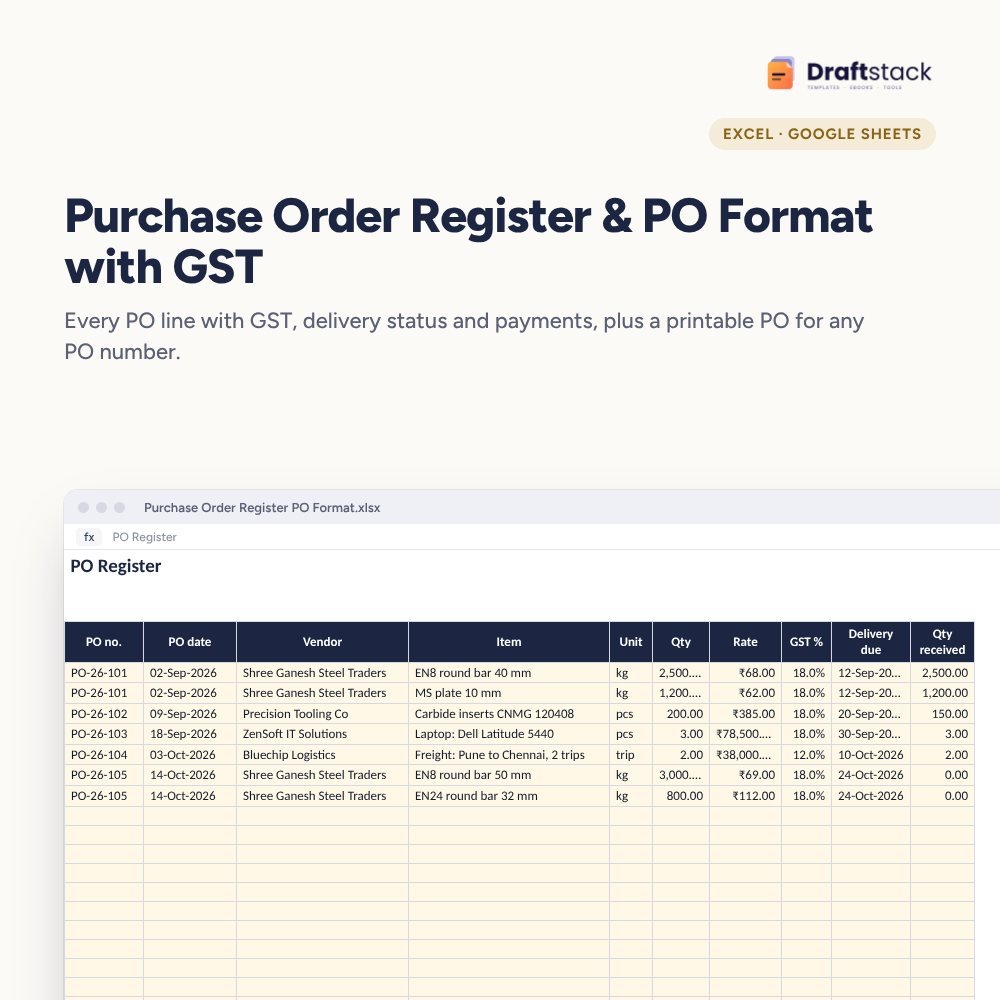 Purchase Order Register & PO Format with GST (Excel)₹299
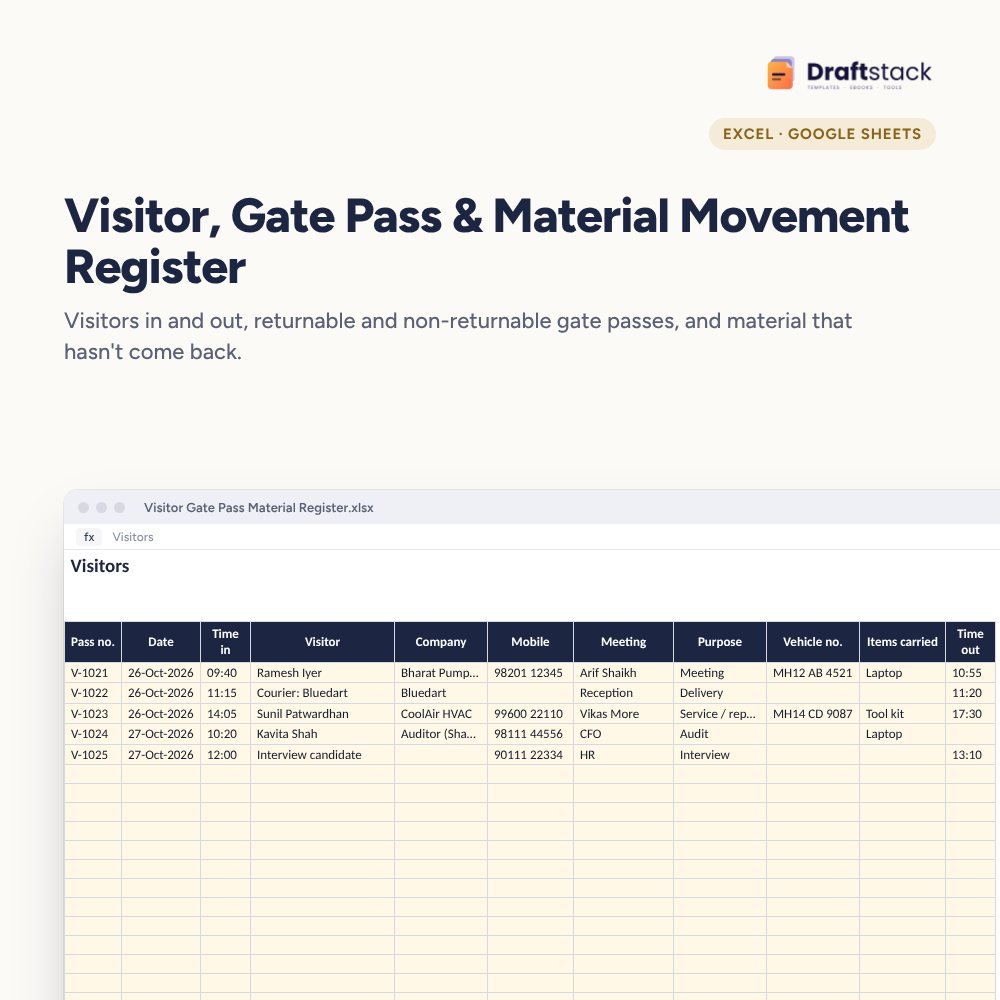 Visitor, Gate Pass & Material Movement Register (Excel)₹299
All three: ₹897₹997Extra 10% off
Stores run out of the one item that stops production while shelves are full of things nobody has used in a year. ABC analysis and reorder levels fix both problems with simple maths.
What it does
- Items: unit, unit cost, average monthly usage, supplier lead time and stock now
- ABC classes by annual consumption value with your own cut-offs (80% and 95% by default)
- Reorder level = daily usage × (lead time + safety stock days)
- Order now flag and suggested order quantity to cover your chosen days, with order value
- Days of stock for every item, with 90+ days highlighted as slow-moving
- ABC Analysis: items and value in each class, how to manage each, stock value now and a chart
For factories, warehouses and distributors
Raw material, consumables, spares or trading goods: anything you buy repeatedly.
What's inside
Everything you get
01
Items
500 items with reorder levels and ABC
02
ABC Analysis
Classes, value and rules
03
Order list
Order now flags and quantities
04
Blank + sample
Sample with 20 factory items
Files in your download
- XLSXInventory_Reorder_ABC_Analysis.xlsx88 KB
- XLSXInventory_Reorder_ABC_Analysis_SAMPLE.xlsx88 KB
How to use
Start in 5 simple steps
A step-by-step guide is also included inside your download.
- 1
List items
Cost, usage, lead time
- 2
Set safety days
On Settings
- 3
Count stock
Type stock now
- 4
Order flagged items
Suggested quantity
- 5
Review quarterly
Update usage
FAQ
Questions about this product
What is ABC analysis?
Ranking items by yearly consumption value. Typically about 20% of items (A) make up 80% of value; they deserve the most control.
How is the reorder level worked out?
Daily usage × (lead time + safety stock days). When stock falls to that level, it's time to order.
How much should I order?
Enough to cover the days you set on Settings plus the reorder level, minus stock now. Adjust for supplier minimum quantities.
Does it track stock in and out?
No. Type current stock from your stock register or ERP. Our inventory and stock registers track movements.
Can I change the A, B, C cut-offs?
Yes, on Settings.
How do I get the files after payment?
A download button appears on screen right after payment, and the link is emailed to you. You can also download again any time from My account.
Can I use it on my phone?
Yes. It works with Microsoft Excel, Google Sheets, WPS Office. Free mobile apps are enough.
What if something does not work?
Write to us within 7 days with your order number. We will fix it, send a working file, or refund you.
Our promiseEvery file is tested before launch. If something doesn't work, we fix it or refund you within 7 days. Refund policy
Complete the set
Goes well with this
New
 New
New
 New
New
Excel & Sheets
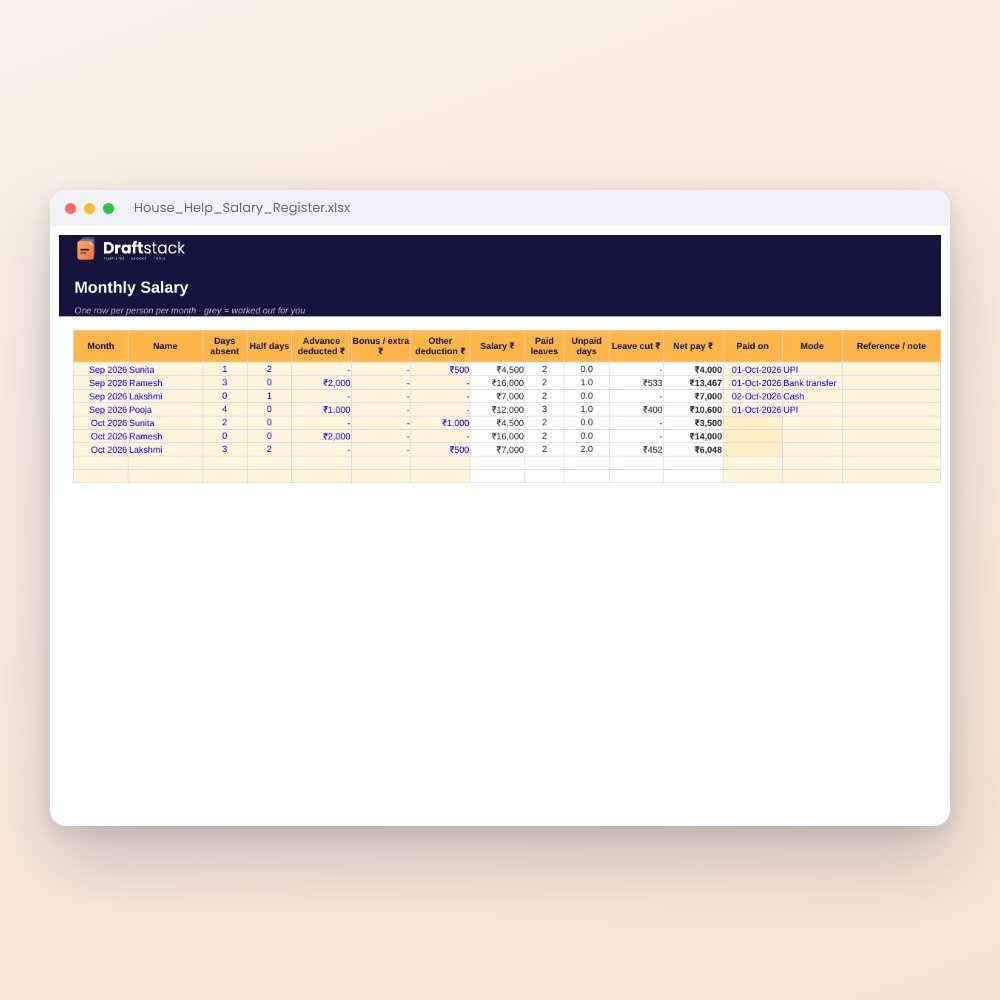
House Help Salary & Attendance Register (Excel): Maid, Cook, Driver, Nanny
₹99₹24960% off