
 Pinterest
 New
Courses & Ebooks
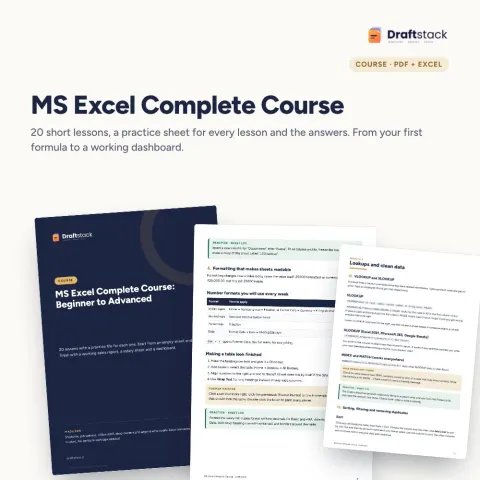
MS Excel Complete Course: Beginner to Advanced (20 Lessons + Practice Files)
Sale₹299₹99970% off

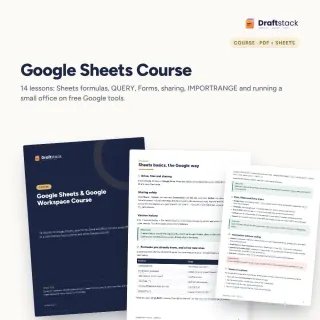
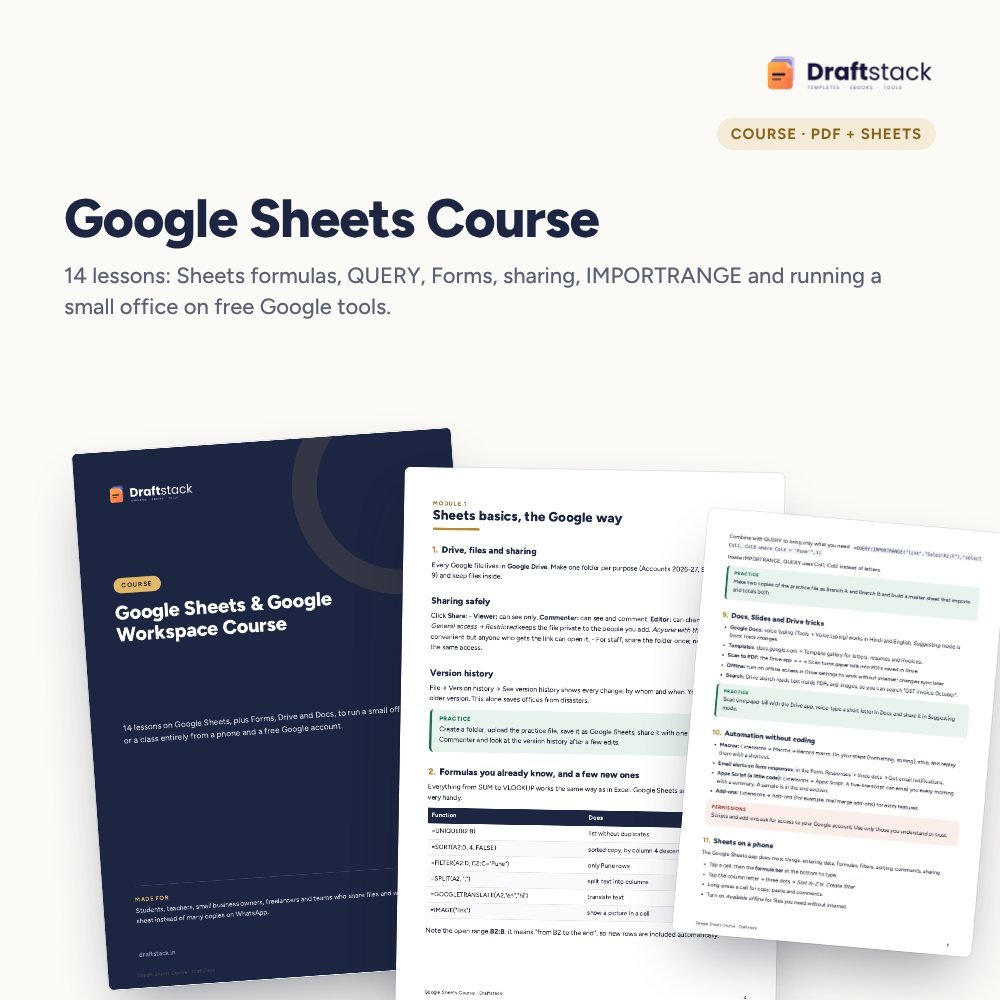
Run your shop, class or small office on free Google tools: learn Sheets formulas, QUERY, drop-downs and pivots, collect data with Forms and share safely with your team.
 Get the whole Mega BundleCareer, Skills & Money Mega Bundle: Resume, Study, AI, Office & Tax Tools · ₹2,949 · you save ₹10,446See →
 This item: Google Sheets & Google Workspace Course₹168
 MS Excel Complete Course: Beginner to Advanced (20 Lessons + Practice Files)₹299
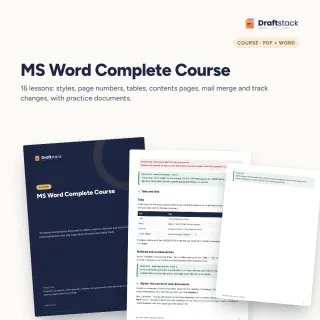 MS Word Complete Course with Practice Documents₹224
Google Sheets is free, works on any phone and lets your whole team edit one live file. Used well, it replaces most paper registers and the twenty copies of one Excel file going around on WhatsApp.
14 lessons in 2 modules, PDF
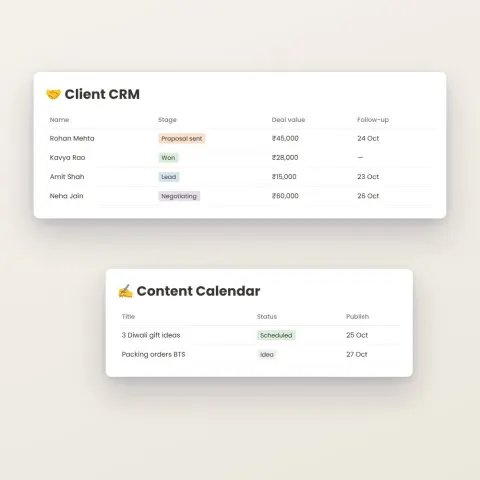
Orders, sales, tasks and a team register
Formula answers and a sample script
Sheets vs Excel table
A step-by-step guide is also included inside your download.
Save as Google Sheets
Each has a sheet
Link it to a sheet
With the right access
Follow the last lesson
No. Everything in the course works with a free Gmail account. A paid plan only adds your own email domain and more storage.
Most lessons, yes. Pivot editing, Apps Script and some menus are easier in a computer browser.
Yes. The course focuses on what is different and better in Sheets: QUERY, ARRAYFORMULA, Forms, live sharing and IMPORTRANGE.
No. One optional lesson shows a five-line Apps Script for a daily email, with the code ready to paste.
No. It is a PDF course book with a practice file and answers.
A download button appears on screen right after payment, and the link is emailed to you. You can also download again any time from My account.
Yes. It works with Any phone, tablet or computer, Print-ready A4, Google Sheets (free) on phone or computer. Free mobile apps are enough.
Write to us within 7 days with your order number. We will fix it, send a working file, or refund you.
New
 New
 New
 New

Your free PDF is on its way to .
Not there in 2 minutes? Look in Promotions or Spam.