WhatsApp
 Pinterest
 New
New
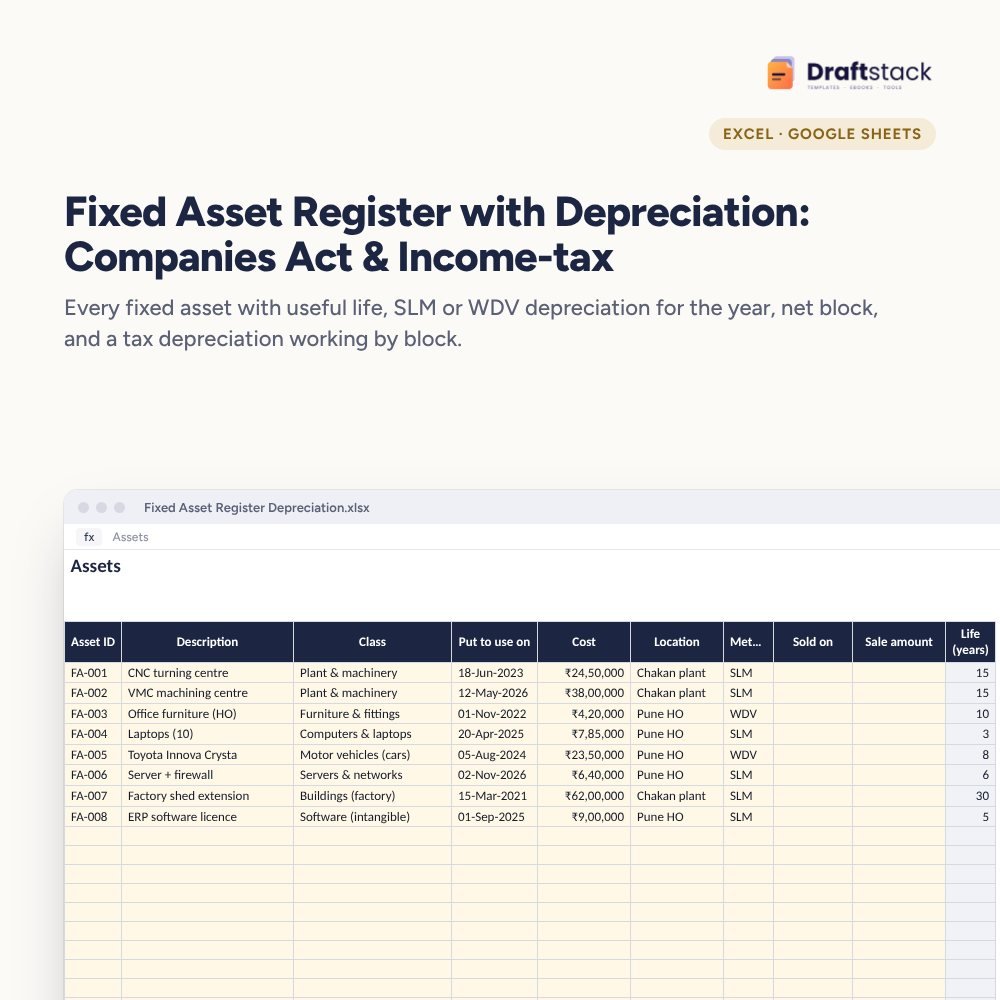
Fixed Asset Register with Depreciation: Companies Act & Income-tax (Excel)
Keep every fixed asset with its useful life and work out the year's depreciation the Companies Act way (SLM or WDV, by days used) and the income-tax way (by block, with the 180-day rule), with net block by class.
₹399₹899Save ₹500 (56%)
Inclusive of all taxes · One-time payment · Instant download
1 offer for you
Instant downloadOn screen + email
Secure paymentUPI · Cards · Net Banking
7-day helpFix or refund if faulty
Perfect for
Accountants and finance teamsCA firms preparing client registersFounders of asset-heavy businesses
What you get2 × .xlsx (blank + sample)
Works withMicrosoft Excel · Google Sheets · WPS Office
DeliveryInstant download
LicencePersonal & own-business use
Frequently bought together
This item: Fixed Asset Register with Depreciation: Companies Act & Income-tax (Excel)₹399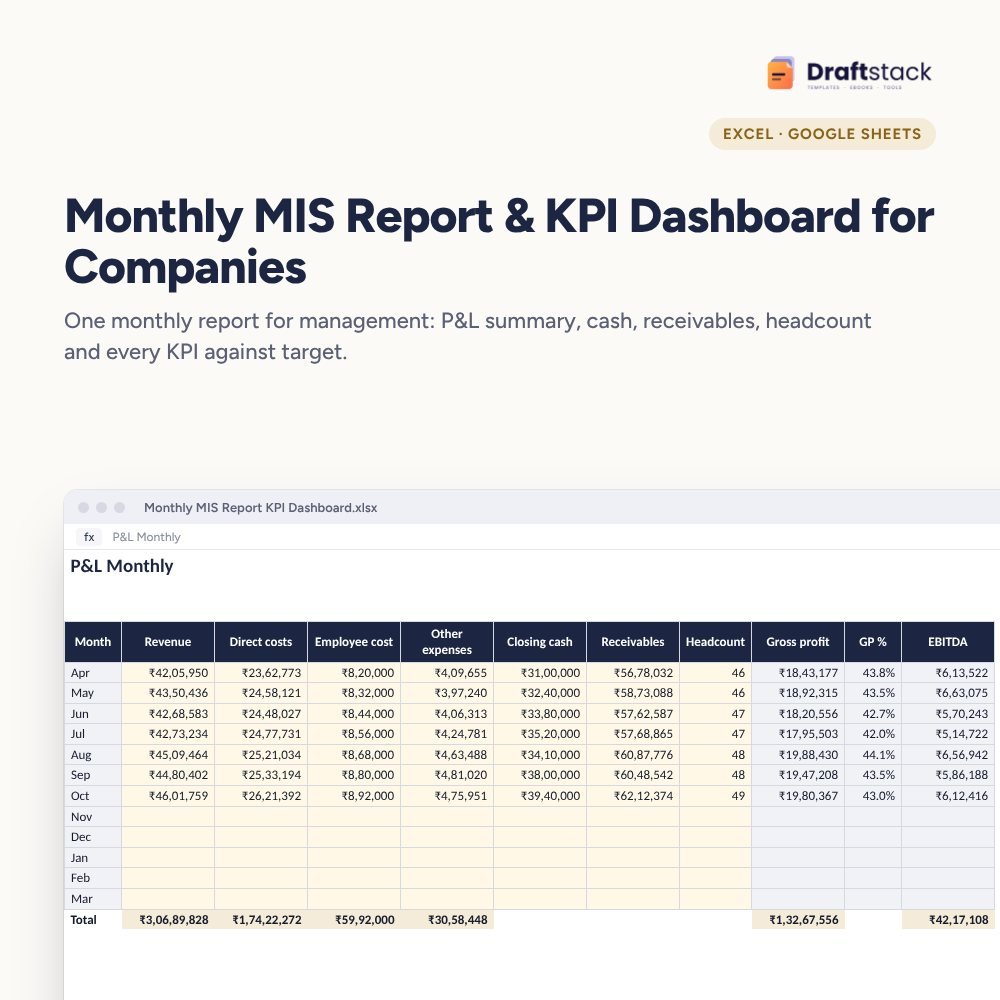 Monthly MIS Report & KPI Dashboard for Companies (Excel)₹499
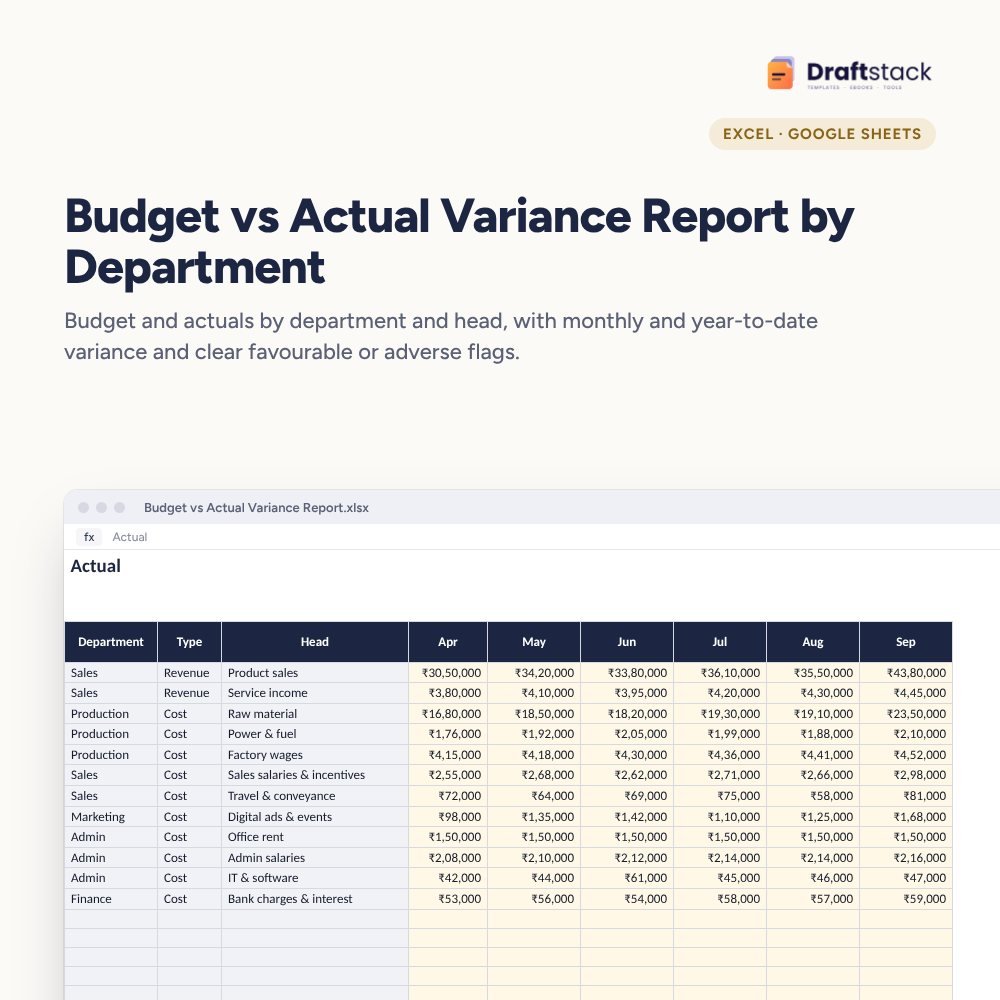 Budget vs Actual Variance Report by Department (Excel)₹449
All three: ₹1,212₹1,347Extra 10% off
Made for India
Indian financial yearRuns April to March, like Indian accounts.
Amounts in ₹Money columns are already set to rupees.
Priced in rupeesPay in ₹. Download right after payment.
Auditors ask for a fixed asset register every year, and many companies rebuild it from scratch each time. This register does the depreciation maths every year from one list of assets.
What it does
- Useful Lives: asset classes with useful life and income-tax rate, editable
- Assets: ID, description, class, date put to use, cost, location, method (SLM or WDV), and sale date and amount
- Companies Act depreciation: opening value, additions, depreciation for the days used in the year, closing value and profit or loss on sale, with 5% residual value
- Tax Blocks: opening WDV per block, additions split into 180+ days and under 180 days (half rate), sales, depreciation and closing WDV
- Summary: cost, opening, additions, depreciation and closing by class, with a chart
Roll forward every year
Change the financial year on Settings and every number moves to the new year. Add new assets, mark sales, done.
What's inside
Everything you get
01
Assets
300 assets with SLM or WDV
02
Tax Blocks
Block-wise income-tax depreciation
03
Summary
Net block by class
04
Blank + sample
Sample with eight assets
Files in your download
- XLSXFixed_Asset_Register_Depreciation.xlsx77 KB
- XLSXFixed_Asset_Register_Depreciation_SAMPLE.xlsx78 KB
How to use
Start in 5 simple steps
A step-by-step guide is also included inside your download.
- 1
Check useful lives
With your auditor
- 2
Add assets
Date put to use and cost
- 3
Choose the year
On Settings
- 4
Add tax opening WDV
From last year's return
- 5
Share with auditors
Summary and Tax Blocks
FAQ
Questions about this product
Which useful lives does it use?
The sample uses commonly applied Schedule II lives (for example, 3 years for computers, 15 for plant). Edit them to match your auditor's policy.
How does the 180-day rule work?
For income-tax, an asset put to use for less than 180 days in the year of purchase gets half the normal rate that year.
Does it handle asset sales?
Yes. Type the sale date and amount; depreciation stops at the sale date and profit or loss is shown.
Can I use WDV for some assets and SLM for others?
Yes, choose the method per asset.
Is this audit-ready?
It's a well-organised working that auditors can check. Your auditor's working remains final.
How do I get the files after payment?
A download button appears on screen right after payment, and the link is emailed to you. You can also download again any time from My account.
Can I use it on my phone?
Yes. It works with Microsoft Excel, Google Sheets, WPS Office. Free mobile apps are enough.
What if something does not work?
Write to us within 7 days with your order number. We will fix it, send a working file, or refund you.
Our promiseEvery file is tested before launch. If something doesn't work, we fix it or refund you within 7 days. Refund policy
Complete the set
Goes well with this
New
New
 New
New
Excel & Sheets
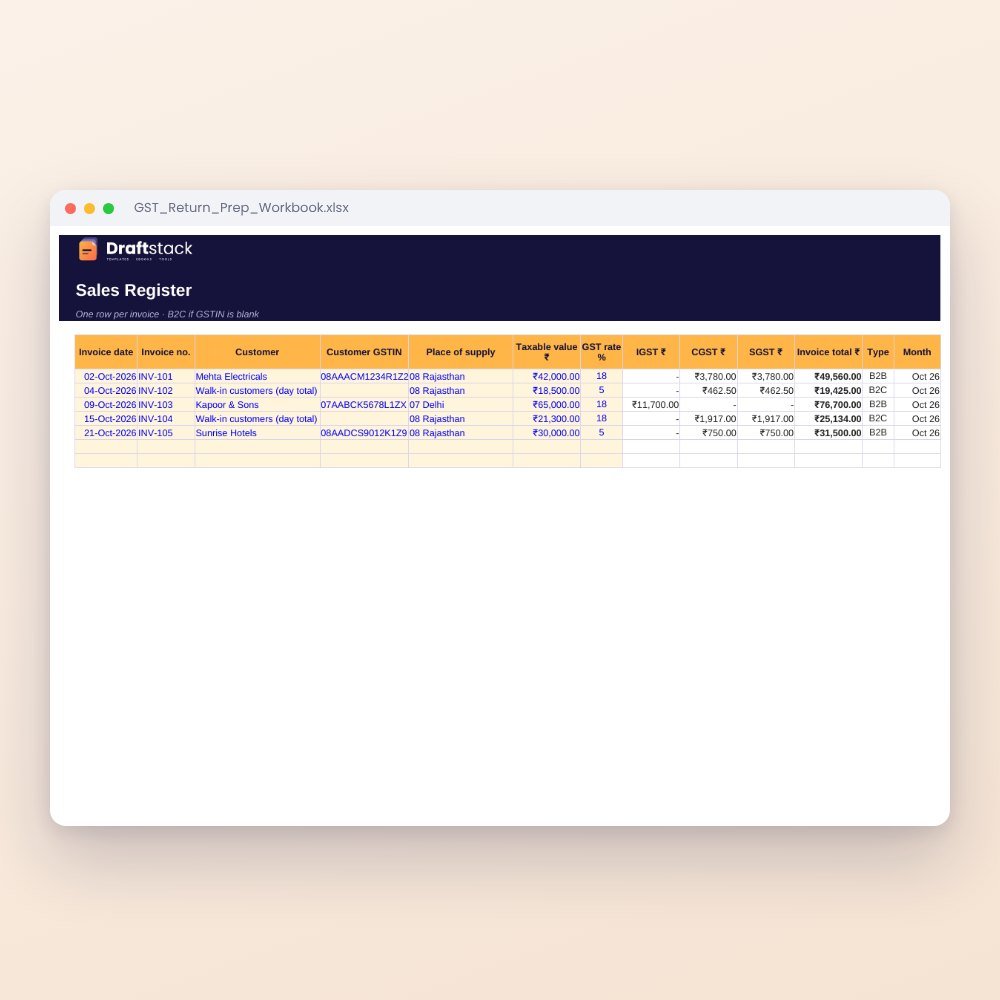
GST Return Prep Workbook (Excel): Sales & Purchase Registers, GSTR-1 and GSTR-3B Summary
₹199₹49960% off
 New
New
Excel & Sheets
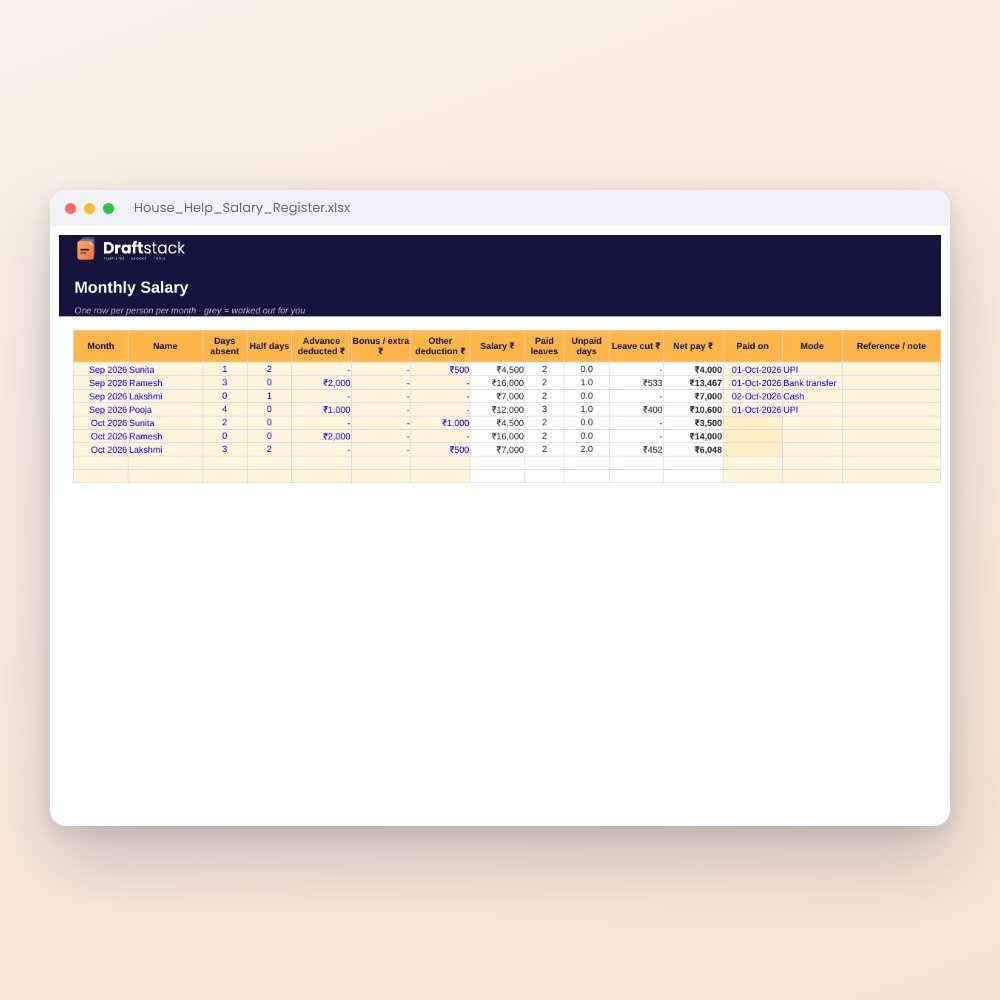
House Help Salary & Attendance Register (Excel): Maid, Cook, Driver, Nanny
₹99₹24960% off