How to Promote a Boutique on Instagram
For a boutique, Instagram is a shop window that is open all day. The boutiques that sell well online do a few simple things consistently.
Photos that sell
- Use daylight near a window and a plain wall.
- Show the full outfit, then close-ups of the fabric, work and border.
- Photograph on a person or a mannequin; flat lays work for dupattas and sarees.
- Keep the same background and style, so your page looks like one shop.
Reels
Short reels of a dupatta drape, a saree flowing, a before-and-after alteration or a quick "three ways to style this kurti" reach far more people than photos. Keep them 10 to 20 seconds and add text on screen.
Make ordering easy
Most boutique buyers order on WhatsApp. Put a WhatsApp link in your bio, write "DM or WhatsApp to order" on posts, and post a simple "how to order" guide: send the design number, share size, pay by UPI, delivery in a set number of days.
Use highlights
Create highlights for New Arrivals, Kurtis, Sarees, Bridal, Reviews and How to Order. New visitors check these before messaging.
Prices
Many buyers skip pages that never show prices. Mention a price range or "from ₹999" so the right customers message you.
Reviews and real customers
Repost customers wearing your outfits (with permission) and screenshot happy WhatsApp messages without personal details. Social proof builds trust fast.
Collections and timing
Plan collections around festivals and the wedding season. Tease a collection a week before, launch with a reel, and follow up with close-ups and styling tips.
Offers
Combos like "buy 2, get 1" and end-of-season sales move old stock. Always state the end date.
Consistency
Three to four posts and reels a week, stories daily, and replies within a few hours. Slow replies lose sales to the next boutique.
Our Boutique & Clothing Store Social Media Pack has 13 editable posts for collections, offers, tailoring charges, ordering, bridal and style tips.
A simple weekly posting plan
Monday: a tip that helps your customers. Wednesday: an offer with a clear end date. Friday: a real photo of your work or a customer review. Every day: share the same post on WhatsApp status. Reply to every comment and message within a few hours, and keep a note of which posts bring enquiries, so next month you can repeat the ones that work.
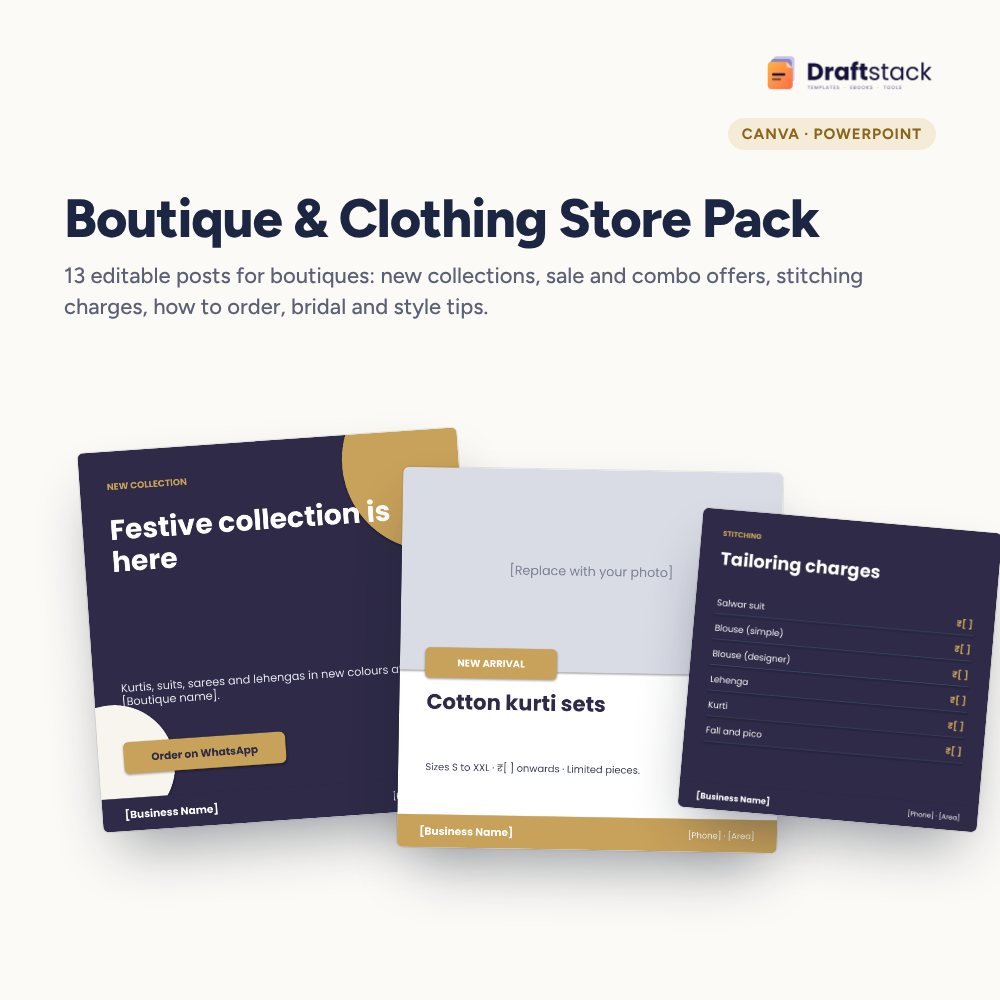 The template from this guideBoutique & Clothing Store Social Media Pack (Canva)
₹149
 WhatsApp
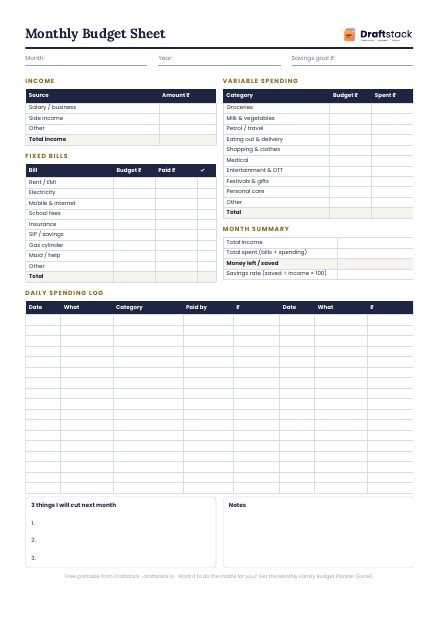
Free Monthly Budget Sheet
A printable one-page budget sheet: income, fixed bills, daily spending and savings for the month. Print it or fill it on your phone.
More guides
AIS and Form 26AS: How to Check and Fix Mismatches
What AIS, TIS and Form 26AS (now Form 168) show, how to download them, how to give feedback on wrong entries and how to avoid a tax notice for mismatch.
Form 16 (Now Form 130): How to Read Your Salary TDS Certificate
Form 16 is now Form 130 under the new Income-tax Act. What Part A and Part B show, the checks to do before you file your ITR, and what to do if it is wrong.
How to File ITR-1 Online Yourself: Step-by-Step
File ITR-1 (Sahaj) yourself on the income tax portal: who can use it, documents to keep ready, each screen explained, e-verification and late filing rules.