
 WhatsApp
 Pinterest
 Trending -58%
Payroll & Salary Slip Maker (Excel) with PF, ESI & PT
Pay your staff correctly every month. Set salaries once, enter absences, overtime and advances; PF, ESI, professional tax, net pay and a printable salary slip are ready.
₹249₹599Save ₹350 (58%)
Inclusive of all taxes · One-time payment · Instant download
Extra 20% off with code LAUNCH20 at checkout
Instant downloadOn screen + email
Secure paymentUPI · Cards · Net Banking
7-day helpFix or refund if faulty
Perfect for
Shop and showroom ownersSmall offices and agenciesClinics and schoolsHR and accounts staff
What you get2 × .xlsx (blank + sample)
Works withMicrosoft Excel · Google Sheets · WPS Office
DeliveryInstant download
LicencePersonal & own-business use
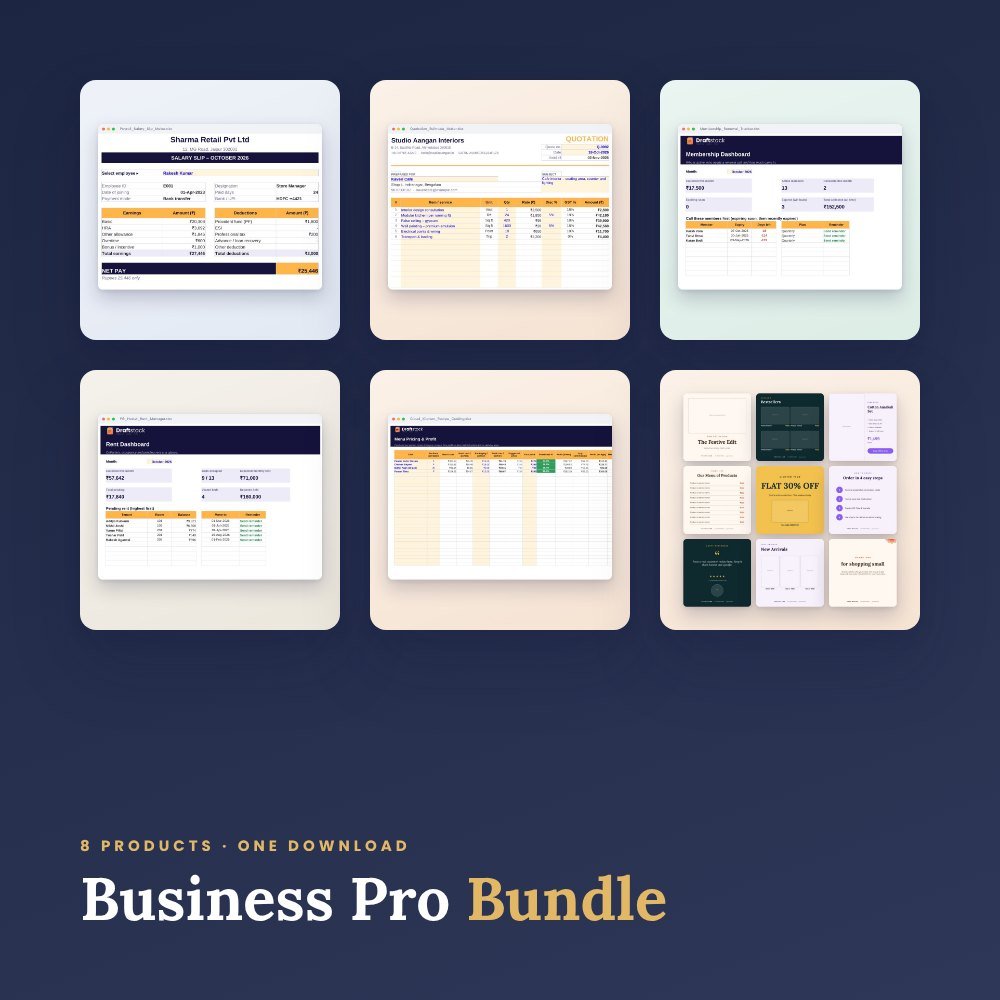 Save more in a bundleBusiness Pro Bundle · ₹699 · you save ₹923See →
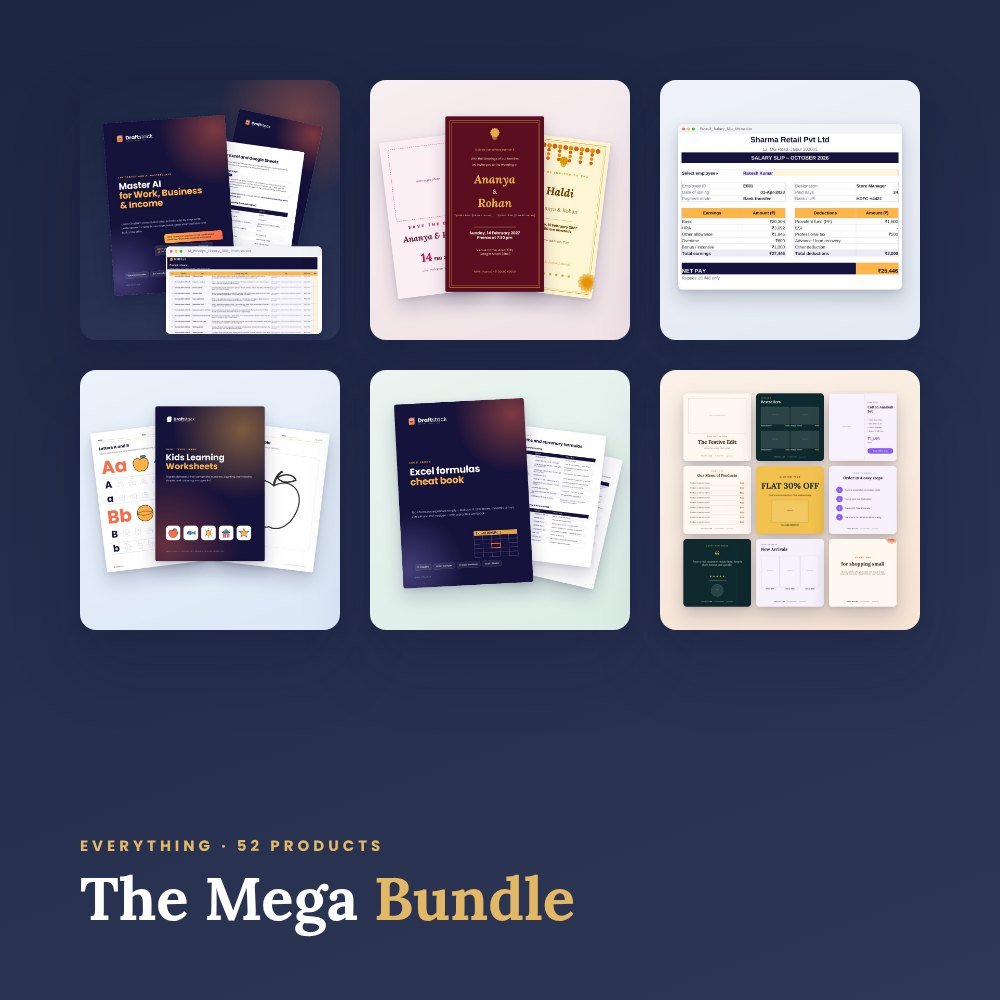 Get everything we makeDraftstack Mega Bundle: Everything · ₹1,999 · you save ₹6,819See →
Built for shops, offices, clinics and small companies with 2 to 100 employees.
What it calculates
- Earned gross for paid days (absences deducted automatically)
- PF at 12% of earned basic up to the wage ceiling, only for employees marked PF
- ESI when gross is within the limit
- Professional tax, overtime pay, bonus, advance/loan recovery and other deductions
- Net pay for everyone, with monthly totals
Salary slip
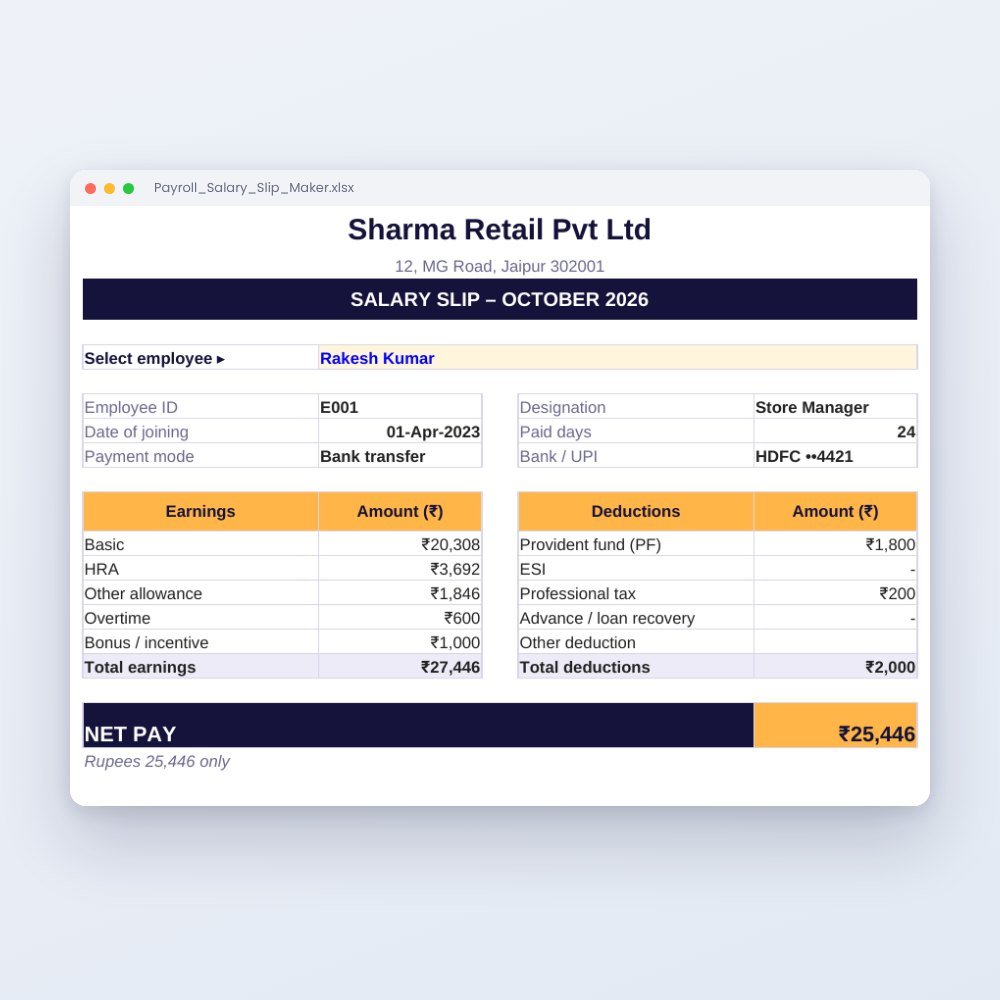
Pick an employee and a clean A4 salary slip fills in: company details, employee details, paid days, earnings, deductions, net pay and amount in words. Save as PDF and send on WhatsApp.
All rates are editable in Settings because PF/ESI/PT rules differ by state and change over time. This is a record-keeping tool, not tax or legal advice.
What's inside
Everything you get
01
Payroll
Monthly sheet for 100 employees with totals
02
Salary Slip
Printable A4 slip with amount in words
03
Employees
Basic, HRA, other allowance, PF/ESI flags, bank/UPI
04
Settings
Working days, PF %, PF ceiling, ESI %, ESI limit, professional tax, overtime rate
05
Sample file
6 employees with a complete month
Files in your download
- Payroll_Salary_Slip_Maker.xlsx161 KB
- Payroll_Salary_Slip_Maker_SAMPLE.xlsx161 KB
How to use
Start in 5 simple steps
A step-by-step guide is also included inside your download.
- 1
Fill Settings
Company details and statutory rates
- 2
Add employees
Salary structure once
- 3
Each month
Enter absences, overtime, bonus and advances
- 4
Print slips
Choose an employee, save as PDF
- 5
Keep history
Duplicate the Payroll tab every month
FAQ
Questions about this product
Is it compliant with labour laws?
It calculates using the rates you set. Confirm current PF, ESI and professional tax rules for your state with your accountant.
Can I make slips for previous months?
Yes. Duplicate the Payroll tab, change the month and print.
How do I get the files after payment?
A download button appears on screen right after payment, and the link is emailed to you. You can also download again any time from My account.
Can I use it on my phone?
Yes. It works with Microsoft Excel, Google Sheets, WPS Office. Free mobile apps are enough.
What if something does not work?
Write to us within 7 days with your order number. We will fix it, send a working file, or refund you.
Our promiseEvery file is tested before launch. If something doesn't work, we fix it or refund you within 7 days. Refund policy
More to explore
You may also like
Trending -58%
 Trending -60%
 New -60%
 New -60%