15 MS Word Skills Every Office Job Asks For
Job ads say "good knowledge of MS Office" and most people tick the box. In practice, managers notice within a week whether someone really knows Word. These fifteen skills are what they mean.
Formatting skills
1. Paragraph spacing instead of blank lines. Home → Paragraph → Spacing After 6 or 8 pt. No double Enter.
2. Tabs for alignment. A right tab puts the date at the margin on the same line as the reference number. Never use the space bar to line things up.
3. Styles. Heading 1, Heading 2 and Normal. Change one style and every heading updates.
4. Format Painter. Copy a look from one place to another in one click; double-click to paint many places.
5. Lists that number themselves. Tab for a sub-point, right-click to restart numbering.
Page skills
6. A4 page size. Check Layout → Size before you start, or the print will come out wrong.
7. Page break with Ctrl + Enter. The next section always starts on a new page, even after edits.
8. Page numbers. Insert → Page Number. Use *Different First Page* to hide it on the cover.
9. Section breaks. One landscape page inside a portrait report, or numbering that starts after the contents page.
10. Headers and footers. A letterhead in the header, *Page X of Y* in the footer.
Office work skills
11. Tables. Quotations and forms with a repeating header row and =SUM(ABOVE) totals.
12. Automatic table of contents. References → Table of Contents, updated with one click.
13. Mail merge. One letter template plus an Excel list gives 100 personalised letters.
14. Track changes and comments. So reviewers see every edit and nothing changes silently.
15. Save as PDF and templates. Send finals as PDF; keep a .dotx template for letters and quotes.
How to practise
Pick one real document you make at work or college: a letter, a notice, a report. Rebuild it using only styles, tabs and page breaks, with the paragraph marks visible (Ctrl + Shift + 8). If nothing moves when you add a line at the top, you have done it right.
What interviewers ask
Typical questions: *How do you add page numbers that start from page 3?*, *How would you send the same letter to 50 people?*, *What is the difference between a page break and a section break?* If you can answer and show these on a laptop, you are ahead of most candidates.
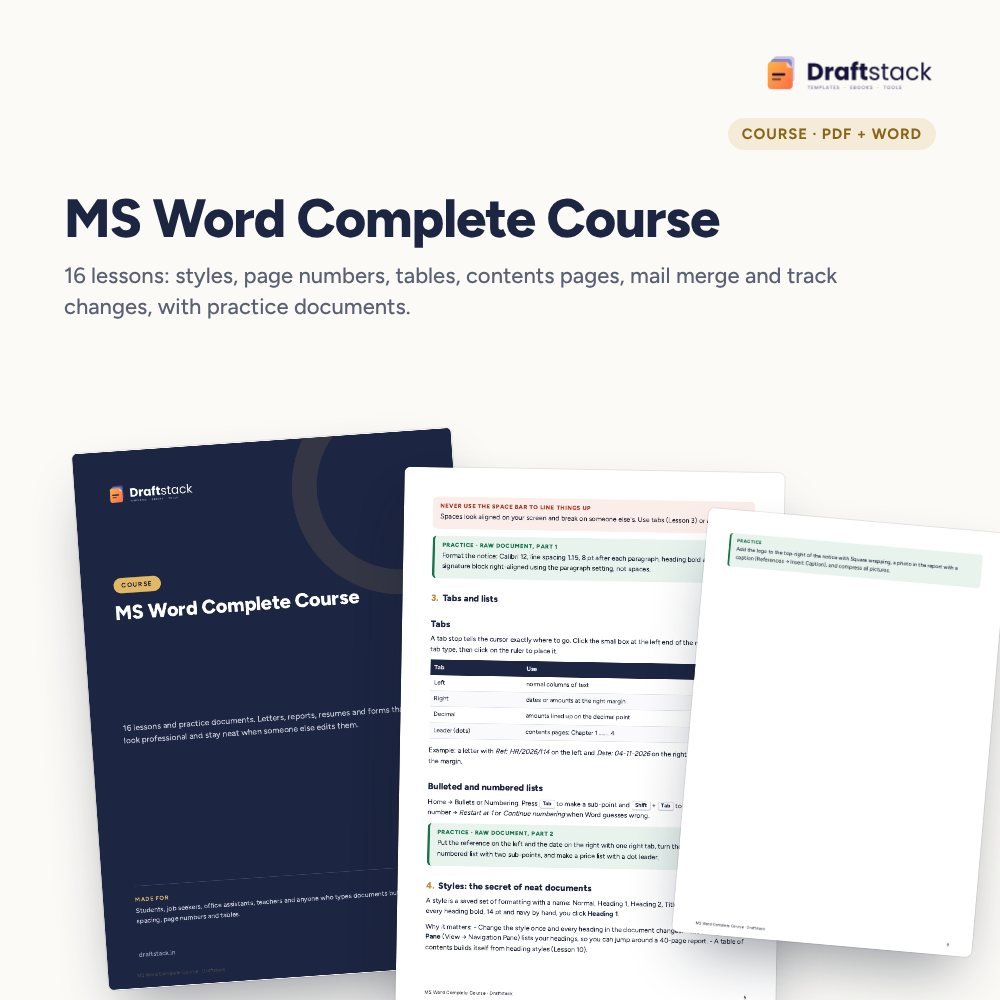
Our MS Word Complete Course teaches all fifteen in 16 short lessons, with a raw practice document and the finished version to compare.
 The template from this guideMS Word Complete Course with Practice Documents
₹224
 WhatsApp
Free Monthly Budget Sheet
A printable one-page budget sheet: income, fixed bills, daily spending and savings for the month. Print it or fill it on your phone.
More guides
Pivot Tables Explained with an Indian Sales Example
What a pivot table is, how to build one in two minutes from a sales register, and the five settings that turn it into a monthly report.
How to Learn Excel in 30 Days: A Day-by-Day Plan
A realistic 30-day plan to learn Excel from zero to pivot tables and dashboards, with what to practise each day and the mistakes that slow people down.
How to Collect Payments Faster from B2B Customers
Set credit limits and terms, invoice correctly, remind before the due date, log every promise, escalate politely and know when to hold orders.