How to Learn Excel in 30 Days: A Day-by-Day Plan
You do not need a class or a long video series to learn Excel. You need about 30 minutes a day, a small set of skills in the right order, and real data to practise on. This plan is what we use with beginners.
Week 1: the basics most people skip
Spend the first week on things that look too simple. They are the reason later formulas fail.
- Day 1 to 2: cells, ranges, sheets, moving with the keyboard (Ctrl + arrow keys), undo.
- Day 3 to 4: typing data correctly. One fact per cell, one row per record, no ₹ sign typed inside numbers, dates in one style.
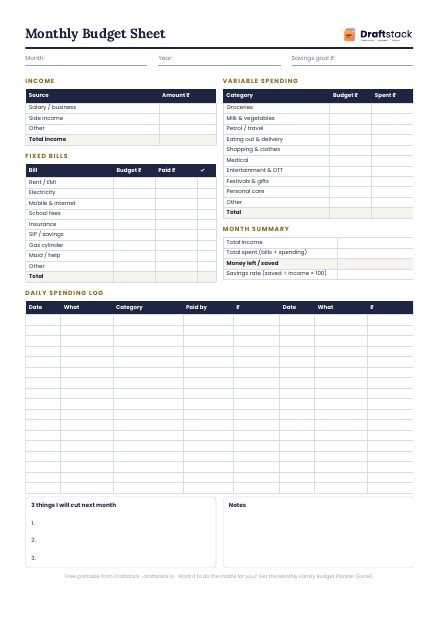
- Day 5 to 7: formatting. Rupee format, dates, borders, freeze the top row, wrap text. Make one list of your own monthly expenses and format it properly.
Week 2: formulas that do the work
- Day 8: = sign, + - * /, copying a formula down.
- Day 9: SUM, AVERAGE, MIN, MAX, COUNT and the status bar.
- Day 10: the $ sign. Type a GST rate once and use it in every row.
- Day 11 to 12: IF, AND, OR. Pass or fail, approve or hold.
- Day 13 to 14: COUNTIF, SUMIF, COUNTIFS, SUMIFS. These alone answer most questions a manager asks.
Week 3: clean data and lookups
- Day 15 to 16: TRIM, PROPER, LEFT, MID, Flash Fill (Ctrl + E).
- Day 17: dates: TODAY, DATEDIF, EOMONTH, due dates.
- Day 18 to 19: VLOOKUP with FALSE, then XLOOKUP or INDEX MATCH.
- Day 20: sort, filter, remove duplicates.
- Day 21: drop-down lists and conditional formatting.
Week 4: reports people notice
- Day 22 to 23: Excel Tables (Ctrl + T) and structured formulas.
- Day 24 to 26: pivot tables. Group dates into months, show % of total, refresh.
- Day 27: charts that make one point each.
- Day 28 to 29: a one-page dashboard with a month drop-down.
- Day 30: printing on one page and protecting formulas.
Mistakes that slow learners down
1. Watching instead of typing. If you are not typing, you are not learning.
2. Practising on tiny data. Five rows hide problems that 500 rows show.
3. Skipping the $ sign and VLOOKUP's FALSE. Both cause wrong answers that look right.
4. Learning macros before pivots. Most office work never needs a macro.
What to practise on
Use data that looks like work: a sales register, a salary sheet, a list of customers with phone numbers and cities. Our MS Excel Complete Course follows this order in 20 lessons and gives you a practice sheet for every lesson, with the answers, so you are never stuck looking for data.
How to know you are job-ready
You are ready for most office roles when you can, without looking anything up: total sales by person with SUMIF, bring prices from another sheet with a lookup, build a pivot by month, and make one clean chart. Try it on fresh data. If you can do all four in under 30 minutes, you know more Excel than most people who list it on their resume.
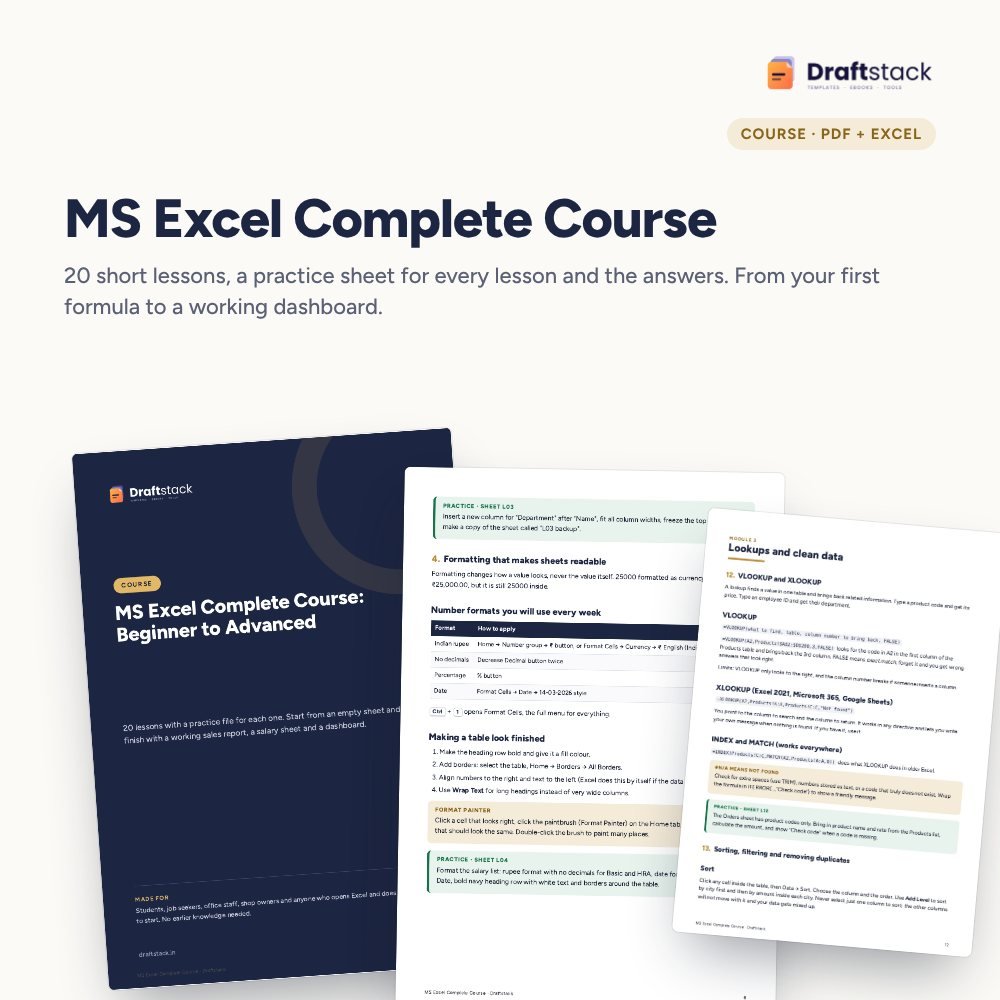 The template from this guideMS Excel Complete Course: Beginner to Advanced (20 Lessons + Practice Files)
₹299
 WhatsApp
Free Monthly Budget Sheet
A printable one-page budget sheet: income, fixed bills, daily spending and savings for the month. Print it or fill it on your phone.
More guides
Pivot Tables Explained with an Indian Sales Example
What a pivot table is, how to build one in two minutes from a sales register, and the five settings that turn it into a monthly report.
How to Collect Payments Faster from B2B Customers
Set credit limits and terms, invoice correctly, remind before the due date, log every promise, escalate politely and know when to hold orders.
How to Plan Headcount and Salary Budget for Next Year
Build a manpower budget from roles up: current staff, increments by month, phased new hires, employer costs, attrition and the year-end run-rate.