Google Sheets vs Excel: Which One Should You Learn
Both are spreadsheets and most formulas work the same in each. The difference is in where you work, who works with you and how much data you handle. Here is how to choose.
What Google Sheets does better
- Free and on every phone. A Gmail account is all you need. No licence, no installation.
- Live team work. Five people can type in the same sheet at the same time and see each other's changes. No more *final_v3_new.xlsx* on WhatsApp.
- Google Forms. Admission forms, feedback and orders fill a sheet automatically.
- Version history. Every change is saved with who made it, and you can go back to any earlier version.
- Handy formulas. QUERY, ARRAYFORMULA, IMPORTRANGE, GOOGLETRANSLATE and IMAGE are built in.
What Excel does better
- Big data. Lakhs of rows and heavy formulas run faster in desktop Excel.
- Power Query and the Data Model. Cleaning exports from Tally or an ERP and building pivots across several tables.
- Advanced pivots and dashboards with slicers and timelines.
- Offline work and printing complex reports.
- What employers test. Most office job interviews and tests in India still use Excel.
Which to learn first
- Students and job seekers: learn Excel first, because interviews ask for it. Sheets will then take a day to pick up.
- Shop owners, teachers, small teams: start with Google Sheets. It is free, works on the phone and the whole team can use it.
- Accountants and MIS roles: you need Excel, especially Power Query and pivots. Use Sheets for shared daily entry.
Using both together
Many small offices use Sheets for daily shared registers (sales, stock, attendance, leads) and download the data to Excel at month end for analysis and printing. File → Download → Microsoft Excel takes a second, and an Excel file opens fine in Sheets.
Formulas that work the same in both
SUM, AVERAGE, IF, COUNTIF, SUMIFS, VLOOKUP, XLOOKUP, INDEX MATCH, TEXT, DATE and most others. Skills you learn in one carry over to the other.
Where to start
If Sheets is your tool, our Google Sheets & Google Workspace Course covers formulas, QUERY, Forms and team sharing in 14 lessons. For Excel, start with the MS Excel Complete Course.
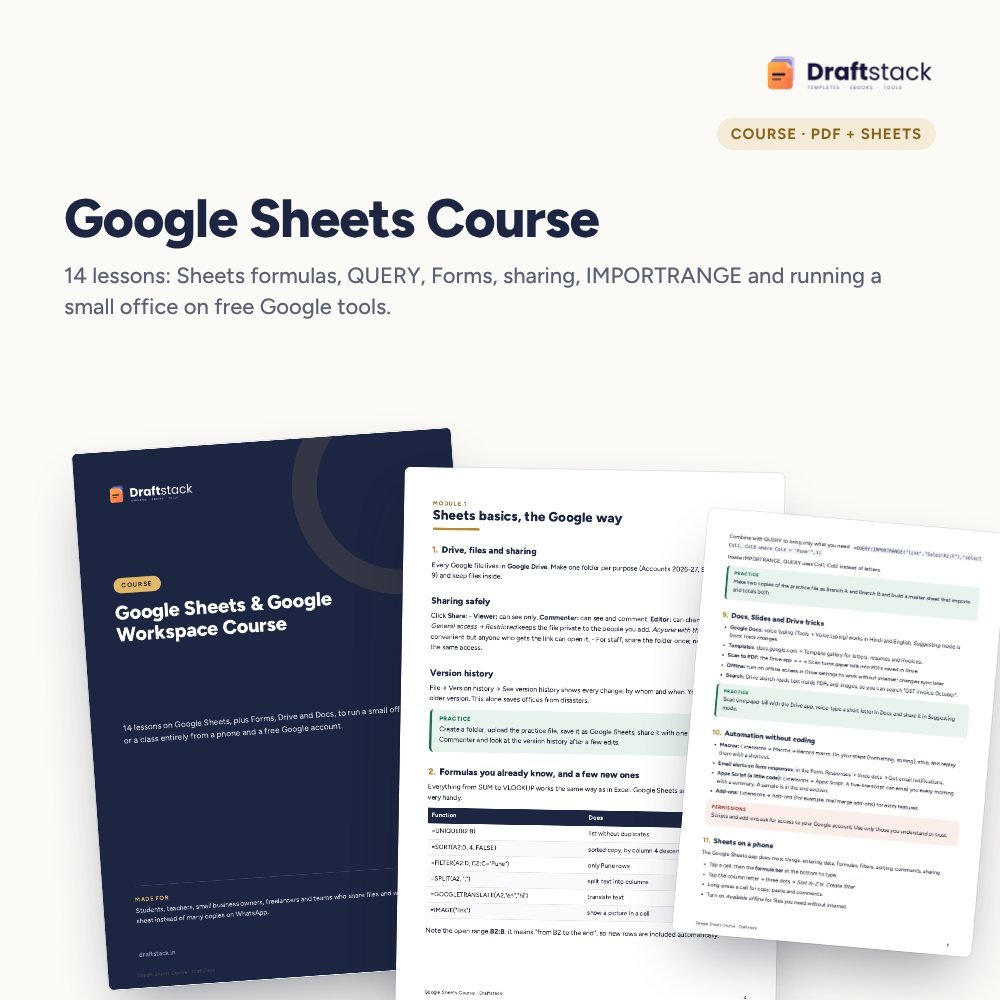 The template from this guideGoogle Sheets & Google Workspace Course
₹224
 WhatsApp
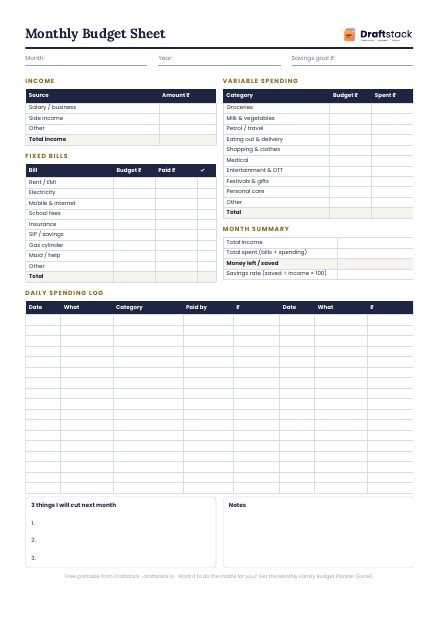
Free Monthly Budget Sheet
A printable one-page budget sheet: income, fixed bills, daily spending and savings for the month. Print it or fill it on your phone.
More guides
How to Make a Good PPT: Layout, Fonts and Slides
A simple method to make a clear PowerPoint presentation: plan the story, write headline titles, pick fonts and sizes, and avoid the mistakes that bore people.
15 MS Word Skills Every Office Job Asks For
The Word skills that interviewers and managers expect from office staff, explained simply, with the shortcut or menu for each one.
Pivot Tables Explained with an Indian Sales Example
What a pivot table is, how to build one in two minutes from a sales register, and the five settings that turn it into a monthly report.