Festive Offers for Mobile Shops: Post Ideas That Sell
For mobile and electronics shops, the festive season from Navratri to Diwali and the wedding season bring the biggest sales of the year. Buyers compare offers online first, so your posts need to be ready before they decide.
Start two to three weeks early
Buyers begin comparing prices and EMI options well before the festival. Start posting offers two to three weeks ahead and increase frequency in the last week.
Five posts that sell
1. Exchange offer: "Extra ₹2,000 on exchange of your old phone." People upgrade when the old phone has value.
2. EMI made simple: list the cards and finance partners, documents needed and that approval is quick.
3. Combo: a free cover and tempered glass with every phone above a price. Small cost, strong pull.
4. New launch: a pre-booking post with a gift on launch day creates urgency.
5. Service: screen and battery repair in one hour brings people into the shop, and some buy accessories or a new phone.
Use WhatsApp status every day
Your regular customers see your status. Post the offer of the day, a new model, and a short video of the shop busy with customers.
Show trust
Genuine products with a bill, brand warranty, free data transfer and years in business matter more than the lowest price. Pin a post that says this.
Google reviews
"Mobile shop near me" searches rise sharply in the festive season. Ask every buyer for a Google review, and reply to all of them.
Keep posts honest
Mention the end date, the models covered and "conditions apply" where needed. Unclear offers lead to arguments at the counter.
After the festival
Post thank-you messages, service offers and accessories for the phones you sold. Each buyer will need a cover, a charger or a repair soon.
Our Mobile & Electronics Shop Social Media Pack has 14 editable posts for offers, EMI, accessories, repairs, launches, tips and notices.
A simple weekly posting plan
Monday: a tip that helps your customers. Wednesday: an offer with a clear end date. Friday: a real photo of your work or a customer review. Every day: share the same post on WhatsApp status. Reply to every comment and message within a few hours, and keep a note of which posts bring enquiries, so next month you can repeat the ones that work.
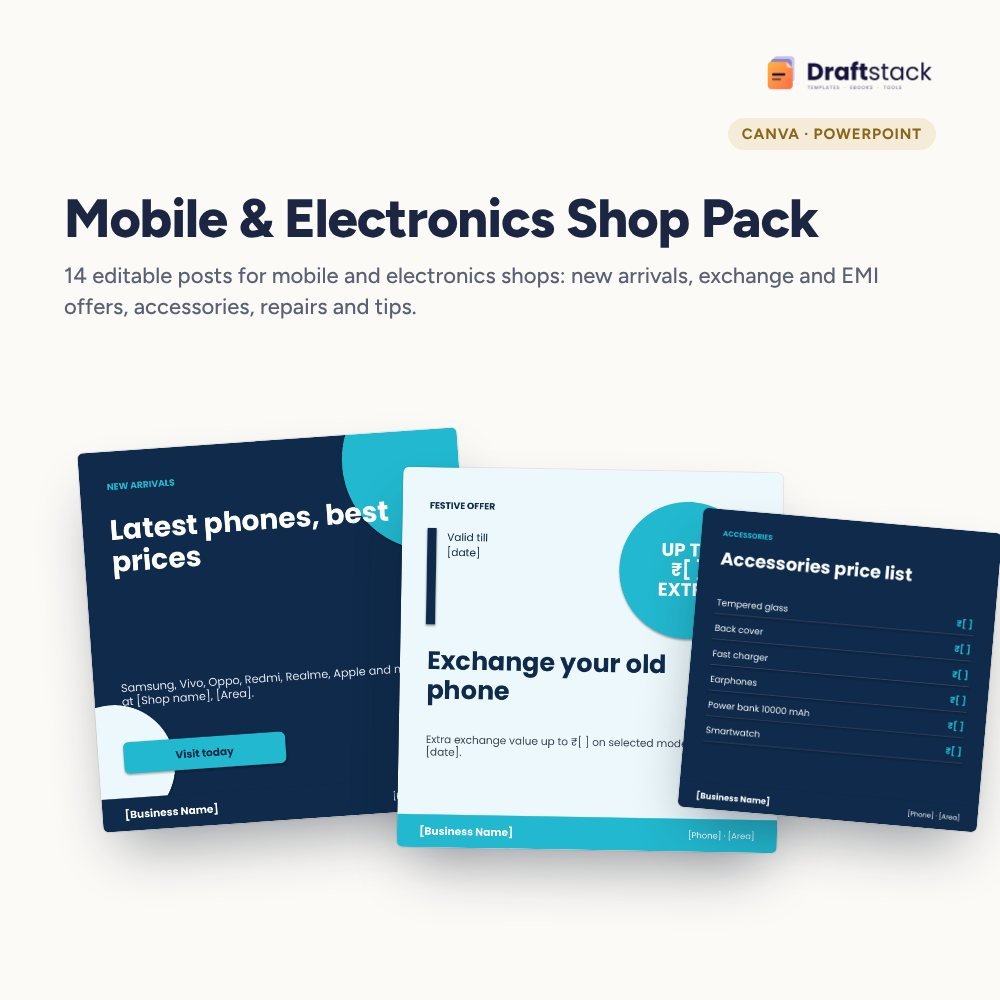 The template from this guideMobile & Electronics Shop Social Media Pack (Canva)
₹149
 WhatsApp
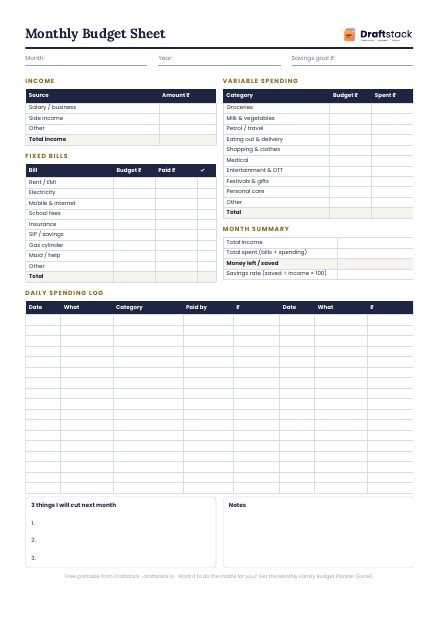
Free Monthly Budget Sheet
A printable one-page budget sheet: income, fixed bills, daily spending and savings for the month. Print it or fill it on your phone.
More guides
CIBIL Score: How to Check It Free and Improve It
What a good CIBIL score is, how to check it free, what pulls it down, the 2026 reporting changes, and a 90-day plan to improve your score and fix errors.
Income Tax Refund Status: How to Check and Why It's Delayed
How to check your income tax refund status on the e-filing portal, why refunds get stuck, how to fix bank account and PAN problems, and how to request a reissue.
AIS and Form 26AS: How to Check and Fix Mismatches
What AIS, TIS and Form 26AS (now Form 168) show, how to download them, how to give feedback on wrong entries and how to avoid a tax notice for mismatch.