WhatsApp
 Pinterest


Mobile & Electronics Shop Social Media Pack (Canva)
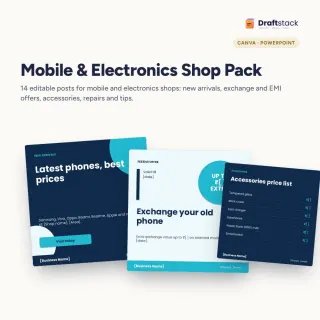
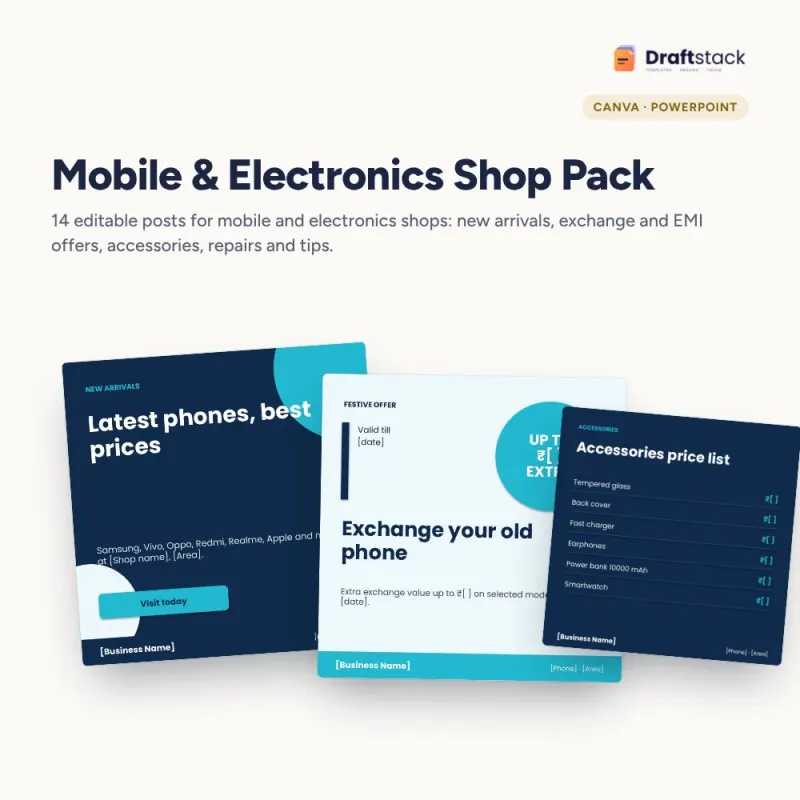
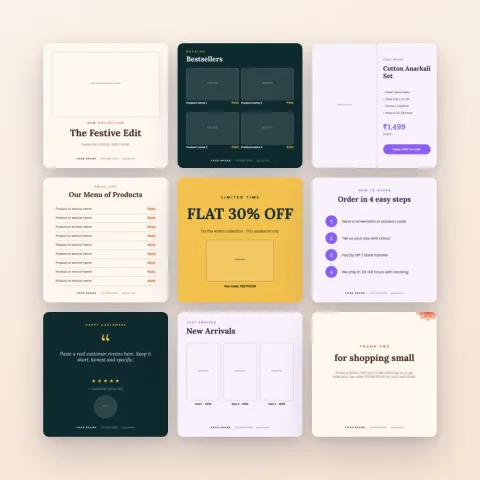
Fourteen ready posts for mobile and electronics shops: new arrivals, exchange and EMI offers, accessories price list, repairs, launches, phone tips, timings and notices, editable in Canva.
₹112₹499Save ₹387 (78%)
Inclusive of all taxes · One-time payment · Instant download
See a free sample (PDF) Diwali Sale: 25% off, ends 08 Nov, 11:59 PM
Instant downloadOn screen + email
Secure paymentUPI · Cards · Net Banking
7-day helpFix or refund if faulty
Perfect for
Mobile phone shopsElectronics and appliance storesPhone repair shops
What you get14 editable posts (.pptx) + PDF + editing guide
Works withCanva · PowerPoint · Google Slides · Any PDF reader
DeliveryInstant download
LicencePersonal & own-business use
 Get the whole Mega BundleBusiness & Work Mega Bundle: Excel, Canva & Office Tools for Shops, Sellers and Companies · ₹2,949 · you save ₹13,654See →
Phone buyers compare prices on WhatsApp and Instagram before they walk into a shop. These posts help your shop show up with the offers, EMI options and services that make people choose you.
Posts included
- New arrivals and model launch
- Exchange offer, combo offer and easy EMI
- Accessories price list
- Repair service with your photo
- Battery tips and safety tips
- Customer review
- Smart TVs and speakers
- Why buy from us, timings and a closed-day notice
How it works
Import the .pptx into Canva, add your shop name and phone, replace photos and download PNG for WhatsApp status, Instagram and Facebook.
Made for busy owners
Every design keeps your business name, phone number and offer in the same place, so customers recognise your posts at a glance. Use one design a day, change only the text and photo, and you have steady, professional content without hiring a designer.
What's inside
Everything you get
01
Posts
14 editable square designs
02
PDF preview
See all designs
03
Editing guide
Canva and PowerPoint steps
04
Ready text
Offers, tips, notices
Files in your download
- PPTXMobile_Shop_Social_Media_14_Posts.pptx49 KB
- PDFMobile_Shop_Social_Media_14_Posts.pdf211 KB
- PDFHow_to_Edit_in_Canva_PowerPoint.pdf193 KB
How to use
Start in 5 simple steps
A step-by-step guide is also included inside your download.
- 1
Import into Canva
Or open in PowerPoint
- 2
Add your name and phone
In the footer
- 3
Replace photos
Your real work
- 4
Change colours
To your brand
- 5
Download PNG
Post on Instagram, Facebook, WhatsApp
FAQ
Questions about this product
Can I add brand names?
Yes, for brands you sell. Use product photos you have the right to use, such as your own shop photos.
Can I post them as WhatsApp status?
Yes. Download PNG from Canva and share.
Can I change the colours?
Yes, to your shop's colours.
Do I need paid Canva?
No, the free plan works.
Does it work for electronics and appliances shops?
Yes. One post covers smart TVs; change text for any product.
How do I get the files after payment?
A download button appears on screen right after payment, and the link is emailed to you. You can also download again any time from My account.
Can I use it on my phone?
Yes. It works with Canva, PowerPoint, Google Slides, Any PDF reader. Free mobile apps are enough.
What if something does not work?
Write to us within 7 days with your order number. We will fix it, send a working file, or refund you.
Our promiseEvery file is tested before launch. If something doesn't work, we fix it or refund you within 7 days. Refund policy
Complete the set
Goes well with this
 New
 Trending
 New