
 Pinterest

 New
Canva Designs
Coaching Admission Posters Pack (Canva): 10 Posts for Admissions, Batches & Results
Sale₹149₹49970% off
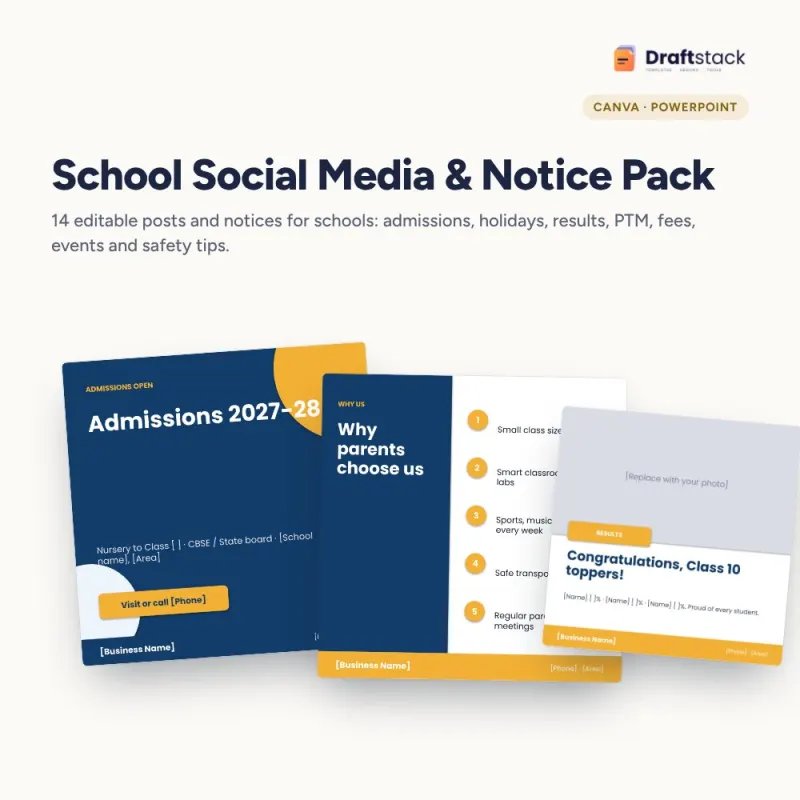
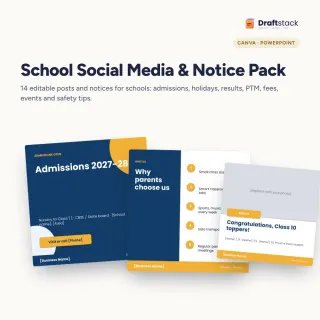
Fourteen ready posts and notices for schools and play schools: admissions, holidays, results, parent-teacher meetings, fee reminders, events, summer camp and safety tips, editable in Canva.
 Get the whole Mega BundleBusiness & Work Mega Bundle: Excel, Canva & Office Tools for Shops, Sellers and Companies · ₹2,949 · you save ₹13,654See →
Parents follow school pages for notices and admissions, and they share good news. These designs keep every announcement clear, consistent and on brand.
Import the .pptx into Canva, add your school's name, logo and photos, and download PNG for WhatsApp groups, Instagram and Facebook.
Every design keeps your business name, phone number and offer in the same place, so customers recognise your posts at a glance. Use one design a day, change only the text and photo, and you have steady, professional content without hiring a designer.
14 editable square designs
See all designs
Canva and PowerPoint steps
Offers, tips, notices
A step-by-step guide is also included inside your download.
Or open in PowerPoint
In the footer
Your real work
To your brand
Post on Instagram, Facebook, WhatsApp
Yes. Upload it in Canva and place it on every design.
Yes. Change the text; the layouts suit any education business.
Yes, in the free Canva app.
Yes. Download PDF and print on A4 for the notice board.
No, the free plan works.
A download button appears on screen right after payment, and the link is emailed to you. You can also download again any time from My account.
Yes. It works with Canva, PowerPoint, Google Slides, Any PDF reader. Free mobile apps are enough.
Write to us within 7 days with your order number. We will fix it, send a working file, or refund you.
New
 New
 New
 New

Your free PDF is on its way to .
Not there in 2 minutes? Look in Promotions or Spam.