WhatsApp
 Pinterest
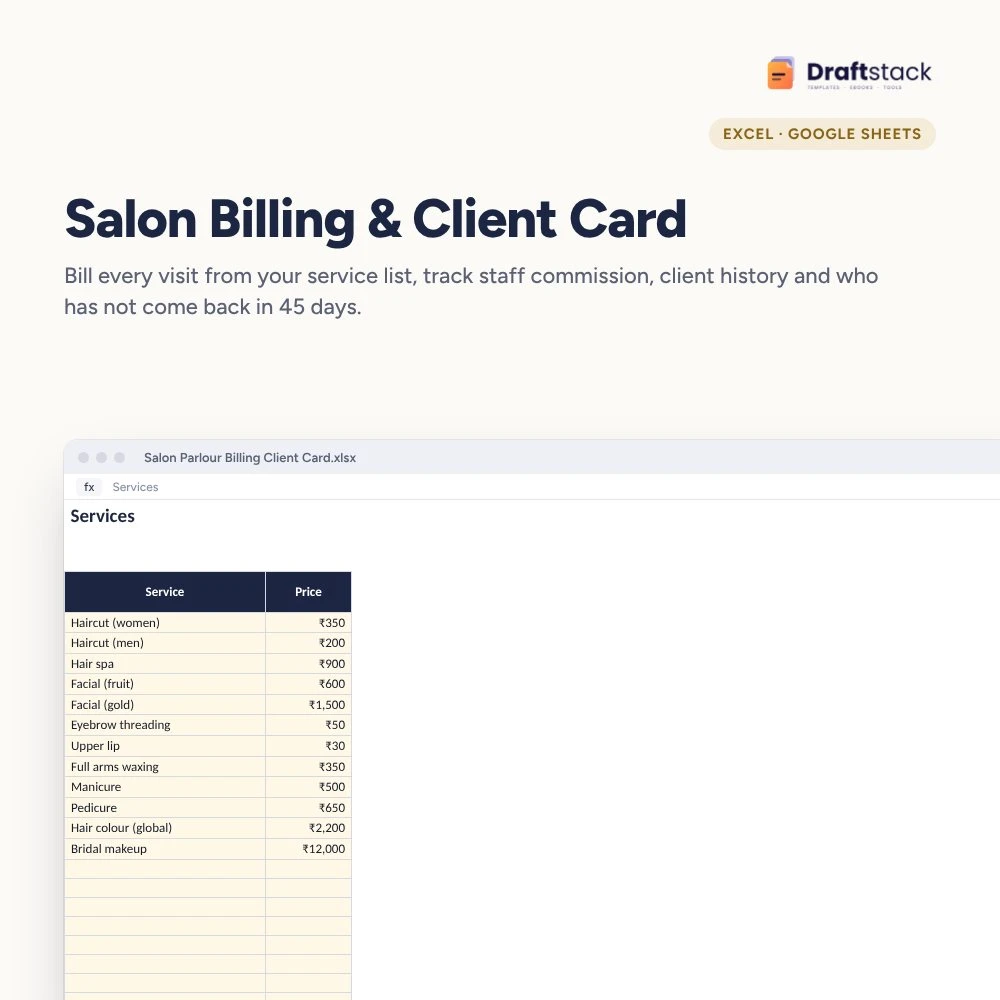
Salon & Beauty Parlour Billing Sheet + Client Card (Excel)
Bill every salon visit from your own service menu, see each client's history and total spend, work out staff commission for the month, and get a list of clients who have not come back in 45 days.
₹74₹299Save ₹225 (75%)
Inclusive of all taxes · One-time payment · Instant download
See a free sample (PDF) Black Friday Sale: 25% off, ends 01 Dec, 12:00 AM
Instant downloadOn screen + email
Secure paymentUPI · Cards · Net Banking
7-day helpFix or refund if faulty
Perfect for
Beauty parlours and salonsHome salons and makeup artistsUnisex and men's salons
What you get2 × .xlsx (blank + sample)
Works withMicrosoft Excel · Google Sheets · WPS Office
DeliveryInstant download
LicencePersonal & own-business use
 Get the whole Mega BundleBusiness & Work Mega Bundle: Excel, Canva & Office Tools for Shops, Sellers and Companies · ₹4,499 · you save ₹14,885See →
Frequently bought together
 This item: Salon & Beauty Parlour Billing Sheet + Client Card (Excel)₹74
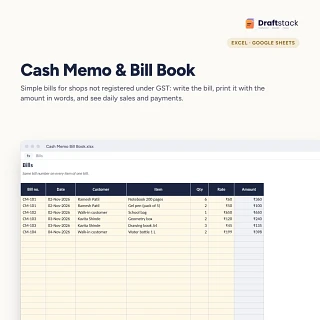 Cash Memo Format & Bill Book in Excel (with Amount in Words)₹74
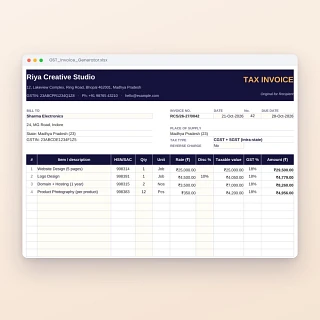 GST Invoice & Billing Generator (Excel)₹149
All three: ₹297Sale prices
Made for India
UPI includedMade for how India pays today.
Amounts in ₹Money columns are already set to rupees.
Priced in rupeesPay in ₹. Download right after payment.
A parlour's real asset is its regular clients. But most small salons do not know who came last month, who stopped coming, or how much each staff member earned. This workbook answers all three with simple billing.
What it does
- Services: your menu with prices, so everyone charges the same
- Visits: date, client, phone, service, staff, discount and payment mode; price, amount and commission fill themselves
- Client Card: type a phone number to see visits, total spend, last visit and every service taken
- Staff: services, sales and commission this month for each person, with cash, UPI and card totals
- Win Back: clients whose last visit was more than 45 days ago, with phone numbers to call
Made for
Beauty parlours, unisex salons, home salons and bridal makeup artists.
What's inside
Everything you get
01
Services
Menu and prices
02
Visits
Billing with commission
03
Client Card
History by phone
04
Staff
Monthly commission
05
Win Back
Clients to call
Files in your download
- XLSXSalon_Parlour_Billing_Client_Card.xlsx52 KB
- XLSXSalon_Parlour_Billing_Client_Card_SAMPLE.xlsx53 KB
How to use
Start in 5 simple steps
A step-by-step guide is also included inside your download.
- 1
Enter your menu
Services and prices
- 2
Bill each visit
Service and staff
- 3
Look up a client
By phone
- 4
Pay commission
Month end
- 5
Call win-back clients
Every week
FAQ
Questions about this product
Can I change the services and prices?
Yes. Edit the Services sheet; new bills use the new prices.
How is commission calculated?
Commission % on Settings × the service amount after discount. Change the % any time.
Can I give a package or membership discount?
Yes. Type the discount on the visit; the amount and commission adjust.
What is the Win Back list?
Clients whose last visit was longer ago than the days you set (default 45). Send them a friendly message or offer.
Does it work on a phone?
Yes, in Google Sheets or the Excel app at the counter.
How do I get the files after payment?
A download button appears on screen right after payment, and the link is emailed to you. You can also download again any time from My account.
Can I use it on my phone?
Yes. It works with Microsoft Excel, Google Sheets, WPS Office. Free mobile apps are enough.
What if something does not work?
Write to us within 7 days with your order number. We will fix it, send a working file, or refund you.
Our promiseEvery file is tested before launch. If something doesn't work, we fix it or refund you within 7 days. Refund policy
Complete the set
Goes well with this
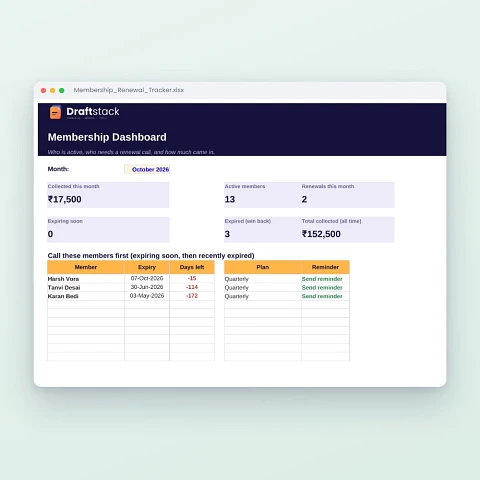
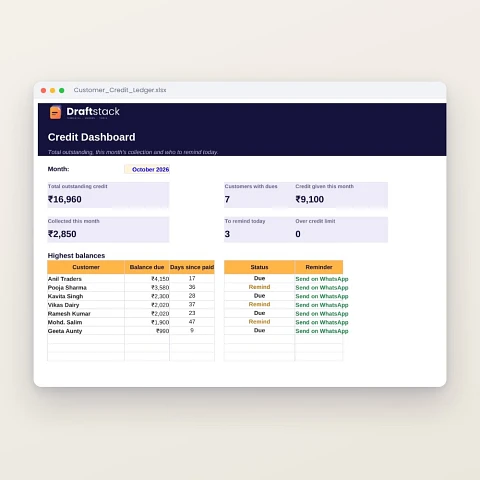
Excel & Sheets
House Help Salary & Attendance Register (Excel): Maid, Cook, Driver, Nanny
Sale₹74₹24970% off