WhatsApp
 Pinterest

Profit & Loss and Balance Sheet Maker for Small Business (Excel)
Type your trial balance once and get a trading account, a profit and loss account and a balance sheet that checks itself, in a clean format for small businesses and proprietors.
₹140₹699Save ₹559 (80%)
Inclusive of all taxes · One-time payment · Instant download
See a free sample (PDF) Diwali Sale: 25% off, ends 09 Nov, 12:00 AM
Instant downloadOn screen + email
Secure paymentUPI · Cards · Net Banking
7-day helpFix or refund if faulty
Perfect for
Proprietors and small tradersPartnership firms and service businessesAccounts assistants and commerce students
What you get2 × .xlsx (blank + sample)
Works withMicrosoft Excel · Google Sheets · WPS Office
DeliveryInstant download
LicencePersonal & own-business use
 Get the whole Mega BundleBusiness & Work Mega Bundle: Excel, Canva & Office Tools for Shops, Sellers and Companies · ₹3,549 · you save ₹13,054See →
Frequently bought together
 This item: Profit & Loss and Balance Sheet Maker for Small Business (Excel)₹140
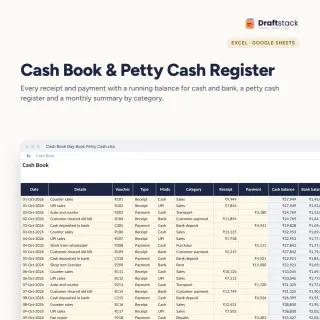 Cash Book, Day Book & Petty Cash Register (Excel)₹112
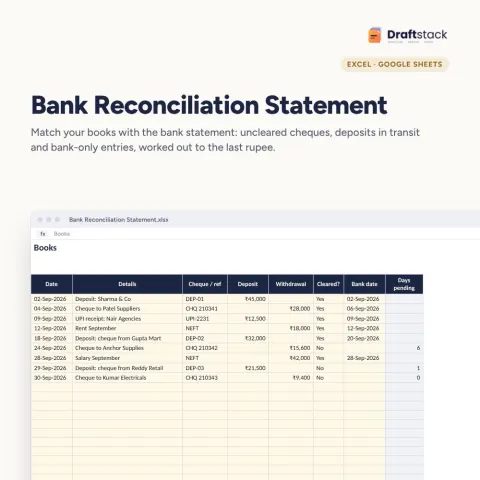
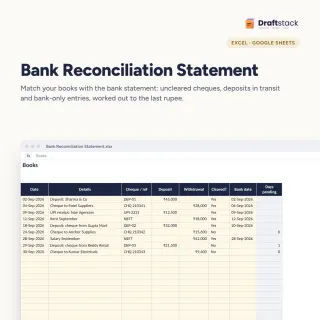 Bank Reconciliation Statement (BRS) Maker (Excel)₹112
All three: ₹364Sale prices
Banks, landlords, investors and your own decisions all need a profit and loss account and a balance sheet. If your accounts sit in registers or a simple cash book, this workbook turns the year's balances into proper statements.
What it does
- Trial Balance: each account, its group and debit or credit; totals and difference shown
- Trading and P&L: sales, opening and closing stock, purchases, direct expenses, gross profit, other income, indirect expenses, net profit and net margin
- Indirect expenses list with a chart
- Balance Sheet: capital plus profit less drawings, loans and current liabilities against fixed assets, stock, current assets and cash
- Checks: trial balance difference and balance sheet difference with a clear Balanced or Check entries
Note
This is a management format for proprietors and small firms. Companies must follow Schedule III; your CA prepares statutory accounts.
What's inside
Everything you get
01
Trial Balance
Accounts with 14 groups
02
Profit and Loss
Trading account, P&L, margins, expense chart
03
Balance Sheet
With automatic checks
04
Blank + sample
Sample year for a trading business
Files in your download
- XLSXProfit_Loss_Balance_Sheet_Maker.xlsx17 KB
- XLSXProfit_Loss_Balance_Sheet_Maker_SAMPLE.xlsx17 KB
How to use
Start in 5 simple steps
A step-by-step guide is also included inside your download.
- 1
Enter closing stock
On Settings
- 2
Type the trial balance
From your books
- 3
Fix differences
Until totals match
- 4
Read the P&L
Gross and net profit
- 5
Print
P&L and balance sheet on A4
FAQ
Questions about this product
Do I need accounting knowledge?
A little. You need each account's year-end balance and its group. The sample shows a full trading business for reference.
Can I use it for a bank loan or credit card application?
Yes, as your management accounts. Some banks want CA-certified statements; give this to your CA as the base.
Is it for companies?
It suits proprietors, partnership firms and small businesses. Companies must present accounts under Schedule III; ask your CA.
Where does depreciation go?
Enter it as an account under Indirect expenses and reduce the fixed asset value by the same amount.
Does it work in Google Sheets?
Yes.
How do I get the files after payment?
A download button appears on screen right after payment, and the link is emailed to you. You can also download again any time from My account.
Can I use it on my phone?
Yes. It works with Microsoft Excel, Google Sheets, WPS Office. Free mobile apps are enough.
What if something does not work?
Write to us within 7 days with your order number. We will fix it, send a working file, or refund you.
Our promiseEvery file is tested before launch. If something doesn't work, we fix it or refund you within 7 days. Refund policy
Complete the set
Goes well with this
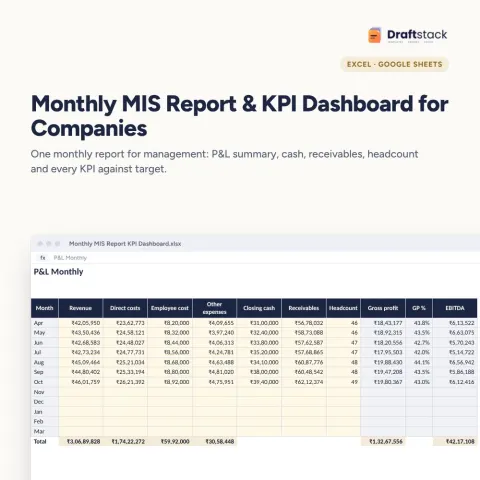
Excel & Sheets
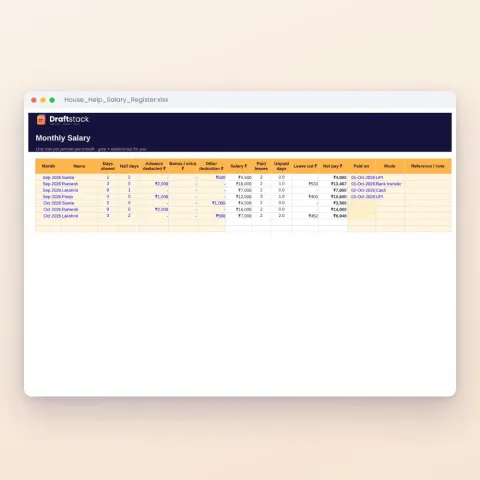
House Help Salary & Attendance Register (Excel): Maid, Cook, Driver, Nanny
Sale₹74₹24970% off