WhatsApp
 Pinterest
 New
New
NPS Contribution & Pension Estimator (Excel)
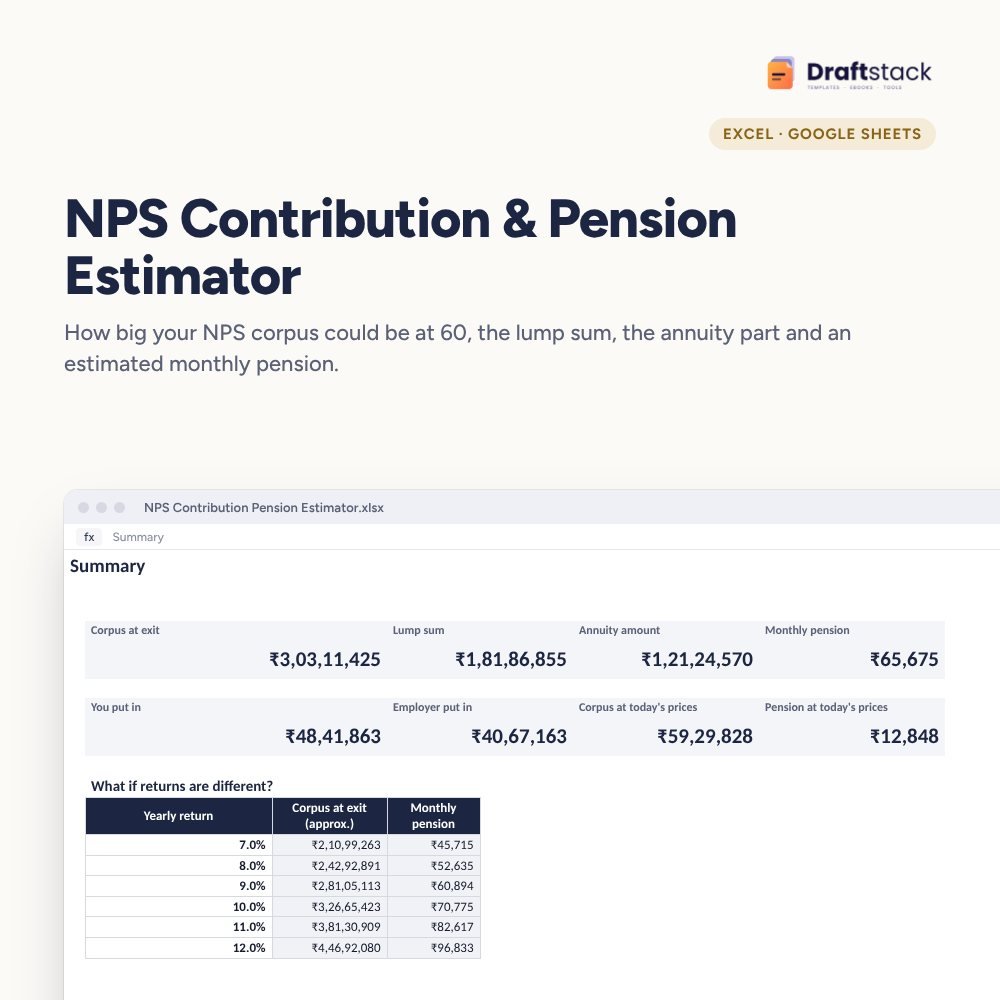
Estimate what your NPS will be worth when you exit: corpus with your and your employer's contributions growing every year, the lump sum you can take, the annuity part and a monthly pension, in future and today's money.
₹129₹299Save ₹170 (57%)
Inclusive of all taxes · One-time payment · Instant download
1 offer for you
Instant downloadOn screen + email
Secure paymentUPI · Cards · Net Banking
7-day helpFix or refund if faulty
Perfect for
Salaried employees with NPS through workSelf-employed people planning retirementAnyone deciding how much to put into NPS
What you get2 × .xlsx (blank + sample)
Works withMicrosoft Excel · Google Sheets · WPS Office
DeliveryInstant download
LicencePersonal & own-business use
Frequently bought together
This item: NPS Contribution & Pension Estimator (Excel)₹129Retirement & Pension Planner (Excel): Fund Needed, Gap & Monthly SIP₹149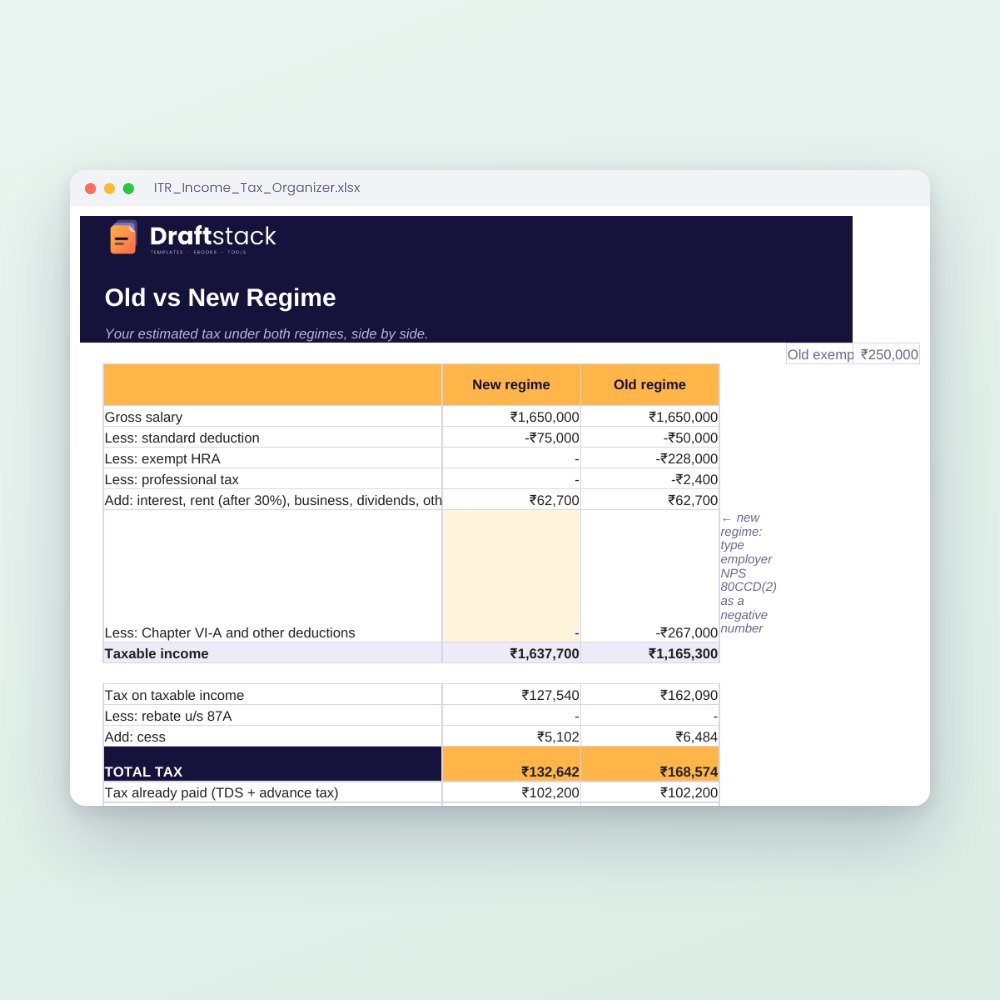 ITR & Income Tax Organizer · Old vs New Regime (Excel)₹199
All three: ₹429₹477Extra 10% off
NPS is a long game, and most people have no idea what their contributions will add up to. This estimator gives you a clear number and lets you test the what-ifs.
What it does
- Your details: age, exit age, current NPS balance, your and your employer's monthly contribution and a yearly increase
- Year-by-year growth until exit with contributions, returns and balance
- At exit: corpus, lump sum, annuity amount and estimated monthly pension
- Today's money: the same numbers adjusted for inflation, so ₹2 crore in 28 years makes sense today
- What-if table: corpus and pension at returns from 7% to 12%
- Annuity share you choose, to match the exit rules that apply to you
Use it to decide
Should you raise your contribution? Switch to a more equity-heavy mix? Ask your employer to route part of your salary to NPS? The numbers make the choice easier.
What's inside
Everything you get
01
Settings
Age, contributions, returns and annuity
02
NPS Years
Every year until exit
03
Summary
Corpus, lump sum and pension, at today's prices too
04
What-if table
Returns from 7% to 12%
Files in your download
- XLSXNPS_Contribution_Pension_Estimator.xlsx15 KB
- XLSXNPS_Contribution_Pension_Estimator_SAMPLE.xlsx15 KB
How to use
Start in 5 simple steps
A step-by-step guide is also included inside your download.
- 1
Type your age
And exit age
- 2
Add contributions
Yours and your employer's
- 3
Pick a return
Match your fund mix
- 4
Choose annuity share
Per current rules
- 5
Compare what-ifs
Raise contributions if needed
FAQ
Questions about this product
Is this the pension I will get?
It's an estimate based on the return and annuity rate you choose. NPS returns are market-linked, and annuity rates change.
How much can I take as a lump sum?
Rules changed in late 2025 for non-government subscribers. Type the annuity share that applies to you; the rest is shown as lump sum.
Does it include my employer's contribution?
Yes, as a separate monthly amount that also grows each year.
What return should I use?
Many planners use 9 to 10% for an equity-heavy mix and 7 to 8% for a bond-heavy one. The what-if table shows a range.
Does it work for Tier II?
It is set up for Tier I, the pension account. Tier II has no exit rules, so you can track it like a mutual fund.
How do I get the files after payment?
A download button appears on screen right after payment, and the link is emailed to you. You can also download again any time from My account.
Can I use it on my phone?
Yes. It works with Microsoft Excel, Google Sheets, WPS Office. Free mobile apps are enough.
What if something does not work?
Write to us within 7 days with your order number. We will fix it, send a working file, or refund you.
Our promiseEvery file is tested before launch. If something doesn't work, we fix it or refund you within 7 days. Refund policy
Complete the set
Goes well with this
New
 New
New
 New
New
Excel & Sheets
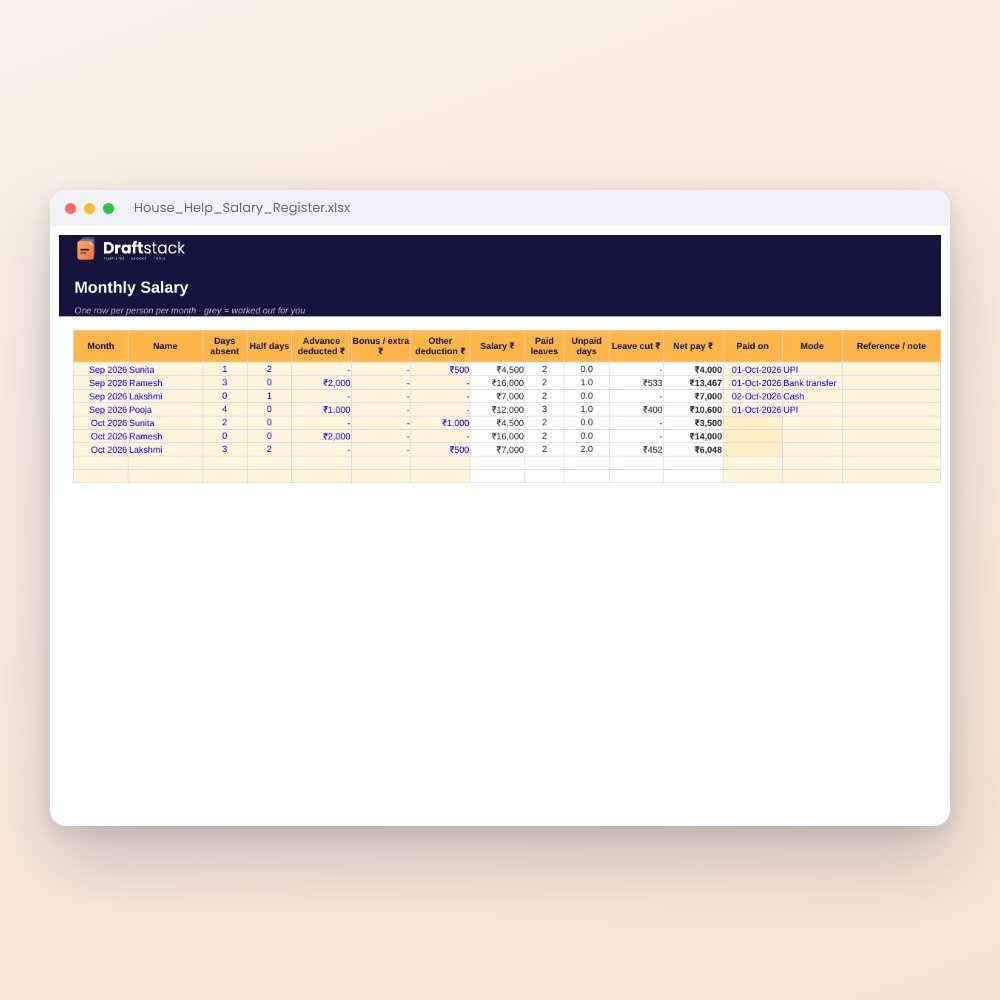
House Help Salary & Attendance Register (Excel): Maid, Cook, Driver, Nanny
₹99₹24960% off