WhatsApp
 Pinterest
 New
New
Manpower Cost & Headcount Budget Planner (Excel)
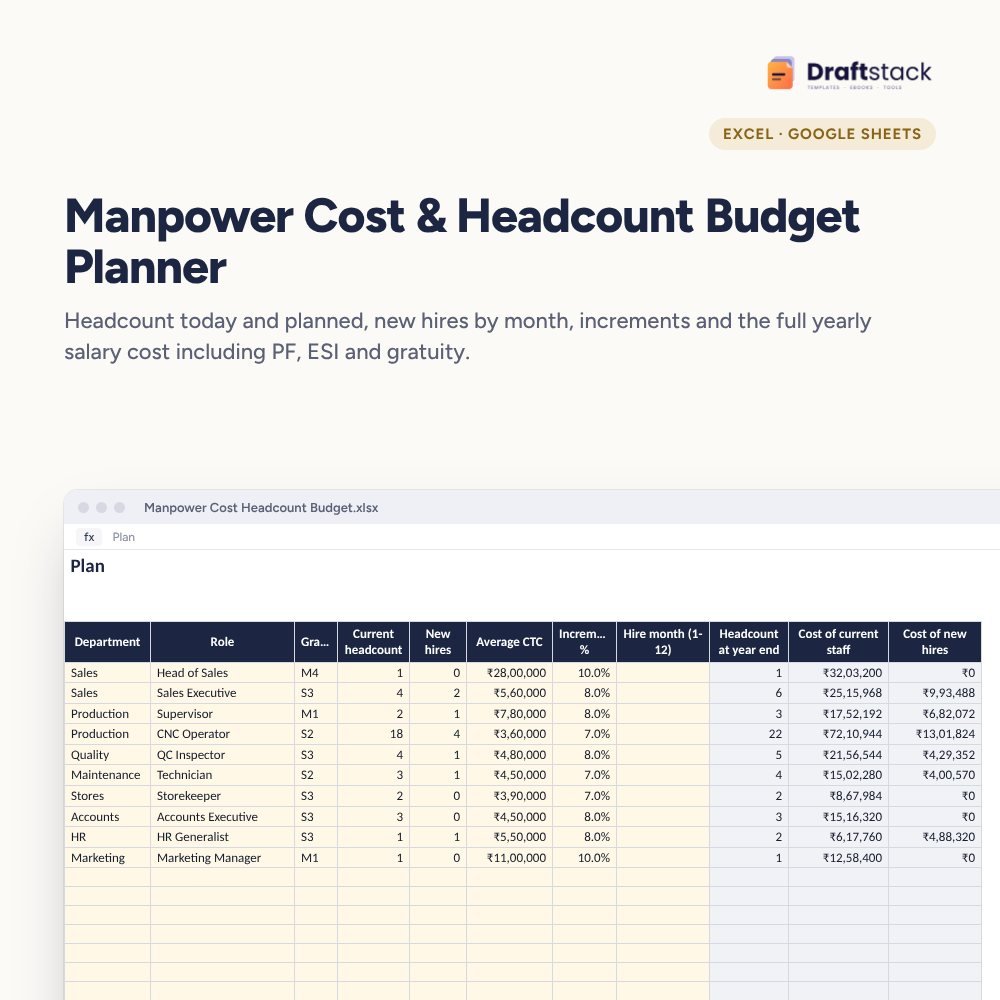
Plan next year's people cost properly: headcount by role, increments from the month they apply, new hires phased by joining month, employer costs above CTC, and the cost by department.
₹449₹999Save ₹550 (55%)
Inclusive of all taxes · One-time payment · Instant download
1 offer for you
Instant downloadOn screen + email
Secure paymentUPI · Cards · Net Banking
7-day helpFix or refund if faulty
Perfect for
HR heads and CFOsFounders planning next yearDepartment heads requesting headcount
What you get2 × .xlsx (blank + sample)
Works withMicrosoft Excel · Google Sheets · WPS Office
DeliveryInstant download
LicencePersonal & own-business use
Frequently bought together
This item: Manpower Cost & Headcount Budget Planner (Excel)₹449Budget vs Actual Variance Report by Department (Excel)₹449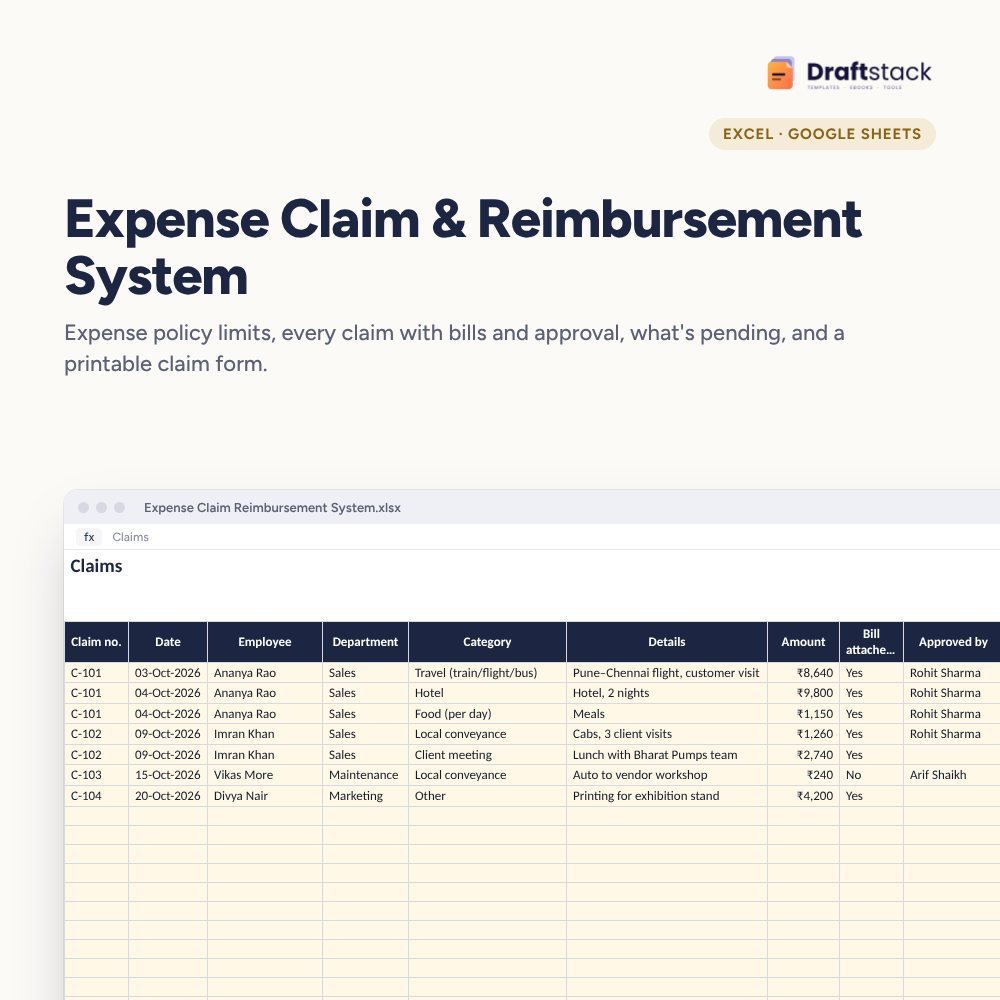 Expense Claim & Reimbursement System (Excel)₹349
All three: ₹1,122₹1,247Extra 10% off
Salaries are the biggest cost in most companies, and the manpower budget is often a single line: 'last year + 10%'. Then hiring happens, increments land, and the budget is gone by October. This planner builds the number from the bottom up.
What it does
- Plan: department, role, grade, current headcount, new hires, average CTC, increment % and the month new hires join
- Worked out per role: headcount at year end, cost of current staff (with increments from the right month), cost of new hires for the months they're on payroll plus recruitment cost, increment cost and monthly run-rate at year end
- Settings: budget year, increment month, default hiring month, employer cost above CTC, attrition and recruitment cost
- Summary: headcount now and at year end, yearly cost, cost of increments and new hires, replacement hiring, run-rate, and cost by department with a chart
Talk to finance in numbers
Show exactly what each new hire and each increment % costs this year and next year's run-rate.
What's inside
Everything you get
01
Plan
80 roles with headcount and cost
02
Summary
By department with chart
03
Phasing
Increments and hires by month
04
Blank + sample
Sample plan for a 39-person company
Files in your download
- XLSXManpower_Cost_Headcount_Budget.xlsx21 KB
- XLSXManpower_Cost_Headcount_Budget_SAMPLE.xlsx22 KB
How to use
Start in 5 simple steps
A step-by-step guide is also included inside your download.
- 1
List roles
By department
- 2
Add hires
And joining month
- 3
Set increments
% and month
- 4
Check employer costs
Above CTC
- 5
Share with finance
Summary sheet
FAQ
Questions about this product
Why phase new hires by month?
Someone joining in October costs half a year, not a full year. Phasing makes the budget realistic.
What is the run-rate at year end?
The monthly salary cost once everyone planned is on the payroll at new salaries. It shows next year's starting point.
Does it include PF and gratuity?
If your CTC includes them, yes. If not, add them as employer cost above CTC on Settings.
Can I plan by person instead of role?
Yes. Use one line per person with headcount 1.
Does it handle attrition?
It estimates replacement hiring cost from expected attrition. Salary cost assumes leavers are replaced.
How do I get the files after payment?
A download button appears on screen right after payment, and the link is emailed to you. You can also download again any time from My account.
Can I use it on my phone?
Yes. It works with Microsoft Excel, Google Sheets, WPS Office. Free mobile apps are enough.
What if something does not work?
Write to us within 7 days with your order number. We will fix it, send a working file, or refund you.
Our promiseEvery file is tested before launch. If something doesn't work, we fix it or refund you within 7 days. Refund policy
Complete the set
Goes well with this
New
 New
New
 New
New
 New
New
Excel & Sheets
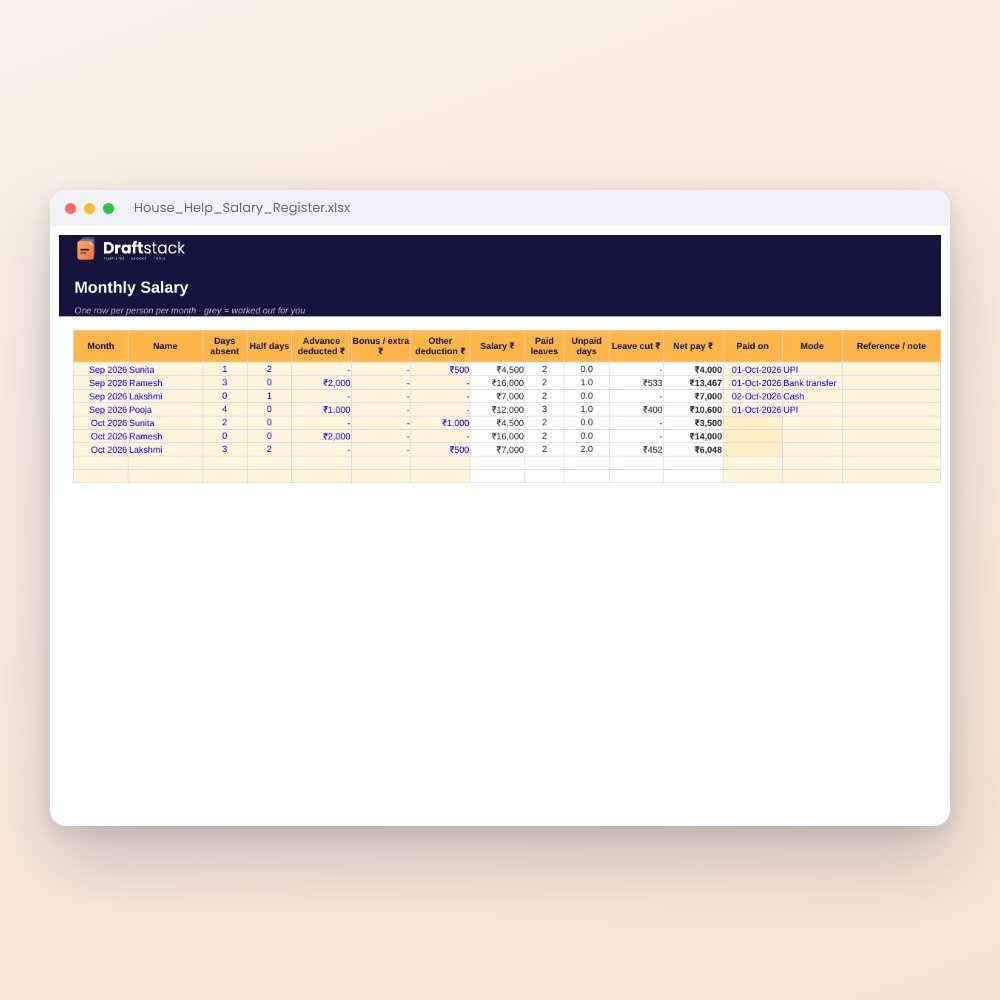
House Help Salary & Attendance Register (Excel): Maid, Cook, Driver, Nanny
₹99₹24960% off