
 Pinterest
Excel & Sheets
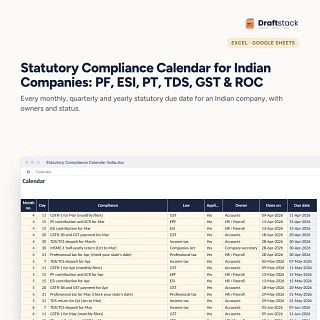
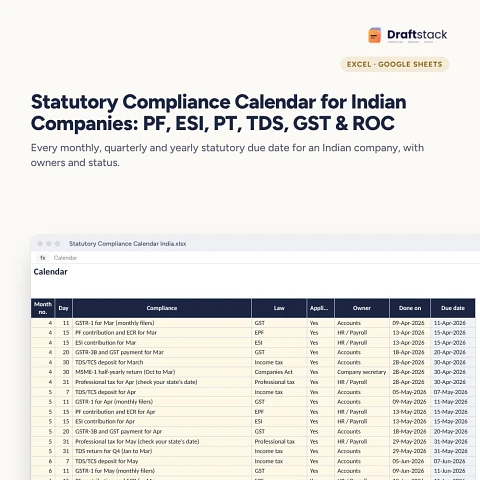
Statutory Compliance Calendar for Indian Companies: PF, ESI, PT, TDS, GST & ROC (Excel)
Sale₹374₹1,19969% off
 Get Draftstack AppFree · Add to your Home Screen
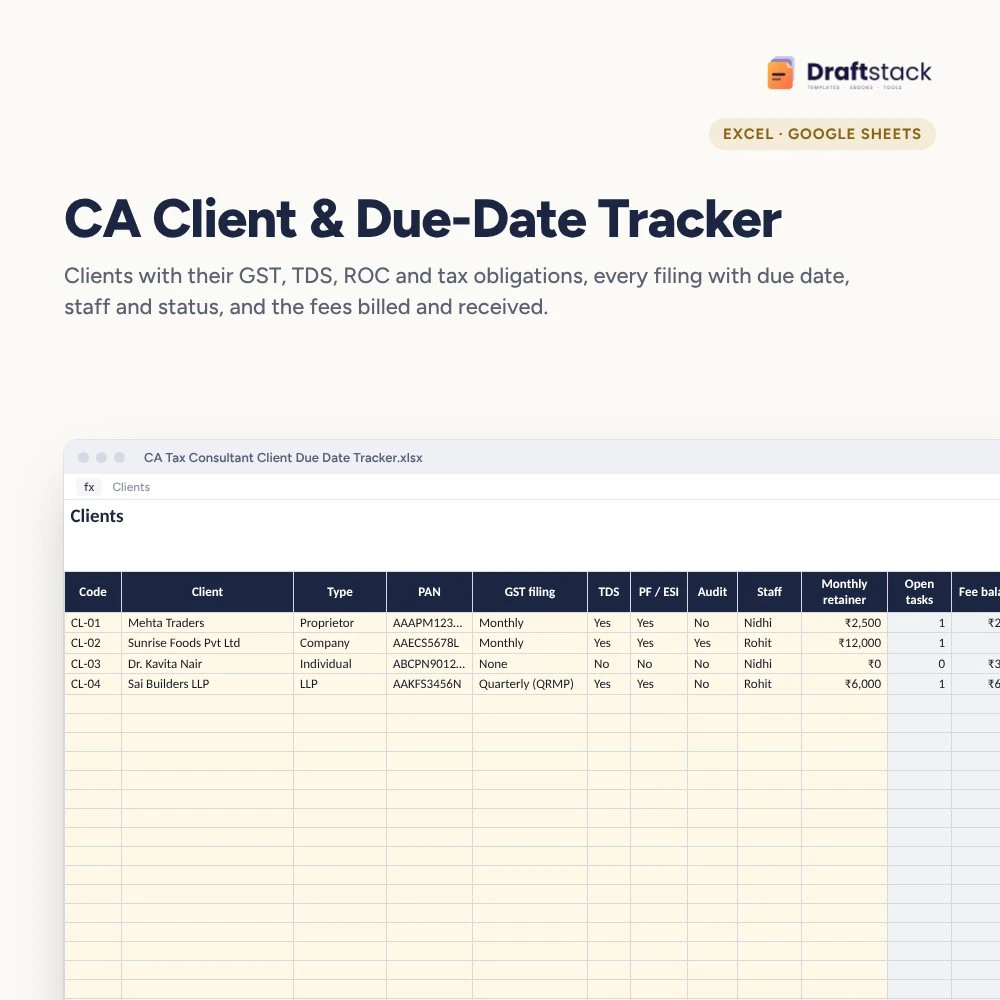
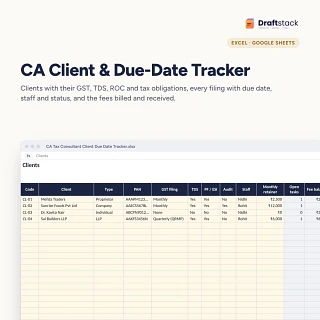
For CA firms, tax consultants and accountants: a client master with GST, TDS, PF and audit flags, every filing with due date, staff and status, overdue and due-soon alerts, late-filing count, work per staff member, and fees billed and received.
 Get the whole Mega BundleBusiness & Work Mega Bundle: Excel, Canva & Office Tools for Shops, Sellers and Companies · ₹4,499 · you save ₹14,885See →
A small tax practice can have 50 clients and 300 filings a year. When the work sits in WhatsApp chats and memory, a GSTR-3B gets missed and the client pays late fees. This tracker gives the office one board for all deadlines and all fees.
Updated for the Income-tax Act, 2025 terms (tax year). Always confirm extensions on the official portals.
Obligations and balance
Due, staff, status
Overdue and due soon
Fees and receipts
Reference list
A step-by-step guide is also included inside your download.
With obligations
From Due Dates
Each task
With date
Monthly
They are the usual dates. The government often extends dates by notification, so confirm on the GST, income tax, TRACES and MCA portals.
Yes, through Google Sheets with edit access. Each person filters by their name.
No, and it should not. Keep passwords in a password manager.
Yes. Use the area 'Other' and any task name.
A task marked Filed with a filing date after the due date is flagged 'Filed late'.
No. The alerts show inside the file: coloured status and ready lists when you open it. A spreadsheet cannot send phone, email or WhatsApp notifications, so open it once a week, or set a phone reminder for the big dates.
A download button appears on screen right after payment, and the link is emailed to you. You can also download again any time from My account.
Yes. It works with Microsoft Excel, Google Sheets, WPS Office. Free mobile apps are enough.
Write to us within 7 days with your order number. We will fix it, send a working file, or refund you.
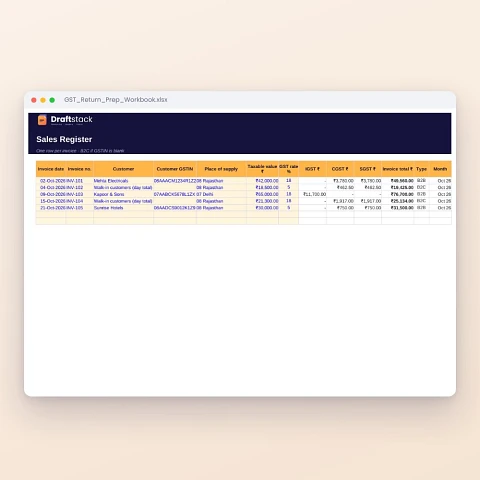
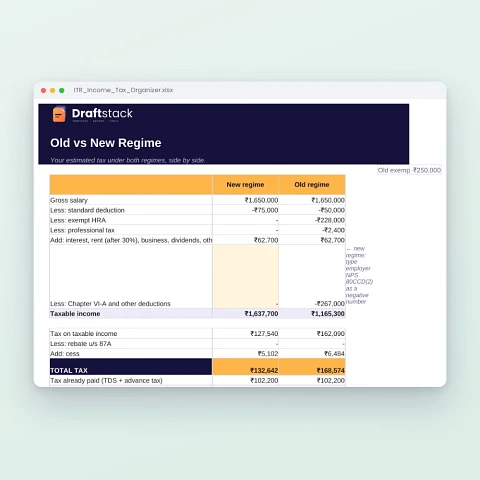
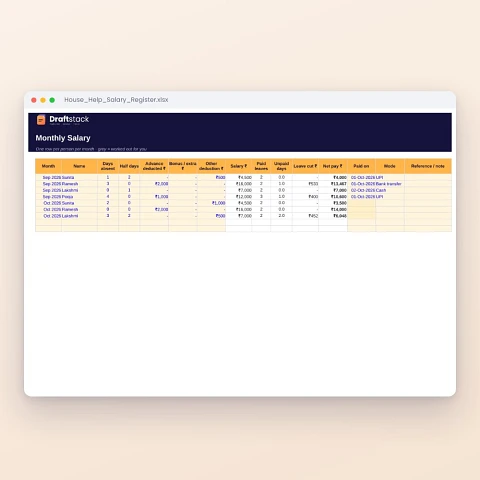

Your free PDF is on its way to .
Not there in 2 minutes? Look in Promotions or Spam.