Udyam Registration Process: Free MSME Certificate Step by Step
Udyam registration is the government's registration for micro, small and medium enterprises. It is free, fully online and takes about 20 minutes if your documents are ready.
Who can register
Any proprietor, partnership firm, LLP, company, cooperative or trust carrying on manufacturing or services can register. Micro, small and medium are decided by investment in plant and machinery or equipment and by turnover, as shown on the portal.
Documents and details you need
- Aadhaar of the proprietor, managing partner or director, with the mobile number linked
- PAN of the business (or of the proprietor)
- Bank account number and IFSC
- Business address, date of starting, main activity and number of employees
- Investment and turnover figures (the portal fetches these from income tax and GST records where available)
Step by step
1. Open udyamregistration.gov.in, the official portal. Do not use look-alike sites that charge a fee.
2. Click *For New Entrepreneurs who are not Registered yet as MSME*.
3. Enter Aadhaar and the name as on Aadhaar, and verify with OTP.
4. Select the type of organisation and enter PAN. Validate it.
5. Fill in the business name, address, plant or unit locations, bank details and the date of starting.
6. Choose the major activity (manufacturing or services) and pick NIC codes that describe what you do. You can add several.
7. Enter employee numbers, investment and turnover.
8. Submit with the final OTP. Your Udyam Registration Number appears on screen, and the certificate is emailed.
Benefits
- Priority sector lending and easier bank loans, including collateral-free credit under government guarantee schemes
- Protection against delayed payments: buyers must pay MSMEs within the agreed time, and you can complain on the MSME Samadhaan portal
- Eligibility for many government tenders, subsidies and state schemes
- Proof of business for a current account
After registration
Update the Udyam details when your address, activity or bank changes. Investment and turnover are refreshed from tax records each year.
Common mistakes
- Choosing the wrong NIC code, which can limit scheme eligibility
- Registering twice for the same PAN
- Paying an agent on a fake portal
For the full sequence of structure, Udyam, GST, licences, bank account and your first 90 days, see our Start a Business in India guide.
Sources: udyamregistration.gov.in, msme.gov.in, gst.gov.in.
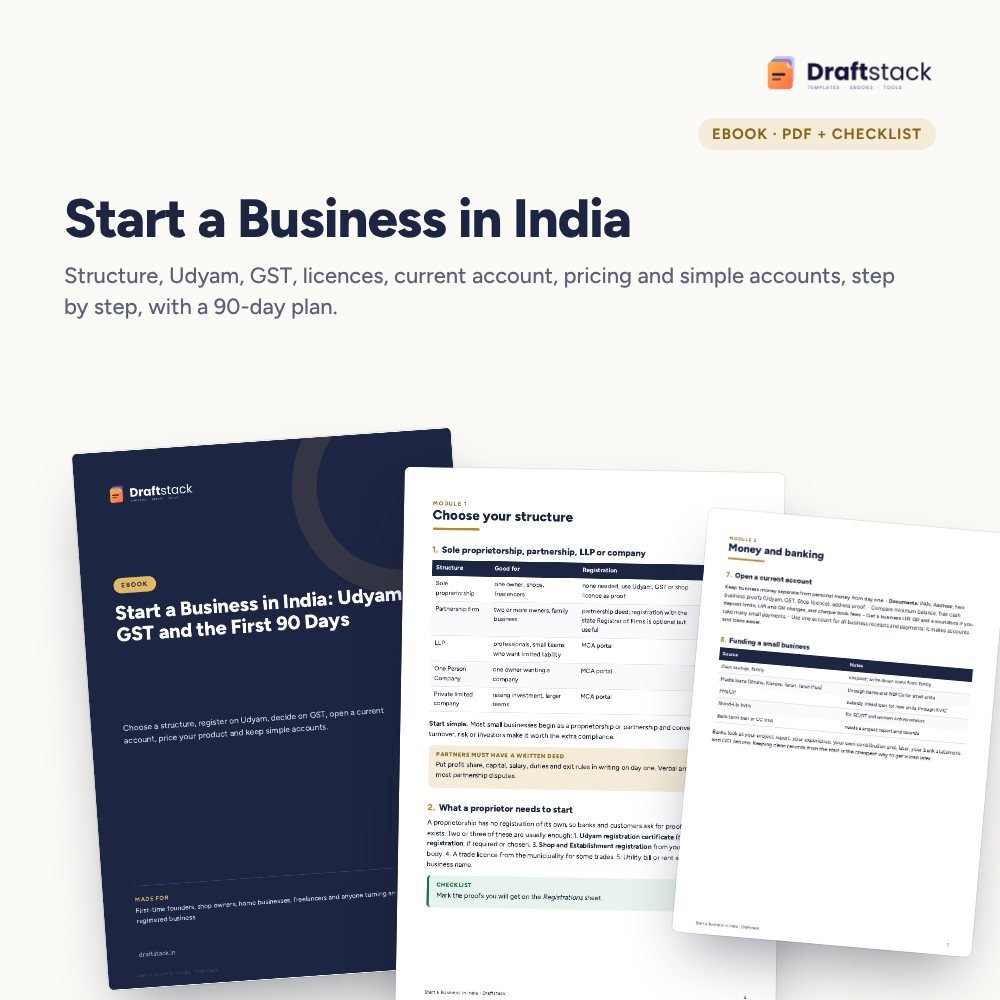 The template from this guideStart a Business in India: Udyam, GST & Licences Guide (Ebook)
₹187
 WhatsApp
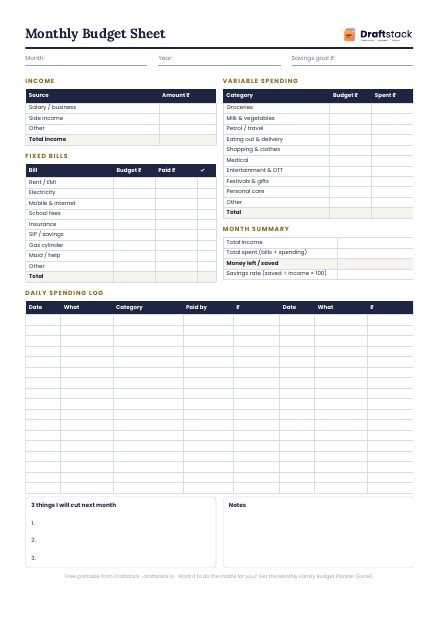
Free Monthly Budget Sheet
A printable one-page budget sheet: income, fixed bills, daily spending and savings for the month. Print it or fill it on your phone.
More guides
CIBIL Score: How to Check It Free and Improve It
What a good CIBIL score is, how to check it free, what pulls it down, the 2026 reporting changes, and a 90-day plan to improve your score and fix errors.
Income Tax Refund Status: How to Check and Why It's Delayed
How to check your income tax refund status on the e-filing portal, why refunds get stuck, how to fix bank account and PAN problems, and how to request a reissue.
AIS and Form 26AS: How to Check and Fix Mismatches
What AIS, TIS and Form 26AS (now Form 168) show, how to download them, how to give feedback on wrong entries and how to avoid a tax notice for mismatch.