Tally Prime for Beginners: Company, Ledgers and GST Entries
Tally Prime looks confusing at first because it is built for the keyboard, not the mouse. Once you know five screens and a few keys, it becomes the fastest way to keep accounts. This guide takes you from an empty Tally to your first GST invoice.
Step 1: create the company
Open Tally Prime and choose Create Company (or press Alt + K and choose Create). Fill in the business name, state, financial year starting 1 April, and the address. Accept with Ctrl + A. Then open Features with F11 and set Maintain Inventory and Enable GST to Yes. Enter your GSTIN, registration type (Regular) and return periodicity.
Step 2: understand groups and ledgers
Every account is a ledger, and every ledger sits under a group that Tally already has:
- Customers go under Sundry Debtors. Suppliers under Sundry Creditors.
- Bank accounts under Bank Accounts. Rent, salary, electricity under Indirect Expenses.
- GST ledgers (Input and Output CGST, SGST, IGST) under Duties & Taxes.
- Sales GST 18% under Sales Accounts and Purchase GST 18% under Purchase Accounts.
Create ledgers with Alt + G → Create Master → Ledger. For customers and suppliers, fill the state and GSTIN; Tally uses them to decide between CGST + SGST and IGST.
Step 3: create stock items
Create units (Nos, Box, Kg) and then stock items with the HSN code and GST rate. Getting HSN right matters because it decides the tax and appears in your GSTR-1.
Step 4: your first purchase (F9)
Press Alt + G, type Vouchers, then F9. Enter the supplier's invoice number and date, choose the supplier, the purchase ledger, the item, quantity and rate. Below the items select the input GST ledgers. Tally calculates the tax. Save with Ctrl + A.
Step 5: your first sale (F8)
F8 opens Sales. Choose the customer, the sales ledger, items and quantities, then the output GST ledgers. Print with Ctrl + P. For a customer in another state, Tally shows IGST instead of CGST and SGST if the customer's state is set correctly.
Mistakes beginners make
- Putting a customer under Sundry Creditors, which turns your receivable into a payable.
- Leaving the party's state blank, so GST goes to the wrong head.
- Typing tax amounts by hand instead of selecting the tax ledgers.
- Not taking a backup (Alt + Y → Backup) before trying something new.
Practice is the only way
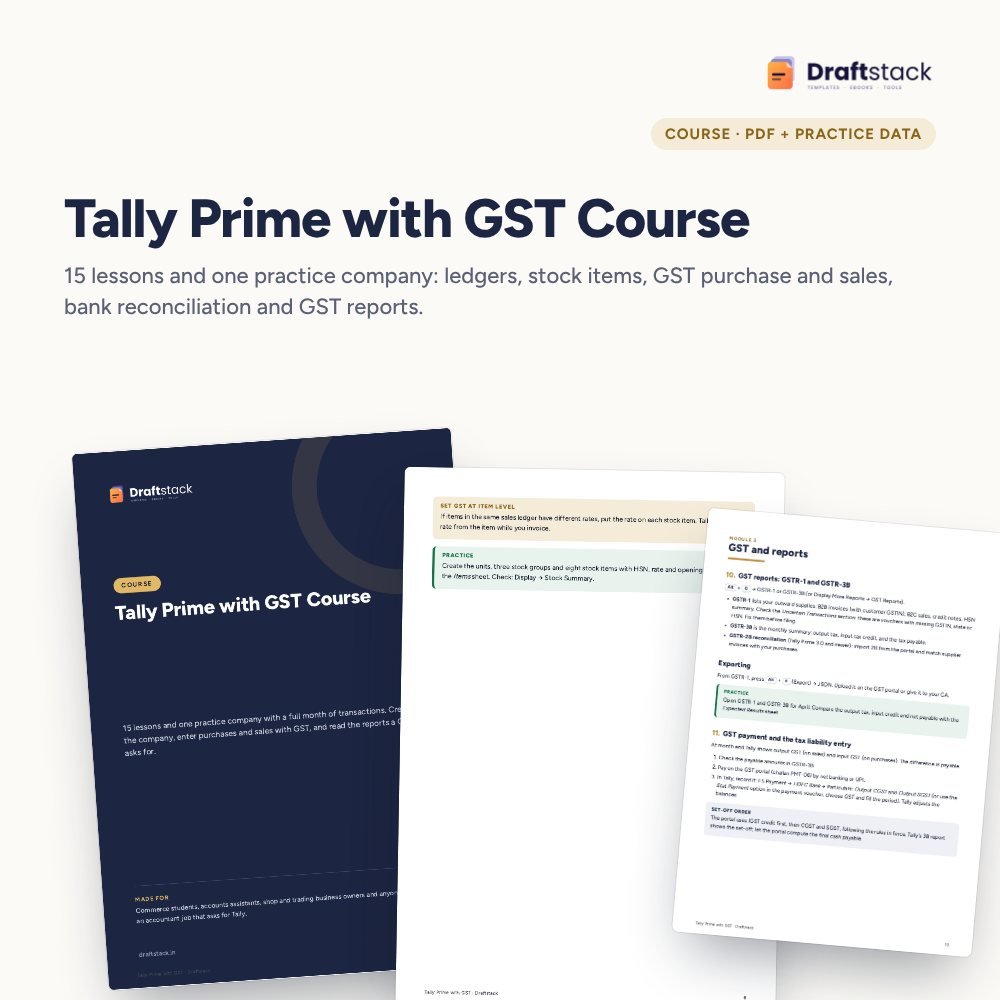
Enter one full month for a sample business: purchases, sales, payments, returns and a bank reconciliation. Then compare your trial balance and GST figures with the expected answer. Our Tally Prime with GST Course gives you exactly that: a practice company with 30 transactions, a bank statement and an Expected Results sheet.
 The template from this guideTally Prime with GST Course (Practice Company Data)
₹374
 WhatsApp
Free Monthly Budget Sheet
A printable one-page budget sheet: income, fixed bills, daily spending and savings for the month. Print it or fill it on your phone.
More guides
NIELIT CCC Exam: Syllabus, Pattern and How to Prepare
What the CCC course covers, why government jobs ask for it, and a two-week plan to prepare with notes, practice questions and real computer practice.
Google Sheets vs Excel: Which One Should You Learn
A plain comparison of Google Sheets and Microsoft Excel for students, jobs and small businesses in India, with what each does better and which to learn first.
How to Make a Good PPT: Layout, Fonts and Slides
A simple method to make a clear PowerPoint presentation: plan the story, write headline titles, pick fonts and sizes, and avoid the mistakes that bore people.