e-Shram Card: Who Can Register, Benefits and How to Apply
India has crores of workers who are not covered by PF or ESI: construction workers, house helps, drivers, street vendors, farm labourers, tailors, delivery riders and many more. e-Shram is the government's national database for these workers. Registering is free and gives a 12-digit Universal Account Number (UAN) and an e-Shram card that links you to welfare schemes.
Who can register
- Age 16 to 59 years
- Working in the unorganised sector: self-employed, daily wage, home-based, domestic work, or working in a business that does not give PF or ESI
- Not a member of EPFO (PF) or ESIC
- Not an income tax payer
Gig and platform workers (delivery, ride-hailing, freelance app work) are also asked to register on e-Shram. The Code on Social Security, now in force, recognises them, and schemes for them are linked through this registration.
What you get
- An e-Shram card with your UAN, which works across India.
- Access to schemes through the e-Shram portal, which links to many central schemes in one place.
- Help in finding schemes such as PM Shram Yogi Maan-dhan (PM-SYM), a pension scheme that pays ₹3,000 a month after 60. You pay a small monthly amount (₹55 to ₹200 depending on joining age, if you join between 18 and 40), and the government pays an equal amount.
- Faster support during emergencies, because the government can reach registered workers directly through their bank accounts.
The card itself is not cash or insurance; it is the key that connects you to the schemes you qualify for.
Documents you need
- Aadhaar number
- Mobile number linked to Aadhaar (for OTP)
- Bank account with IFSC, in your own name
If your mobile is not linked to Aadhaar, use a Common Service Centre, where fingerprint authentication is used.
How to register on your phone
1. Open eshram.gov.in and choose Register on e-Shram.
2. Enter your Aadhaar-linked mobile number, the captcha, and answer the EPFO/ESIC question (you must not be a member).
3. Enter the OTP.
4. Enter your Aadhaar number and complete Aadhaar verification.
5. Fill in your address, education, occupation (choose the closest type of work), skills and bank details.
6. Submit and download your e-Shram card.
The whole process takes about 15 minutes. There is no fee. If anyone asks money to register you online, it is not needed; CSC centres also do it free for workers.
Update your details
Log in on the portal with your UAN or mobile and OTP to update your address, occupation, mobile or bank account. Keep the bank details current, because benefits are paid directly into that account.
Are you an employer of a house help or driver?
Help them register. It takes 15 minutes with their Aadhaar and phone. It is also good practice to pay them by bank or UPI and keep a simple record of salary, leave and advances. Our guide on maid and driver salary with leaves and advances shows a fair method, and the House Help Salary Register keeps attendance, advances and payslips in one Excel sheet.
For other government services, see our list of official government websites.
Frequently asked questions
Is the e-Shram card free?
Yes. Registration and the card are free on the portal and at CSCs.
I have PF at my job. Can I register on e-Shram?
No. EPFO and ESIC members are already covered by social security and cannot register on e-Shram.
Do I get money every month from the e-Shram card?
No. The card does not pay a monthly amount by itself. It links you to schemes such as pension and insurance that you can join if you qualify.
Can delivery and cab drivers on apps register?
Yes. Gig and platform workers are encouraged to register, and new schemes for them are being linked to this registration.
I lost my e-Shram card. How do I get it again?
Log in on eshram.gov.in with your mobile and OTP and download the card again.
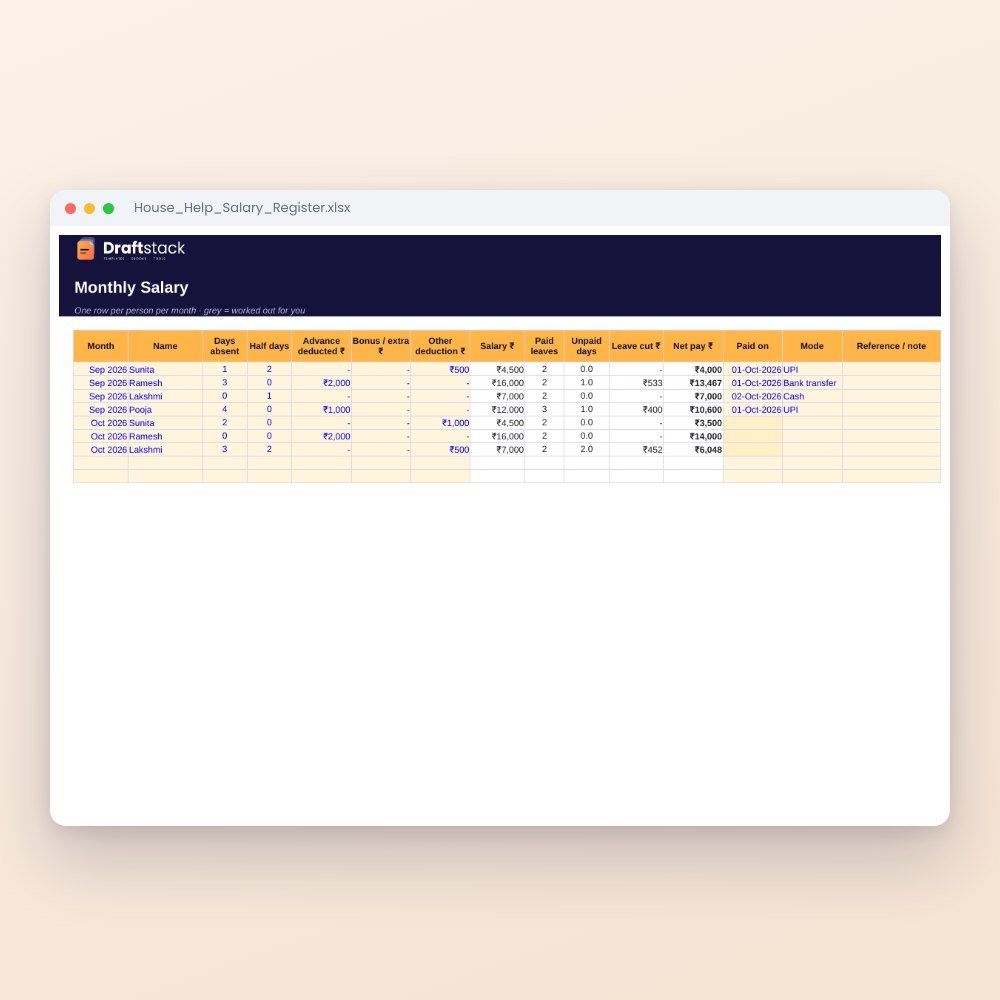 The template from this guideHouse Help Salary & Attendance Register (Excel): Maid, Cook, Driver, Nanny
₹74
 WhatsApp
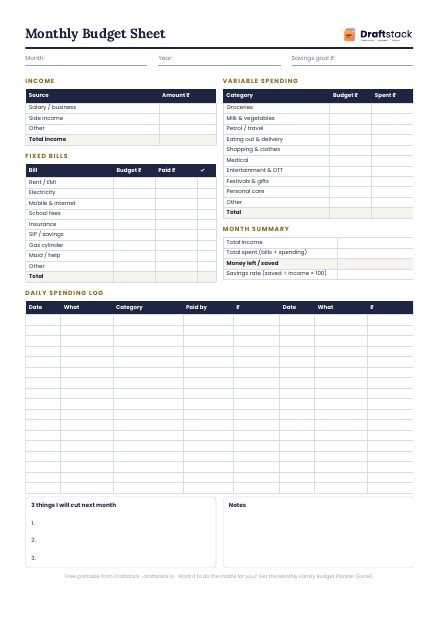
Free Monthly Budget Sheet
A printable one-page budget sheet: income, fixed bills, daily spending and savings for the month. Print it or fill it on your phone.
More guides
CIBIL Score: How to Check It Free and Improve It
What a good CIBIL score is, how to check it free, what pulls it down, the 2026 reporting changes, and a 90-day plan to improve your score and fix errors.
Income Tax Refund Status: How to Check and Why It's Delayed
How to check your income tax refund status on the e-filing portal, why refunds get stuck, how to fix bank account and PAN problems, and how to request a reissue.
AIS and Form 26AS: How to Check and Fix Mismatches
What AIS, TIS and Form 26AS (now Form 168) show, how to download them, how to give feedback on wrong entries and how to avoid a tax notice for mismatch.