Free · saved to your account
Wedding Expense Manager
Every rupee both families spend, from the first rishta meeting to the reception: what for, where, to whom, paid and balance. Saved to your account.
Log in free to start
Your guest list, shagun register and expenses are saved to your account, so you can open them on any phone. We'll email you a 6-digit code. No password.
Continue with GoogleWhat you get
Total spent₹9,46,350
Paid₹6,82,350
Balance₹2,64,000
- Lunch at the first meetingRishta · Haldiram's, Karol Bagh · Groom side₹4,850
- Marriage gardenShaadi · Shubh Vatika · ₹2,50,000 due 2 Feb₹3,50,000
- Doli car (Innova)Shaadi · Car & travel · Groom side₹14,000
- Sagai ringsEngagement · Jewellery · Both families₹68,000
Split by function and by side. Download it for Excel any time.
How to use the Wedding Expense Manager
- 1Open your wedding
Or create it in a few seconds. Log in with your email, no password.
- 2Add every expense
Function, what for, place, who was paid, bride or groom side, total and paid so far.
- 3See where the money went
Totals by function, side and category, balances with due dates, and a download for Excel.
Questions
Can both families use it?
Each expense is marked Bride side, Groom side or Both families, and the totals are split that way. One person logs in and keeps the record; share the Excel download with the other family.
What if I paid only an advance?
Write the total and what you paid so far. The balance shows with its due date, and payments due within 7 days are counted at the top.
Can I download it?
Yes, as an Excel file with an Expenses sheet and a Summary. The columns are the same as our Wedding Expense Manager Excel, so you can paste them in.
Who can see my expenses?
Only you, after logging in with your email.
Is it free?
Yes. Up to 2,000 expenses per event.
Make your wedding beautiful
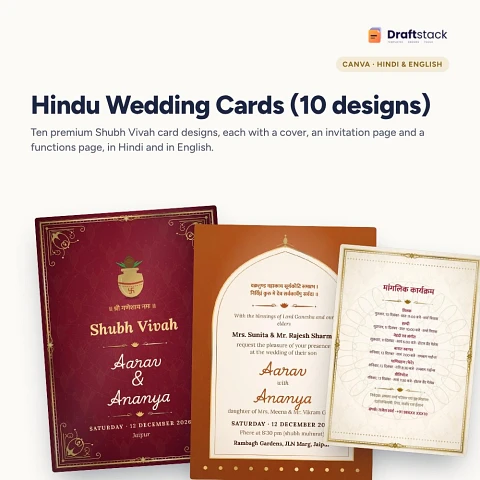
Canva Designs
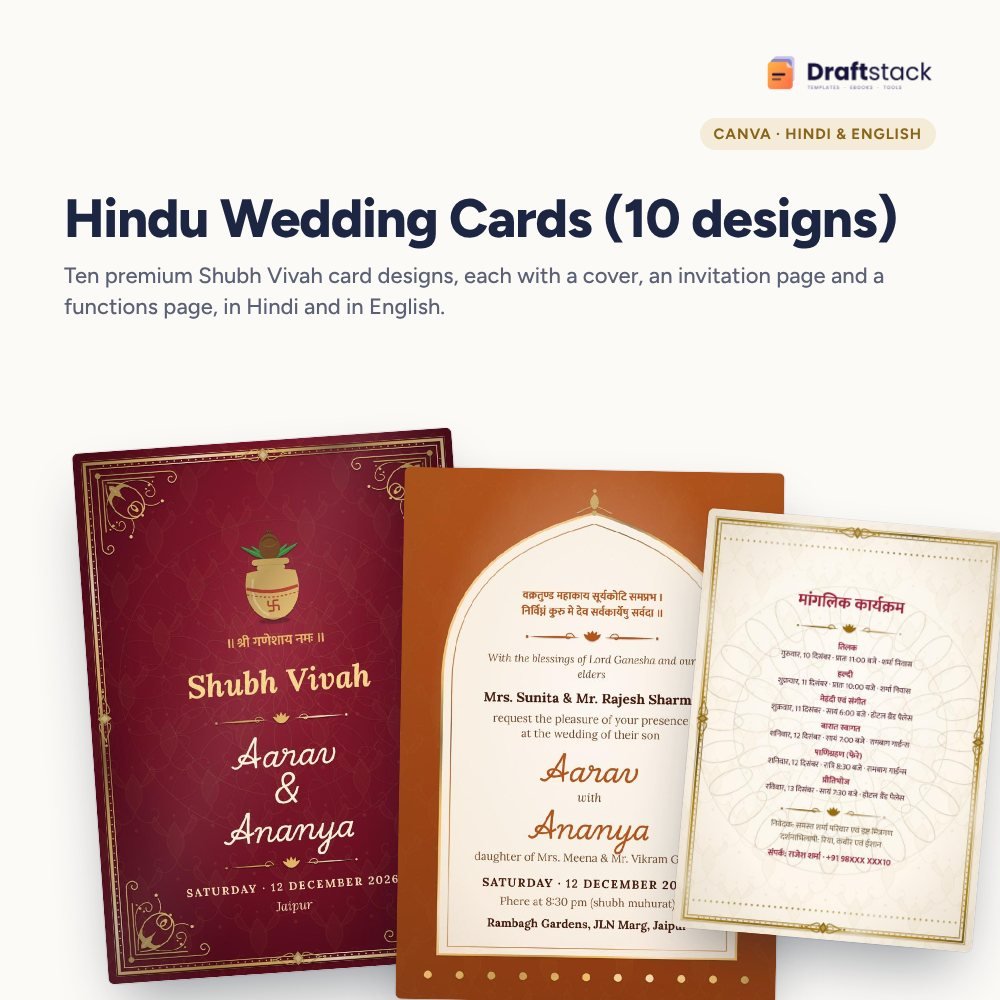
Hindu Wedding Card Designs: 10 Premium 3-Page Cards in Hindi & English
Sale₹224₹99978% off
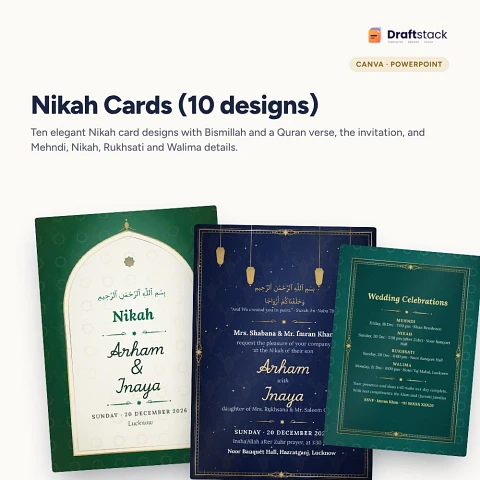
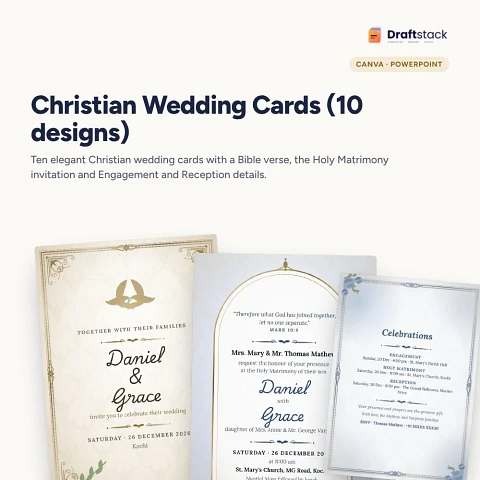
Canva Designs
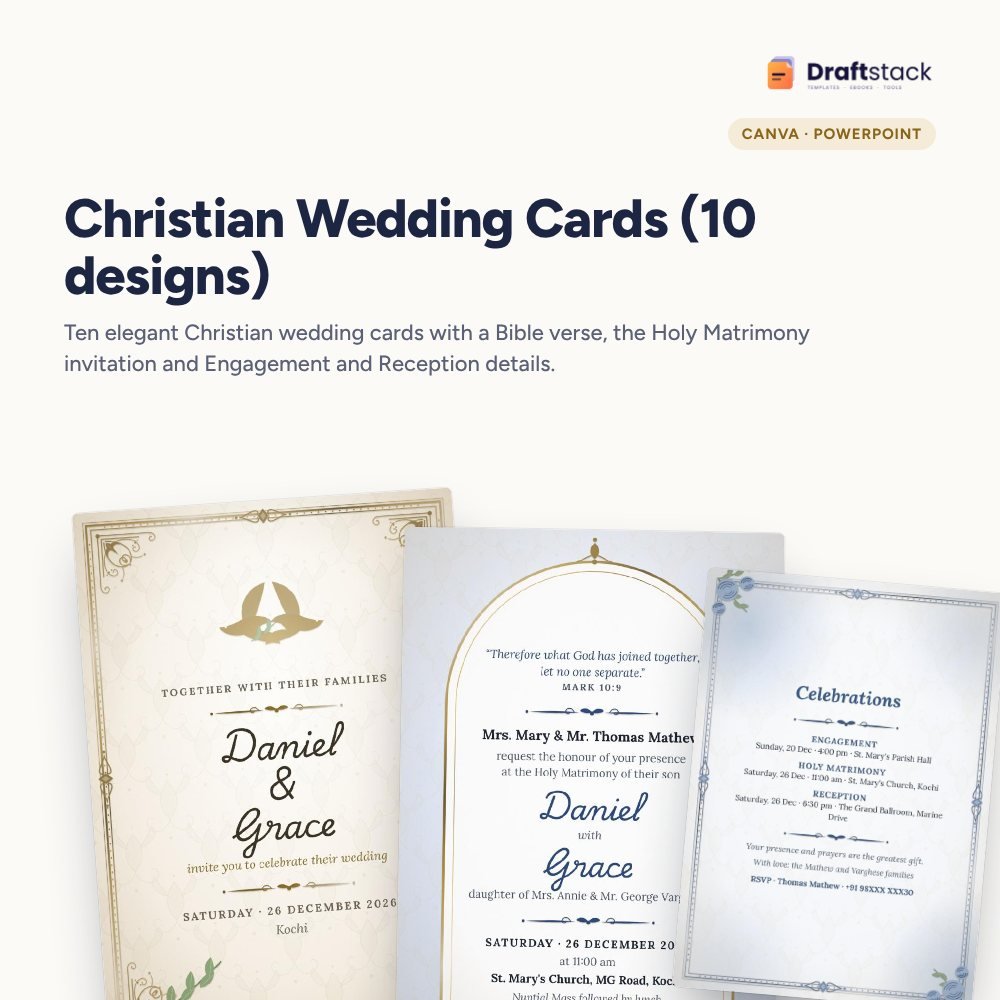
Christian Wedding Card Designs: 10 Premium 3-Page Cards with Bible Verse
Sale₹187₹79977% off
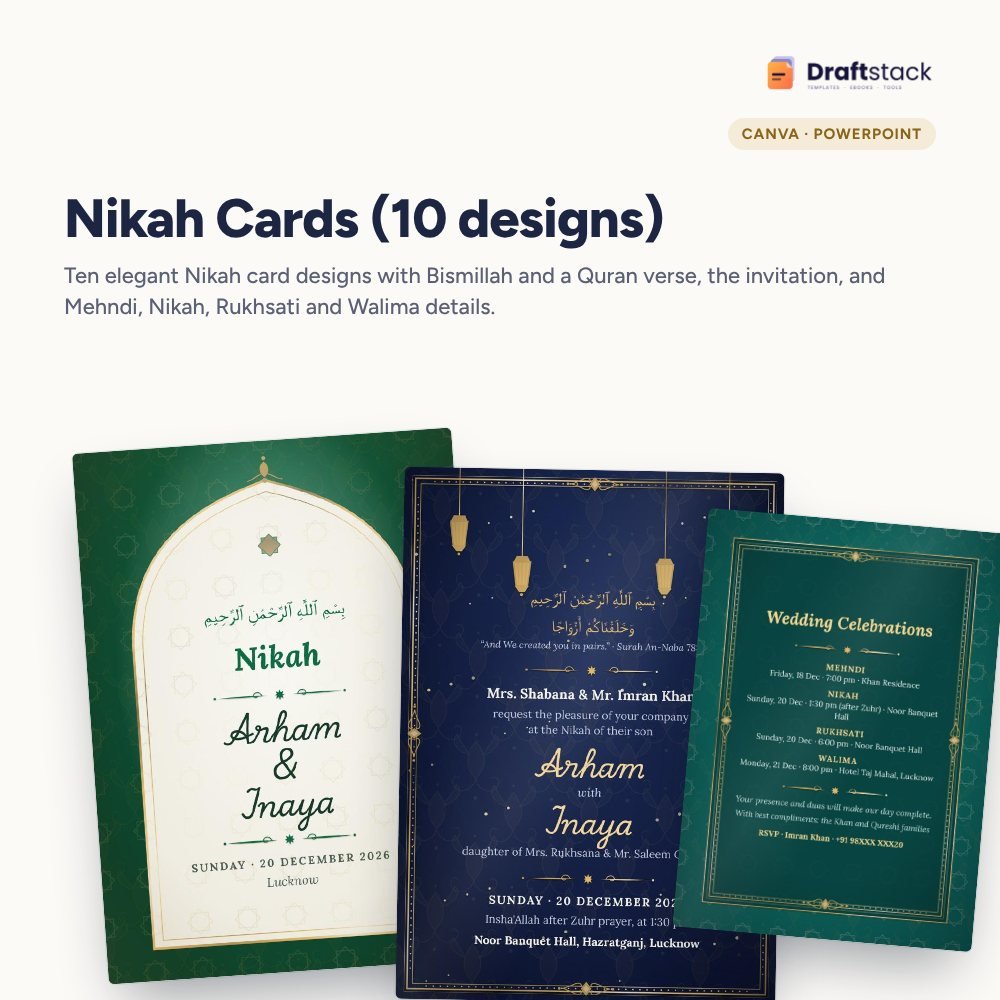
Wedding card designs10 premium 3-page designs each · edit in free Canva · print or send on WhatsApp