WhatsApp
 Pinterest
Fresher Resume Pack: 10 ATS-Friendly Resumes + Cover Letters
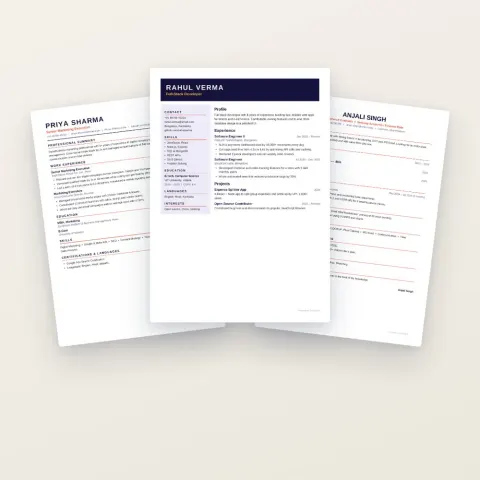
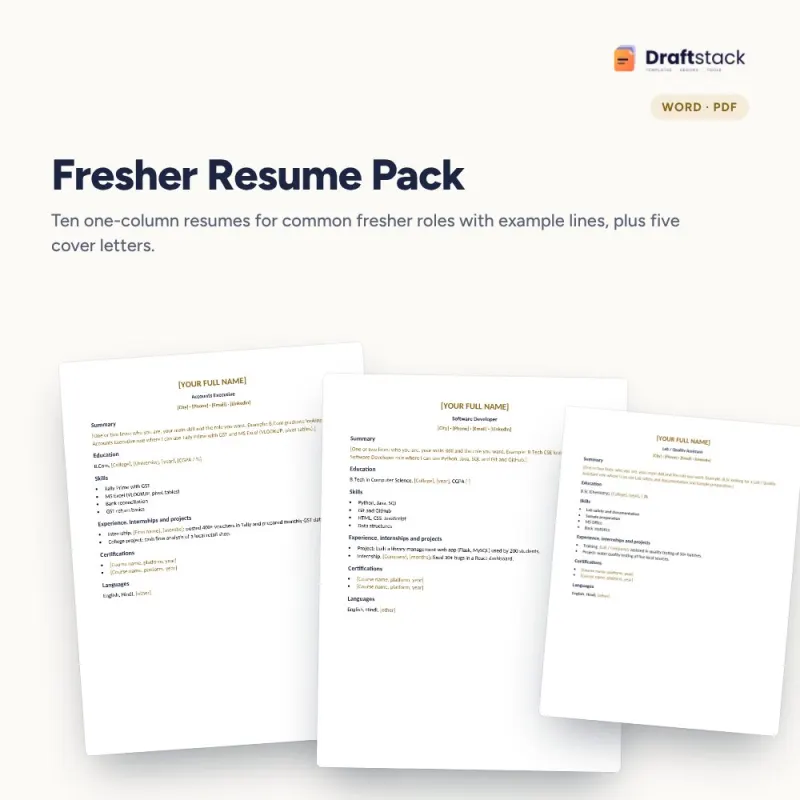
Ten one-column, ATS-friendly resumes for common fresher roles, each with example lines you can adapt, plus five cover letters including a short email version.
₹112₹499Save ₹387 (78%)
Inclusive of all taxes · One-time payment · Instant download
See a free sample (PDF) Diwali Sale: 25% off, ends 09 Nov, 12:00 AM
Instant downloadOn screen + email
Secure paymentUPI · Cards · Net Banking
7-day helpFix or refund if faulty
Perfect for
Final-year students and fresh graduatesDiploma and 12th-pass job seekersPlacement cells helping students
What you get10 resumes + 5 cover letters in Word (.docx) + PDF
Works withMicrosoft Word · Google Docs · WPS Office · PDF
DeliveryInstant download
LicencePersonal & own-business use
 Get the whole Mega BundleCareer, Skills & Money Mega Bundle: Resume, Study, AI, Office & Tax Tools · ₹3,549 · you save ₹9,846See →
Frequently bought together
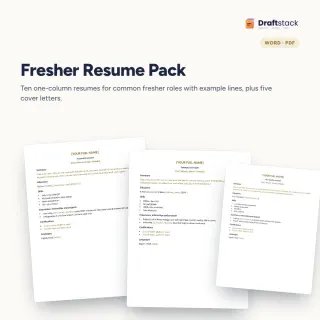 This item: Fresher Resume Pack: 10 ATS-Friendly Resumes + Cover Letters₹112
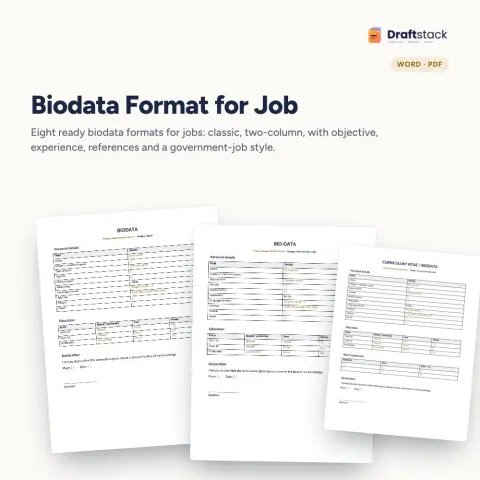
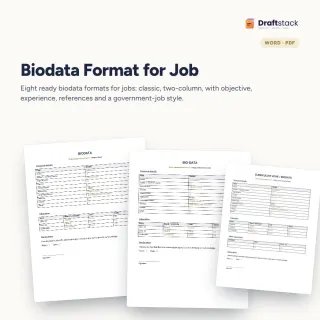 Biodata Format for Job (Word, 8 Designs)₹74
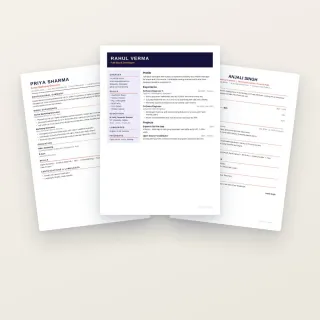 Professional Resume Templates (3 Designs)₹74
All three: ₹260Sale prices
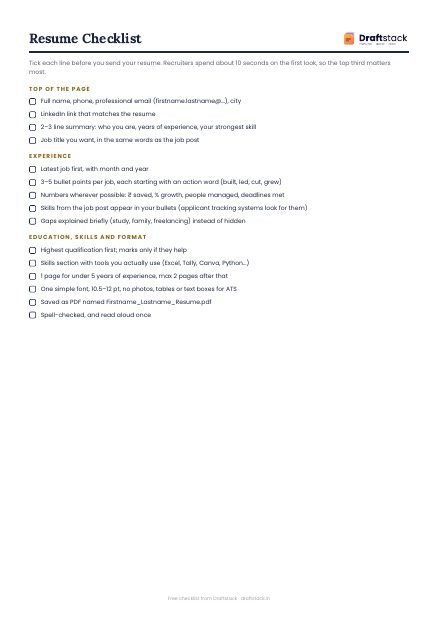
Freshers often lose interviews to a resume that looks fancy but cannot be read by the software companies use to screen applications. These resumes are plain on purpose: one column, standard headings and example lines that show how to write achievements with numbers.
Roles covered
B.Com accounts executive · B.Tech software developer · BBA marketing executive · B.Sc lab or quality assistant · Diploma mechanical trainee · MBA HR executive · data entry operator · B.Ed primary teacher · sales executive · customer support associate
Each resume has
Name and contact, a two-line summary, education, skills, internships and projects with example lines, certifications and languages.
Cover letters
A general fresher letter, versions for accounts, IT and teaching roles, and a short email version.
What's inside
Everything you get
01
10 resumes
One column, ATS-friendly
02
Example lines
Achievements with numbers
03
5 cover letters
Role-specific and email
04
Word + PDF
Edit and preview
Files in your download
- DOCXFresher_Resumes_10_ATS.docx38 KB
- DOCXFresher_Cover_Letters_5.docx37 KB
- PDFFresher_Resumes_10_ATS.pdf108 KB
How to use
Start in 5 simple steps
A step-by-step guide is also included inside your download.
- 1
Pick your role
Closest of the 10
- 2
Replace the brackets
Your details
- 3
Write achievements
With numbers
- 4
Save as PDF
Unless asked for Word
- 5
Adapt for each job
Match the job post's skills
FAQ
Questions about this product
What does ATS-friendly mean?
Applicant tracking systems read resumes automatically. Simple one-column layouts with standard headings and no text boxes or images are read correctly.
I have no work experience. What do I write?
Internships, projects, college events, part-time work and volunteering. Each resume shows example lines for these.
Should I send PDF or Word?
PDF, unless the employer asks for Word. PDF keeps the layout the same everywhere.
Is one page enough?
Yes, for freshers one page is ideal.
Do the files open in Google Docs?
Yes.
How do I get the files after payment?
A download button appears on screen right after payment, and the link is emailed to you. You can also download again any time from My account.
Can I use it on my phone?
Yes. It works with Microsoft Word, Google Docs, WPS Office, PDF. Free mobile apps are enough.
What if something does not work?
Write to us within 7 days with your order number. We will fix it, send a working file, or refund you.
Our promiseEvery file is tested before launch. If something doesn't work, we fix it or refund you within 7 days. Refund policy
Complete the set
Goes well with this
Docs & Templates
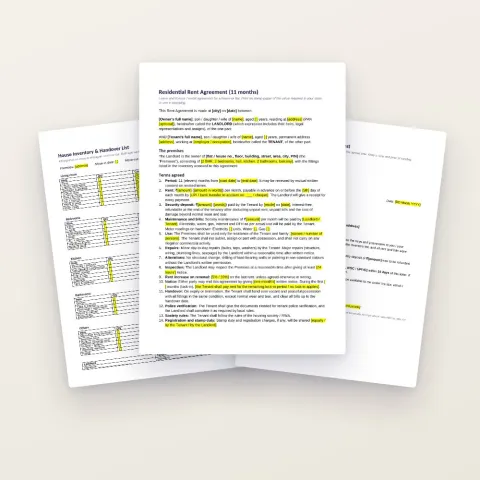
Rent Agreement & Tenant Kit: 9 Word Templates for Landlords and Tenants
Sale₹112₹39972% off