
 Pinterest
Excel & Sheets
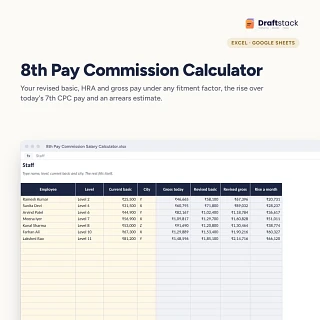
8th Pay Commission Salary Calculator (Excel) with Fitment Factor & Arrears
Sale₹74₹29975% off
 Get Draftstack AppFree · Add to your Home Screen
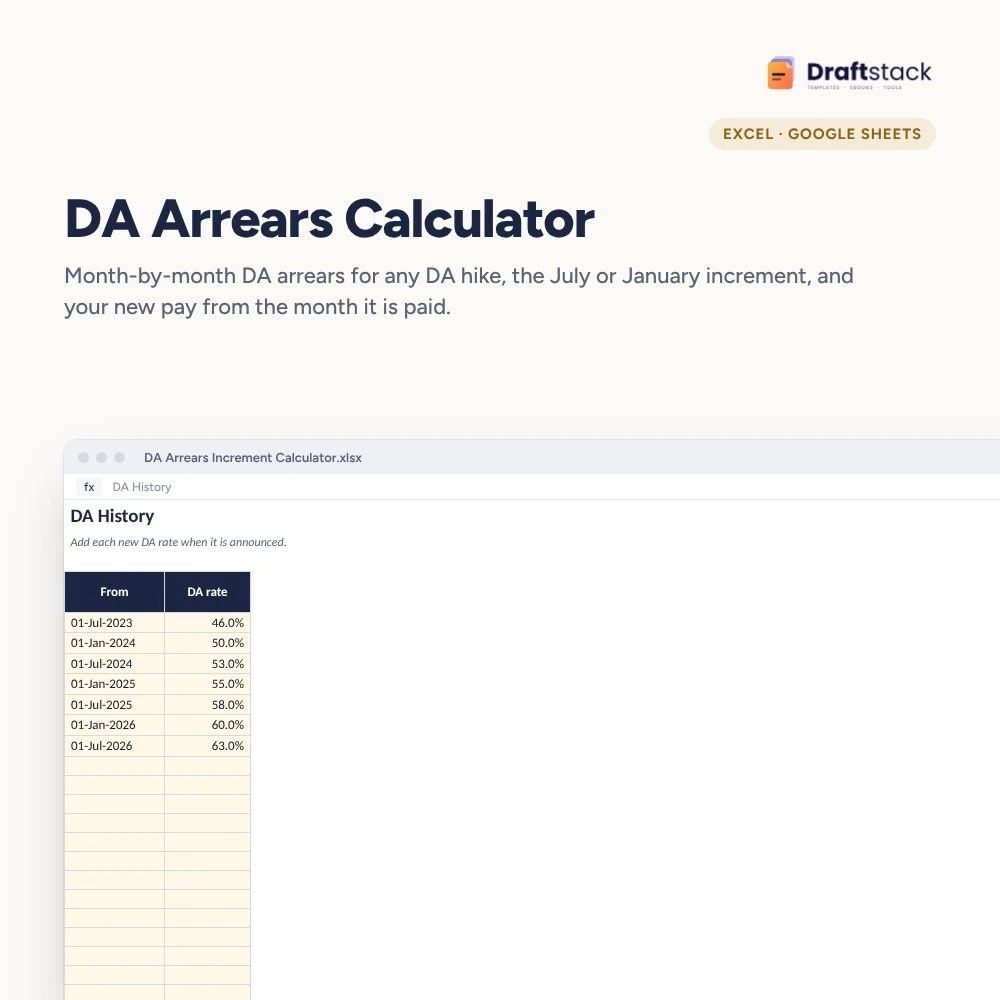
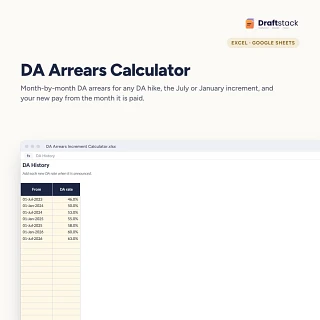
Work out DA arrears month by month for any DA hike, with your January or July increment, the monthly rise from now on and a full DA history. Updated for 63% DA from 1 July 2026.
 Get the whole Mega BundleCareer, Skills & Money Mega Bundle: Resume, Study, AI, Office & Tax Tools · ₹4,549 · you save ₹11,076See →
Each DA hike is announced months after the date it applies from, so the difference comes as arrears. Pay slips rarely show how the figure was worked out. This workbook does it month by month, so you can check the arrear bill line by line.
Central government employees, defence civilians, PSU and autonomous body staff on CDA pay, and office accounts staff who prepare arrear bills. State employees can use it with their own DA rate.
Basic, old and new DA, dates and increment
12 months, status and total
Pay before and after
7th CPC rates since July 2023
A step-by-step guide is also included inside your download.
From the pay slip
Old and new
Hike date and paid month
January or July
Line by line
63% of basic pay from 1 July 2026, approved by the Union Cabinet in October 2026. It was 60% from 1 January 2026.
For each month from the date the hike applies until it is paid in salary: basic pay × (new DA rate − old DA rate). The file adds them up.
Yes. Months from your increment date use the new basic, rounded up to the next ₹100 after 3%, as under the 7th CPC.
Under the 7th CPC, HRA rates went up when DA crossed 25% and 50%. Since DA is already above 50%, a hike from 60% to 63% does not change HRA.
Yes. Type your state's old and new DA rates and the date from which the hike applies.
A download button appears on screen right after payment, and the link is emailed to you. You can also download again any time from My account.
Yes. It works with Microsoft Excel, Google Sheets, WPS Office. Free mobile apps are enough.
Write to us within 7 days with your order number. We will fix it, send a working file, or refund you.

Your free PDF is on its way to .
Not there in 2 minutes? Look in Promotions or Spam.