WhatsApp
 Pinterest
ChatGPT Prompts for Teachers: Lesson Plans, Worksheets, Question Papers (PDF)
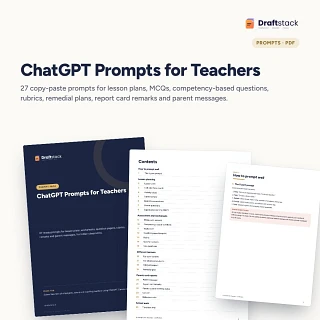
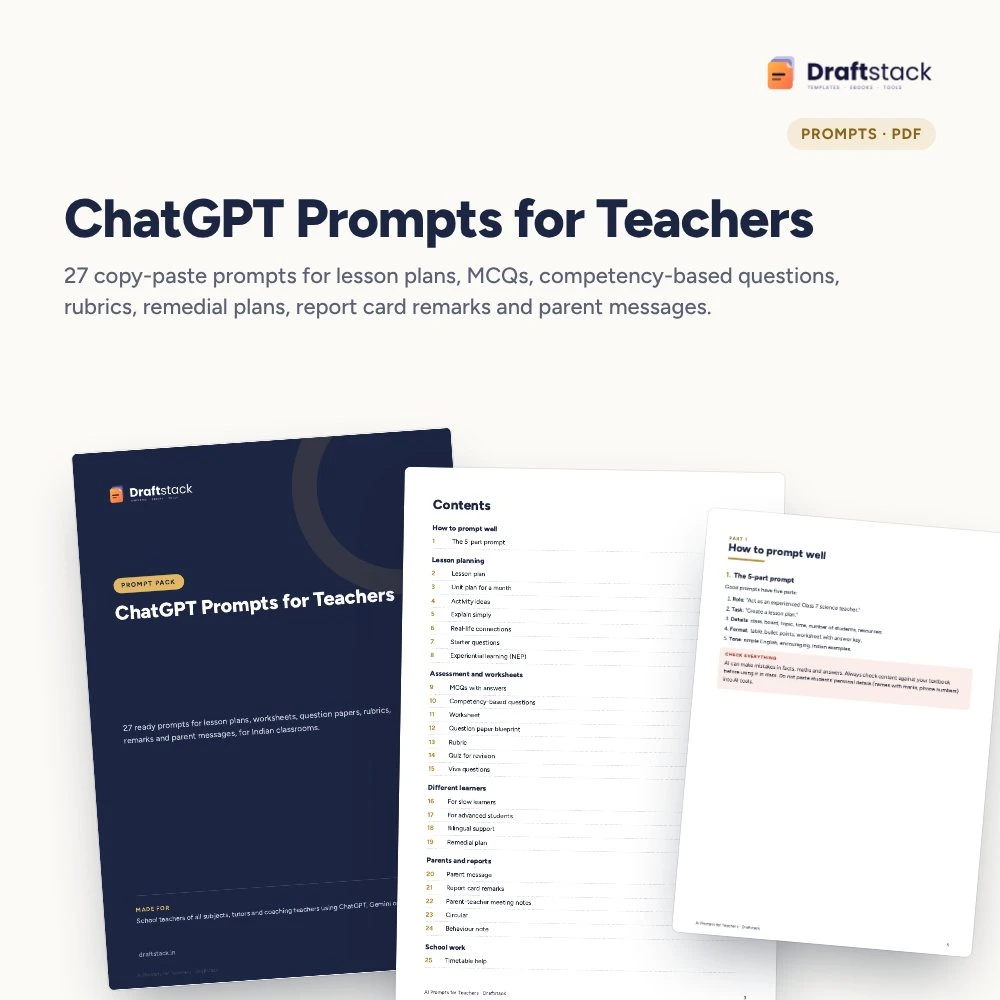
Twenty-seven prompts that save teachers hours: lesson and unit plans, activity ideas, MCQs and competency-based questions, worksheets with answer keys, rubrics, remedial plans, report card remarks, parent messages and circulars, written for Indian classrooms.
₹74₹299Save ₹225 (75%)
Inclusive of all taxes · One-time payment · Instant download
See a free sample (PDF) Black Friday Sale: 25% off, ends 01 Dec, 12:00 AM
Instant downloadOn screen + email
Secure paymentUPI · Cards · Net Banking
7-day helpFix or refund if faulty
Perfect for
School teachers of all subjectsTuition and coaching teachersSchool coordinators
What you getPrompt pack (PDF)
Works withAny phone, tablet or computer · PDF
DeliveryInstant download
LicencePersonal & own-business use
 Get the whole Mega BundleCareer, Skills & Money Mega Bundle: Resume, Study, AI, Office & Tax Tools · ₹4,549 · you save ₹11,076See →
Teachers spend evenings making worksheets, question papers and report card remarks. AI assistants can draft these in minutes, but only with a good prompt that gives class, board, topic and format. These prompts do exactly that.
Inside
- How to prompt well: role, task, details, format and tone
- Lesson planning: lesson plans, unit plans, activities, simple explanations, real-life Indian examples and NEP experiential ideas
- Assessment: MCQs with explanations, competency-based case questions, worksheets, blueprints, rubrics, quizzes and viva questions
- Different learners: slow learners, advanced students, bilingual explanations and remedial plans
- Parents and reports: WhatsApp messages, report card remarks, PTM notes, circulars
- School work: planning, events and assemblies
Always check AI answers against the textbook, and never paste students' personal details into AI tools.
What's inside
Everything you get
01
Lesson planning
7 prompts
02
Assessment
7 prompts
03
Different learners
4 prompts
04
Parents and reports
5 prompts
05
School work
4 prompts
06
Prompt guide
5 parts
Files in your download
- PDFChatGPT_Prompts_for_Teachers.pdf322 KB
How to use
Start in 5 simple steps
A step-by-step guide is also included inside your download.
- 1
Pick a prompt
By task
- 2
Fill the brackets
Class, topic
- 3
Paste in the AI tool
ChatGPT, Gemini
- 4
Check the answer
With textbook
- 5
Edit and use
Your style
FAQ
Questions about this product
Which AI tools do these work with?
ChatGPT, Gemini, Copilot, Claude and most AI assistants. Free versions are enough for most prompts.
Are the answers always correct?
No. AI can make mistakes in facts and answers. Always check against your textbook before using material in class.
Do they follow CBSE?
The prompts let you name the board and class, and include CBSE-style competency questions. They work for state boards too.
Can I use student data in prompts?
Avoid pasting students' names with marks or contact details. Use general descriptions instead.
Are they useful for coaching teachers?
Yes, especially the assessment, revision and remedial prompts.
How do I get the files after payment?
A download button appears on screen right after payment, and the link is emailed to you. You can also download again any time from My account.
Can I use it on my phone?
Yes. It works with Any phone, tablet or computer, PDF. Free mobile apps are enough.
What if something does not work?
Write to us within 7 days with your order number. We will fix it, send a working file, or refund you.
Our promiseEvery file is tested before launch. If something doesn't work, we fix it or refund you within 7 days. Refund policy
Complete the set
Goes well with this
Courses & Ebooks
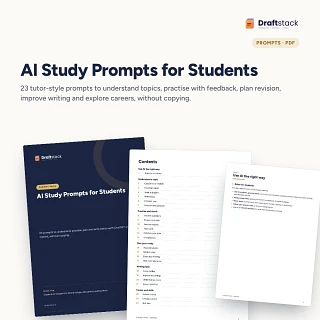
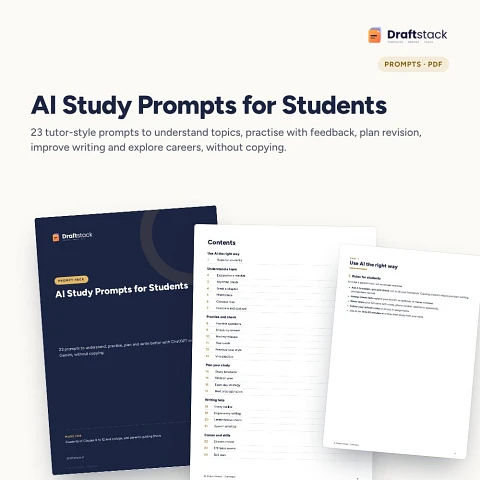
AI Study Prompts for Students: Learn, Practise & Plan with ChatGPT (PDF)
Sale₹37₹19981% off
Courses & Ebooks
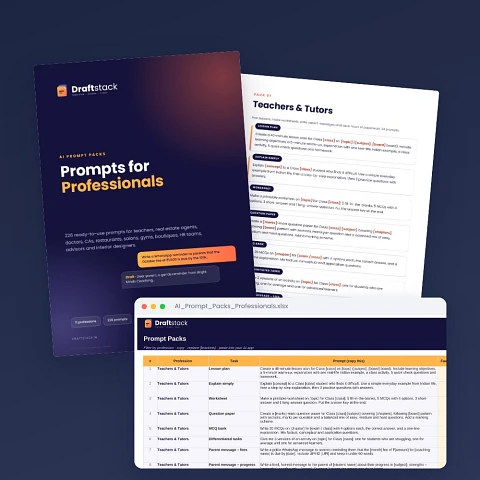
AI Prompt Packs for Professionals (226 Prompts · 11 Professions)
Sale₹149₹59975% off
Courses & Ebooks
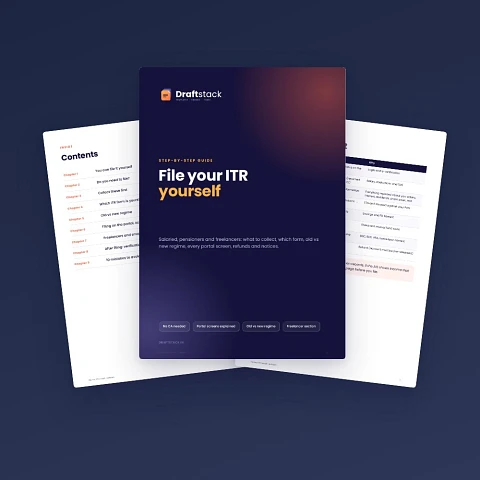
File Your ITR Yourself: Step-by-Step Guide for Salaried, Pensioners & Freelancers (Ebook)
Sale₹112₹39972% off