WhatsApp
 Pinterest
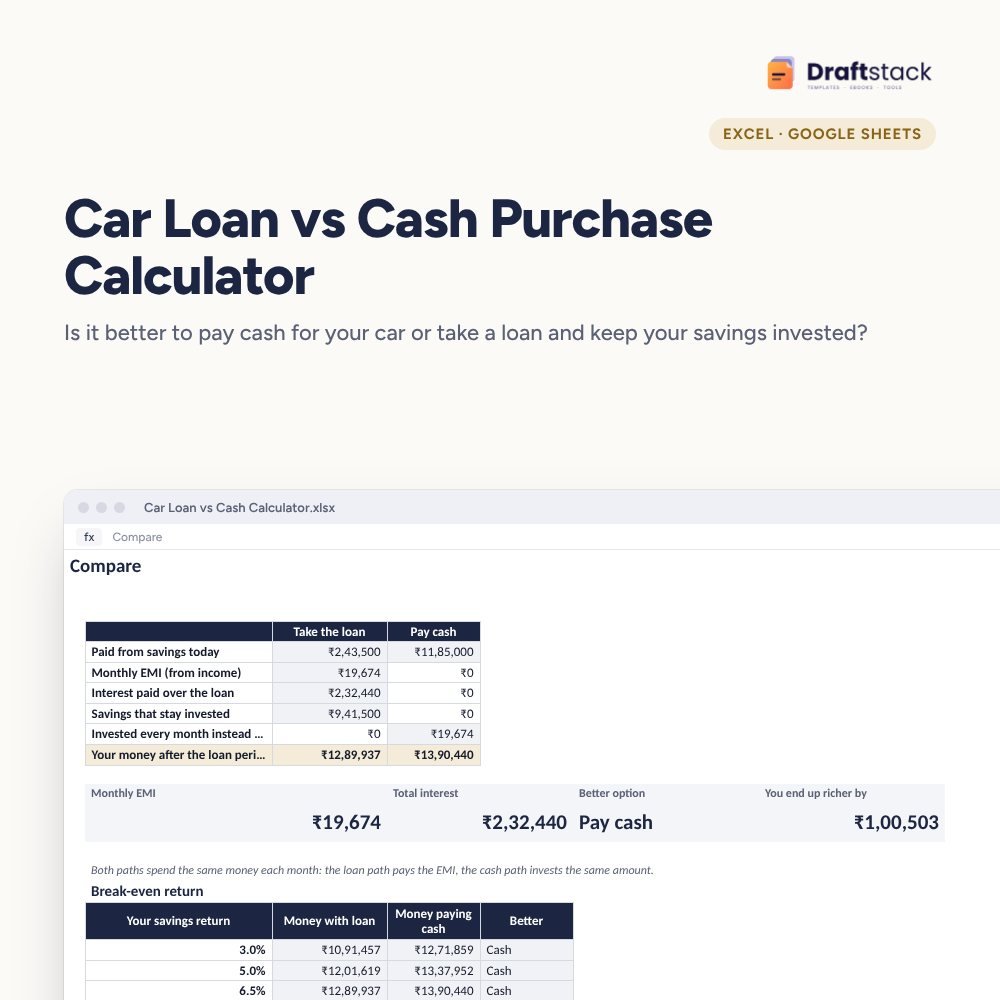
Car Loan vs Cash Purchase Calculator (Excel)
Should you pay cash for the car or take a loan and keep your savings invested? Compare EMI, total interest, fees and the returns your money would have earned, and see the return at which the answer flips.
₹99₹249Save ₹150 (60%)
Inclusive of all taxes · One-time payment · Instant download
1 offer for you
Instant downloadOn screen + email
Secure paymentUPI · Cards · Net Banking
7-day helpFix or refund if faulty
Perfect for
First-time car buyersFamilies upgrading their carAnyone choosing between EMI and savings
What you get2 × .xlsx (blank + sample)
Works withMicrosoft Excel · Google Sheets · WPS Office
DeliveryInstant download
LicencePersonal & own-business use
Frequently bought together
This item: Car Loan vs Cash Purchase Calculator (Excel)₹99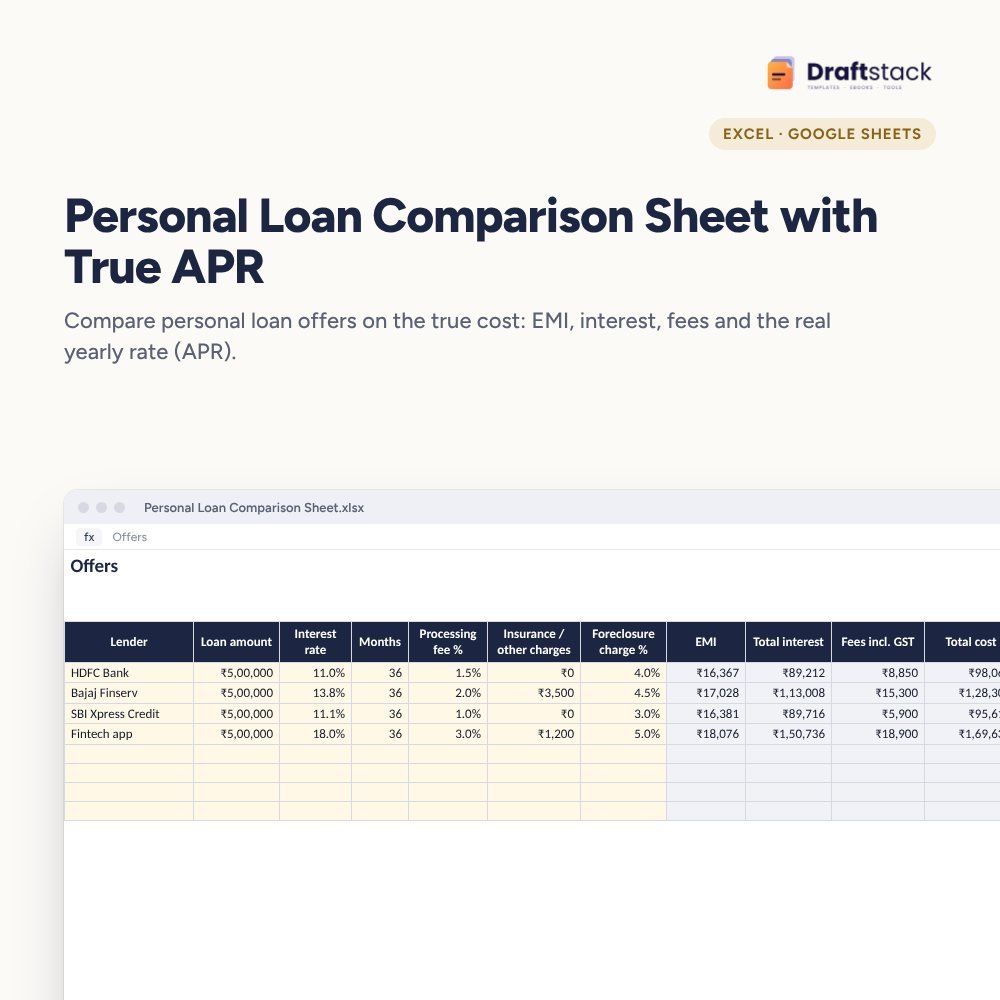 Personal Loan Comparison Sheet with True APR (Excel)₹99
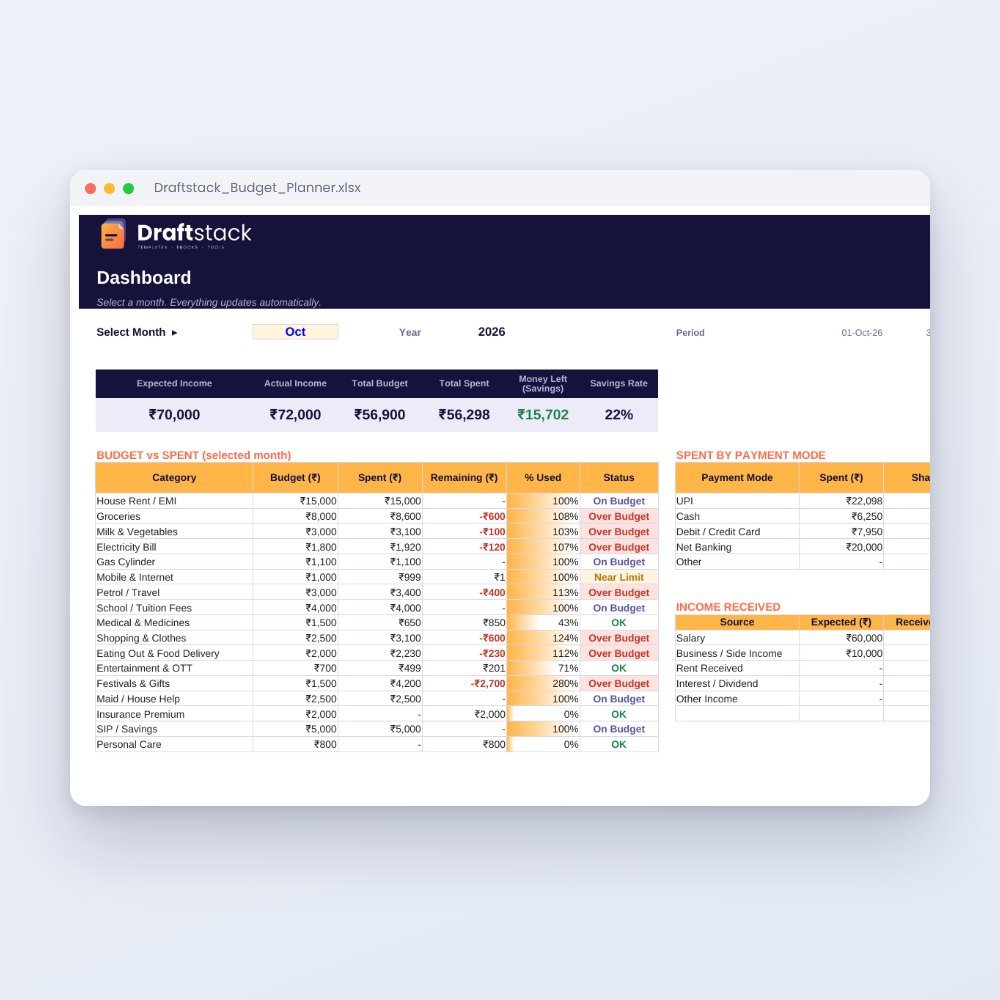 Monthly Family Budget Planner₹149
All three: ₹312₹347Extra 10% off
Dealers push loans, parents say pay cash. Both can be right. It depends on the loan rate and what your savings earn. This calculator shows which option costs you less in the end.
What it does
- Loan offer: amount or %, reducing interest rate, tenure, processing fees and extra charges, with EMI
- Compare: paid upfront, EMI, total interest and what each path leaves you with
- Money at the end on each path: savings kept invested with a loan, or EMI-sized amounts invested every month after paying cash
- Break-even table: both paths at savings returns from 3% to 12%, so you see where the answer flips
A rule of thumb you can check
If your savings earn less after tax than the car loan rate, paying cash usually wins. The calculator gives you the exact numbers for your offer.
What's inside
Everything you get
01
Inputs
Car price, loan offer and your savings return
02
Compare
Money left at the end: loan vs cash
03
Break-even table
Returns from 3% to 12%
04
Blank + sample
Sample for an ₹11.85 lakh on-road price
Files in your download
- XLSXCar_Loan_vs_Cash_Calculator.xlsx12 KB
- XLSXCar_Loan_vs_Cash_Calculator_SAMPLE.xlsx12 KB
How to use
Start in 5 simple steps
A step-by-step guide is also included inside your download.
- 1
Type the on-road price
Including insurance
- 2
Add the loan offer
Ask for the reducing rate
- 3
Set your savings return
After tax
- 4
Read the verdict
Cheaper option
- 5
Negotiate
Use the numbers with the dealer
FAQ
Questions about this product
What's the difference between flat and reducing rate?
A flat rate charges interest on the full loan for the whole tenure. A reducing rate charges only on what's still owed. A 5% flat rate is close to 9% reducing.
Should I count depreciation?
No. The car loses value the same way whichever way you pay, so it doesn't change the comparison.
What return should I use for my savings?
Use what your money actually earns after tax: FD interest after your tax slab, for example.
Can I compare two loan offers?
Yes. Make a copy of the file for each offer.
Does it handle zero-interest offers?
Yes. Put the rate as 0% and include any processing fee or discount you give up.
How do I get the files after payment?
A download button appears on screen right after payment, and the link is emailed to you. You can also download again any time from My account.
Can I use it on my phone?
Yes. It works with Microsoft Excel, Google Sheets, WPS Office. Free mobile apps are enough.
What if something does not work?
Write to us within 7 days with your order number. We will fix it, send a working file, or refund you.
Our promiseEvery file is tested before launch. If something doesn't work, we fix it or refund you within 7 days. Refund policy
Complete the set
Goes well with this
 New
New
Excel & Sheets
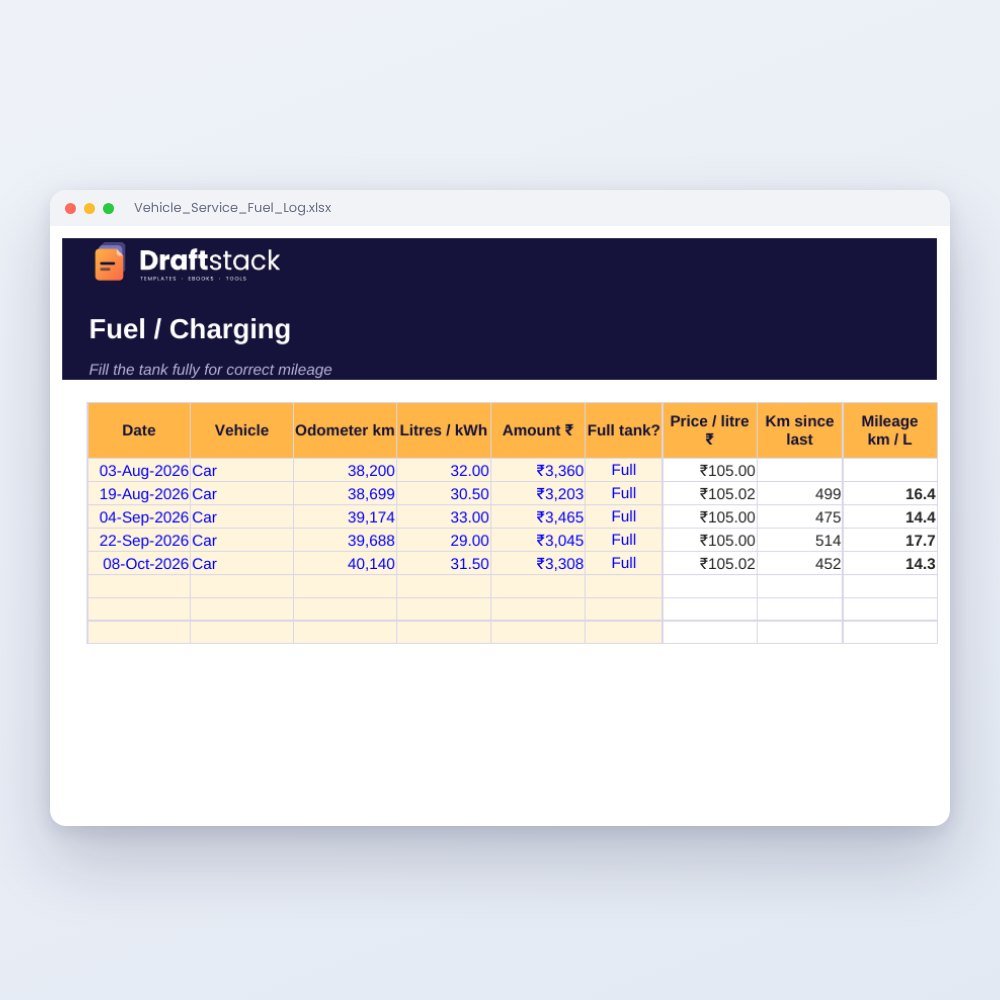
Vehicle Service, Insurance & Fuel Log (Excel): Mileage, Reminders & Running Cost
₹79₹19960% off
New
 New
New
Excel & Sheets
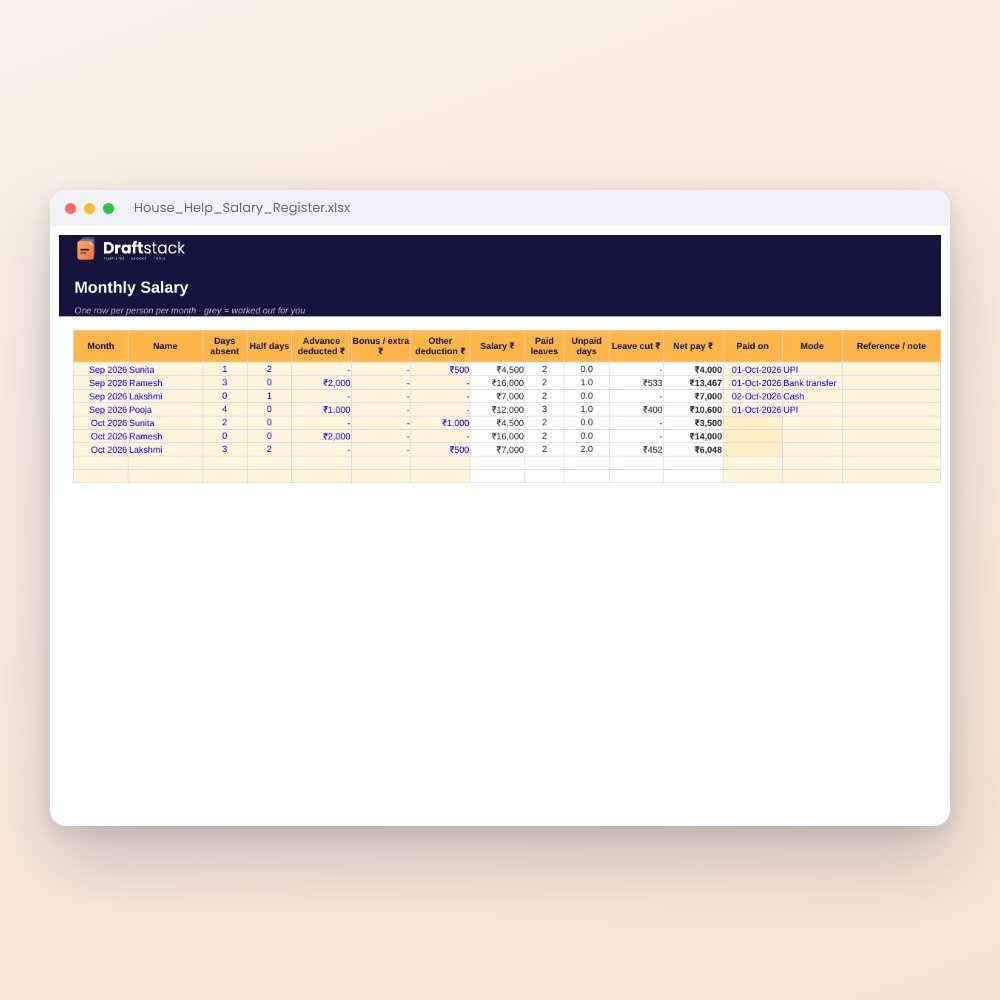
House Help Salary & Attendance Register (Excel): Maid, Cook, Driver, Nanny
₹99₹24960% off