WhatsApp
 Pinterest
 -63%
-63%
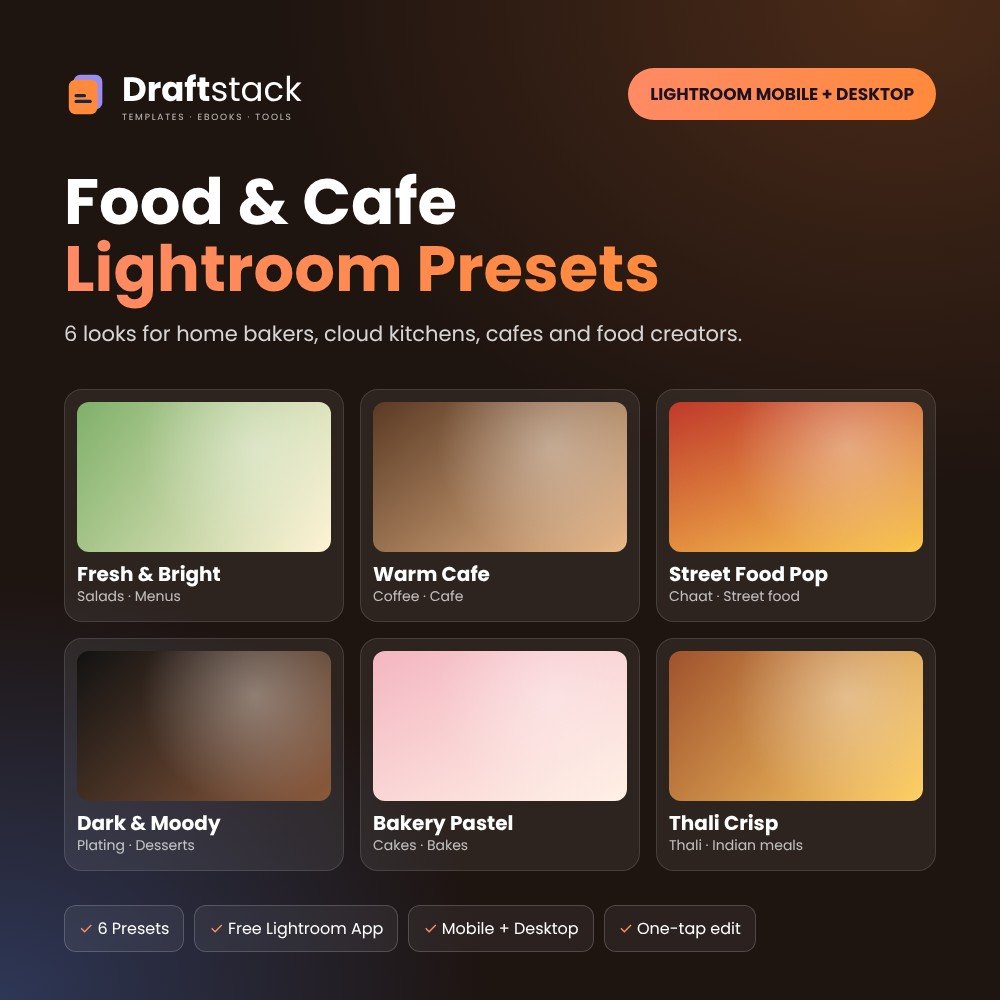
Food & Cafe Lightroom Presets for Home Bakers, Cloud Kitchens & Menus (6 Presets)
6 looks that make food look as good as it tastes: bright menu shots, cosy cafe tones, punchy street food, moody plating, soft bakery pastels and crisp thalis.
₹129₹349Save ₹220 (63%)
Inclusive of all taxes · One-time payment · Instant download
Extra 20% off with code LAUNCH20 at checkout
Instant downloadOn screen + email
Secure paymentUPI · Cards · Net Banking
7-day helpFix or refund if faulty
Perfect for
Home bakers and tiffin servicesCloud kitchens, cafes and restaurantsFood bloggers and creators
What you get6 presets (.xmp, zip) + install guide (PDF)
Works withLightroom mobile (free) · Lightroom · Lightroom Classic
DeliveryInstant download
LicencePersonal & own-business use
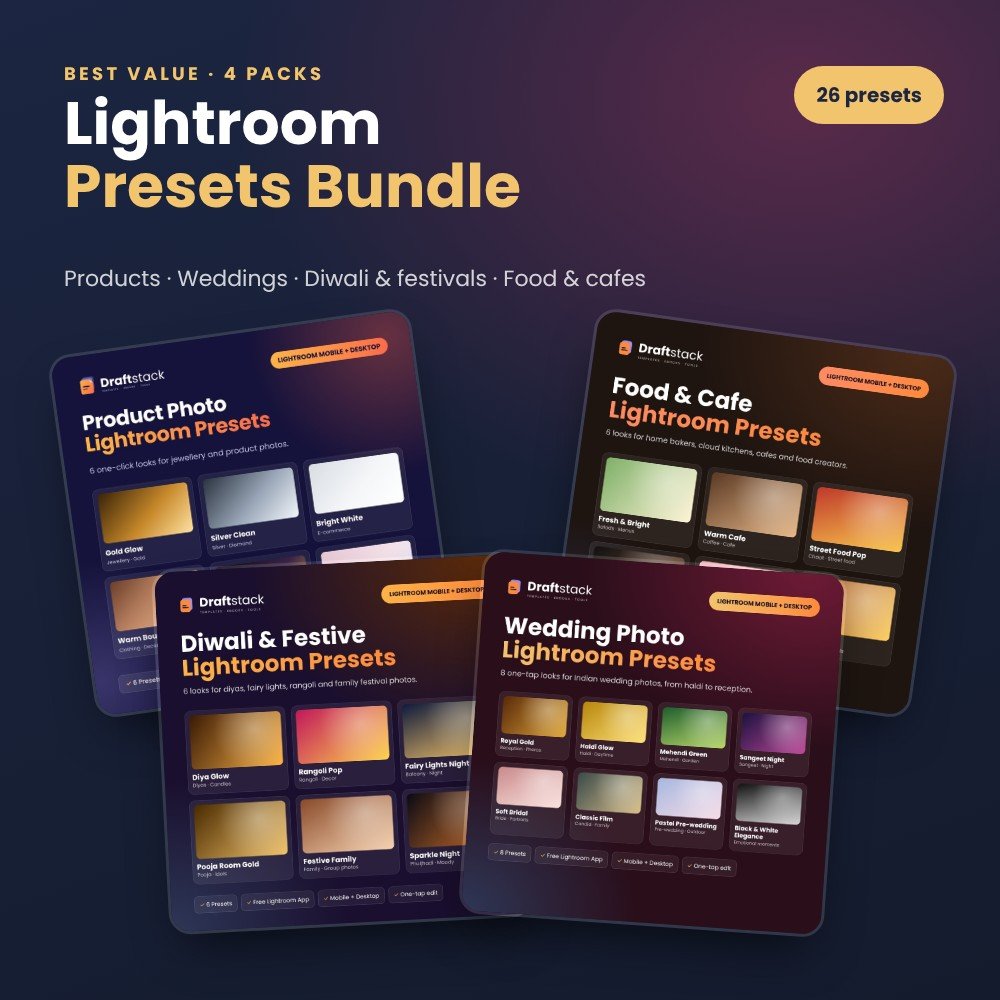 Save more in a bundleLightroom Presets Bundle: Product, Wedding, Festive & Food · ₹349 · you save ₹207See →
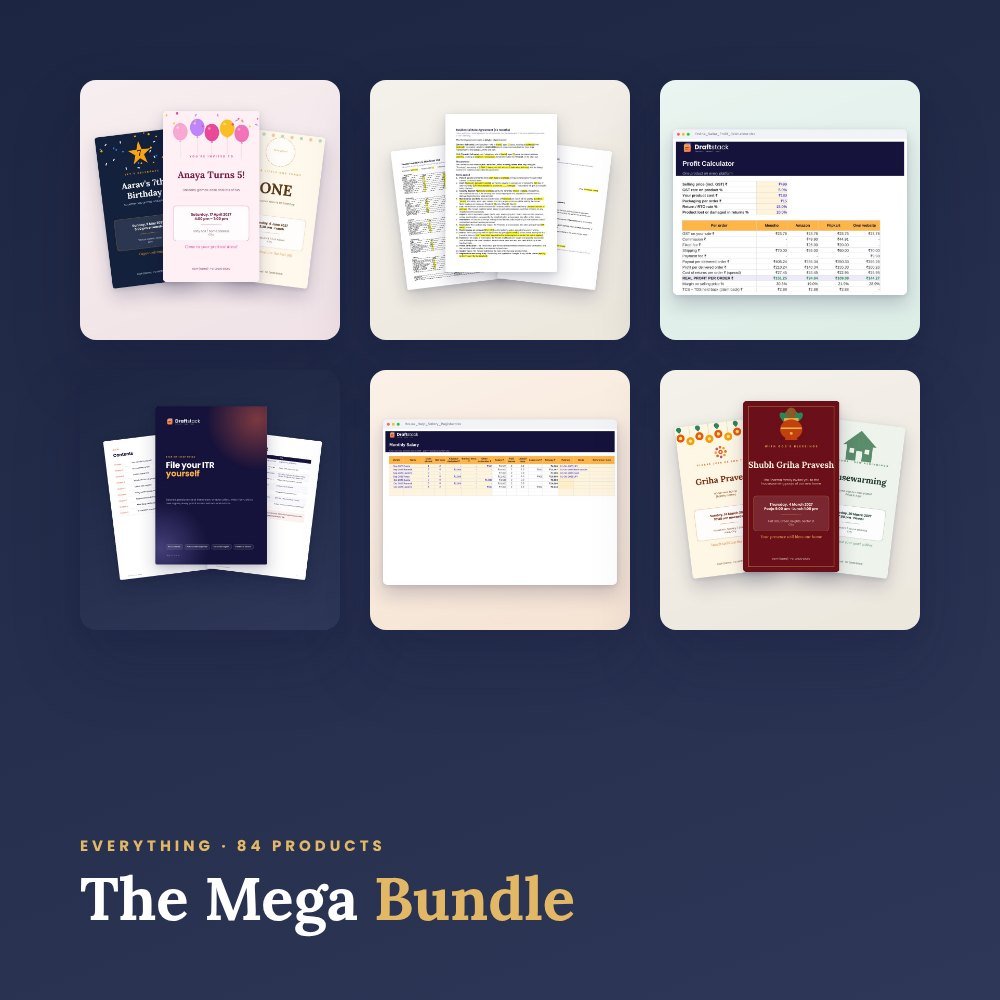 Get everything we makeDraftstack Mega Bundle: Everything · ₹2,499 · you save ₹11,854See →
Better food photos sell more, on Zomato, Swiggy, WhatsApp and Instagram.
6 presets
- Fresh & Bright: clean menu and delivery photos
- Warm Cafe: cosy tones for coffee, chai and cafe interiors
- Street Food Pop: bold colour and crunch for chaat and rolls
- Dark & Moody: restaurant-style plating and desserts
- Bakery Pastel: soft pastels for cakes and cookies
- Thali Crisp: crisp detail and rich curry colours
Works in the free Lightroom app on Android and iPhone, and on Lightroom desktop.
What's inside
Everything you get
01
6 presets
.xmp files in one zip
02
Install guide
Phone and computer, step by step
03
Tips
Fine-tune with Amount and Exposure
Files in your download
- ZIPDraftstack_Food_Presets.zip5 KB
- PDFInstall_Guide.pdf37 KB
How to use
Start in 5 simple steps
A step-by-step guide is also included inside your download.
- 1
Download and unzip
From your order page
- 2
Open Lightroom
Free app on your phone, or desktop
- 3
Import Presets
Presets → ⋯ → Import Presets
- 4
Tap a look
Then fine-tune with the Amount slider
- 5
Save and share
Same look for the whole album
FAQ
Questions about this product
Do I need to pay for Lightroom?
No. The free Adobe Lightroom app on Android and iPhone is enough.
Will every photo look exactly like the preview?
Every photo has different light. Apply the preset, then use the Amount slider and Exposure to fine-tune in seconds.
Can I use them for client work?
Yes, you can edit your own and your clients' photos. You cannot resell or share the preset files.
How do I get the files after payment?
A download button appears on screen right after payment, and the link is emailed to you. You can also download again any time from My account.
Can I use it on my phone?
Yes. It works with Lightroom mobile (free), Lightroom, Lightroom Classic. Free mobile apps are enough.
What if something does not work?
Write to us within 7 days with your order number. We will fix it, send a working file, or refund you.
Our promiseEvery file is tested before launch. If something doesn't work, we fix it or refund you within 7 days. Refund policy
Complete the set
Goes well with this
-63%
 New -60%
Best value -37%
New -60%
Best value -37%
 New -63%