How to Collect RSVPs on WhatsApp (Free Guest List with a Live Head Count)
Try the free Guest List & WhatsApp RSVPNo download, works on your phoneThe caterer needs a number. Your family group has 140 members and everyone replies "yes, we will come" in a different chat. Here is a calmer way.
How it works
1. Create your event in the free Guest List & WhatsApp RSVP tool: name, date, time, venue and a Google Maps link. You log in with your email (no password).
2. Add guests one by one or paste a whole list, one line each: name, phone, number of people.
3. Tap the green Send button next to each guest. WhatsApp opens with a ready message and that family's personal link.
4. They tap the link, choose Yes, No or Maybe and how many people are coming. No app, no login.
5. Your dashboard shows Coming, Not coming, Maybe and No reply, with the total number of people.
One link for a WhatsApp group
Want to post in the family group? Use the open link. Anyone can reply with their name. Personal links are still best for elders and VIPs, because you know exactly who has replied.
Tips that save the most time
- Send the e-invite image first, then the RSVP link in the next message.
- After 3 days, use the No reply filter and send a gentle reminder from the same button.
- If someone replies on a phone call, open the ••• menu next to their name and set the reply yourself.
- Download the list for Excel and send the final count to the caterer.
Make the invite beautiful
 WhatsApp
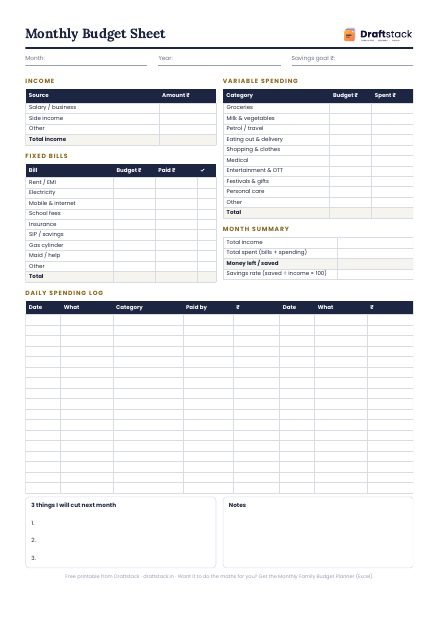
Free Monthly Budget Sheet
A printable one-page budget sheet: income, fixed bills, daily spending and savings for the month. Print it or fill it on your phone.
More guides
Indian Wedding Planning Checklist: What to Do 6 Months, 3 Months and 1 Week Before
A month-by-month wedding checklist for Indian families, from fixing the muhurat to thank-you messages, with a free tool that puts a date on every task.
How Much Does an Indian Wedding Cost in 2026? A Budget by Guests and City
What drives the cost of an Indian wedding, typical 2026 prices by city and style, and a free calculator to estimate your own budget in a minute.
How to Keep a Shagun Register at a Wedding (and Give Back Fairly)
Who gave what? A simple way to record every shagun envelope and gift on the day, send thank-yous and plan what to give back at their functions.