How to Find and Cancel Unused Subscriptions and UPI Autopay
Subscriptions are designed to be easy to start and easy to forget. A 20-minute check can save a few thousand rupees a year.
Where subscriptions hide
1. UPI autopay: any app you approved for automatic payments (OTT, music, cloud, gaming)
2. Card standing instructions: subscriptions charged to your debit or credit card
3. App stores: Google Play and the Apple App Store bill some apps directly
4. Phone and broadband bills: add-on OTT packs and value-added services
5. Memberships: gym, clubs, delivery memberships, magazine and news plans
How to find them
- UPI: open your UPI app's settings and look for Autopay or Mandates. It lists every active mandate with the merchant and limit.
- Cards: scan the last three months of statements for repeating amounts. Your bank app may also have a section for e-mandates or standing instructions.
- Google Play: Profile → Payments and subscriptions → Subscriptions.
- Apple: Settings → your name → Subscriptions.
How to cancel
- In the app itself, cancel the plan; it usually runs until the end of the paid period.
- Revoke the UPI autopay mandate from your UPI app.
- For cards, cancel the standing instruction in your bank app or ask the bank.
- Cancel at least a day before the renewal date.
Do the maths for each one
Convert everything to a yearly cost. A ₹149 monthly plan is ₹1,788 a year. Then ask: would I pay this much upfront today for how much I actually use it? If not, cancel or switch to a cheaper plan.
Smart ways to pay less
- Rotate OTT apps: keep one or two at a time and switch when a series you want comes out.
- Use bundles from your phone or broadband plan instead of paying separately.
- Take a family plan for music or cloud storage instead of several single plans.
- Move to yearly plans only for services you use every week.
Watch free trials
Free trials usually convert to paid plans automatically. When you start one, set a phone reminder two days before it ends, or cancel right away; most apps let you keep the trial until its end date even after cancelling.
Make it a habit
Check your list once every three months and before every big renewal. Our Subscription & OTT Tracker shows the real yearly cost, the next renewal date for each subscription and how much you're paying for things you don't use.
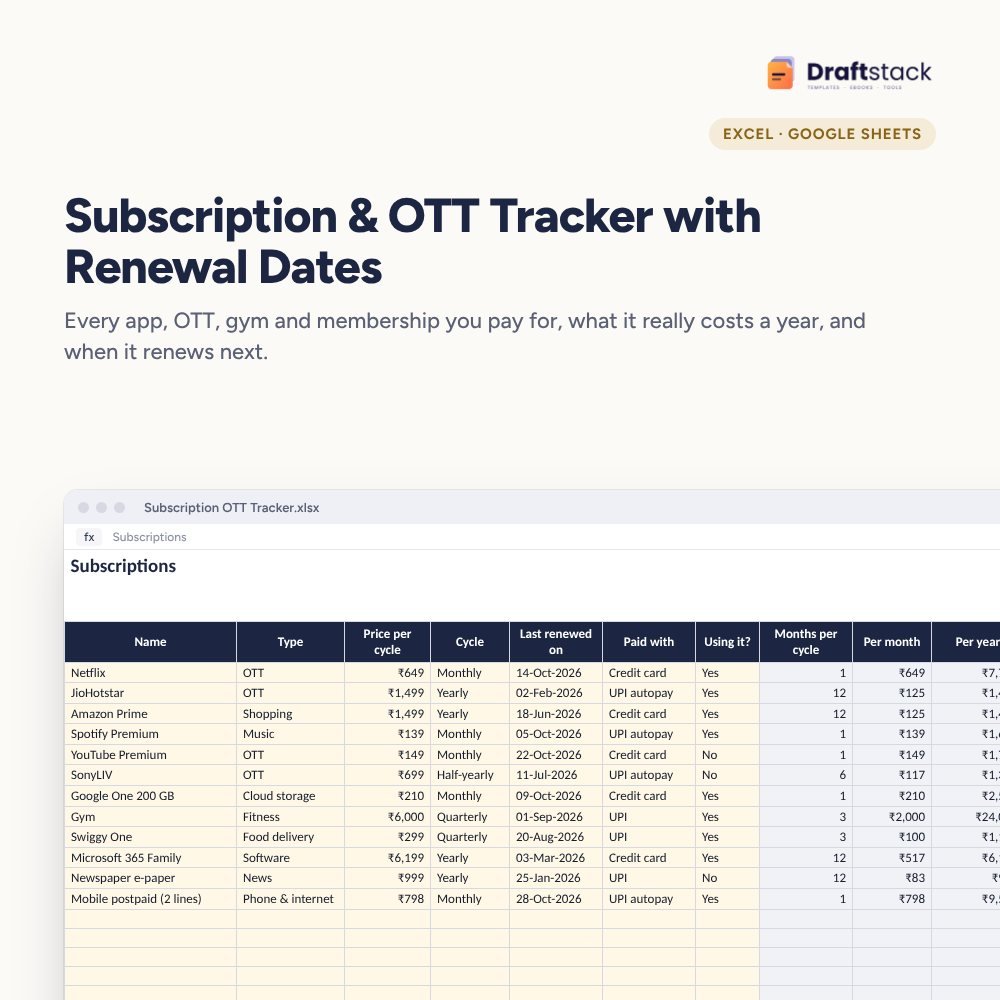 The template from this guideSubscription & OTT Tracker with Renewal Dates (Excel)
₹79
The template from this guideSubscription & OTT Tracker with Renewal Dates (Excel)
₹79  WhatsApp
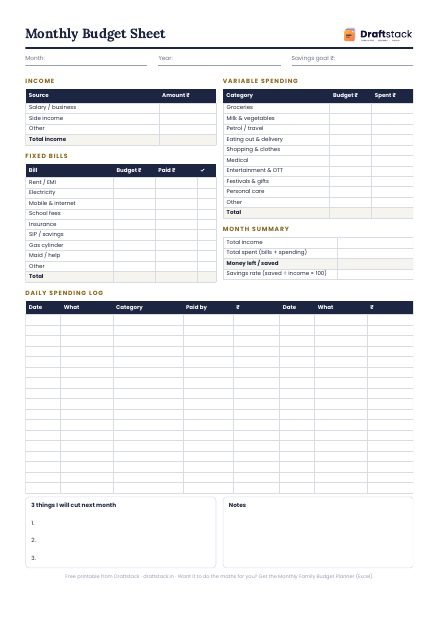
Free Monthly Budget Sheet
A printable one-page budget sheet: income, fixed bills, daily spending and savings for the month. Print it or fill it on your phone.
More guides
How to Budget for School Fees and Hidden School Costs
The real yearly cost of school beyond tuition, a month-by-month calendar of school expenses, tax rules for tuition fees and ways to avoid late fees.
How to Plan a Diwali Budget (and Not Regret It in November)
What a typical family spends on Diwali, a category-wise plan, gift list tips, staff bonuses, and how to save for festivals all year.
How to Split Trip Expenses with Friends Without Fights
Set a budget before you go, record spends on the trip, split fairly when not everyone joins every activity, and settle up in a few payments.